Online Photo Editing Tools
Explore tools to resize, enhance, remove backgrounds, and transform your images. Each editor displays any sign-in or usage limit before processing.
View the 2026 social media image size guideBrowse All Photo Editing Tools
Photo and Video Editing Tools
Resize, crop, enhance, and transform images and video directly in your browser.

AI Photo Editor
Skip the complex menus and toolbars. Edit Images With Text Prompts. Our AI photo editor understands what you want. Type "remove the background" or "make it brighter" and watch it happen instantly.

Face Swap
Upload photos, identify the faces to swap, review the generated result, and download the version you want to keep.

Photo Inverter
Invert the colors in a JPG, PNG, or WebP to create a negative image, a warmer film effect, high contrast, or a selective color inversion. The free tool runs privately in your browser without sending the file to a processing server.

Image Resizer
Resize one JPG, PNG, or WebP image at a time to custom pixel dimensions or a social-media preset, then download the result as a JPG.

Image Size Converter
"Image size" means two things: the pixel dimensions (width x height) and the file size in KB. Resize to exact pixel dimensions right here for JPG, PNG, and WebP. Need a specific KB file size, or a different format? Use our image compressor or image converter. Your images stay sharp.
Image Dimensions Checker
Choose an image to read its intrinsic pixel dimensions, simplified aspect ratio, megapixel count, orientation, format, and file size. The check runs locally in your browser and does not change the file.

Pixel to Print Size Calculator
Convert image pixels to a physical print size at a chosen PPI, or work backward from inches or centimeters to the pixel dimensions a print needs. The calculator does not resample or alter an image.

Crop Image Online
Crop an image to a square, portrait, landscape, social media preset, or custom pixel size. Preview Fit or Fill before downloading the result.
Video Cropper
Crop your videos to the perfect dimensions using our Video Cropper. Remove unwanted parts and focus on what matters most with custom width and height options.
AI Image Expander
Upload a photo and AI expands its frame to a new square or portrait aspect ratio by generating matching content. Review the result for artifacts before downloading.

Photo Filters
Upload a JPG, PNG, or WebP and preview a curated filter collection in your browser. Choose a look, compare it with the original, and download the result.

Background Remover
Remove backgrounds from any photo in seconds. Get a clean cutout with a transparent PNG or add a solid color background. Works with people, products, and objects.
Object Remover
Erase anything from your photos. Remove photobombers, unwanted objects, text, watermarks, and distractions. Just describe what to remove and AI handles the rest.

Collage Maker
Transform your photos into stunning collages with our easy-to-use Collage Maker. Whether you're creating memories or professional presentations, our tool helps you arrange photos beautifully with just a few clicks.

Batch Photo Editor
Upload up to 50 photos, set one edit for all of them, and download the finished set as a zip. Background removal, clean backdrops, marketplace sizes and format conversion, applied to your whole catalog in minutes.
Image to Base64 Converter
Encode an image as a Base64 data URL without uploading it. Copy the result for HTML, CSS, JSON, or API payloads, or save it as a text file.
Base64 to Image Converter
Paste a Base64 image string or complete data URL to preview and download the decoded file. Format detection and conversion happen locally in your browser.
Image Upscaler
Make an image bigger with AI-generated detail instead of basic pixel stretching. Enlarge a small source for screens or print, then inspect the result for generated artifacts.
Image Compressor
Shrink photos to any size you need. Your pics stay sharp, they just upload way faster.

AI Image Generator
Turn your ideas into images. Describe what you want to see and our AI creates it in seconds. Perfect for social media, marketing, and creative projects.
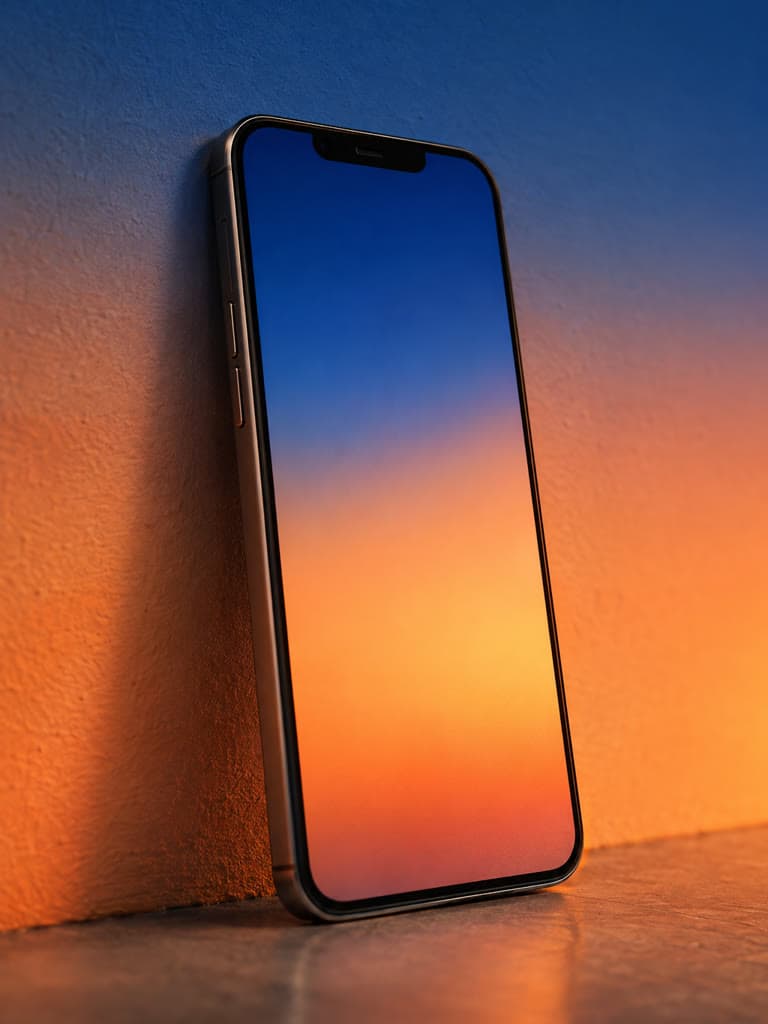
Wallpaper Maker
Looking to personalize your digital space? Our Digital Wallpaper Maker offers endless possibilities to reflect your style on every screen.
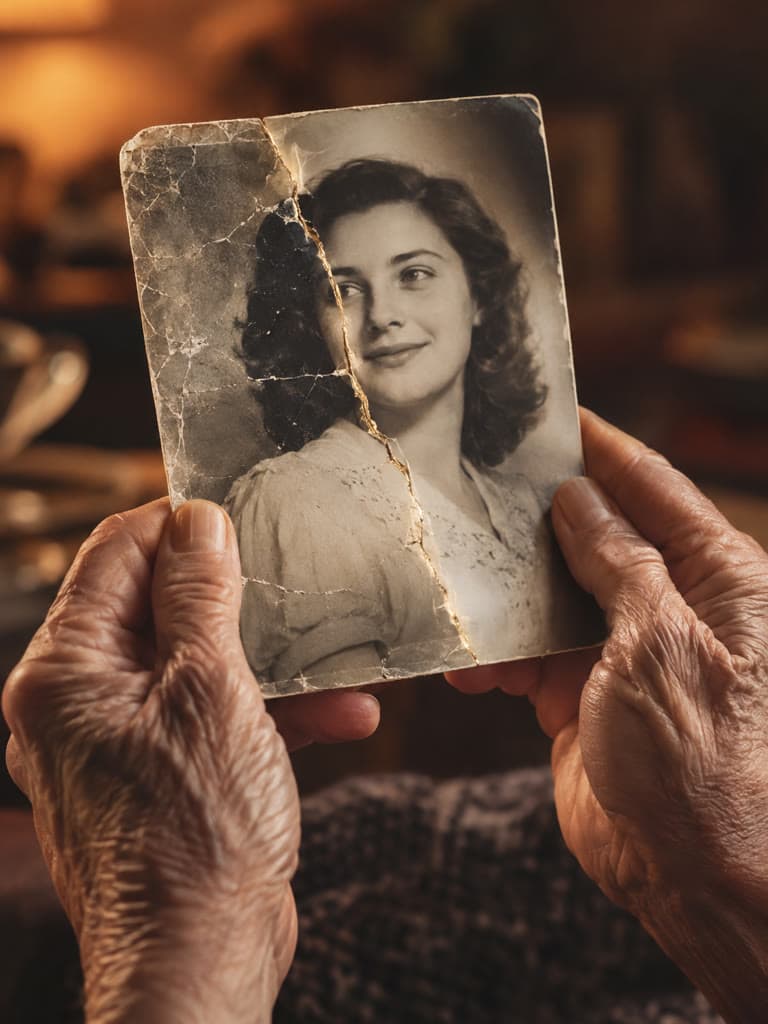
Photo Restoration
Upload a scanned old photo for AI restoration. The tool can improve fading, scratches, discoloration, and other common damage while preserving the original for comparison.

AI Photo Colorizer
Upload a black-and-white or faded photo, let the AI generate a color version, compare it with the original, and download the JPG result.
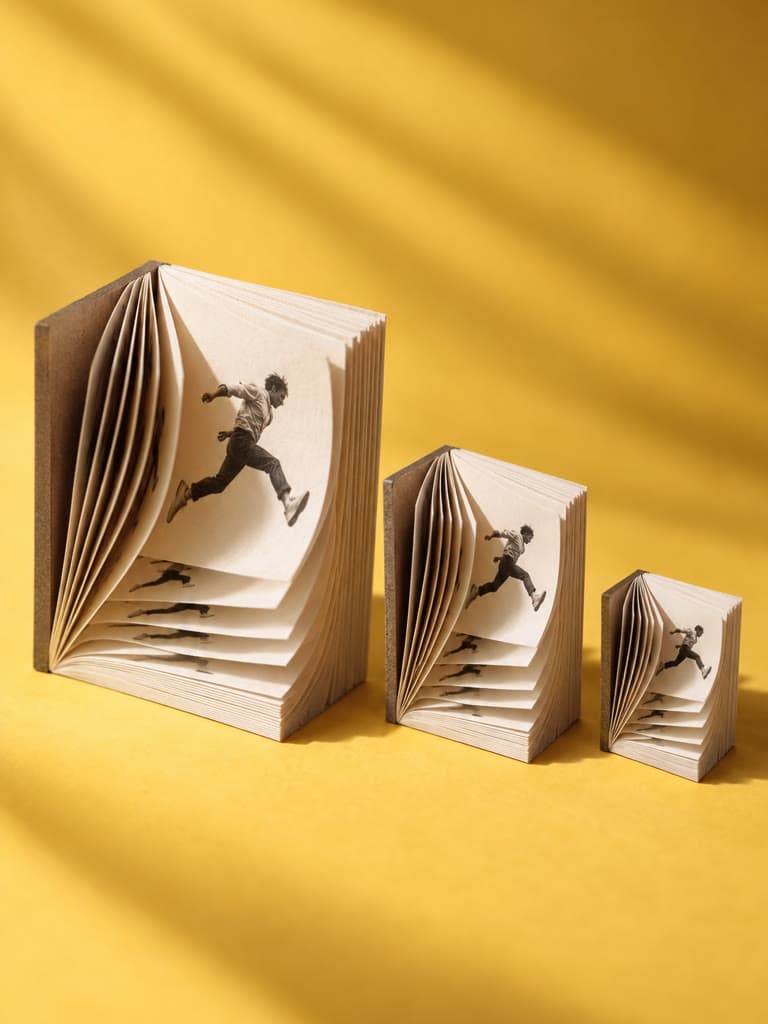
GIF Resizer
Set a new width or height, keep the original aspect ratio, preview the animation, and download a resized GIF without sending the file to a server.
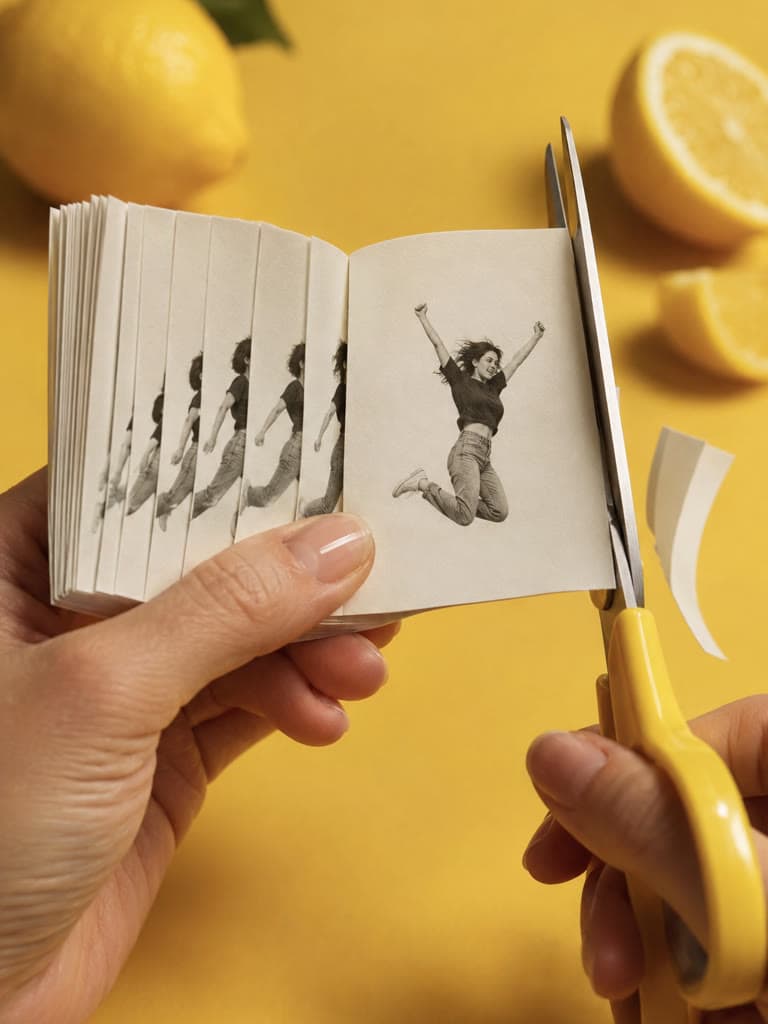
Crop GIF
Remove unwanted edges from every frame of an animated GIF with one consistent pixel crop. Processing stays in your browser.
GIF Compressor
Choose how aggressively to reduce an animated GIF, keep the motion visible in a live preview, and download the measured result without uploading the file.
GIF Frame Extractor
Split an animated GIF into individual PNG frames, preview the first frame, and download the complete numbered sequence in a ZIP.

GIF Speed Changer
Make a GIF faster or slower by changing its frame delays. Keep the original dimensions and frame count, then preview the new timing.

Reverse GIF
Flip the playback order of an animated GIF, keep each frame’s display time, and download the reversed animation from your browser.
JPG Resizer
Upload a JPG up to 10 MB and resize it to exact dimensions or platform presets in your browser. The result downloads as a JPG, so nothing about the format changes.

PNG Resizer
Upload a PNG up to 10 MB and resize it to exact dimensions or platform presets. Transparent areas stay transparent and the result downloads as a PNG.
WebP Resizer
Upload a WebP up to 10 MB and resize it to exact dimensions or platform presets in your browser. Transparency is kept, and the result stays WebP in browsers that can encode it.
Unblur Image
Sharpen a mildly blurry photo with an adjustable browser-based filter. Preview the original and result side by side without uploading the image to a server.

Hair Color Changer
Upload a photo, describe the hair color you want to try, and review the generated preview. Results vary with lighting, hair texture, and source-image quality.
Image Link Generator
Generate a public page link for one JPG, PNG, or WebP image. The result displays the image on a page; it is not a raw hotlink URL.

Video Compressor
Compress one browser-supported video at a time and preview the quality/file-size tradeoff before downloading an MP4.

Acne Remover
Clear skin in seconds, not weeks. Our AI detects and removes acne, pimples, and blemishes while keeping your natural skin texture. No more awkward photo days.
Image to Video
Your photos are about to move. Upload any image and watch AI bring it to life with realistic motion, camera movements, and cinematic effects. No video skills required.

Slideshow Maker
Create a slideshow from uploaded photos with a written direction for the story and style. Generated capabilities and results can vary by request.
Add Watermark to Image
Protect a proof, label a draft, or add a credit with a custom text watermark. Position and style the mark while previewing the full-resolution result.
Blur Image
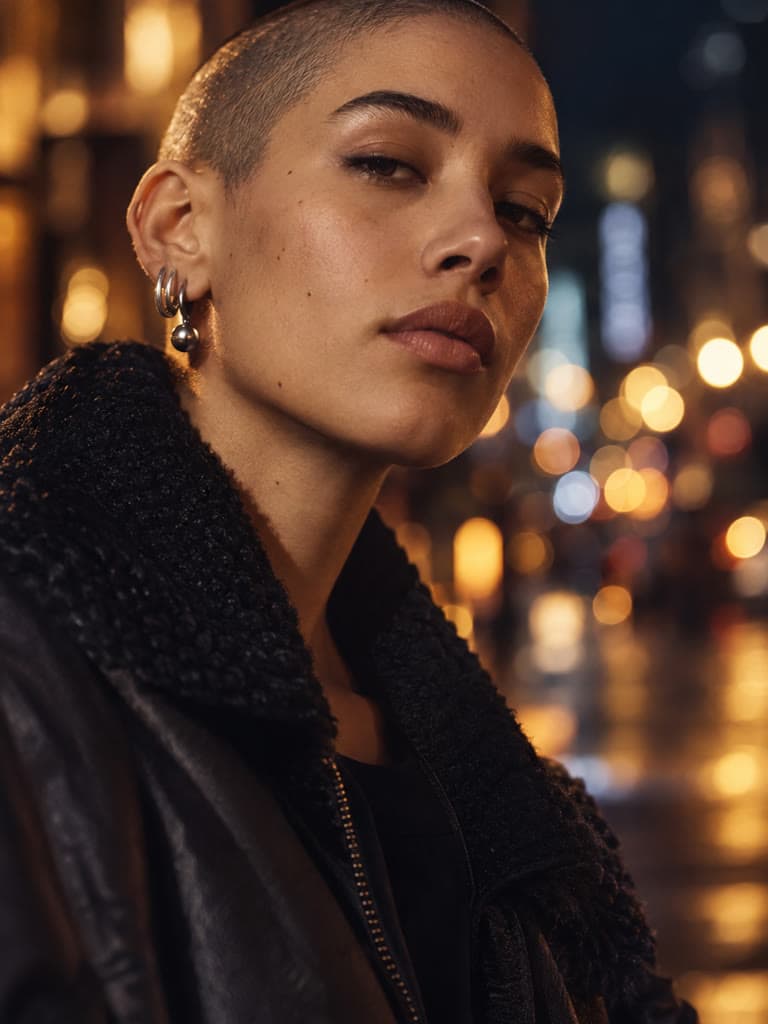
Apply a soft blur to the whole image for a background, placeholder, or creative effect. Adjust the strength and inspect the result before downloading.
Pixelate Image
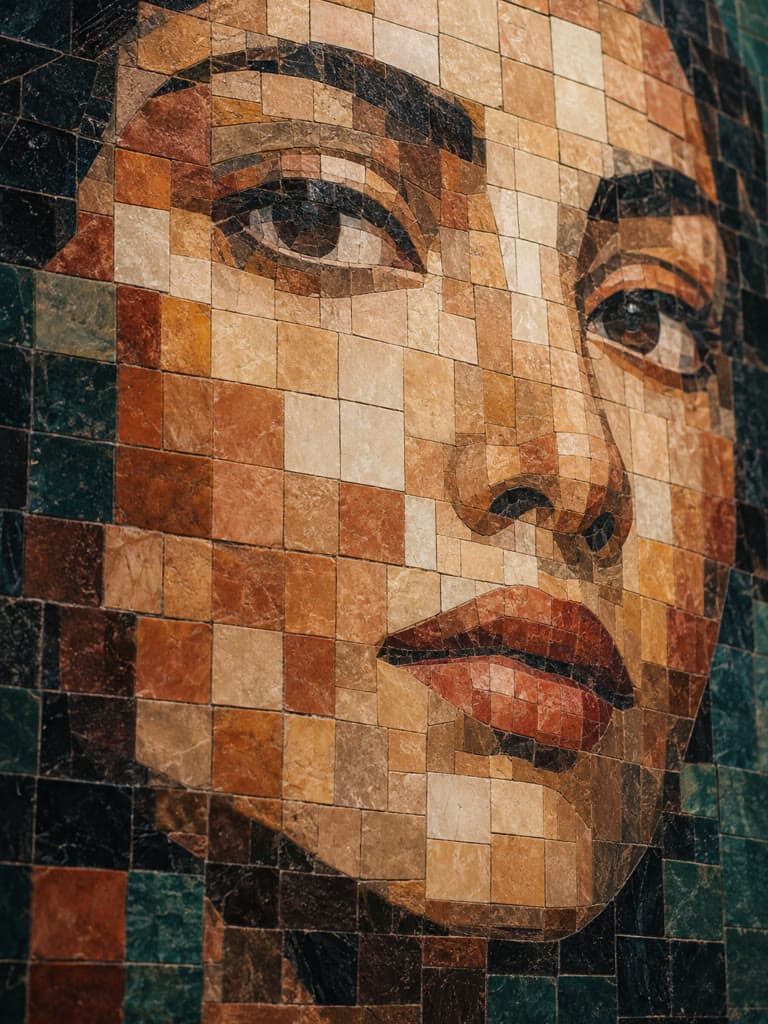
Turn an image into large visible color blocks for a retro style, mosaic, or low-detail preview. Increase or decrease the pixel block size in real time.

Round Image Corners
Give photos, mockups, cards, and thumbnails smooth rounded corners. Adjust the radius from square edges to a strongly rounded shape.
Add Border to Photo
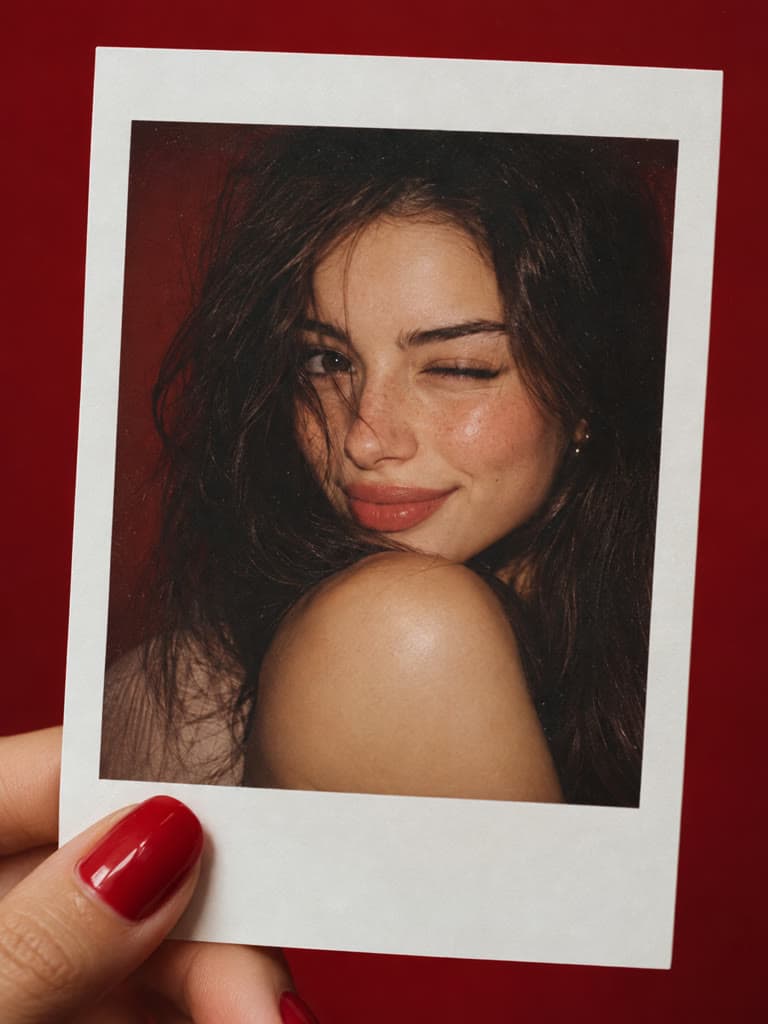
Frame a photo without covering or cropping the source. Pick any border color and adjust its thickness relative to the image.
Screenshot Beautifier
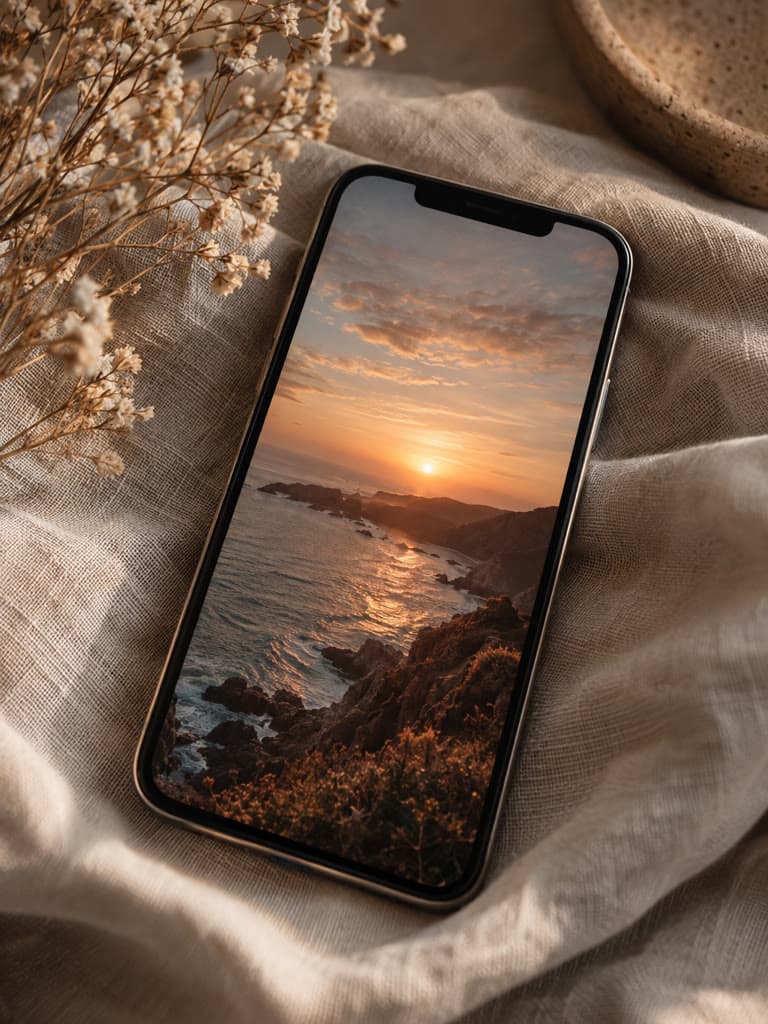
Turn a plain screenshot into a presentation-ready graphic. Customize the gradient, spacing, corner radius, and built-in shadow without uploading the image.
Bulk Image Resizer
Batch resize JPG, PNG, WebP, and AVIF files to one width and height without signing in. Everything runs locally, then download each file or a single ZIP.
Bulk Image Cropper
Apply one square, portrait, or landscape crop to a whole image set without signing in. Keep the center, top, bottom, left, or right of every source, then download a ZIP.
Bulk Image Compressor
Reduce a batch of image file sizes with one quality and maximum-edge setting, no sign-in required. Processing stays local, and an original is kept when re-encoding would make it larger.
Bulk Image Converter
Convert a mixed batch of common image files to one output format without signing in. Dimensions stay unchanged while the selected format and quality apply to every result.

Image Color Picker
Pick an exact pixel from a JPG, PNG, or WebP image and copy its HEX, RGB, or HSL value. Your file is decoded locally and is never uploaded.
Color Palette Generator
Turn a JPG, PNG, or WebP image into six representative colors. Copy one HEX code or the complete palette without uploading the source file.

HEX to RGB Converter
Convert three- or six-digit HEX colors into RGB and HSL, or enter RGB channels to create a HEX code. No image upload or account is required.
Image Splitter
Divide one image into equal pieces in your browser. Choose up to six rows and six columns, preview the exact cut lines, then download each part or one ZIP.

Instagram Grid Maker
Turn one photo into a three-column Instagram profile grid. Choose 3, 6, 9, or 12 tiles and download files numbered in the order you should post them.

Instagram Carousel Splitter
Cut one wide image into equal, seamless carousel slides. Choose 2 to 20 slides, use one consistent Instagram post shape, and download them in left-to-right order.
DPI Converter
Upload a JPG or PNG, read its stored DPI, choose a new value, and download the updated file. Pixel dimensions and compressed image data stay unchanged.
300 DPI Converter
Set a JPG or PNG to 300 DPI without resampling or recompressing it. See the pixel dimensions and calculated print size before downloading.
Image DPI Checker
Drop in a JPG or PNG to read its stored DPI source, exact pixel dimensions, megapixels, and calculated physical print size without uploading the file.

Video Trimmer
Choose exact start and end times, preview the clip, and download an MP4. Processing stays in your browser, with no account required.
Video Resizer
Set an exact even-numbered width and height, choose how the video fits, and download an MP4. No upload or account is required.
Mute Video
Remove every audio track from one video and download a silent MP4. The private browser workflow requires no account.

Rotate Video
Turn a video 90°, 180°, or 270° and download an MP4 with the rotation applied to its frames. Processing stays on your device.
MOV to MP4 Converter
Choose a MOV file and convert it to an MP4 with AVC video and AAC audio. The file stays in your browser and no account is required.
WebM to MP4 Converter
Choose a WebM file and convert it to an MP4 with AVC video and AAC audio. Processing stays on your device.

Video to MP4 Converter
Convert a browser-supported video to an MP4 with AVC video and AAC audio. No account or processing-server upload is required.

Image to Text
Turn a photo, scan, or screenshot into editable text. Recognition runs in your browser, supports six printed-text languages, and exports a plain TXT file.

Passport Photo Size Tool
Prepare a size-only identity photo from an existing image. Choose a square 600×600 crop, a 35:45 crop, a 240 KB U.S. visa file, or a 4×6 print sheet. This tool does not detect faces, replace backgrounds, or certify acceptance.

Image Combiner
This stitches files into one even image. It is not Collage Maker. Use a row, stack, or simple grid when you need one joined file, then open Collage Maker for decorative presets.
Before and After Photo Maker
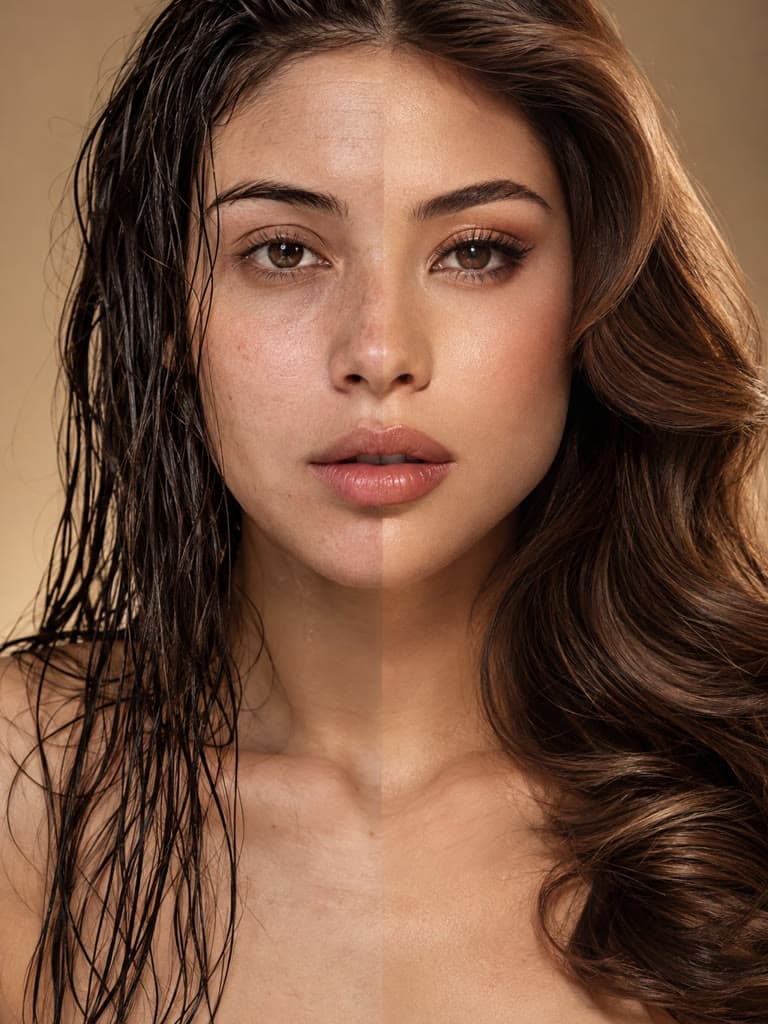
Exactly two photos, with captions on the image. This is a comparison graphic, not a decorative collage. Swap order, edit the labels, and download one file.
Contact Sheet Maker
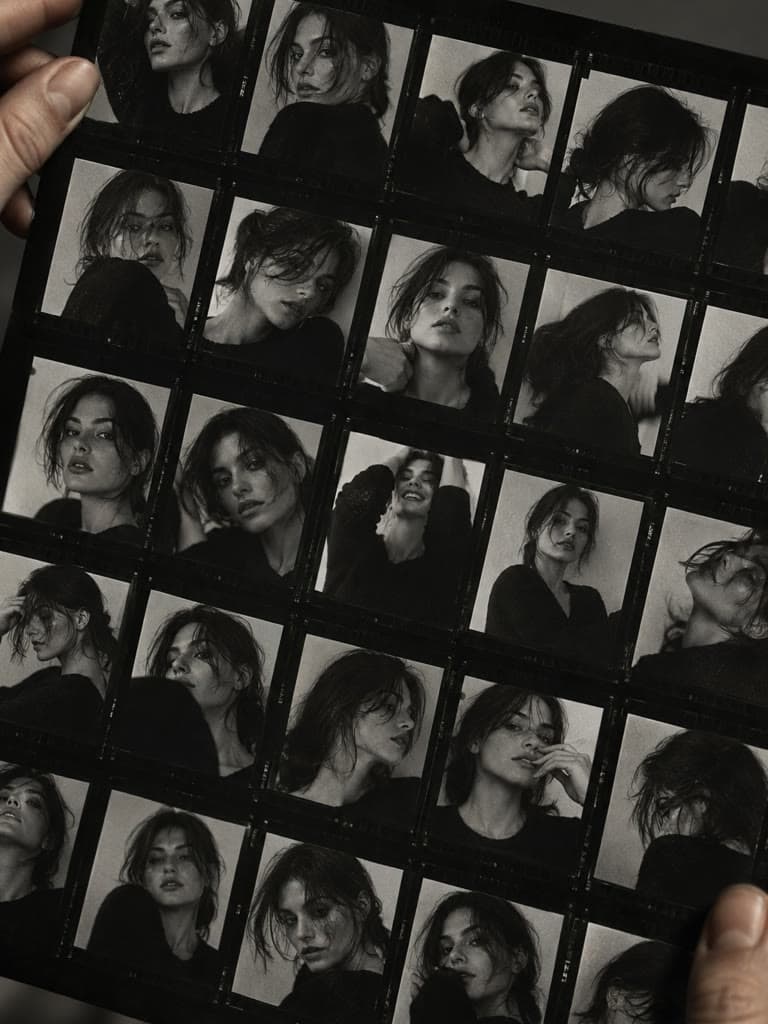
A numbered proof sheet for review and print, not a collage. Arrange up to 24 photos on one A4 or Letter page, keep filenames visible, and download a private PNG or JPG.

EXIF Viewer
Inspect one JPG, PNG, or WebP for dimensions, camera and lens details, capture settings, creator fields, dates, serial numbers, and GPS coordinates. Nothing is uploaded.
EXIF Remover
Inspect and remove readable camera, location, creator, serial-number, and capture metadata from one JPG, PNG, or WebP. The browser checks the cleaned copy before download.

Photo Location Remover
Check whether a photo contains readable latitude and longitude, then create a browser-generated copy without GPS or other readable metadata before sharing the original file.
Image Format Converters
Convert between JPG, PNG, WebP, AVIF, HEIC, and SVG. Each converter processes the file in your browser and shows the output size before you download.
Image Converter
Upload one JPG, PNG, WebP, AVIF, or HEIC image, choose an output format and quality, compare the result size, then download the converted copy.
HEIC To JPG
Upload one HEIC image up to 10 MB, convert it to JPG, inspect the preview and output size, and keep the original in case color or detail changes.
WEBP To PNG
Convert WebP images to PNG format instantly. Free online tool with no sign up required - perfect for compatibility with Photoshop, older browsers, and email.

WEBP To JPG
Convert WebP images to JPG format instantly. Free online tool with no registration needed - just upload your WebP files and download as JPG in seconds.
PNG To JPG
Upload a PNG up to 10 MB and create a JPG copy locally in your browser. Transparent areas are placed on white; review image quality and size before downloading.
HEIC To PNG
Looking for a hassle-free way to convert HEIC to PNG? Our online converter ensures fast, reliable conversions while preserving image clarity.
JPG To PNG
Need a quick JPG to PNG conversion? Experience the ease of converting JPG to PNG with our free online tool, ensuring high-quality output in seconds.
AVIF To JPG
Upload one AVIF image up to 10 MB and convert it to JPG. The conversion runs in your browser, so the file never leaves your device.
AVIF To PNG
Upload one AVIF image up to 10 MB and convert it to PNG. Runs locally in your browser, keeps transparency, and avoids re-compressing the image.
JFIF To JPG
Upload one JFIF file up to 10 MB and get a standard .jpg back. Runs in your browser, so the file never leaves your device.
SVG To PNG
Upload one SVG up to 10 MB and rasterize it to PNG. Runs locally in your browser and keeps the transparent background.
JPG To WebP
Upload a JPG up to 10 MB and convert it to WebP locally in your browser. Review the new file size and image quality before downloading.
PNG To WebP
Upload a PNG up to 10 MB and create a WebP copy in your browser. Check transparency, visual quality, and encoded size before using the result.
HEIC To WebP
Upload an iPhone HEIC photo up to 10 MB and convert it to WebP. The browser shows the result and file-size comparison before download.
AVIF To WebP
Upload an AVIF up to 10 MB and create a WebP copy locally in your browser. Review image quality and file size before replacing the source.
SVG To JPG
Upload an SVG up to 10 MB and create a broadly compatible JPG. Review the rasterized edges and file size before downloading.
Transparent PNG Maker
Upload an image, remove its background, and download the subject as a transparent PNG. Review hair, fur, shadows, and other fine edges before using the result.
Image to PDF Converters
Combine JPG, PNG, or HEIC images into one PDF document without uploading your files.
PNG To PDF
Combine PNG images into one PDF without uploading them. Arrange up to 20 pages, choose a page size and quality, then download the document from your browser.
HEIC To PDF
Turn iPhone HEIC photos into one shareable PDF without uploading them. Decode, arrange, and combine up to 20 photos directly in your browser.
JPG To PDF
Combine JPG and JPEG images into one PDF in the order you choose. Select standard paper or image-sized pages and create the document locally in your browser.
Image To PDF
Create one PDF from JPG, PNG, WebP, AVIF, or HEIC images. Arrange the pages, choose A4, Letter, or image-sized output, and download without uploading files.