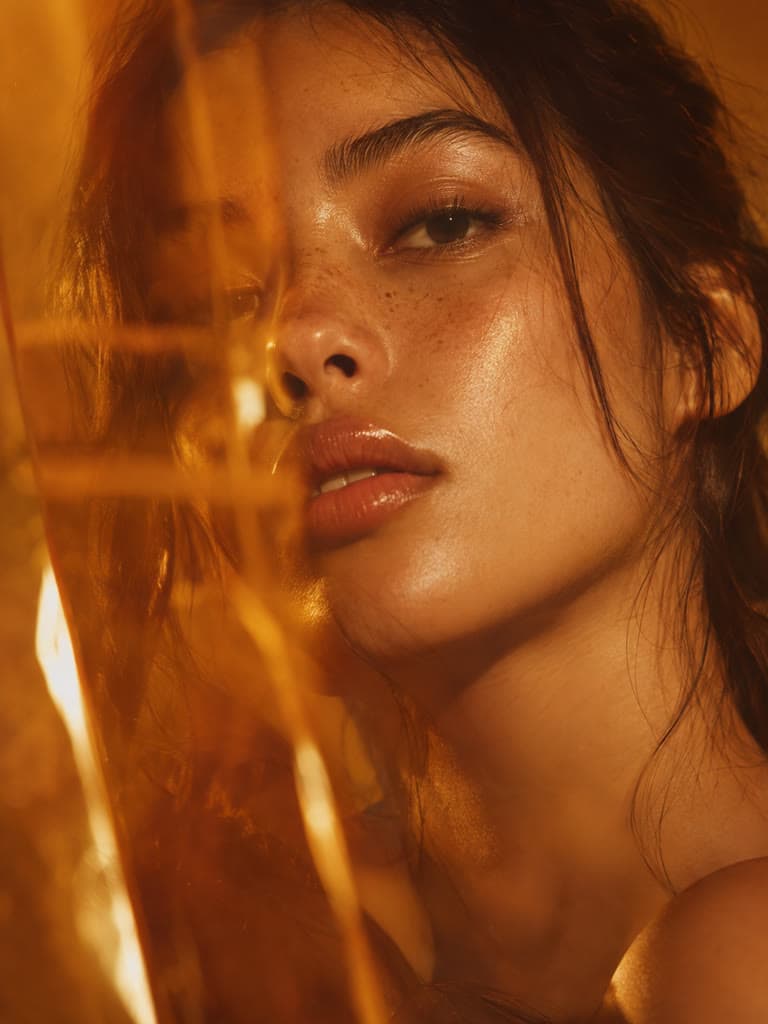
Batch Photo Editor to Edit Multiple Photos at Once
Upload up to 200 photos, set one edit for all of them, and download the finished set as a zip. Background removal, clean backdrops, marketplace sizes and format conversion, applied to your whole catalog in minutes.
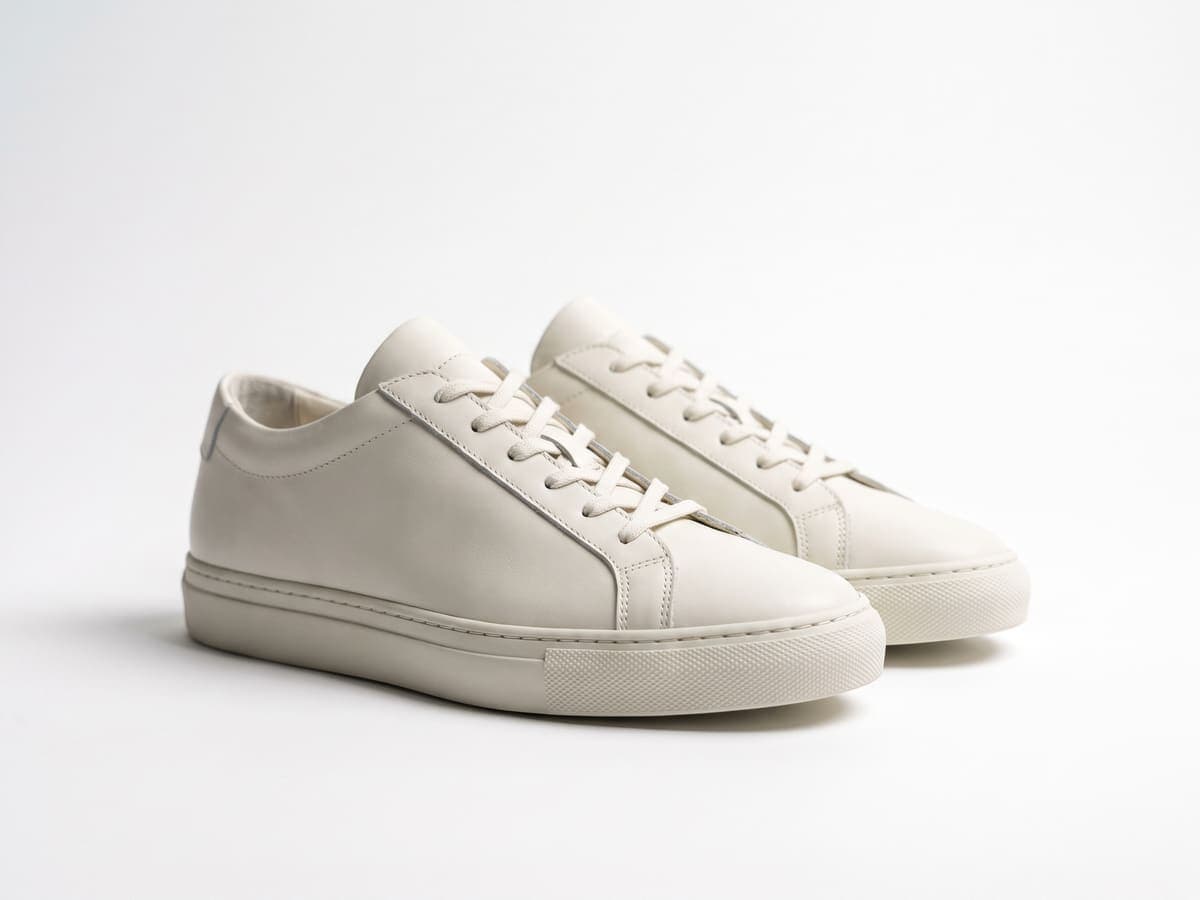
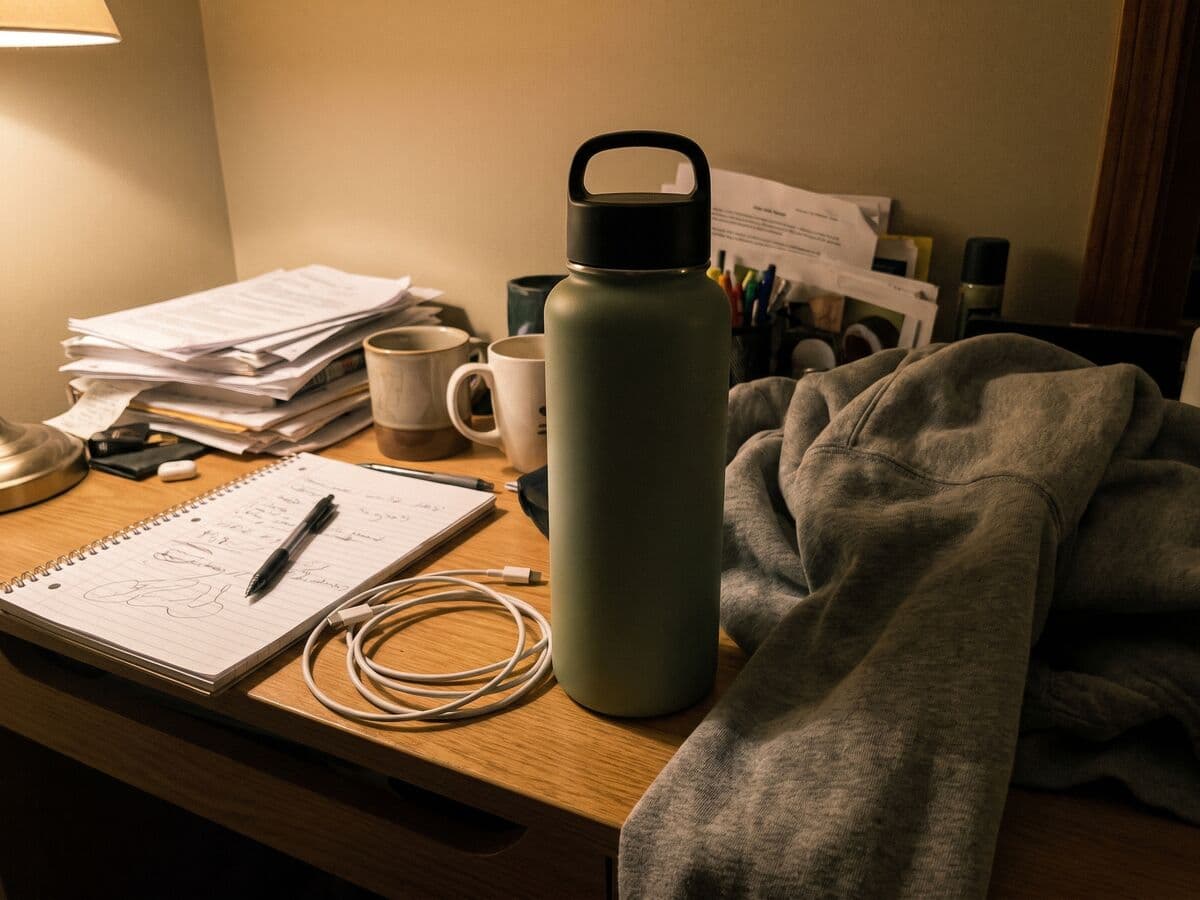
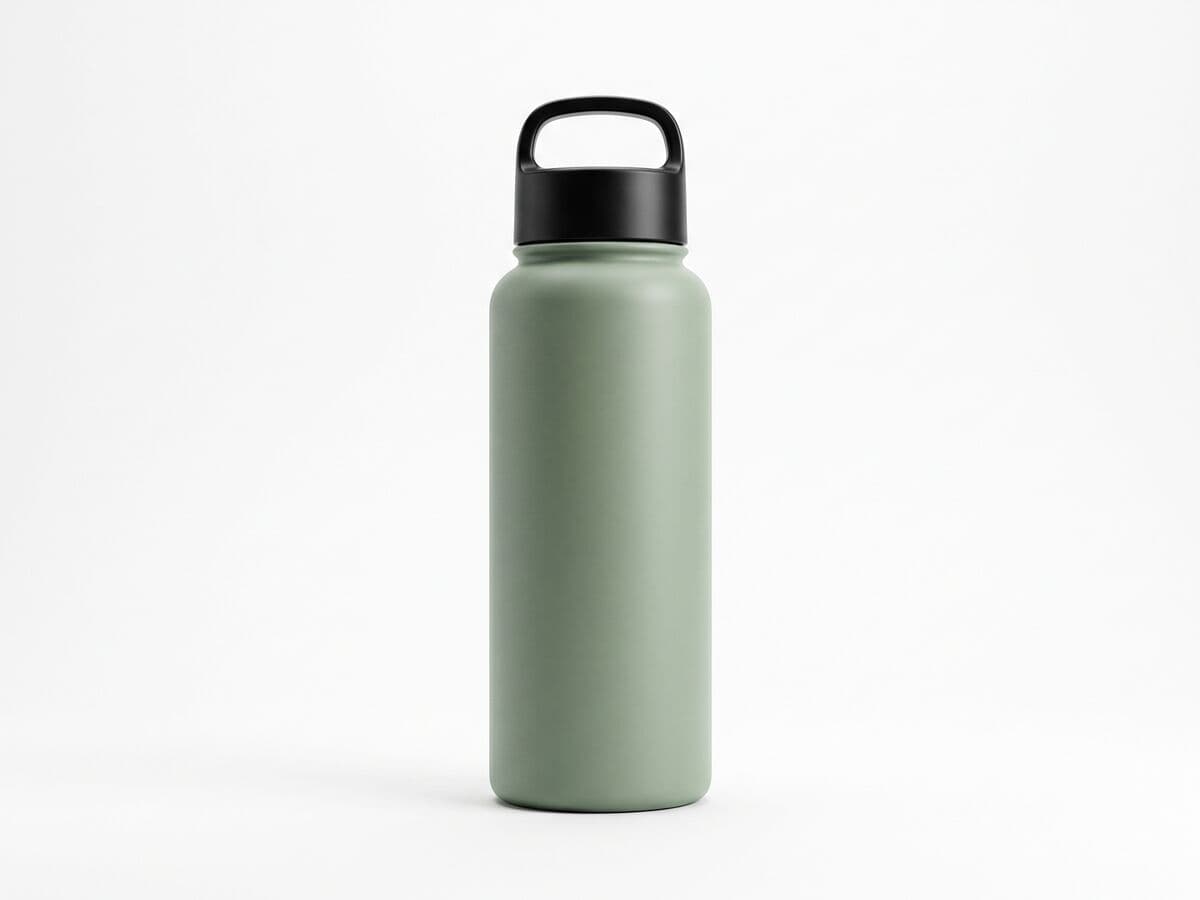
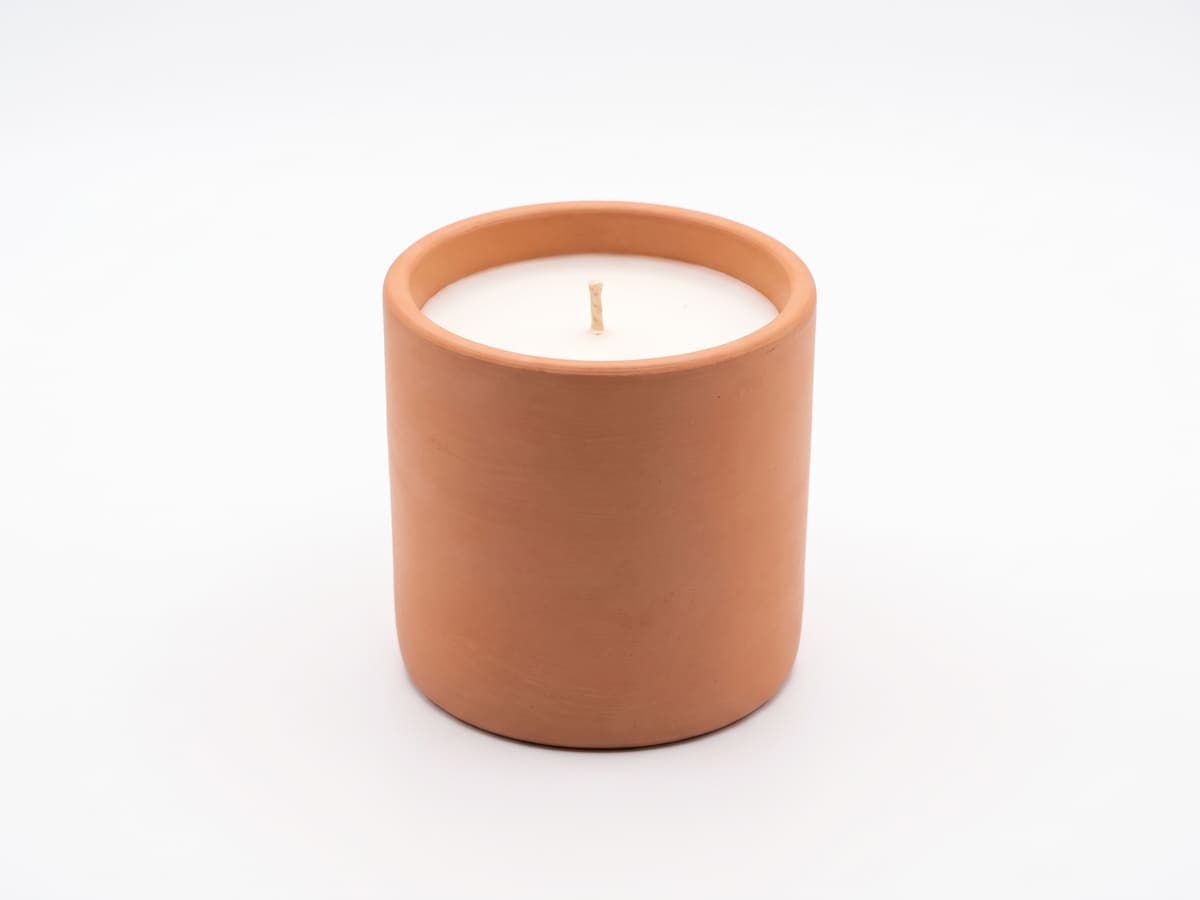
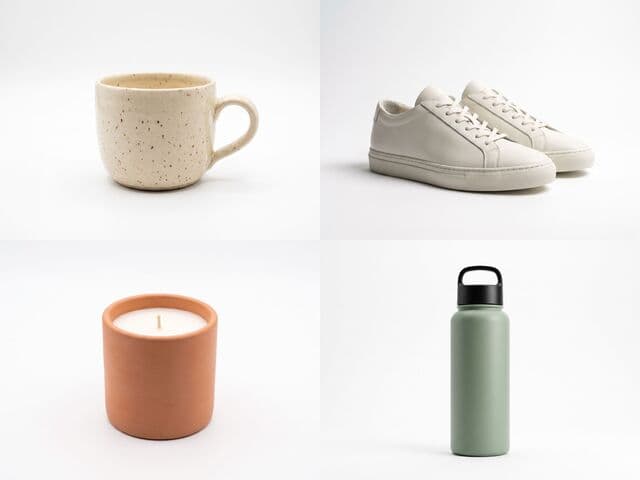
Messy phone photos in, one clean catalog out
Every photo gets the same white backdrop, the same soft shadow and the same size.
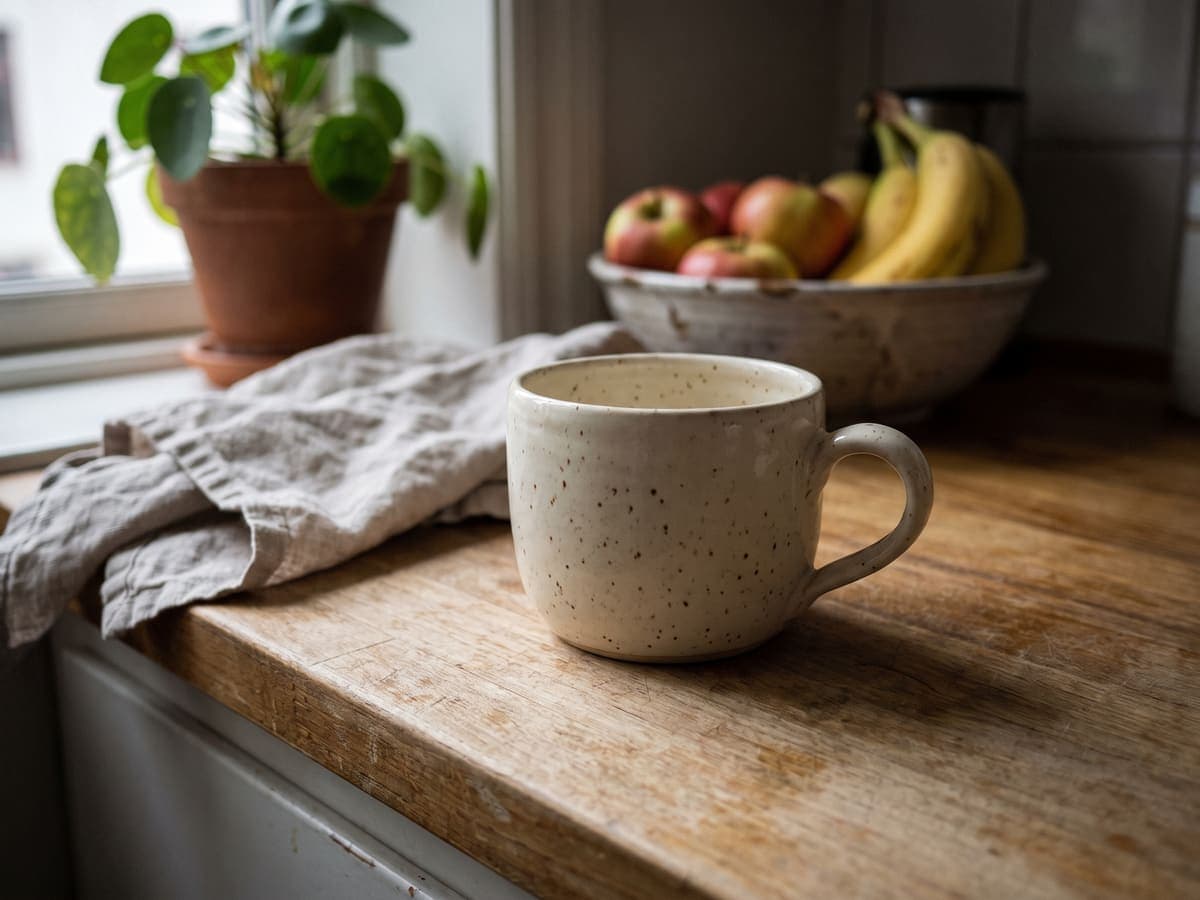
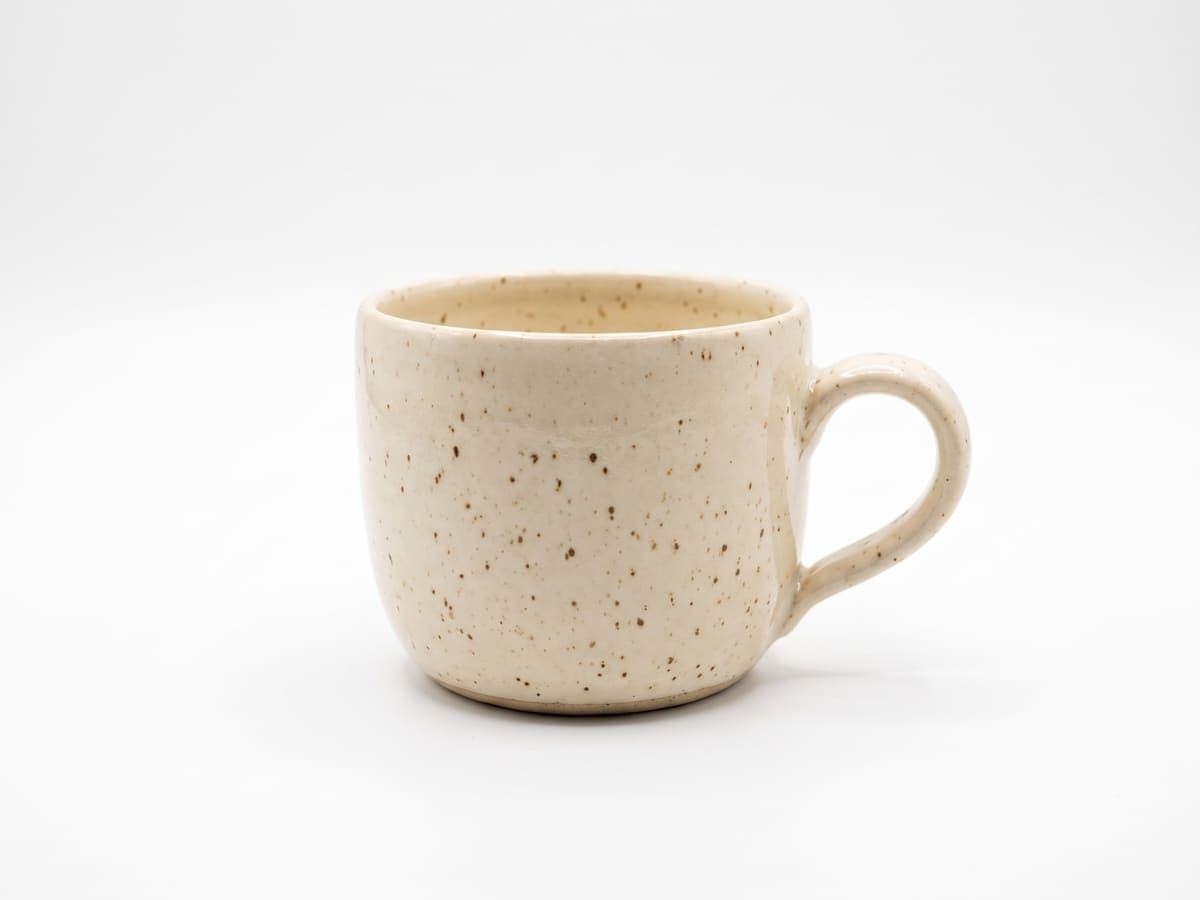
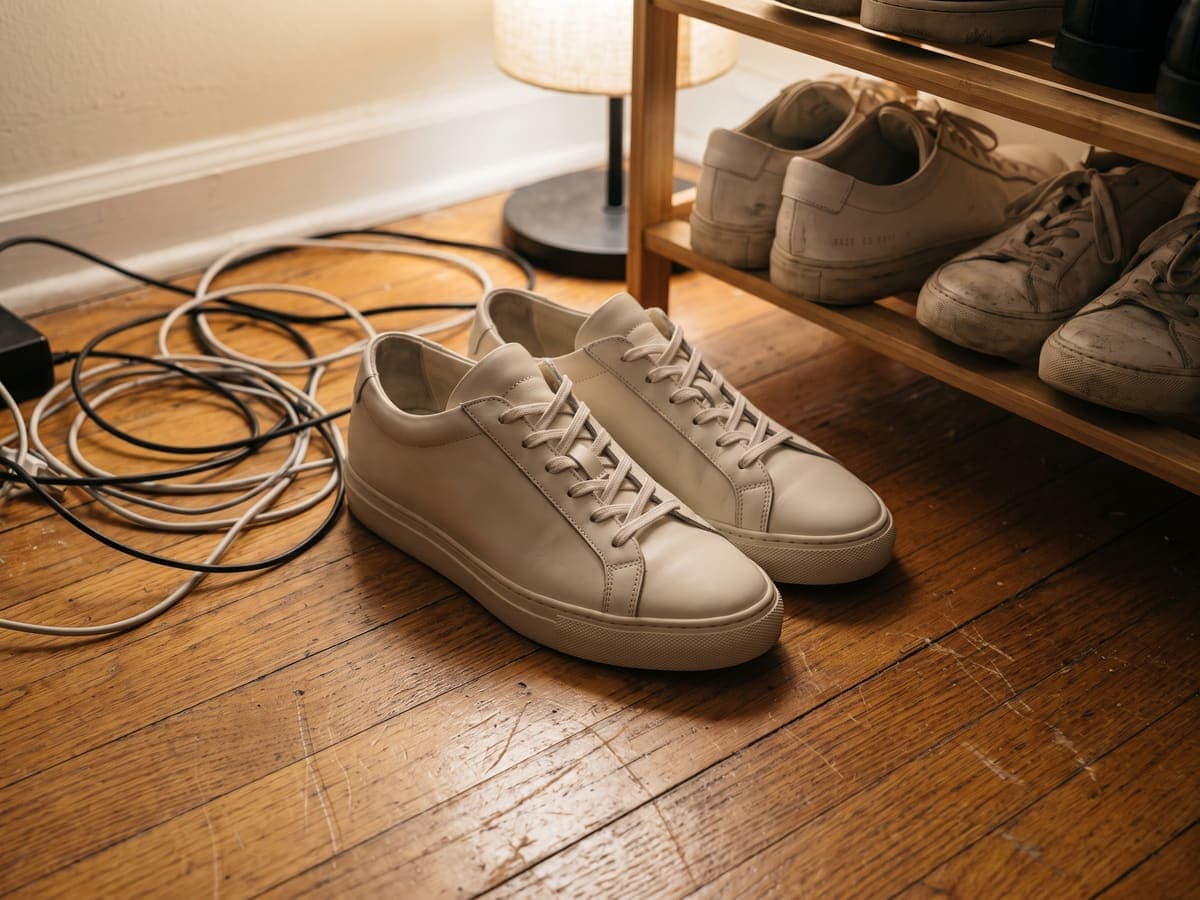

How the batch editor works
- Step 1Upload up to 200Drop in the whole shoot, messy backgrounds and all.
- Step 2Pick a marketplaceAmazon, Etsy, eBay, Shopify and more, each at its own size.
- Step 3Download one zipEvery product on the same clean backdrop, ready to list.
How this compares to other tools
Sourced comparisons built from each vendor's own published pricing and feature terms, with the source links on the page.
Product photo guides for sellers
Selling on Amazon, Etsy, eBay or Shopify? These guides cover marketplace photo rules and the edits that make a listing look professional.
Or browse every guide in the Instasize seller hub.
Comparing tools? See the best Photoroom alternatives, Pixelcut alternatives and remove.bg alternatives, the product photo glossary, or background color pages.
Batch Edit Product Photos for Amazon Listings
Give every SKU the same look: cut out the product, place it on pure white and export at 2000×2000 so zoom works on every listing.
Learn more→Batch Prepare Listing Photos for Your Etsy Shop
Resize a whole shoot to Etsy's 4:5 listing size, swap busy backgrounds for a clean studio color, and download the set as a zip.
Learn more→Bulk Edit Photos for eBay Listings
Turn mixed-source inventory photos into a uniform set: clean backgrounds, consistent 1600×1600 sizing and web-ready formats in one pass.
Learn more→Batch Process Product Images for Shopify
Standardize product photography across your Shopify catalog: square 2048×2048 exports, consistent backdrops and WebP conversion for faster pages.
Learn more→Batch Edit Product Photography Shoots
Deliver client-ready sets faster: cut out products, apply the client's backdrop, and export every shot at the agreed size and format in one run.
Learn more→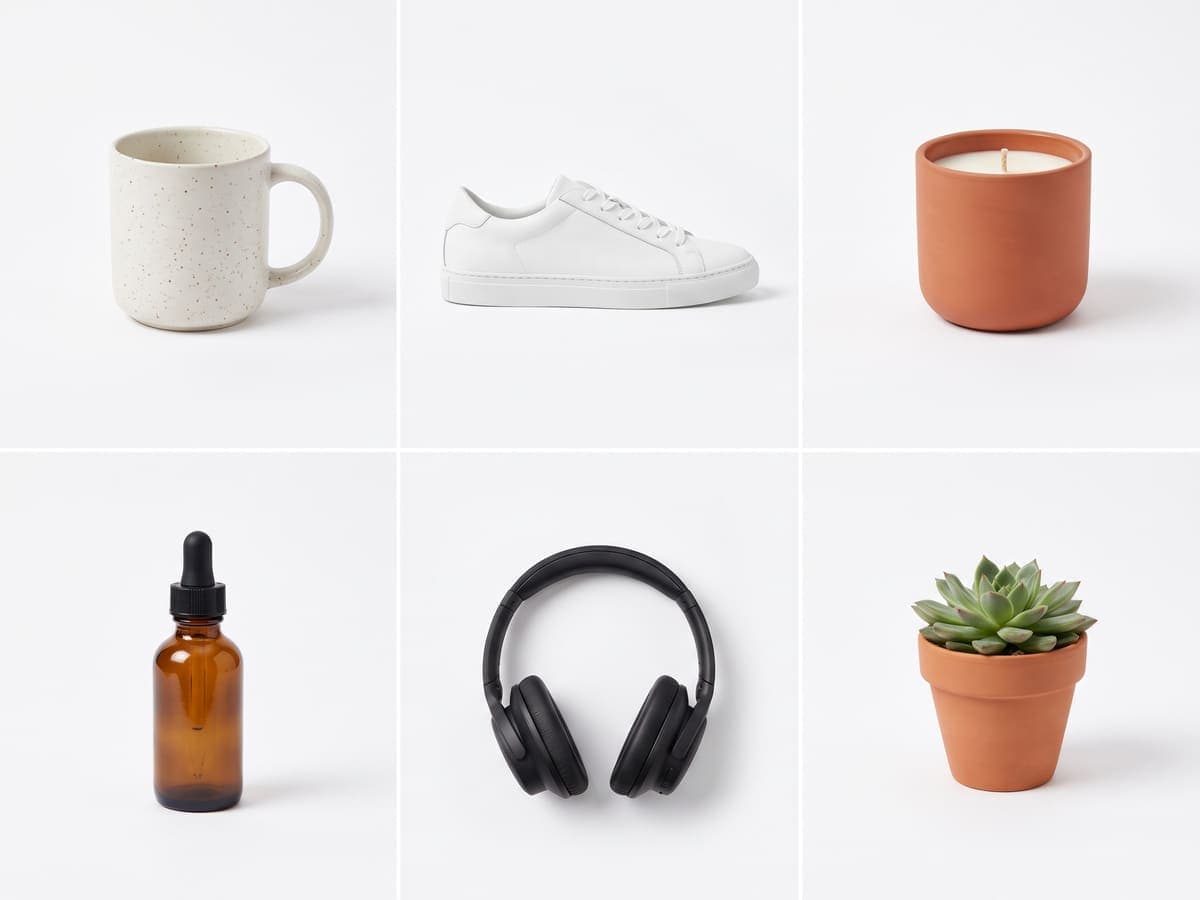
Edit Multiple Photos at the Same Time
One Edit, Applied to Every Photo
If you've ever had to fix 40 product photos one by one, you know how long an afternoon can get. Set the edit once (background removal, backdrop, size and format) and apply it to up to 200 photos in a single run. Every image comes out with the same framing and finish.
Clean Backgrounds in One Click
Switch on background removal and AI cuts every subject out of its background. Place the cutouts on pure white, a studio neutral, your own brand color, or keep them transparent. Edges stay sharp on hair, handles and fine detail.
Marketplace Sizes Built In
Amazon, Etsy, eBay and Shopify Presets
Pick the destination and the dimensions are already right: Amazon Listing at 2000×2000, Etsy Listing at 2700×2025, eBay Listing at 1600×1600 and Product at 2048×2048 for Shopify. Instagram, Pinterest, YouTube and Facebook sizes sit in the same menu.
Convert Formats in Bulk
Export the whole batch as PNG, JPEG or WebP, with a quality slider for the lossy formats. Turning a folder of mixed files into uniform, web-ready images takes one run instead of fifty exports.
Built for Sellers, Photographers and Small Teams
From Shoot to Storefront in Minutes
Drop in a folder, pick a look, and download a zip. Plain resizes take a fraction of a second each, background removal a few seconds, and several run at once, so a full 200-photo batch is ready before you have finished your coffee. Anything that fails can be retried on its own.
Free to Start
Sign in with a free account and start batch resizing, converting and adding backdrops right away. AI background removal is included with your plan's AI usage, and Pro plans include more.
How to edit photos in bulk?
- 1
Step 1: Upload Your Photos
Sign in, then drag in up to 200 photos or import a whole folder. JPG, PNG or WebP, up to 25MB each.
- 2
Step 2: Pick a Look
Switch on background removal if you need it, choose a backdrop (transparent, white, a studio neutral or any hex color) and set the output size and format under Output settings.
- 3
Step 3: Download the Zip
Watch each photo process, retry any that fail, then download results one by one or grab the whole batch as a single zip.
One of my go-to apps
Great app for filtering photos and even greater app for sizing pictures for not only posts but story photos as well... love this app I mainly use insta size for all my posts now ;)
Fast and Straightforward
Resizing photos for social media should be a cinch, but most editing programs are a pain to use. Of the dozen I’ve used, Instasize is the fastest, easiest and most consistent...
Great Sizes
Perfect app for the exact social media picture sizes. Love it. I use it daily. & I like the premade options they give you for different social medias!
I love instasize
Its the best app. for sizing photos to fit for Instagram or other forms of social media. You can also edit photos and create collages with multiple photos. It’s had been my friend for several years!
Always helpful
Always helpful when needing to resize photos
Huge fan
I love this app. Makes posting all types of photos. Love how it makes them fit on different formats
I’ve been using for years. Can’t work without it.
I use this app everyday to perfectly resize images for all of my social media platforms
LOVE
This app saved the day for me! I’m finally able to resize my photos for IG....effortlessly
Great App
We use this App weekly to resize pics for social media posts. Very user friendly, easy to use program when you want to get in and out quickly...
Yes. Sign in with a free account and batch resizing, format conversion and solid backdrops are free to use. AI background removal is included with your plan's AI usage, and Pro plans include more.
Related guides
Step-by-step articles for the same job, with examples and common mistakes.
Terms explained
Short definitions of the image terms behind this tool, with how to handle each one.
What is batch editing?
Batch editing applies the same edits to many photos at once, so a catalog stays consistent.
What is a SKU?
A SKU is the internal code a seller gives each product variant, used to match photos to stock.
What is a product feed?
A product feed is a structured file of product data and image links sent to shopping channels.
One subscription. Every AI model.
Create without limits. Get full access to every premium AI model and our entire suite of tools with a single plan.
Free
Essential tools for casual creators.
Free forever
- Resize, crop, text and layers
- Batch resize & convert, 200 photos at a time
- HD export
- No AI features: AI edits are part of Pro
Pro
PopularEssential AI tools for creators
Billed monthly
- More AI usage
- Batch background removal, 200 photos at a time
- 2 generations at a time
- AI Chat Editing
- All AI image models
- All AI video models
Ultimate
Advanced features for professionals
Billed monthly
- More AI usage
- Batch background removal, 200 photos at a time
- 4 generations at a time
- AI Chat Editing
- All AI image models
- All AI video models
Max
Maximum power and speed
Billed monthly
- More AI usage
- Batch background removal, 200 photos at a time
- 8 generations at a time
- AI Chat Editing
- All AI image models
- All AI video models
AI Image Generator for Every Creative Need
Generate from text, expand photos, remove backgrounds, and upscale to 4K