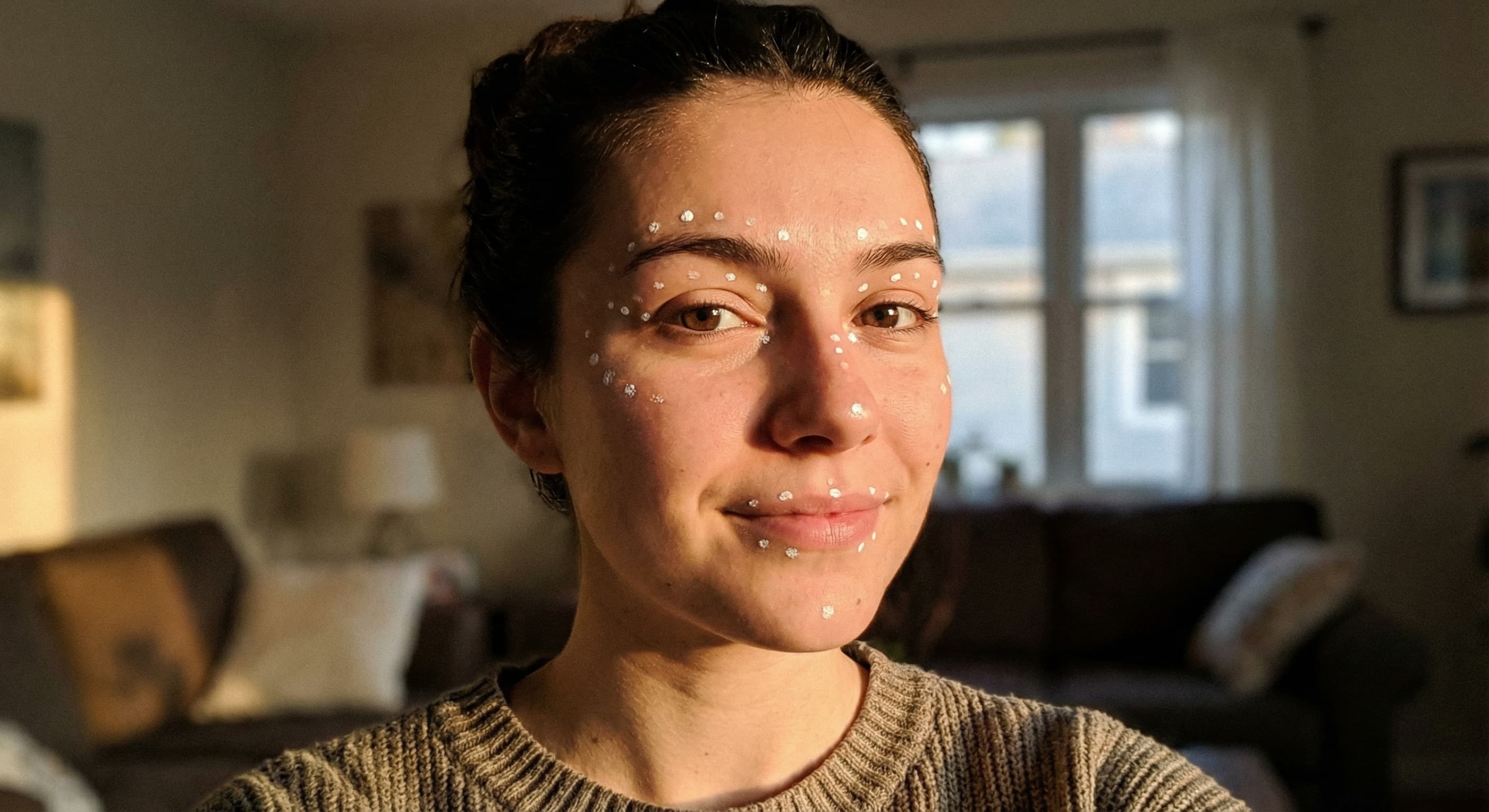
Instant Face Detection
The tool attempts to detect faces in the uploaded photos. Check the selected faces and result because detection can fail with difficult angles or occlusion.
Upload photos, identify the faces to swap, review the generated result, and download the version you want to keep.
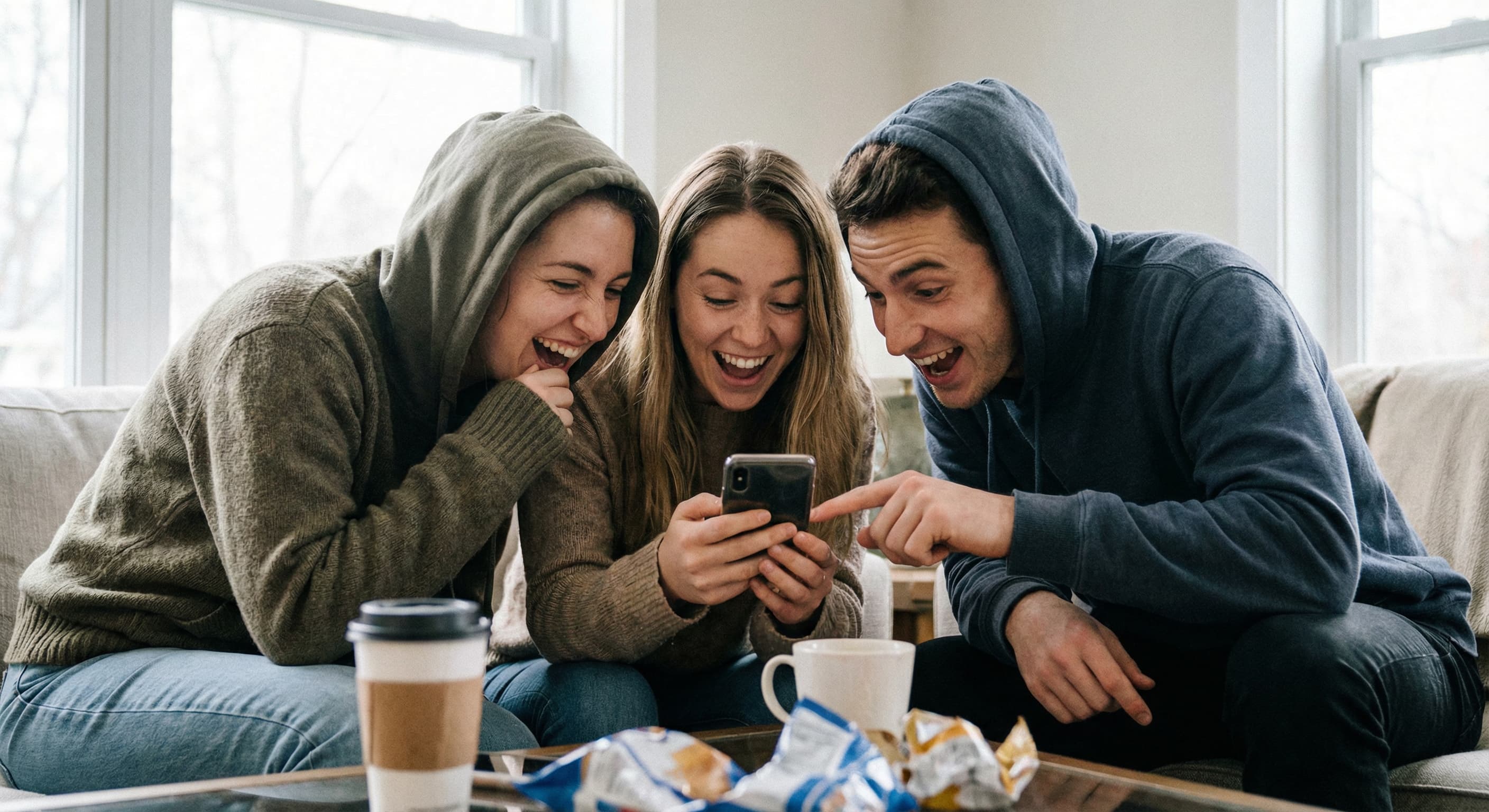
With everyone's permission, make a playful face swap for a private group chat or creative project.
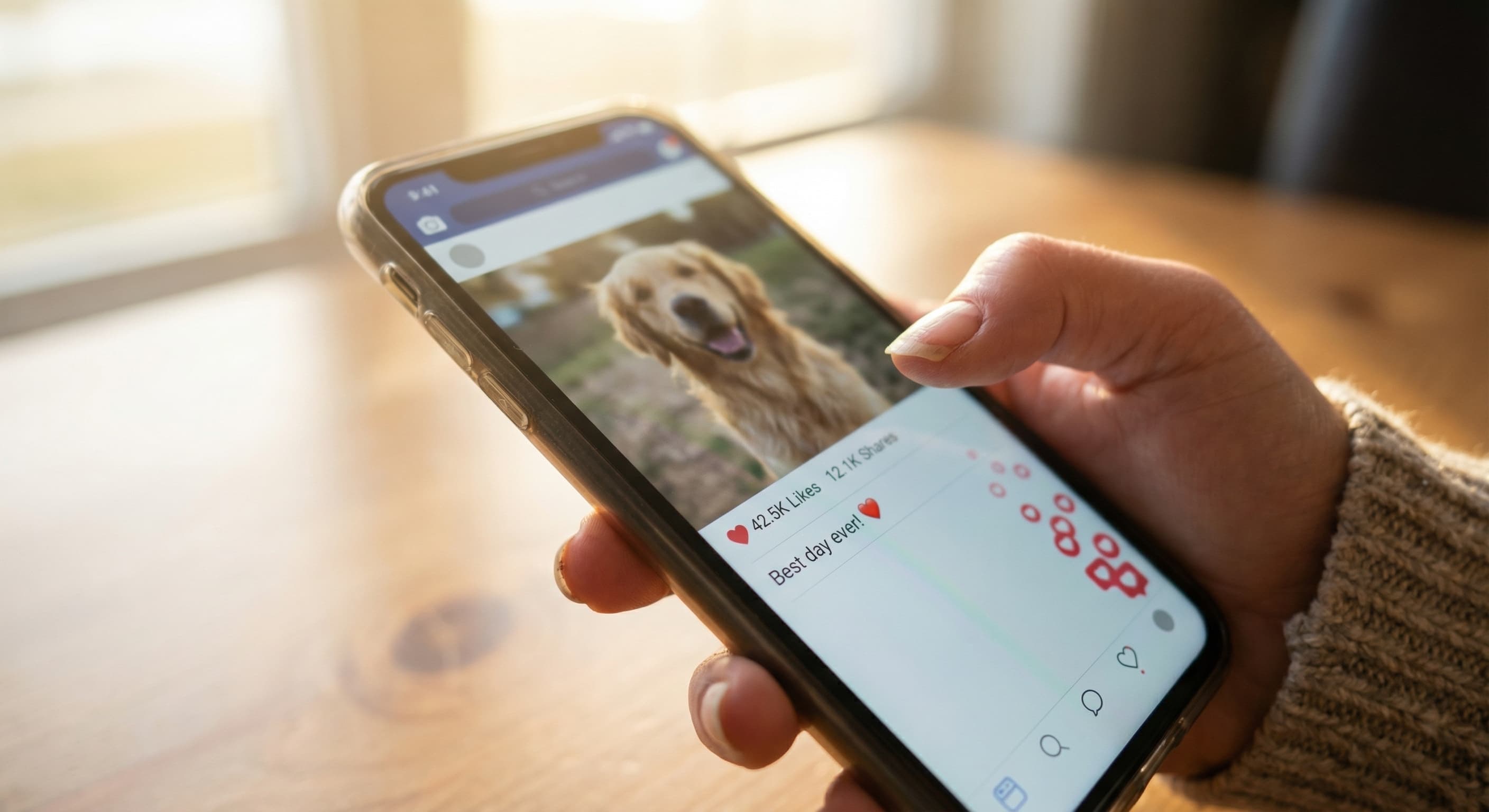
Create a face-swap meme, then label synthetic or edited media when context could otherwise mislead viewers.
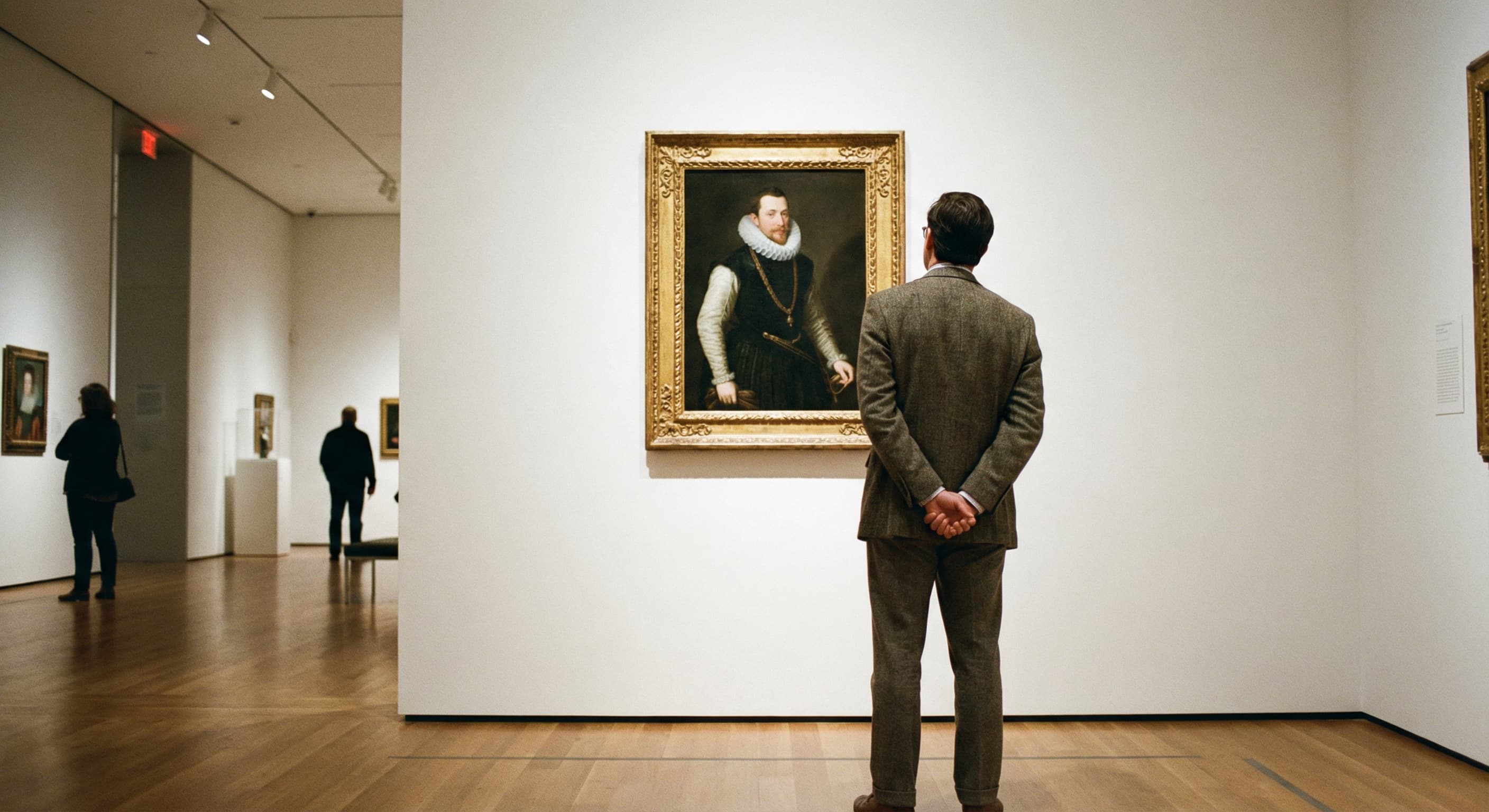
Your face on a movie poster. On an album cover. On the Mona Lisa. See yourself anywhere.
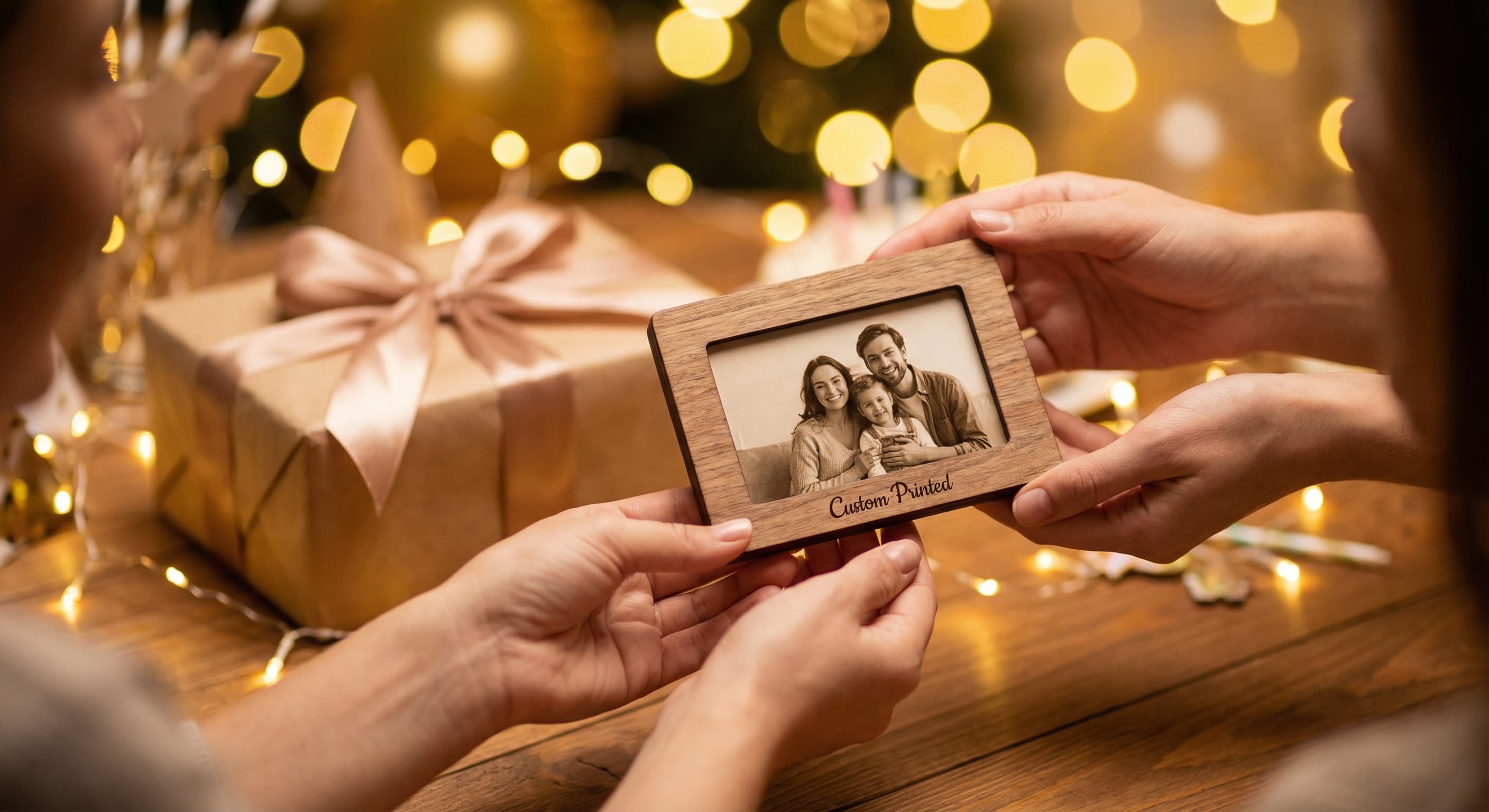
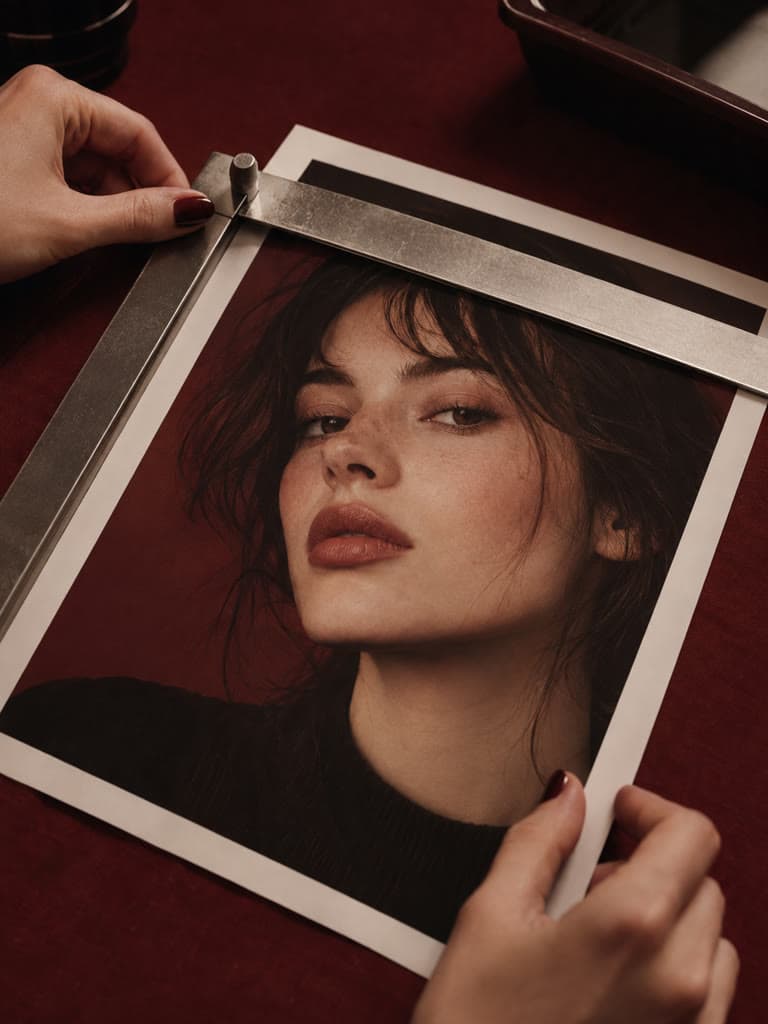
Print a custom face swap for a birthday card, a gag gift, or a framed masterpiece. Way better than a gift card.
The tool detects faces and generates a blended result. Lighting, angle, occlusion, and source resolution can affect the output, so review it before sharing.
The tool attempts to detect faces in the uploaded photos. Check the selected faces and result because detection can fail with difficult angles or occlusion.
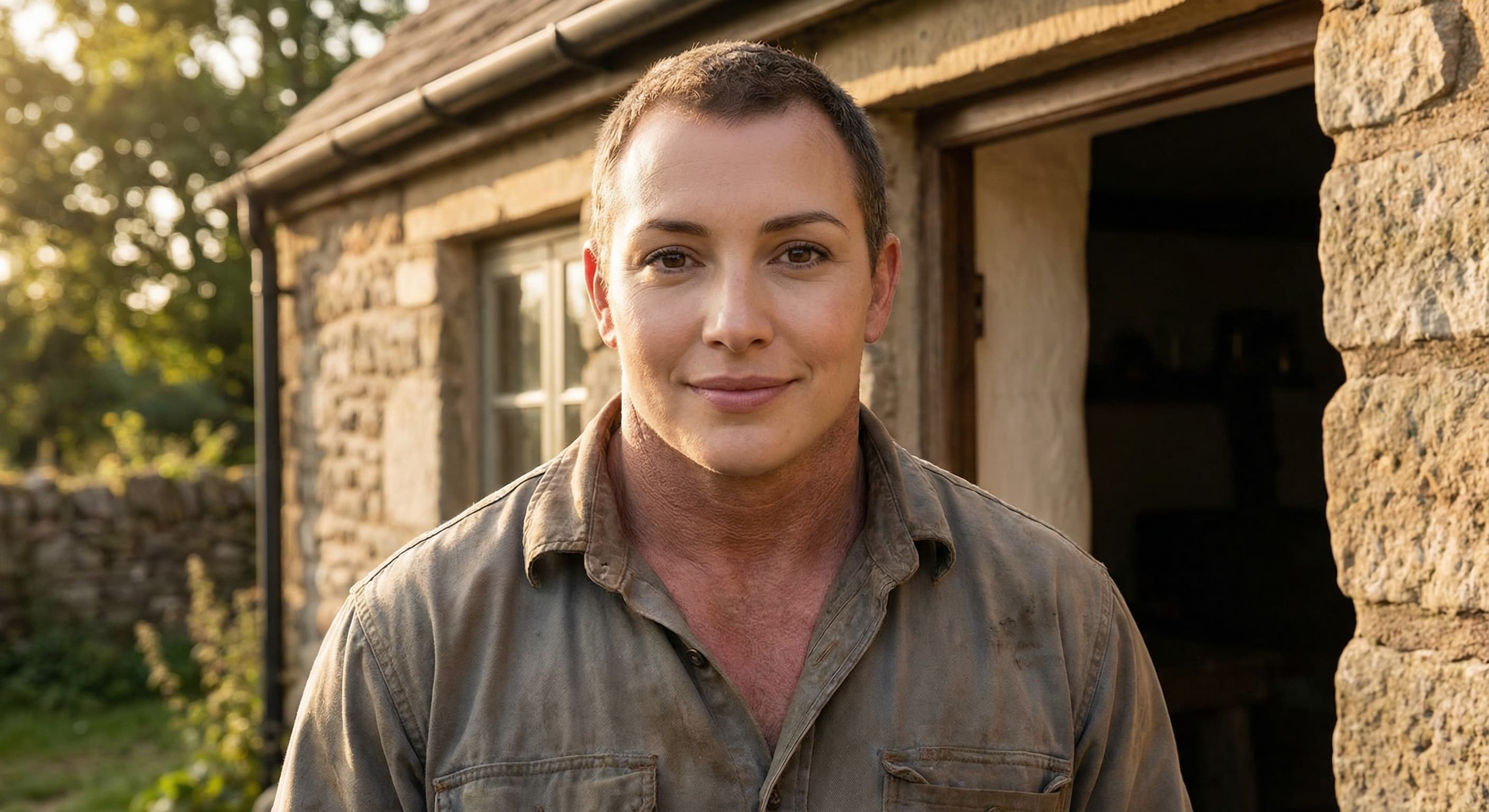
The model attempts to blend lighting, skin tone, and edges. Visible artifacts can remain, especially when source poses or lighting differ.
Download the generated result and inspect its dimensions and detail before using it on social media or in print.
Swap faces in your friend group photos and share them where it matters most. Perfect for Instagram Stories, group chats, and anywhere you want to get a reaction.
Use a face swap in a Reel, TikTok, or meme when it fits the idea. Follow the destination platform's synthetic-media rules and do not imply a real person did or endorsed something they did not.
Put your friend's face on their favorite movie poster or album cover. Print it out for a birthday gift, holiday card, or just because. It's personal and always gets a laugh.
Photos with good, even lighting produce the best face swap results. Avoid harsh shadows or extreme backlighting for more natural-looking swaps.
For the most realistic results, use source and target photos where faces are at similar angles. Front-facing photos typically work best for beginners.
Using photos with similar resolution and quality helps the AI create seamless blends. High-resolution photos give you more detailed and polished results.
Upload the photos containing the faces you want to swap. You can upload a single photo to swap faces within it, or multiple photos to swap faces between them.
Our AI automatically detects all faces in your photos. Simply describe which faces you want to swap, or let the AI swap them automatically.
Review your face swap result. The AI handles skin tone matching, lighting adjustments, and seamless blending automatically.
Once satisfied with your face swap, download the high-resolution result. Share it directly to social media or save it to your device.
Great app for filtering photos and even greater app for sizing pictures for not only posts but story photos as well... love this app I mainly use insta size for all my posts now ;)
Resizing photos for social media should be a cinch, but most editing programs are a pain to use. Of the dozen I’ve used, Instasize is the fastest, easiest and most consistent...
Perfect app for the exact social media picture sizes. Love it. I use it daily. & I like the premade options they give you for different social medias!
Its the best app. for sizing photos to fit for Instagram or other forms of social media. You can also edit photos and create collages with multiple photos. It’s had been my friend for several years!
Always helpful when needing to resize photos
I love this app. Makes posting all types of photos. Love how it makes them fit on different formats
I use this app everyday to perfectly resize images for all of my social media platforms
This app saved the day for me! I’m finally able to resize my photos for IG....effortlessly
We use this App weekly to resize pics for social media posts. Very user friendly, easy to use program when you want to get in and out quickly...
The tool detects faces in the supplied images and generates a blended result. Exact model training and behavior can change, and the output may contain artifacts or an inaccurate likeness.
Create without limits. Get full access to every premium AI model and our entire suite of tools with a single plan.
Essential tools for casual creators.
Free forever
Essential AI tools for creators
Billed monthly
Advanced features for professionals
Billed monthly
Maximum power and speed
Billed monthly
Generate from text, expand photos, remove backgrounds, and upscale to 4K