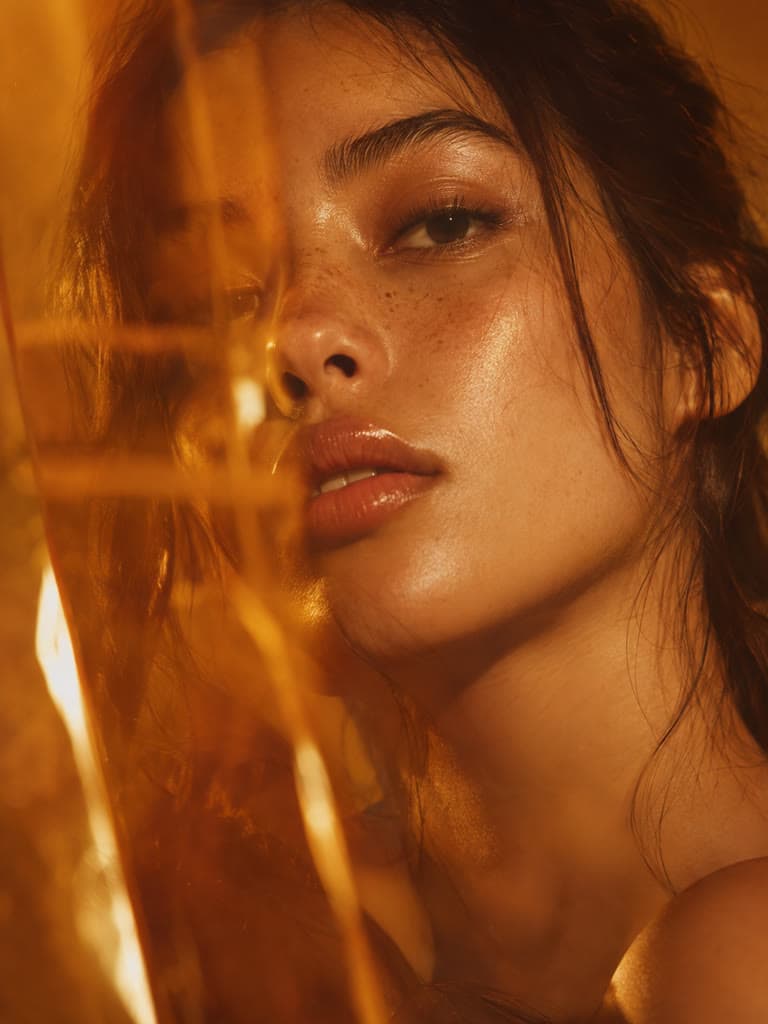
Auto Levels and Contrast
Finds the darkest and lightest parts of your photo, stretches the tones between them and nudges the overall exposure toward a balanced middle.
Fix a dull, dark or grainy photo in one tap. The free enhance balances brightness and contrast, softens noise, sharpens lightly and lifts color, right in your browser. Drag the before and after slider to check it, and try AI enhance (Pro) when you want more detail.
Same job on a different file type or batch size. Each tool still processes the file in this browser.
A flat, grey or slightly dark shot gets its contrast and color back in one tap, so a photo you almost deleted is worth posting.
Shoppers judge quality by the photo. Even out the exposure, clear the grey cast and add a little clarity before a listing goes live.
Scanned prints and compressed screenshots often look washed out. Restore tonal range and edge contrast before you print or share them.
Give a profile photo, a travel shot or a story a quick finish. The strength slider keeps the look natural instead of over-processed.
The free enhance runs in your browser and shows a result straight away. AI enhance (Pro) is a separate step for when you need more.
Finds the darkest and lightest parts of your photo, stretches the tones between them and nudges the overall exposure toward a balanced middle.
Softens grain in flat areas while keeping edges, then adds a gentle unsharp mask so detail reads as clearer rather than crunchy.
A vibrance lift adds more to dull colors than to ones that are already vivid, so skies and skin do not turn neon.
Drag across the photo or zoom in to judge the change at full size. Turn the strength down if it looks too strong. Nothing is uploaded for the free enhance.
It corrects things that are already in the pixels: flat contrast, a dim or grey exposure, faint grain, mild softness and muted color. That covers most photos people call low quality.
A photo that is small, heavily blurred or full of compression blocks has lost detail that no filter can bring back. For that, AI enhance (Pro) rebuilds detail with a model, or the image upscaler makes the picture bigger.
Quality is how good the pixels look. Resolution is how many there are. This page improves quality and keeps your original size. AI enhance (Pro) also returns a PNG at 2x the size.
The default result is an automatic filter, not AI. It is free, runs on your device and updates as you move the strength slider.
Press AI enhance (Pro) and your photo is sent to an AI model that generates fine detail. It is optional, uses your AI credits and is not a replacement for the free result. Check faces and text, because AI generates detail rather than recovering it.
Your file is never overwritten. Download the result you prefer and keep the original beside it.
Select one JPG, PNG or WebP image up to 10MB. The first result is made in your browser, so there is nothing to sign up for.
Drag the slider across the photo and zoom in to compare details. Lower the enhance strength if the result looks too strong.
Photo still soft or small? Run AI enhance (Pro) to rebuild detail at 2x the size. You can go back to the free result at any time.
Download the version you like. The free enhance keeps your original size and format; AI enhance downloads as a PNG.
Great app for filtering photos and even greater app for sizing pictures for not only posts but story photos as well... love this app I mainly use insta size for all my posts now ;)
Resizing photos for social media should be a cinch, but most editing programs are a pain to use. Of the dozen I’ve used, Instasize is the fastest, easiest and most consistent...
Perfect app for the exact social media picture sizes. Love it. I use it daily. & I like the premade options they give you for different social medias!
Its the best app. for sizing photos to fit for Instagram or other forms of social media. You can also edit photos and create collages with multiple photos. It’s had been my friend for several years!
Always helpful when needing to resize photos
I love this app. Makes posting all types of photos. Love how it makes them fit on different formats
I use this app everyday to perfectly resize images for all of my social media platforms
This app saved the day for me! I’m finally able to resize my photos for IG....effortlessly
We use this App weekly to resize pics for social media posts. Very user friendly, easy to use program when you want to get in and out quickly...
Upload the photo, check the result with the before and after slider, adjust the enhance strength and download it. The free enhance corrects brightness, contrast, grain, sharpness and color automatically in your browser.
Step-by-step articles for the same job, with examples and common mistakes.
Create without limits. Get full access to every premium AI model and our entire suite of tools with a single plan.
Essential tools for casual creators.
Free forever
Essential AI tools for creators
Billed monthly
Advanced features for professionals
Billed monthly
Maximum power and speed
Billed monthly
Generate from text, expand photos, remove backgrounds, and upscale to 4K