Round Image Corners Online
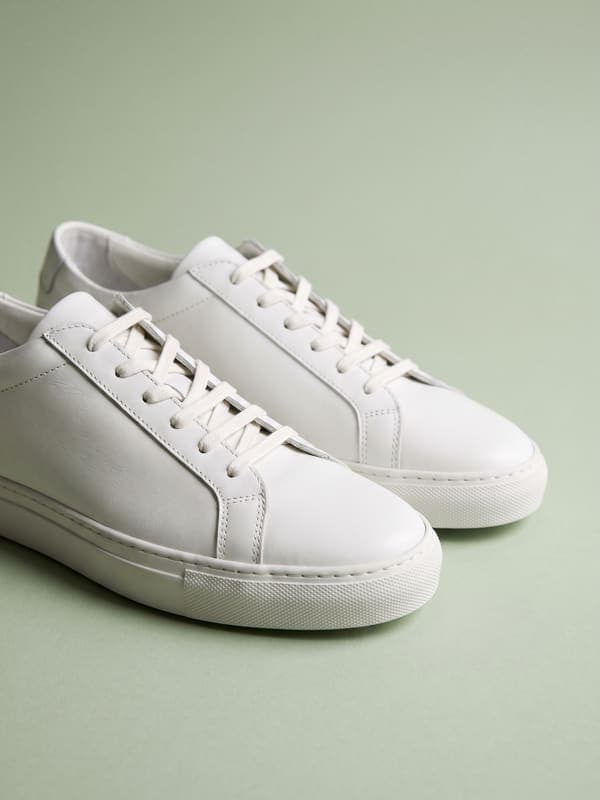
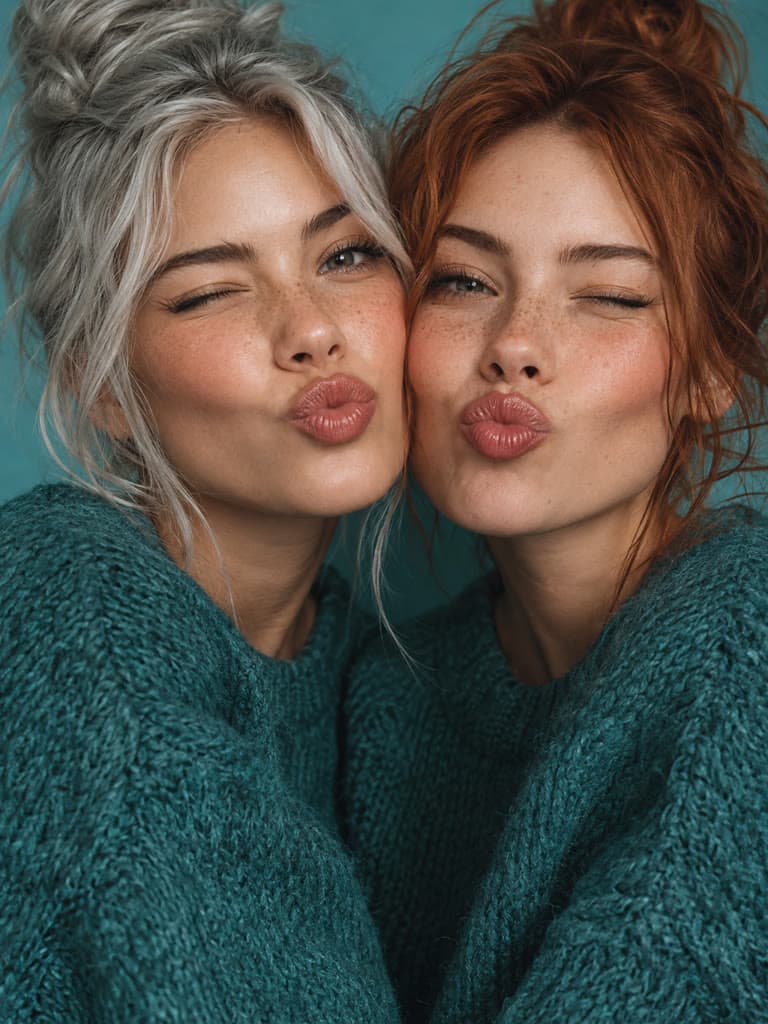
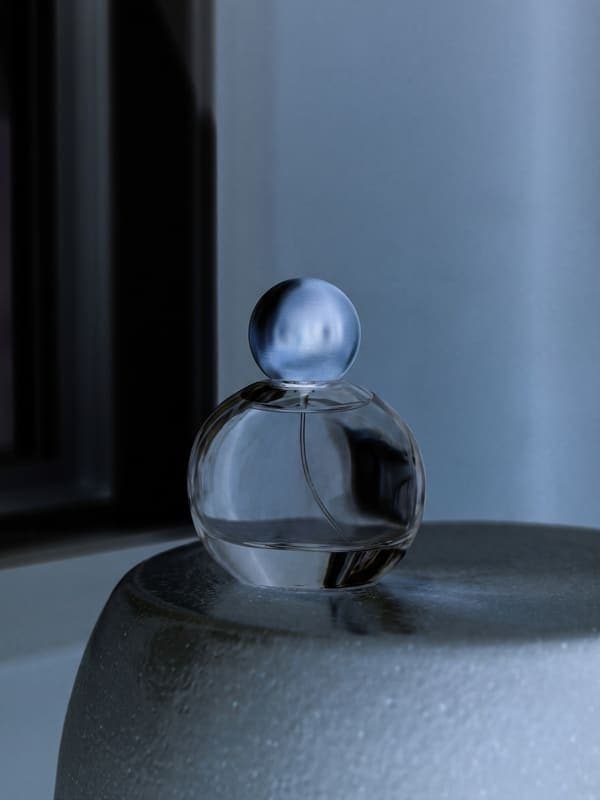
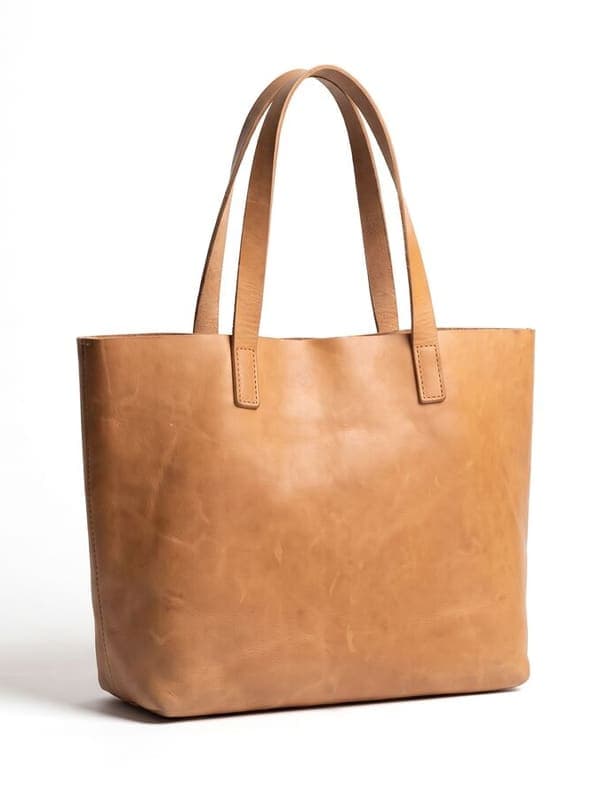
Give photos, mockups, cards, and thumbnails smooth rounded corners. Adjust the radius from square edges to a strongly rounded shape.
More private browser image tools
Continue editing without sending the source image to an editing server. Each focused tool previews and exports the result in this browser tab.
Add Watermark
Place custom text with adjustable position, color, size, and opacity.
Blur Image
Apply a soft, adjustable blur to the complete image.
Pixelate Image
Turn the complete image into adjustable blocks of color.
Film Grain Filter
Add stable, adjustable analog texture without changing the image hue.
Add Photo Border
Frame the full photo with a custom solid color.
Beautify Screenshot
Add a gradient, padding, rounded corners, and a soft shadow.
Rotate Image
Turn a photo left, right, or 180 degrees at full resolution.
Flip Image
Mirror a photo horizontally, vertically, or in both directions.
Blurred Photo Borders
Fit the complete photo into a common ratio without cropping.
Add Text to Photo
Place and style a caption, label, title, or quote on a photo.
Make a profile picture
Crop a circle or square avatar, remove the background, or resize to an exact platform size.
How to round image corners online?
- 1
Step 1: Upload an image
Choose a JPG, PNG, or WebP file up to 10 MB and 16 megapixels.
- 2
Step 2: Adjust the corner radius
Move the radius slider from zero to 50 percent of the shortest image edge.
- 3
Step 3: Preview transparent corners
The checkerboard-free canvas preview shows the visible image shape; the clipped corner pixels remain transparent in the PNG.
- 4
Step 4: Download the PNG
Save the rounded result in a format that supports transparency.
One of my go-to apps
Great app for filtering photos and even greater app for sizing pictures for not only posts but story photos as well... love this app I mainly use insta size for all my posts now ;)
Fast and Straightforward
Resizing photos for social media should be a cinch, but most editing programs are a pain to use. Of the dozen I’ve used, Instasize is the fastest, easiest and most consistent...
Great Sizes
Perfect app for the exact social media picture sizes. Love it. I use it daily. & I like the premade options they give you for different social medias!
I love instasize
Its the best app. for sizing photos to fit for Instagram or other forms of social media. You can also edit photos and create collages with multiple photos. It’s had been my friend for several years!
Always helpful
Always helpful when needing to resize photos
Huge fan
I love this app. Makes posting all types of photos. Love how it makes them fit on different formats
I’ve been using for years. Can’t work without it.
I use this app everyday to perfectly resize images for all of my social media platforms
LOVE
This app saved the day for me! I’m finally able to resize my photos for IG....effortlessly
Great App
We use this App weekly to resize pics for social media posts. Very user friendly, easy to use program when you want to get in and out quickly...
Why does the rounded image download as PNG?
PNG supports transparent pixels around the rounded shape. A JPG would replace those corners with a solid color.
Can I make a perfect circle?
A 50 percent radius makes a square image circular. A rectangular image becomes a pill-like rounded rectangle because its width and height differ.
Does rounding the corners resize my image?
No. The output keeps the source width and height. Only pixels outside the rounded clipping path become transparent.
Does Instasize upload my image to process this effect?
No. This editor decodes, renders, and encodes the image in your current browser tab. The file only leaves your device if you choose a separate upload or sharing action afterward.
What file will I download?
The current browser editor exports a PNG. PNG keeps the result predictable across supported browsers and preserves transparent corners when the effect creates them.
Instasize pricing: free editing and paid AI plans
Resize, crop, add text and work with layers for free. Paid plans include an AI usage allowance, background removal and access to image and video models. First-time subscribers can start with a free trial.
Free
Essential tools for casual creators.
Free forever
- Resize, crop, text and layers
- Batch resize & convert, 200 photos at a time
- HD export
- No AI features: AI edits are part of Pro
Pro
PopularEssential AI tools for creators
Billed monthly
Annual option: $299.99 billed yearly.
- More AI usage
- Batch background removal, 200 photos at a time
- 2 generations at a time
- AI Chat Editing
- All AI image models
- All AI video models
Ultimate
Advanced features for professionals
Billed monthly
Annual option: $499 billed yearly.
- More AI usage
- Batch background removal, 200 photos at a time
- 4 generations at a time
- AI Chat Editing
- All AI image models
- All AI video models
Max
Maximum power and speed
Billed monthly
Annual option: $2199 billed yearly.
- More AI usage
- Batch background removal, 200 photos at a time
- 8 generations at a time
- AI Chat Editing
- All AI image models
- All AI video models
AI Image Generator for Every Creative Need
Generate from text, expand photos, remove backgrounds, and upscale to 4K