Add Film Grain to a Photo Online
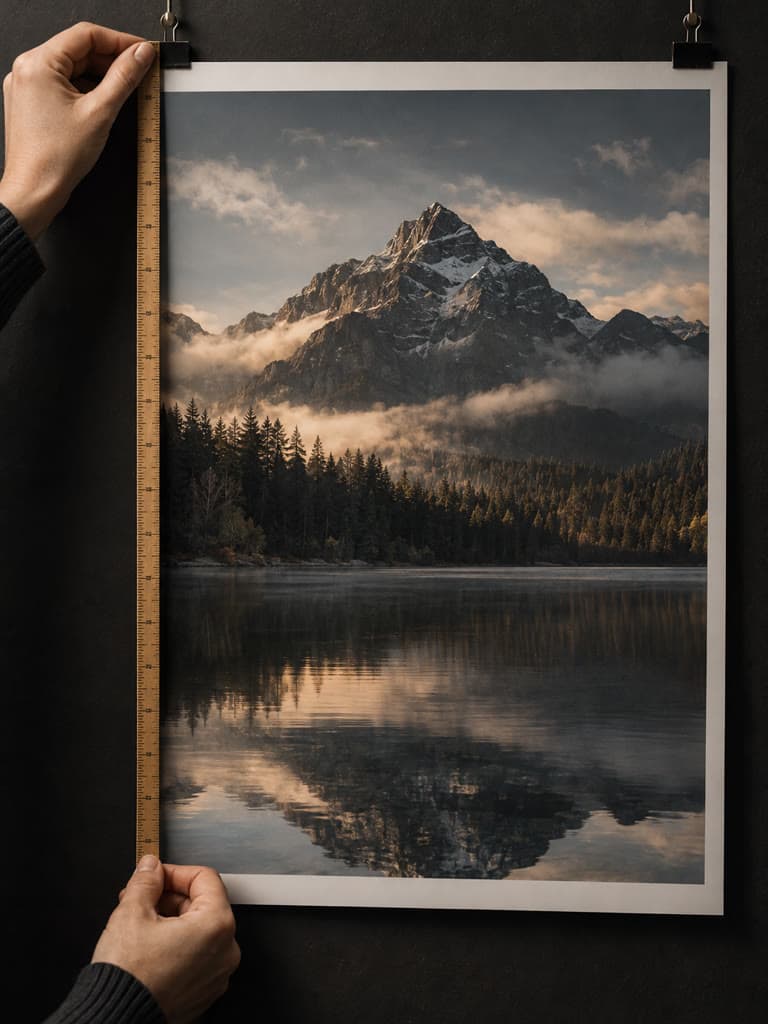
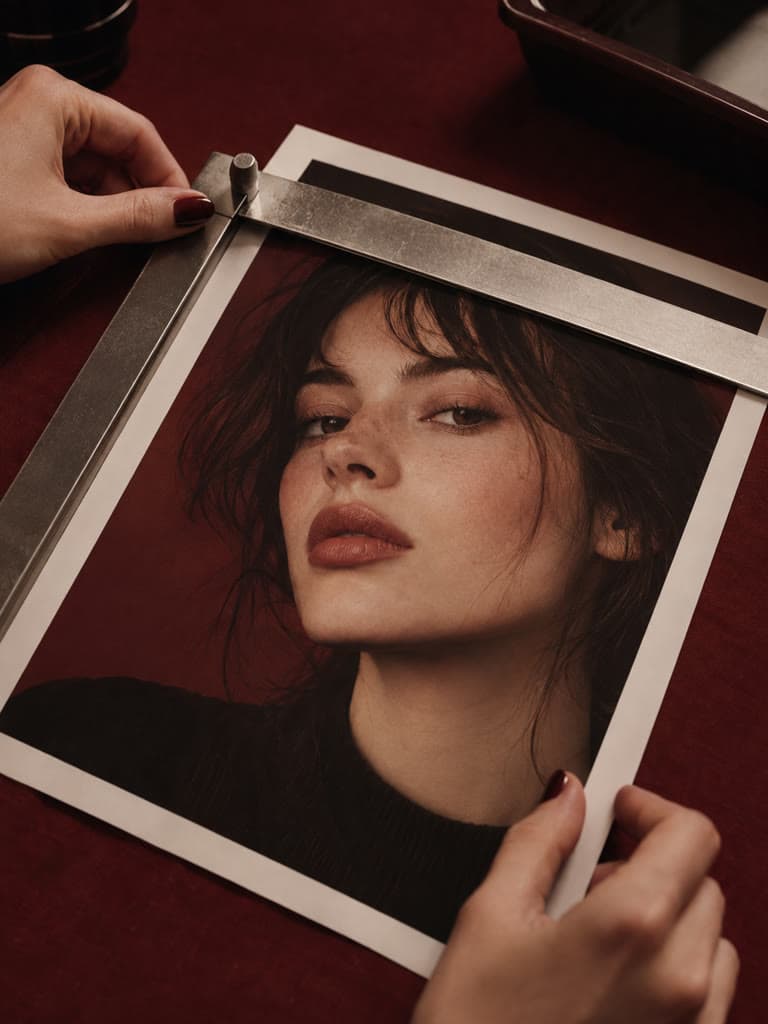
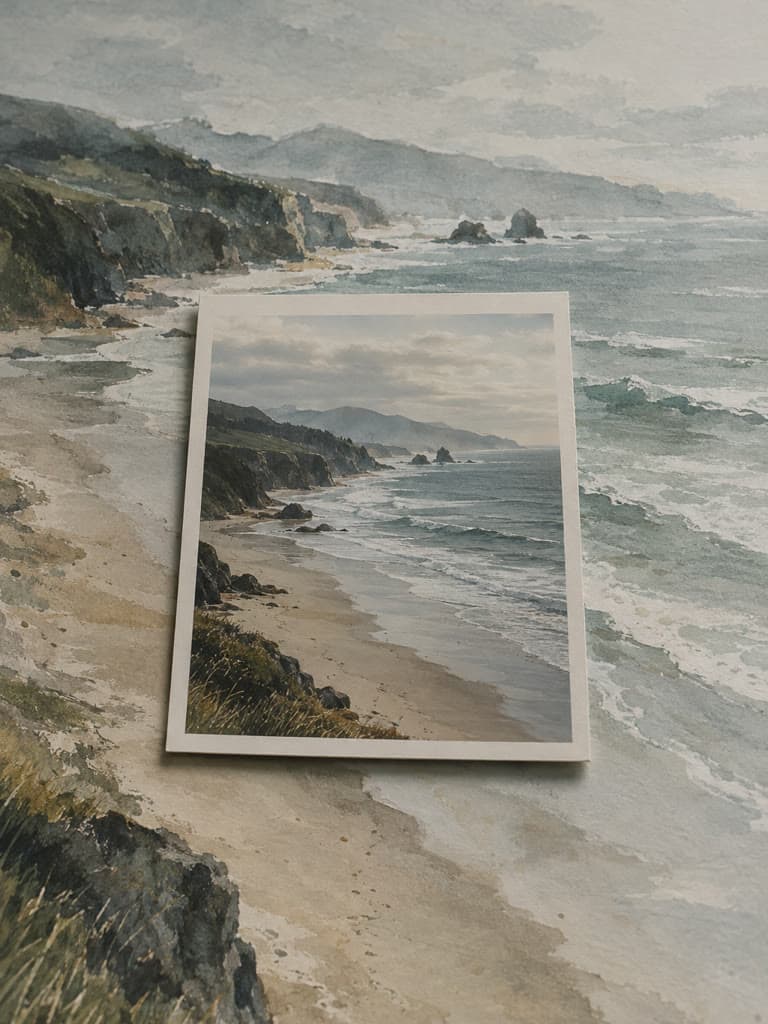
Give a digital photo the texture of an analog film scan. Adjust the grain from subtle to pronounced while the pattern stays stable, compare it with the original, and download the result.
More private browser image tools
Continue editing without sending the source image to an editing server. Each focused tool previews and exports the result in this browser tab.
Add Watermark
Place custom text with adjustable position, color, size, and opacity.
Blur Image
Apply a soft, adjustable blur to the complete image.
Pixelate Image
Turn the complete image into adjustable blocks of color.
Round Image Corners
Create smooth corners with transparent PNG output.
Add Photo Border
Frame the full photo with a custom solid color.
Beautify Screenshot
Add a gradient, padding, rounded corners, and a soft shadow.
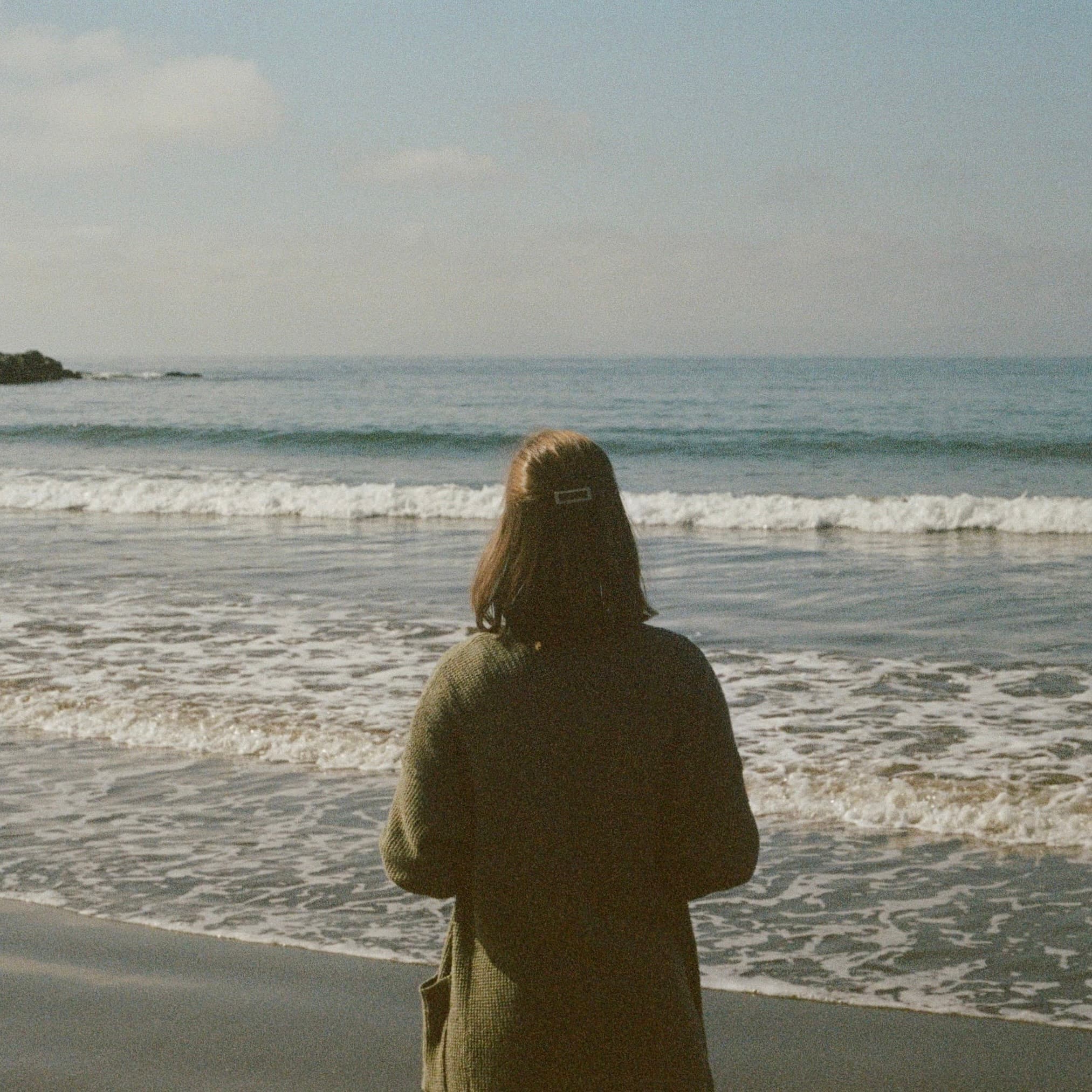
Use grain as texture, not damage
Start with a subtle amount
A low grain setting adds fine texture without covering faces, lettering, or product details. Increase it only when the rougher film look is part of the composition.
Keep the pattern steady
The editor uses one stable monochrome grain pattern while you move the slider, so you can judge intensity instead of comparing a different random texture on every update.
Combine grain with tone carefully
Grain often works with muted color, sepia, or black and white, but this focused tool changes texture only. Apply any color treatment separately so each choice stays reversible.
How to add film grain to a photo online?
- 1
Step 1: Upload a photo
Choose one JPG, PNG, or WebP image up to 10 MB and 16 megapixels.
- 2
Step 2: Adjust the grain amount
Move the slider from a clean image toward a stronger analog texture. The preview updates with the same grain pattern.
- 3
Step 3: Compare with the original
Hold the compare control to check that faces, text, and fine edges still read clearly.
- 4
Step 4: Download the PNG
Save the grainy photo as a PNG. Your original file remains unchanged.
One of my go-to apps
Great app for filtering photos and even greater app for sizing pictures for not only posts but story photos as well... love this app I mainly use insta size for all my posts now ;)
Fast and Straightforward
Resizing photos for social media should be a cinch, but most editing programs are a pain to use. Of the dozen I’ve used, Instasize is the fastest, easiest and most consistent...
Great Sizes
Perfect app for the exact social media picture sizes. Love it. I use it daily. & I like the premade options they give you for different social medias!
I love instasize
Its the best app. for sizing photos to fit for Instagram or other forms of social media. You can also edit photos and create collages with multiple photos. It’s had been my friend for several years!
Always helpful
Always helpful when needing to resize photos
Huge fan
I love this app. Makes posting all types of photos. Love how it makes them fit on different formats
I’ve been using for years. Can’t work without it.
I use this app everyday to perfectly resize images for all of my social media platforms
LOVE
This app saved the day for me! I’m finally able to resize my photos for IG....effortlessly
Great App
We use this App weekly to resize pics for social media posts. Very user friendly, easy to use program when you want to get in and out quickly...
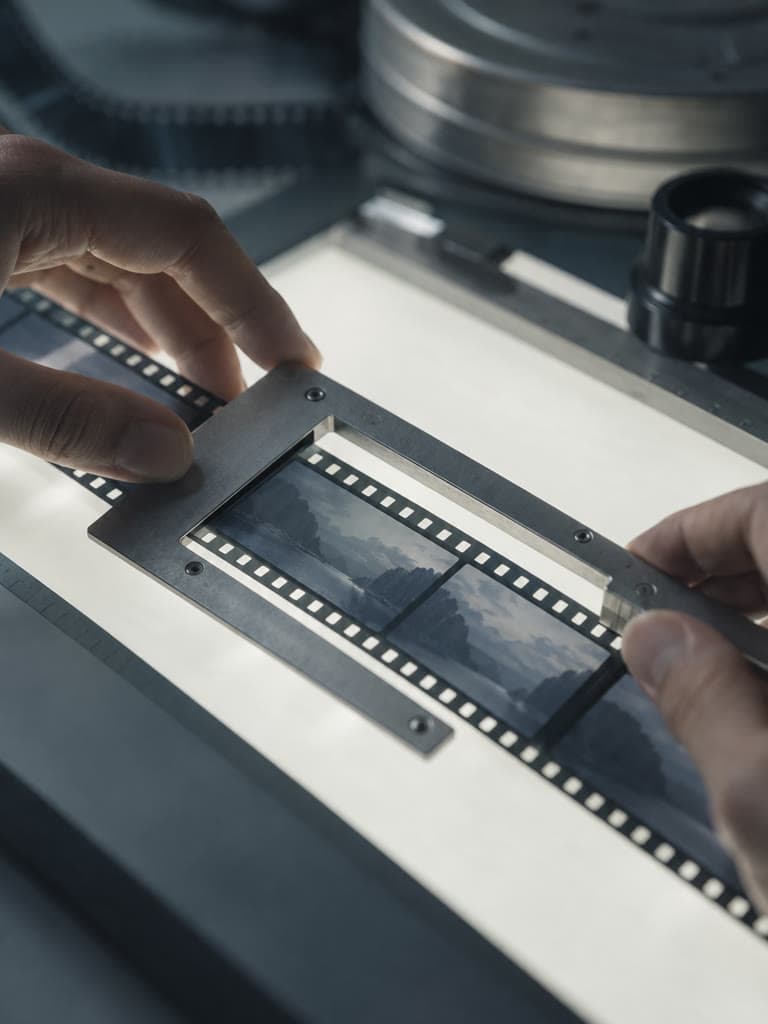
Film grain is visible texture created by light-sensitive particles in photographic film. Digital grain effects imitate that irregular brightness variation to make a clean digital image feel more tactile or analog.
One subscription. Every AI model.
Create without limits. Get full access to every premium AI model and our entire suite of tools with a single plan.
Free
Essential tools for casual creators.
Free forever
- Resize, crop, text and layers
- Batch resize & convert, 200 photos at a time
- HD export
- No AI features: AI edits are part of Pro
Pro
PopularEssential AI tools for creators
Billed monthly
- More AI usage
- Batch background removal, 200 photos at a time
- 2 generations at a time
- AI Chat Editing
- All AI image models
- All AI video models
Ultimate
Advanced features for professionals
Billed monthly
- More AI usage
- Batch background removal, 200 photos at a time
- 4 generations at a time
- AI Chat Editing
- All AI image models
- All AI video models
Max
Maximum power and speed
Billed monthly
- More AI usage
- Batch background removal, 200 photos at a time
- 8 generations at a time
- AI Chat Editing
- All AI image models
- All AI video models
AI Image Generator for Every Creative Need
Generate from text, expand photos, remove backgrounds, and upscale to 4K