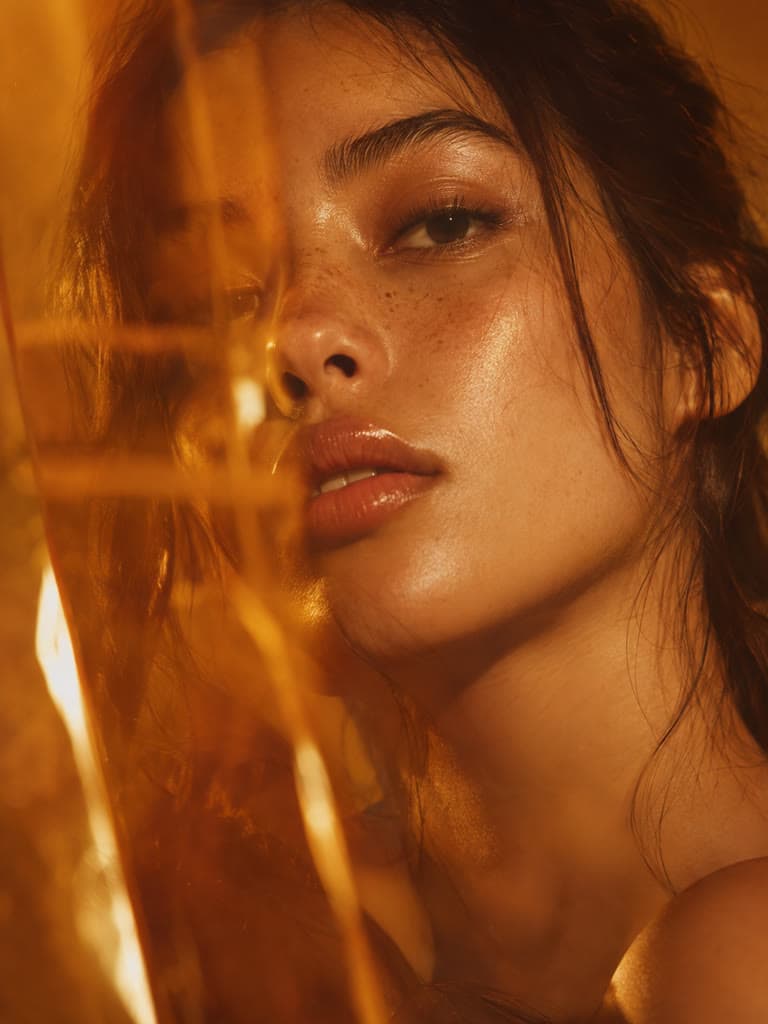
Black Background
Upload a photo and the subject is placed on a solid black background. Preview it, try another color, or keep the cutout transparent.
How It Works
Cut Out, Then Fill With Black
The tool isolates the subject and fills the space behind it with black. The cutout is the AI step; the black fill is applied in your browser, so changing your mind does not cost another run.
Get the Output You Need
A black background downloads as a JPG. Choose Transparent in the options to download a PNG instead, then place it over black in another app.
When Black Works Best
Dramatic Portraits
A dark backdrop pulls attention to the face and removes distracting detail. It suits portraits with good side light, where the subject already separates from the dark.
Jewelry and Shiny Products
Metal and glass pop against black. Reflections of the old surroundings can remain on the product itself, since only the area behind the subject is replaced.
Dark Edges and Dark Subjects
Black hides light fringing but not dark spill. A dark subject against a dark original can lose its edge in the cutout, so check the outline in the preview.
How to put a black background on a photo?
- 1
Step 1: Upload Your Photo
Pick a photo where the subject is in focus and lit well enough to stand out from what is behind it.
- 2
Step 2: Remove the Original Background
The tool cuts out the subject and shows it on black. Any account or usage limit appears in the tool before processing.
- 3
Step 3: Review and Download
Check the edges against the black, switch backgrounds if you like, and download the result.
One of my go-to apps
Great app for filtering photos and even greater app for sizing pictures for not only posts but story photos as well... love this app I mainly use insta size for all my posts now ;)
Fast and Straightforward
Resizing photos for social media should be a cinch, but most editing programs are a pain to use. Of the dozen I’ve used, Instasize is the fastest, easiest and most consistent...
Great Sizes
Perfect app for the exact social media picture sizes. Love it. I use it daily. & I like the premade options they give you for different social medias!
I love instasize
Its the best app. for sizing photos to fit for Instagram or other forms of social media. You can also edit photos and create collages with multiple photos. It’s had been my friend for several years!
Always helpful
Always helpful when needing to resize photos
Huge fan
I love this app. Makes posting all types of photos. Love how it makes them fit on different formats
I’ve been using for years. Can’t work without it.
I use this app everyday to perfectly resize images for all of my social media platforms
LOVE
This app saved the day for me! I’m finally able to resize my photos for IG....effortlessly
Great App
We use this App weekly to resize pics for social media posts. Very user friendly, easy to use program when you want to get in and out quickly...
Upload the photo. The subject is cut out and placed on solid black, and you can preview it and download it as a JPG.
One subscription. Every AI model.
Create without limits. Get full access to every premium AI model and our entire suite of tools with a single plan.
Free
Essential tools for casual creators.
Free forever
- Daily AI usage
- Batch resize & convert, 50 photos at a time
- 1 slow generation at a time
- AI Chat Editing
Pro
PopularEssential AI tools for creators
Billed monthly
- More AI usage
- Batch background removal, 50 photos at a time
- 2 generations at a time
- AI Chat Editing
- All AI image models
- All AI video models
Ultimate
Advanced features for professionals
Billed monthly
- More AI usage
- Batch background removal, 50 photos at a time
- 4 generations at a time
- AI Chat Editing
- All AI image models
- All AI video models
Max
Maximum power and speed
Billed monthly
- More AI usage
- Batch background removal, 50 photos at a time
- 8 generations at a time
- AI Chat Editing
- All AI image models
- All AI video models
AI Image Generator for Every Creative Need
Generate from text, expand photos, remove backgrounds, and upscale to 4K