EXIF Viewer

Inspect one JPG, PNG, or WebP for dimensions, camera and lens details, capture settings, creator fields, dates, serial numbers, and GPS coordinates. Nothing is uploaded.

Check a Photo for Location Data

Check a Photo for Location Data

See whether a photo contains readable GPS latitude and longitude before you share it. A location warning appears when coordinates are present.

Review Camera and Capture Details

Review Camera and Capture Details

Inspect available camera, lens, serial number, date, ISO, aperture, exposure, and focal-length fields. Not every device saves every field.

Confirm Image Properties

Confirm Image Properties

Check decoded width, height, aspect ratio, file type, and file size. Embedded orientation, color-space, and resolution fields appear when present.

Metadata You Can Review

The viewer separates basic file properties from data embedded by a camera, phone, scanner, or editing application.

EXIF Camera Data

EXIF Camera Data

Read common EXIF fields such as camera, lens, serial numbers, exposure, aperture, ISO, focal length, flash, orientation, and capture date.

GPS Privacy Check

GPS Privacy Check

Latitude and longitude are called out in a dedicated warning. No location can be recovered when the file does not contain GPS metadata.

Local Browser Processing

Local Browser Processing

The selected file is parsed in your browser. It is not sent to an Instasize image-processing endpoint to display its metadata.

Remove Metadata Before Sharing

Remove Metadata Before Sharing

Only Concerned About GPS?

Only Concerned About GPS?

How to view EXIF data and image metadata online?

  1. 1

    Step 1: Choose an image

    Select one JPG, PNG, or WebP image up to 10 MB. The file stays in your browser while its properties are read.

  2. 2

    Step 2: Review the metadata

    Check file dimensions and any readable camera, capture, creator, resolution, serial-number, or GPS fields.

  3. 3

    Step 3: Act on sensitive fields

    If location or other metadata should not travel with the photo, create and download a cleaned copy.

Reviews

Loved by Instasize Creators

4.7| 327K App Store ratings

US App Store · checked

One of my go-to apps

Great app for filtering photos and even greater app for sizing pictures for not only posts but story photos as well... love this app I mainly use insta size for all my posts now ;)

B
@beachxbunny

Fast and Straightforward

Resizing photos for social media should be a cinch, but most editing programs are a pain to use. Of the dozen I’ve used, Instasize is the fastest, easiest and most consistent...

S
@Soho Brad

Great Sizes

Perfect app for the exact social media picture sizes. Love it. I use it daily. & I like the premade options they give you for different social medias!

B
@Baby24doll

I love instasize

Its the best app. for sizing photos to fit for Instagram or other forms of social media. You can also edit photos and create collages with multiple photos. It’s had been my friend for several years!

J
@Jay town

Always helpful

Always helpful when needing to resize photos

L
@Leobaby96

Huge fan

I love this app. Makes posting all types of photos. Love how it makes them fit on different formats

N
@Nicola Bella

I’ve been using for years. Can’t work without it.

I use this app everyday to perfectly resize images for all of my social media platforms

T
@The Flywire

LOVE

This app saved the day for me! I’m finally able to resize my photos for IG....effortlessly

T
@Tamrinaann

Great App

We use this App weekly to resize pics for social media posts. Very user friendly, easy to use program when you want to get in and out quickly...

C
@cle957

FAQ

EXIF Viewer FAQ

Can't find what you're looking for? Contact support

What is EXIF data?

EXIF is metadata that a camera, phone, scanner, or editing application can embed in an image. It may include camera settings, dates, orientation, software, serial numbers, and GPS coordinates.

Can this EXIF viewer show where a photo was taken?

It displays latitude and longitude when readable GPS coordinates are embedded. No location can be recovered when the image does not contain GPS metadata.

Does the viewer upload my image?

No. This tool reads the selected JPG, PNG, or WebP locally in the browser. Other Instasize AI tools may use a processing service when their interface says so.

Why does the viewer show no camera metadata?

The image may never have contained EXIF data, or a social network, messaging app, screenshot workflow, export setting, or previous edit may have removed it.

Is DPI the same as image resolution?

No. Pixel width and height describe how much image data exists. A DPI or PPI metadata field suggests a print scale, but changing that tag alone does not add pixels.

What formats can I inspect?

The browser interface accepts one JPG/JPEG, PNG, or WebP image up to 10 MB. Metadata support depends on the format and fields actually stored in the file.

Instasize pricing: free editing and paid AI plans

Resize, crop, add text and work with layers for free. Paid plans include an AI usage allowance, background removal and access to image and video models. First-time subscribers can start with a free trial.

Free

Essential tools for casual creators.

$0

Free forever

  • Resize, crop, text and layers
  • Batch resize & convert, 200 photos at a time
  • HD export
  • No AI features: AI edits are part of Pro

Pro

Popular

Essential AI tools for creators

Billed monthly

  • More AI usage
  • Batch background removal, 200 photos at a time
  • 2 generations at a time
  • AI Chat Editing
  • All AI image models
  • All AI video models

Ultimate

Advanced features for professionals

$59/mo

Billed monthly

Annual option: $499 billed yearly.

Free trial for first-time members, then $59/month. Cancel anytime.

  • More AI usage
  • Batch background removal, 200 photos at a time
  • 4 generations at a time
  • AI Chat Editing
  • All AI image models
  • All AI video models

Max

Maximum power and speed

$259/mo

Billed monthly

Annual option: $2199 billed yearly.

Free trial for first-time members, then $259/month. Cancel anytime.

  • More AI usage
  • Batch background removal, 200 photos at a time
  • 8 generations at a time
  • AI Chat Editing
  • All AI image models
  • All AI video models

AI Image Generator for Every Creative Need

Generate from text, expand photos, remove backgrounds, and upscale to 4K

AI Photo Editor
AI Editor
Prompt

"Change the background to a sunset beach"

AI Photo Editor

Face Swap
Face AI
Prompt

"Swap my face into this photo"

Face Swap

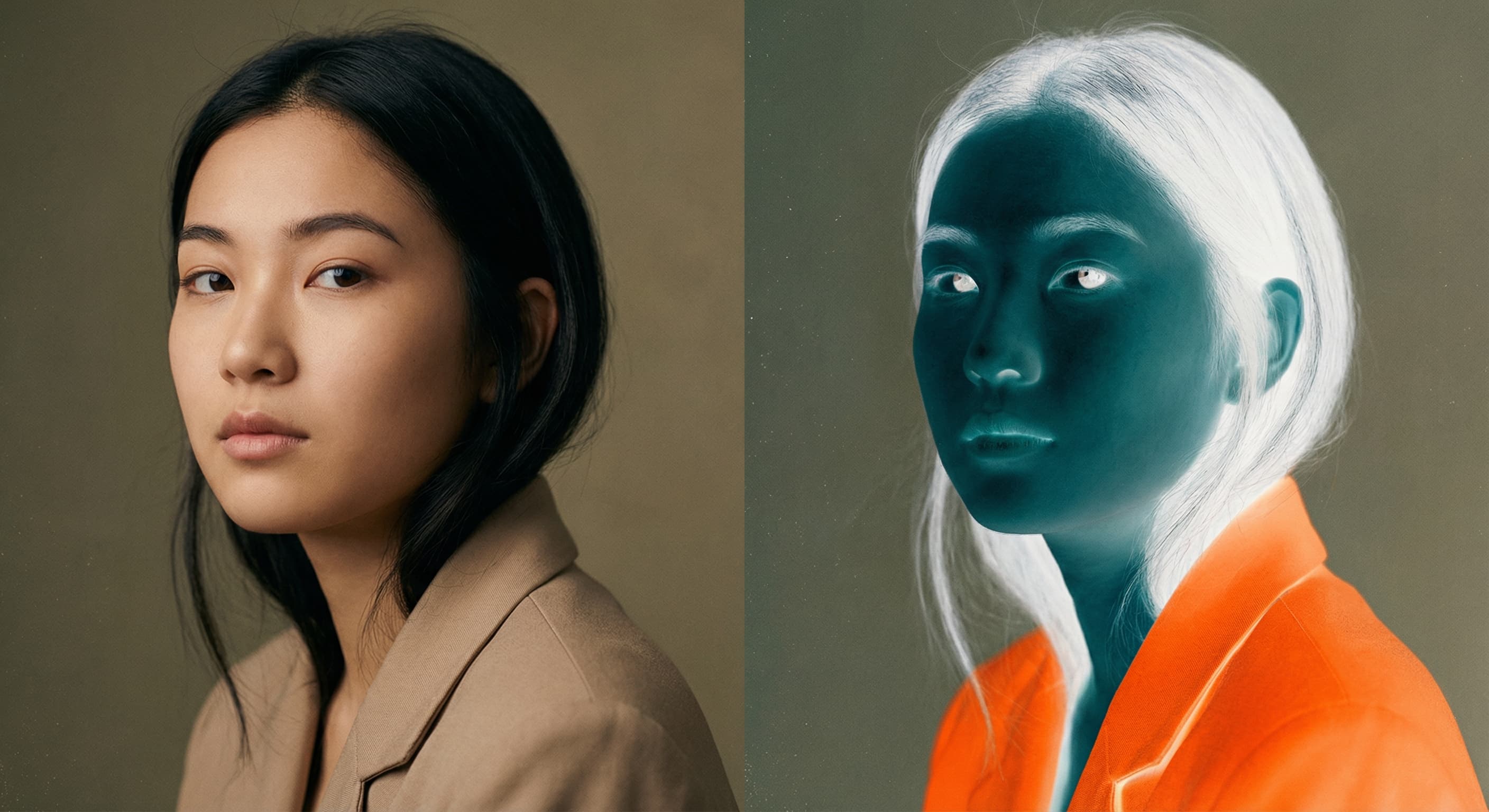
Photo Inverter
AI Tool
Prompt

"Transform this image"

Photo Inverter

Image Resizer
Resizer
Prompt

"Resize to Instagram story dimensions"

Image Resizer

Image Size Converter
AI Tool
Prompt

"Transform this image"

Image Size Converter

Image Dimensions Checker
AI Tool
Prompt

"Transform this image"

Image Dimensions Checker

Pixel to Print Size Calculator
AI Tool
Prompt

"Transform this image"

Pixel to Print Size Calculator

Crop Image Online
AI Tool
Prompt

"Transform this image"

Crop Image Online

Video Cropper
AI Tool
Prompt

"Transform this image"

Video Cropper

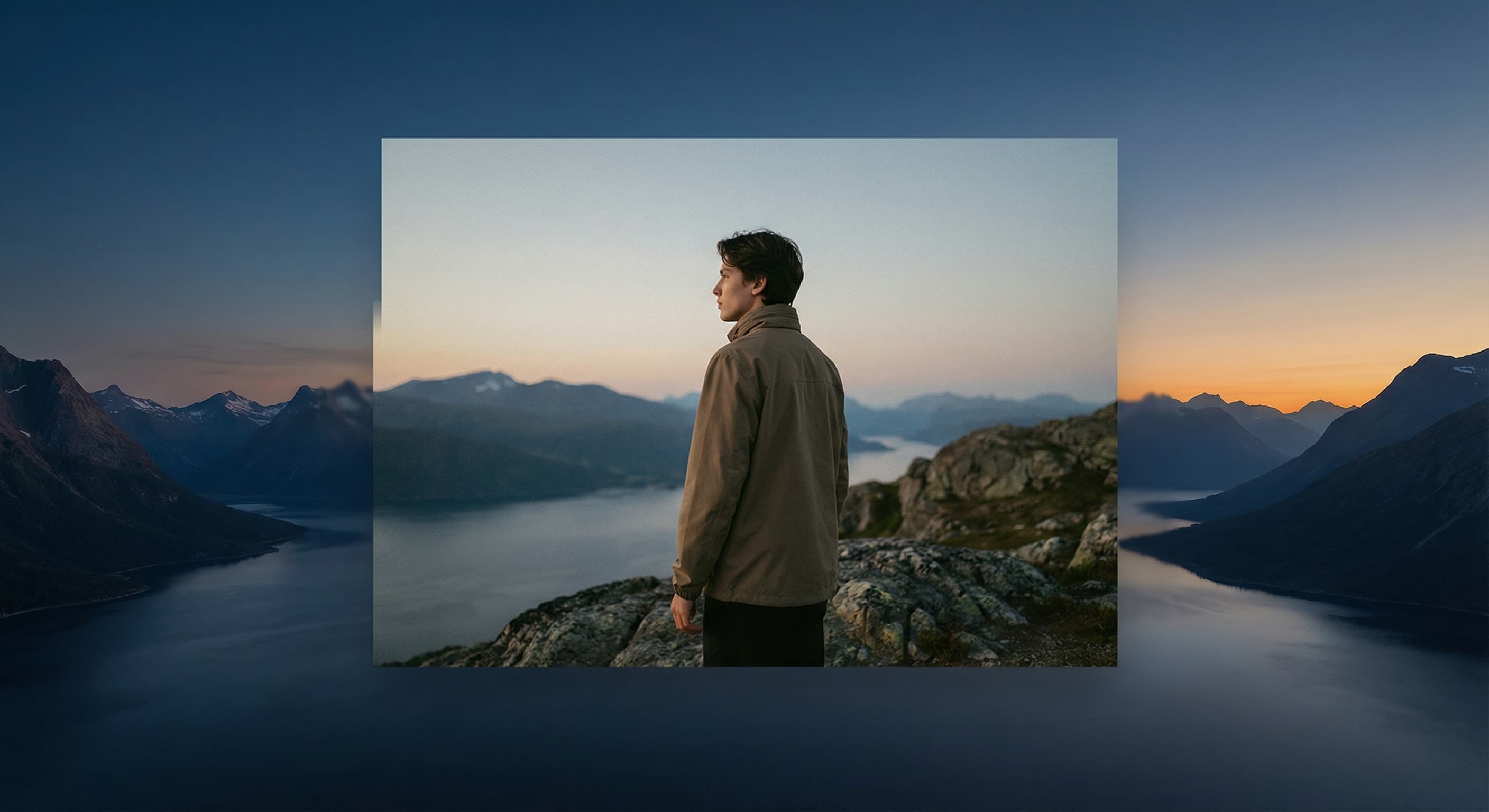
AI Image Expander
Flux 1.1 Pro
Prompt

"Expand this image to 16:9 aspect ratio"

AI Image Expander

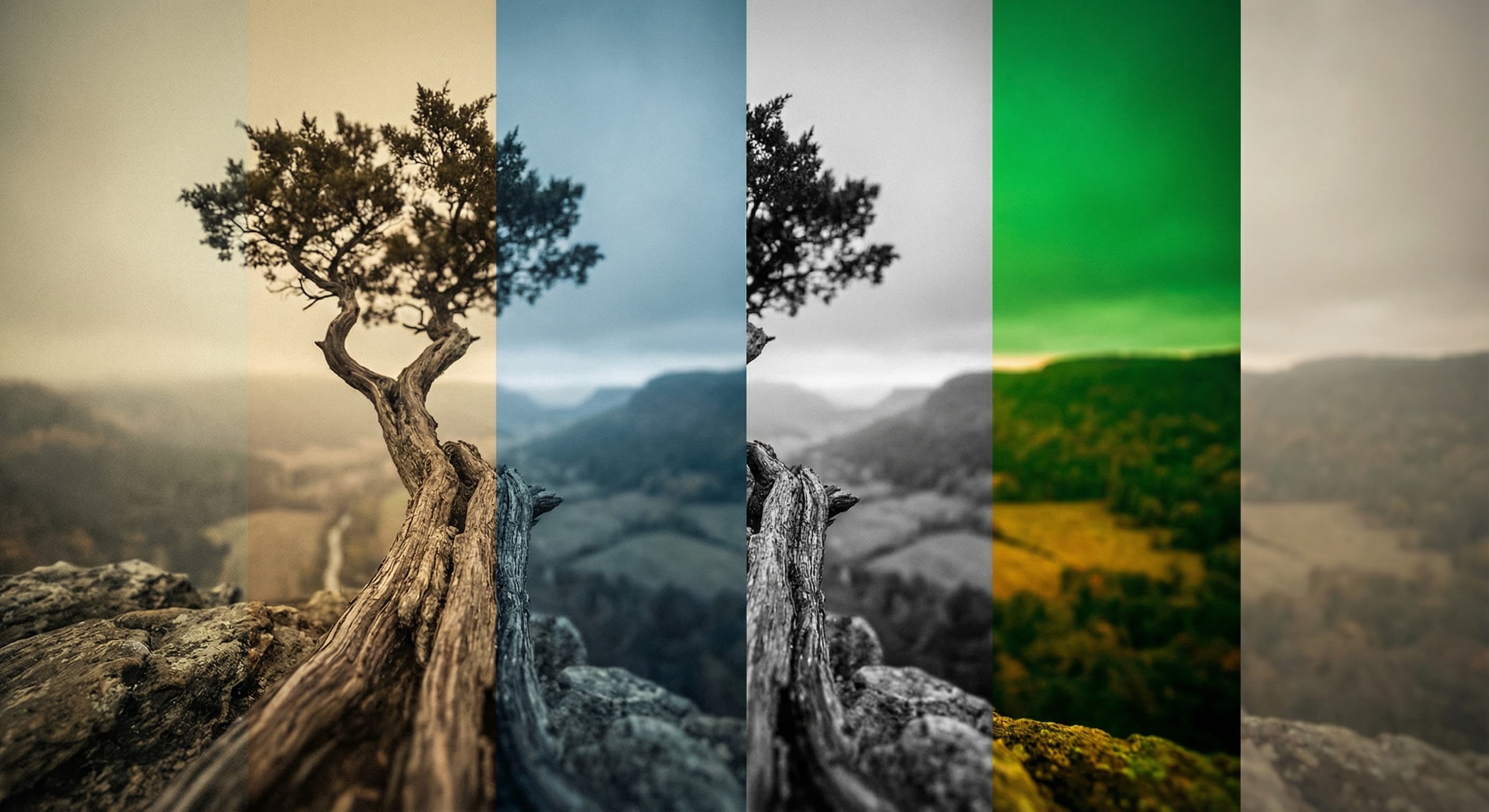
Photo Filters
Filter AI
Prompt

"Apply a vintage film aesthetic"

Photo Filters

Background Remover
Nano Banana
Prompt

"Remove background and save as PNG"

Background Remover