Light and Shadow That Match
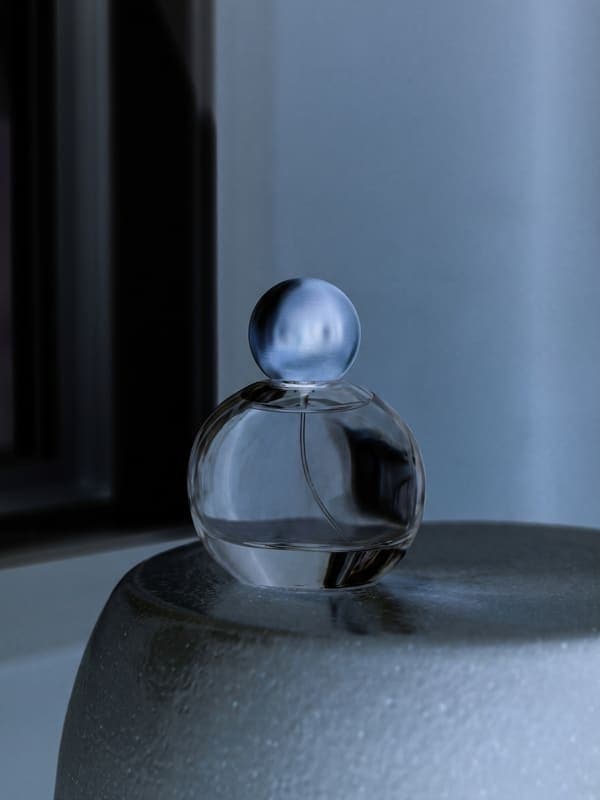
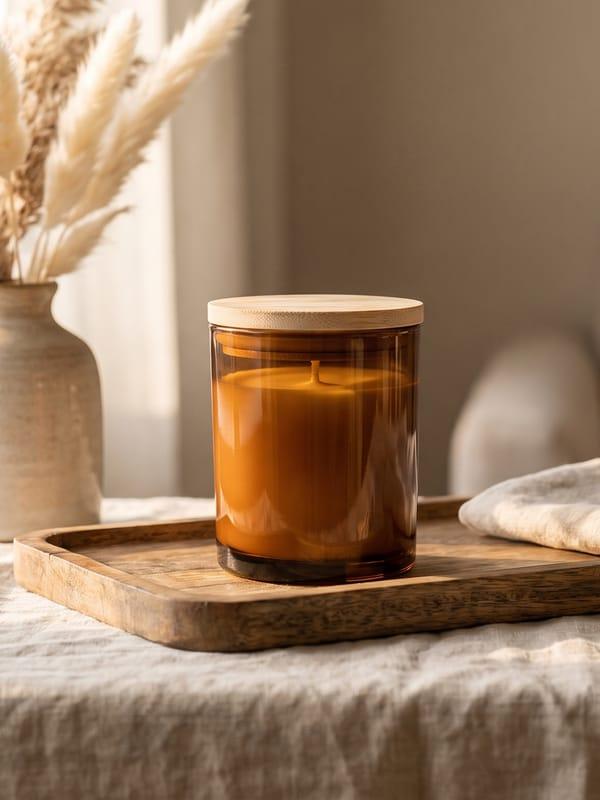
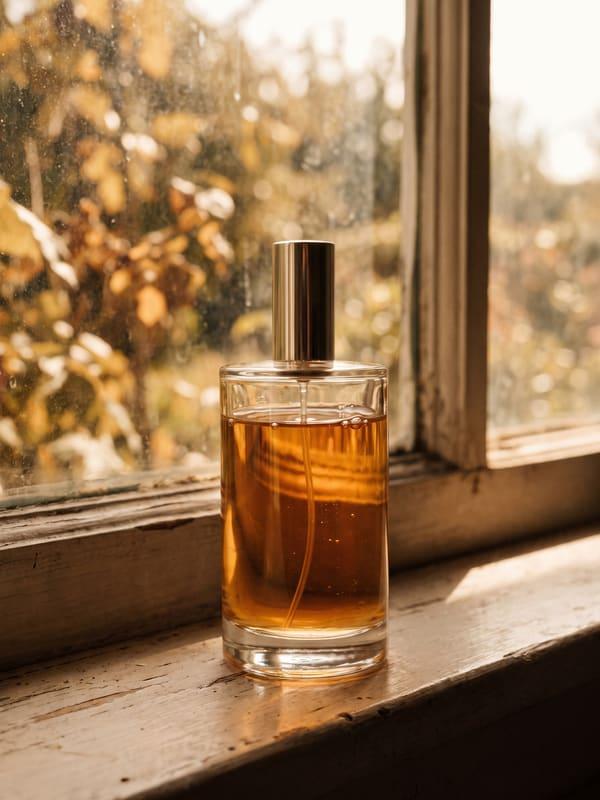
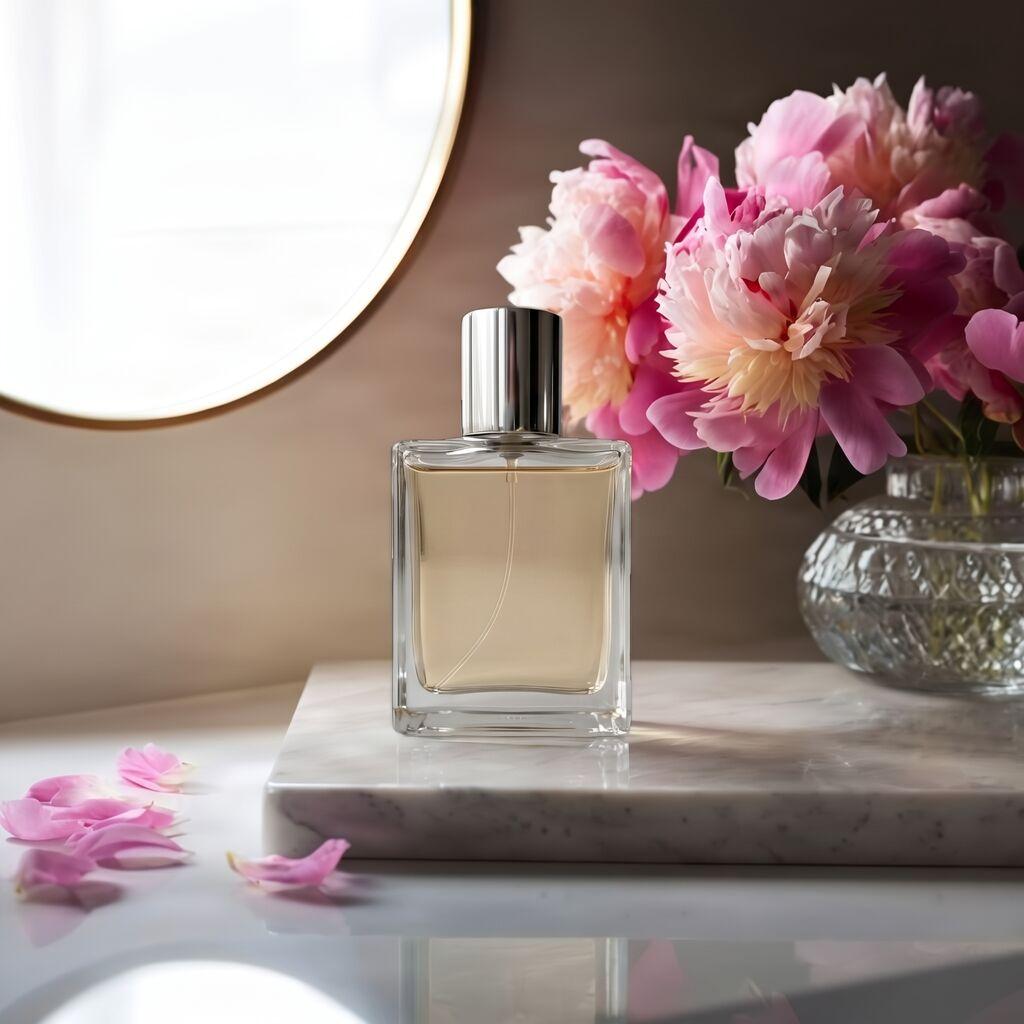
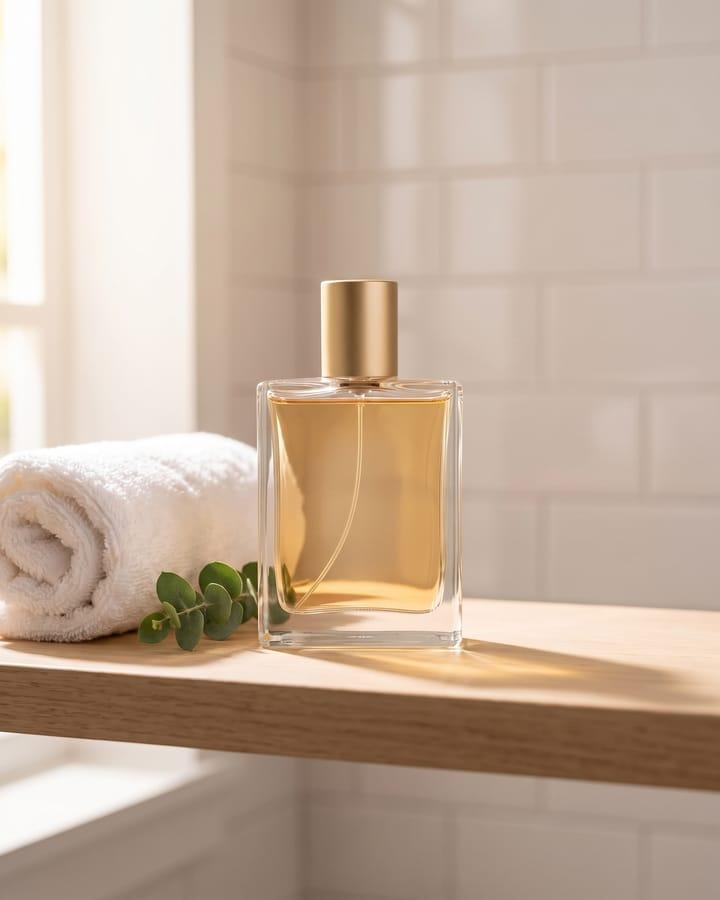
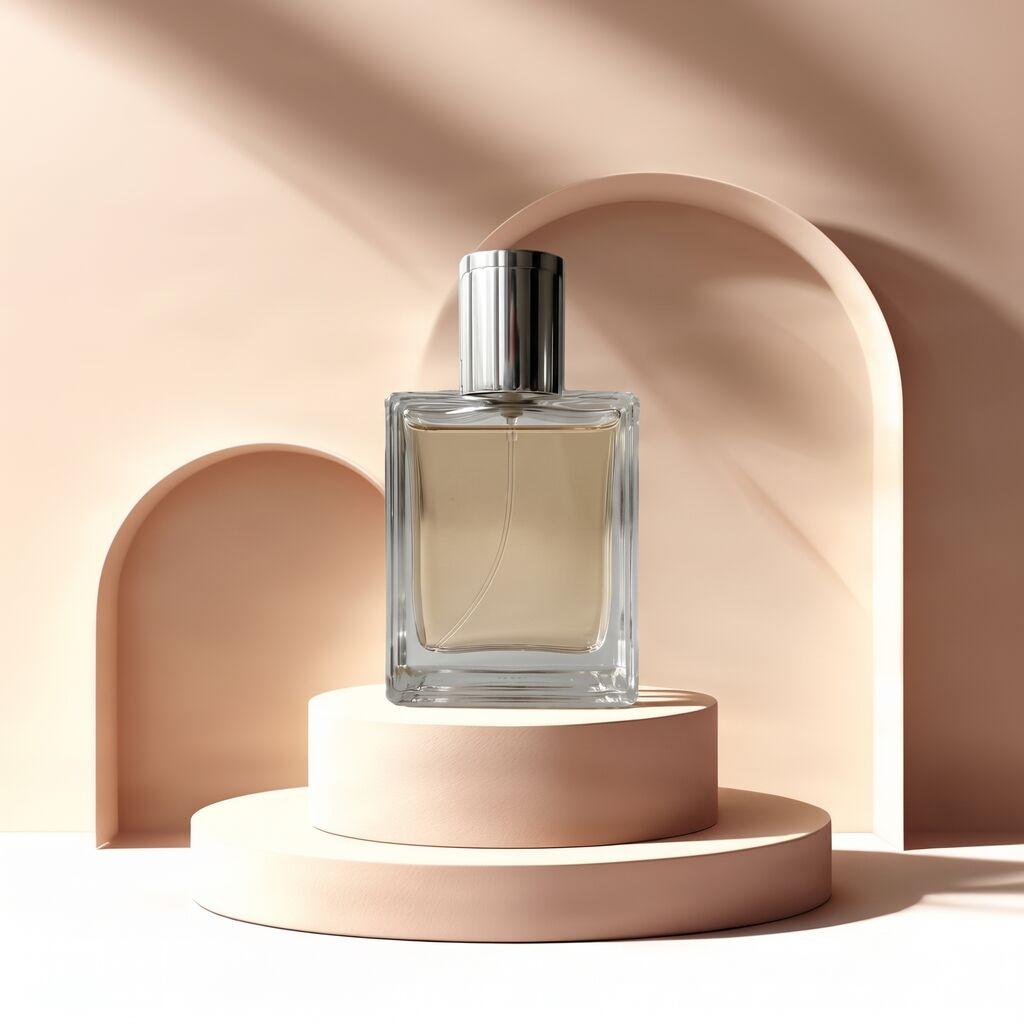
The set is lit from one side, with a soft contact shadow where the product touches the surface and a shadow that falls away from the light.
Upload a product photo and place it in a bathroom shelf, kitchen counter, vanity, podium or beach set. Light, shadows and reflections are built around it, and the product itself is never redrawn.
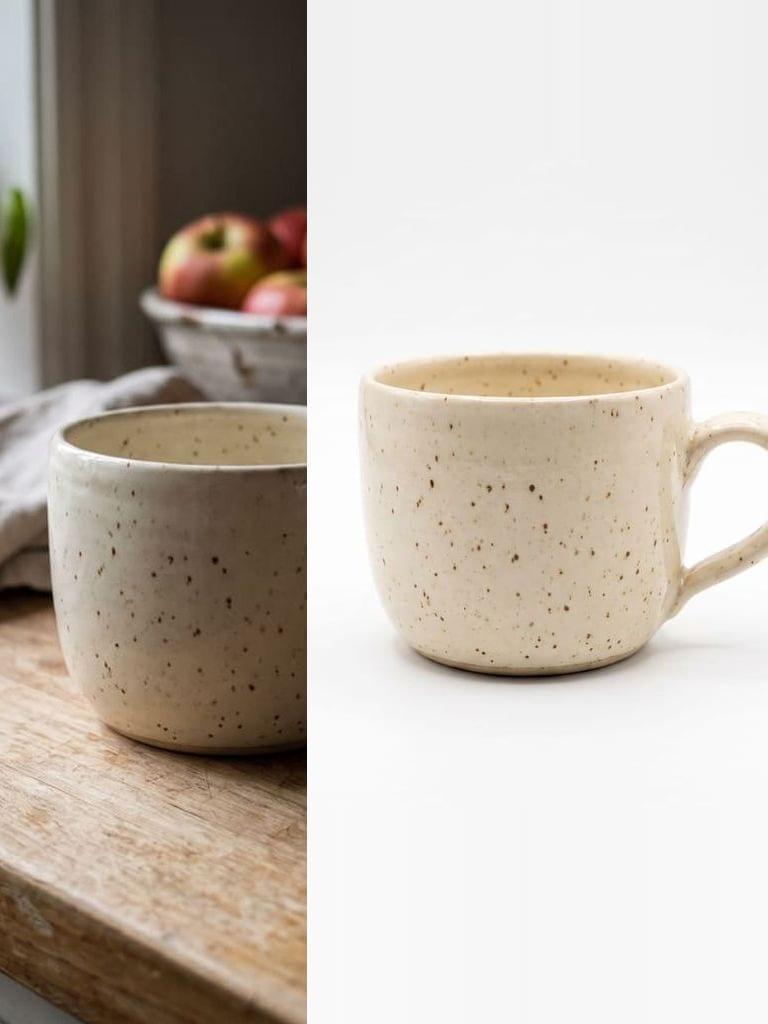
Upload the white-background shot you already have. The set, light and shadows are built around it.
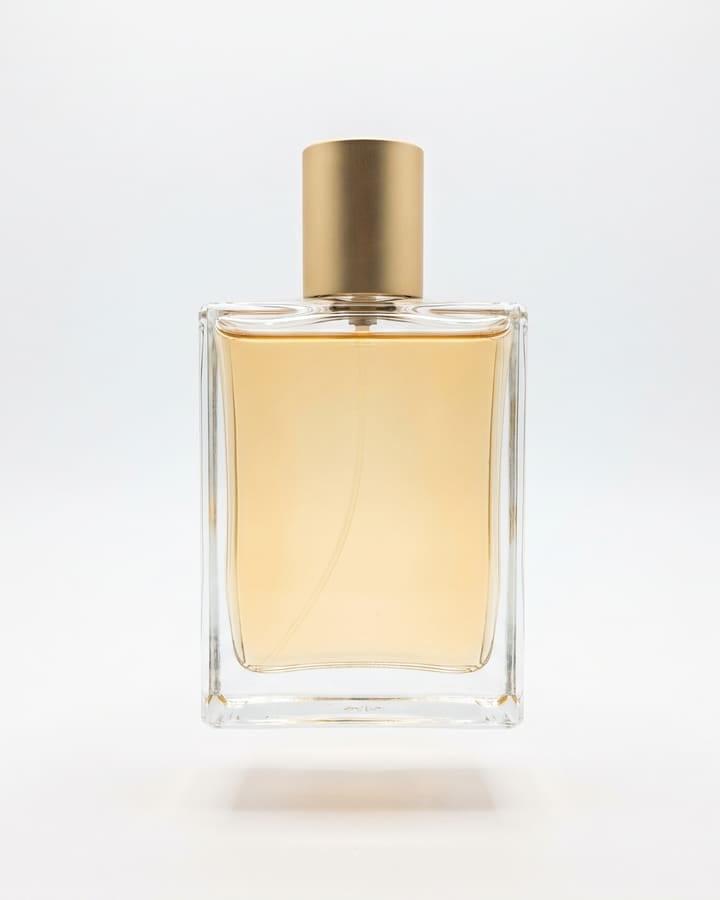
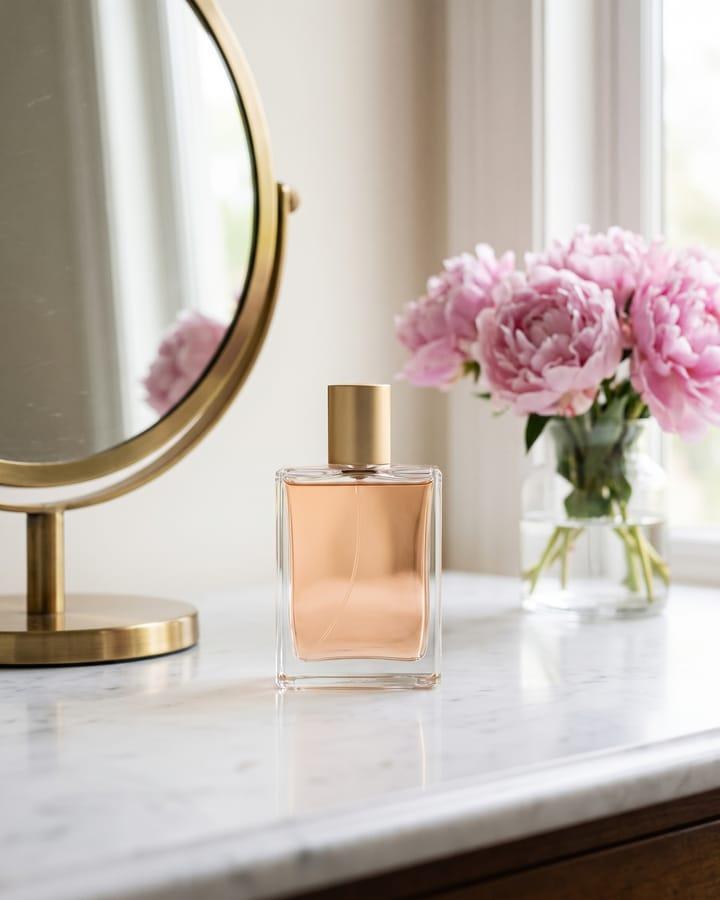
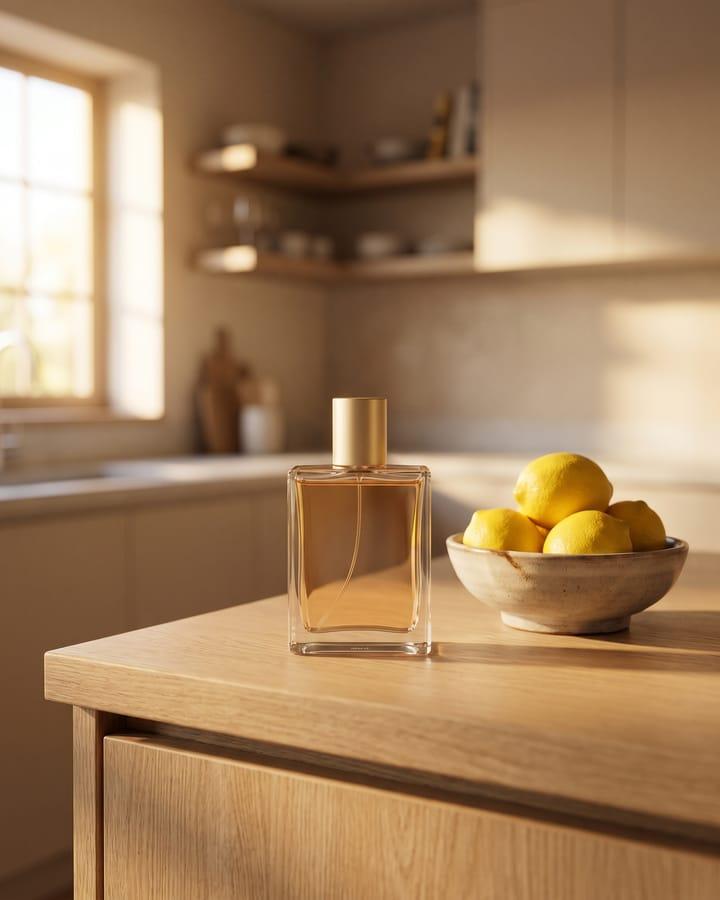
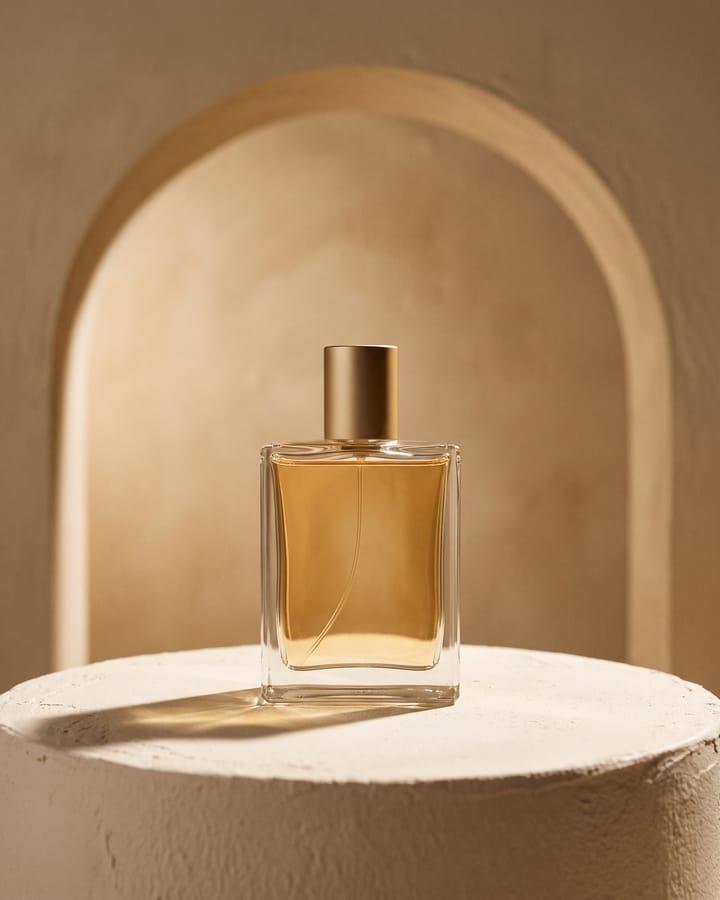
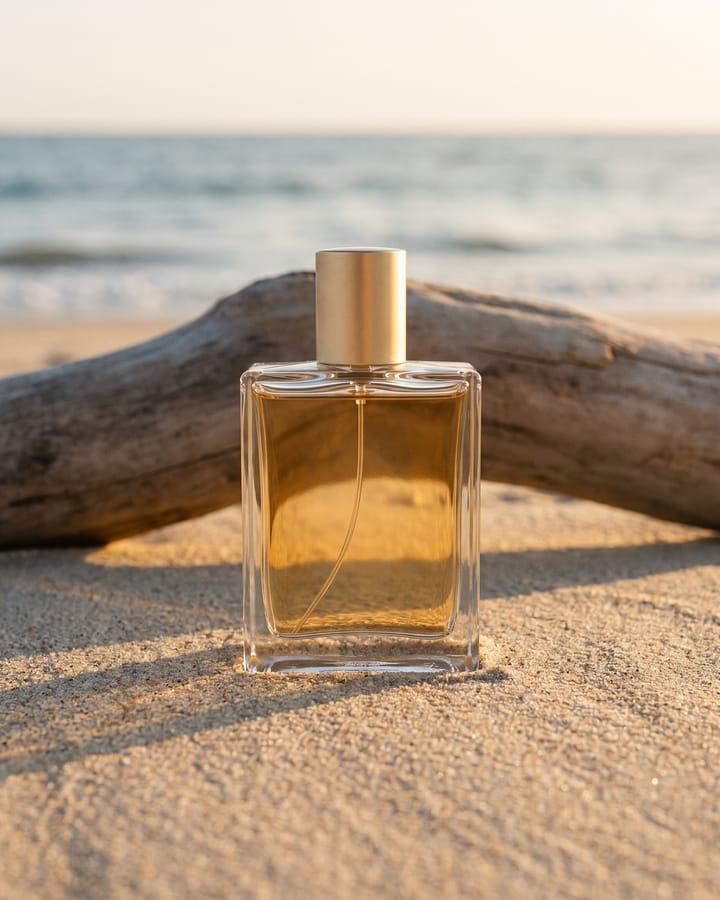
Same bottle in every tile. Pick the set that suits the listing, the ad or the post.
Shoot the photo first, then edit it. Shot ideas, beauty product setups and Depop photo tips you can try with a phone.
Selling on Amazon, Etsy, eBay or Shopify? These guides cover marketplace photo rules and the edits that make a listing look professional.
Or browse every guide in the Instasize seller hub.
Comparing tools? See the best Photoroom alternatives, Pixelcut alternatives and remove.bg alternatives, the product photo glossary, or background color pages.
Give every product a lifestyle image next to the plain white-background shot, without booking a studio.
Turn one product photo into a feed of different sets: kitchen, vanity, beach, desk or holiday.
Pasting a cutout on a new background looks pasted. Staging builds the set around your product, then puts your original pixels back so the label stays true.
The set is lit from one side, with a soft contact shadow where the product touches the surface and a shadow that falls away from the light.
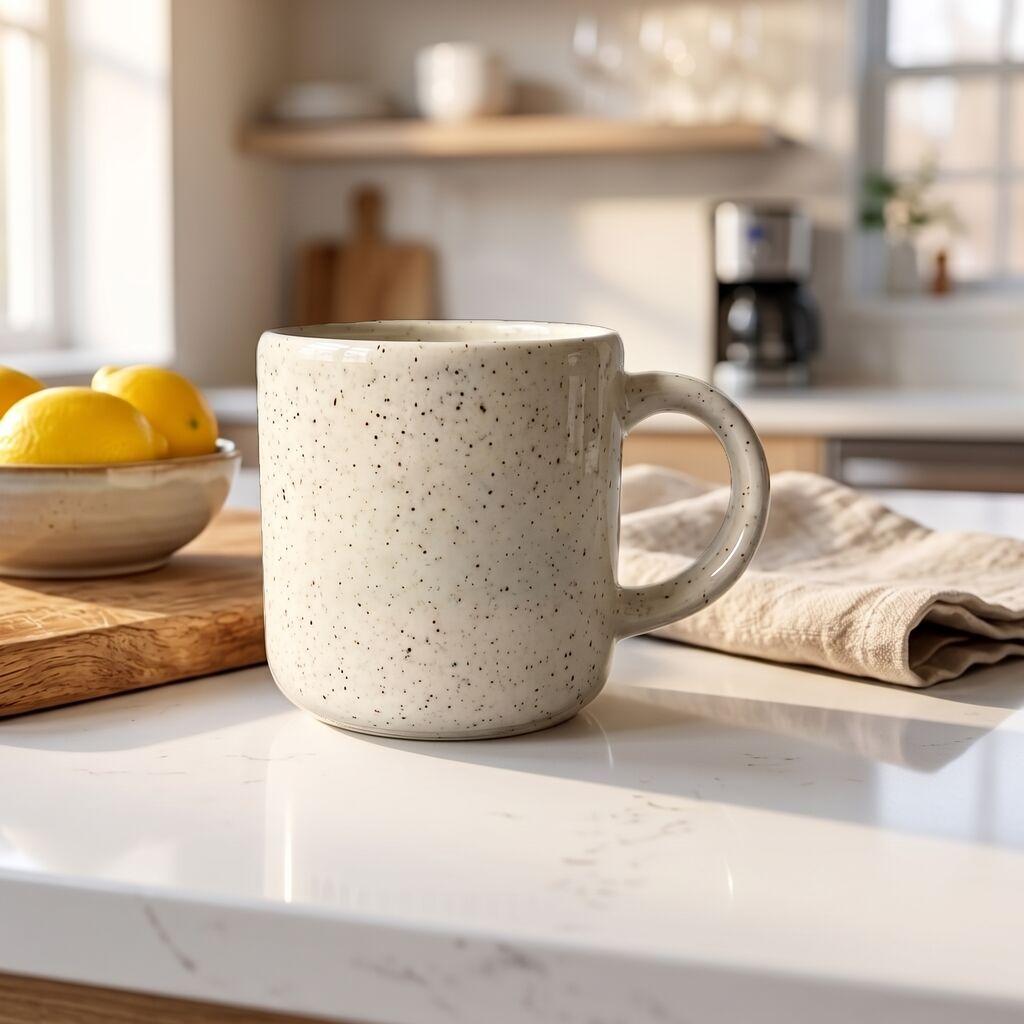
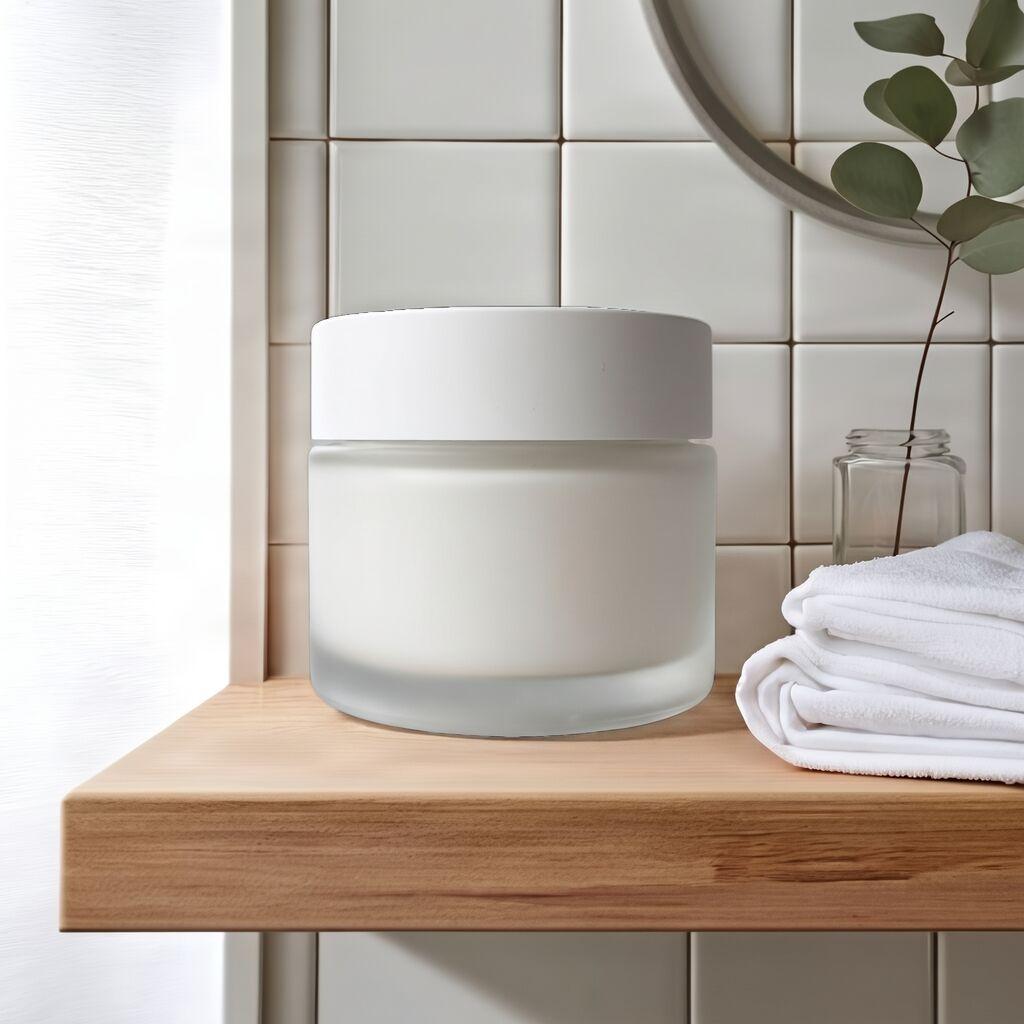
A towel, a bowl of lemons or a sprig of eucalyptus sit beside your product at believable size and distance, with the background softly out of focus.
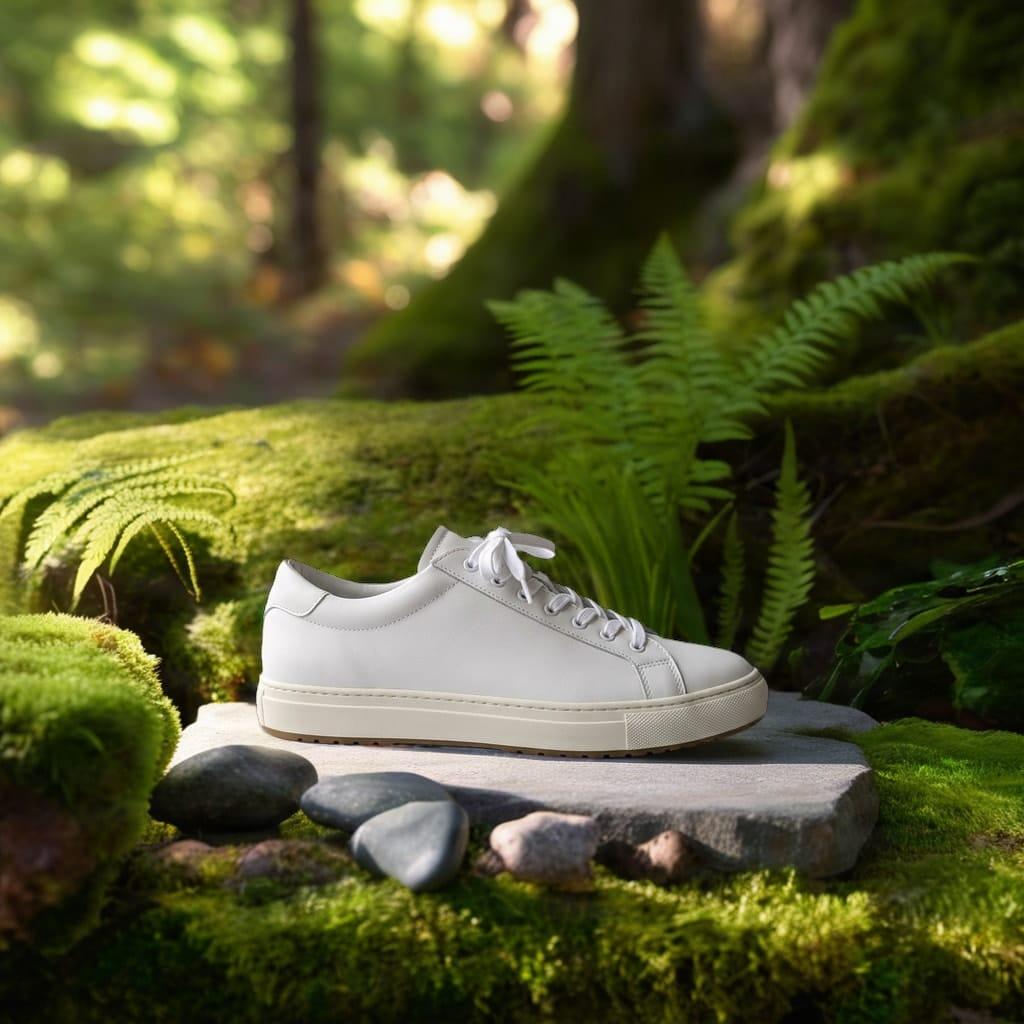
After the set is made, your original product pixels are placed back over it. Label text, logo, color and shape come from your photo, not from AI.

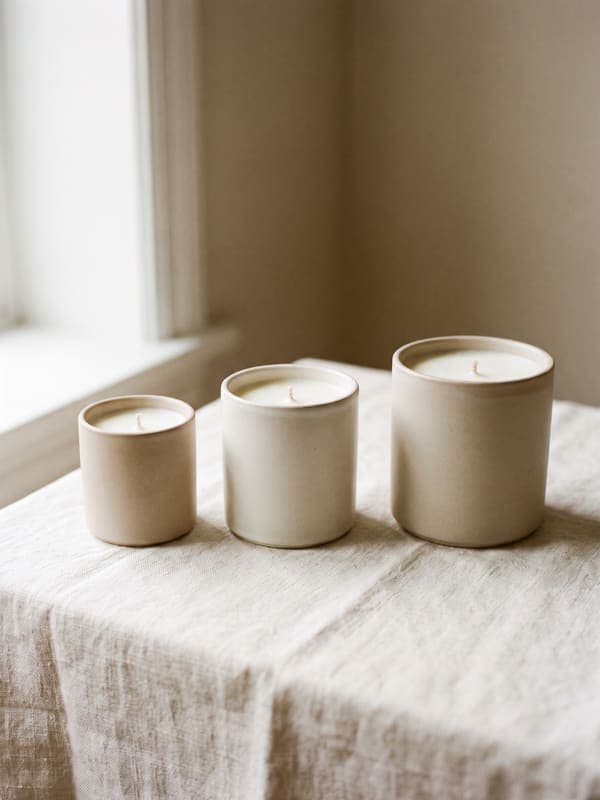
Buyers picture themselves using the product. A lived-in home set, with warm window light and soft furnishings, gives the listing that moment without a photoshoot.
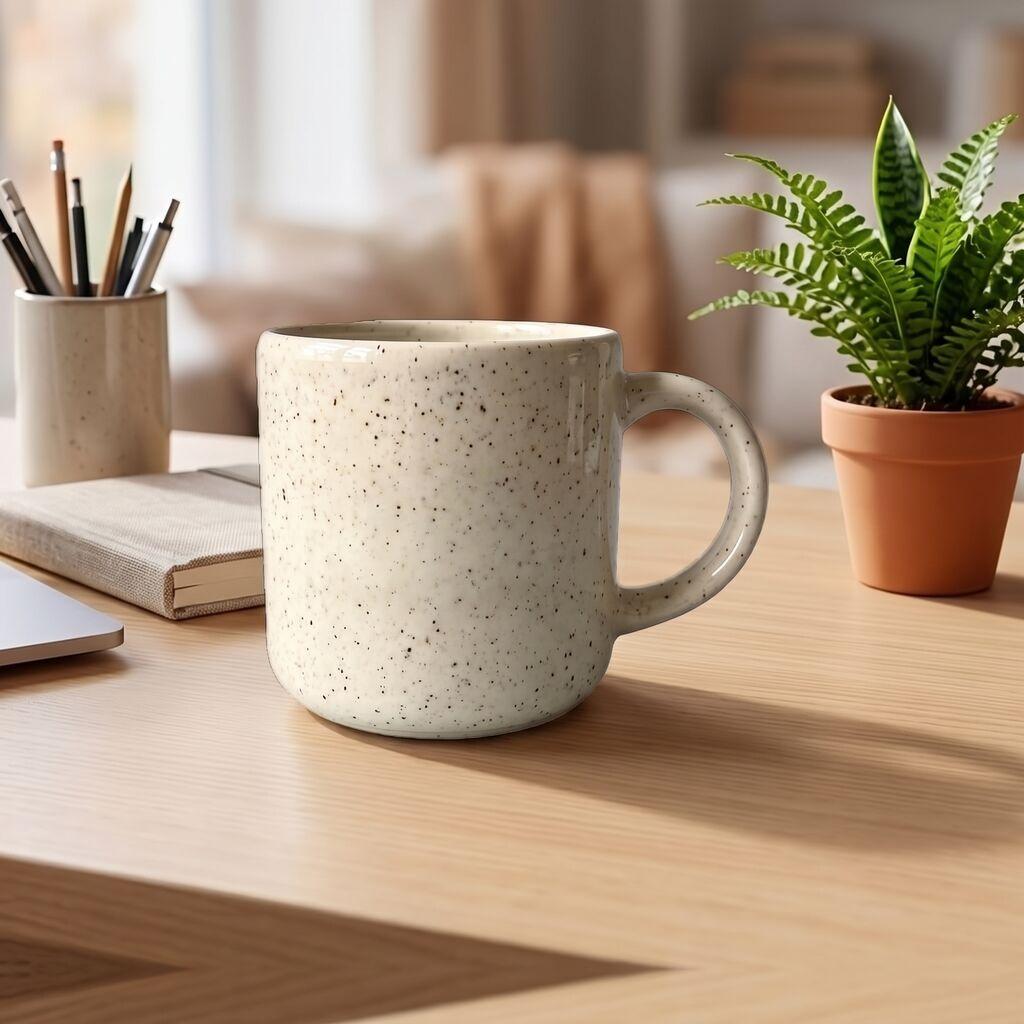
Bathroom shelf, kitchen counter, vanity with flowers and desk setup suit skincare, drinkware, fragrance and small accessories.
A plaster podium for a clean campaign look, outdoor stone for a natural feel, and beach sand for summer launches.
Use the holiday set for gift season, or describe your own set in a few words.
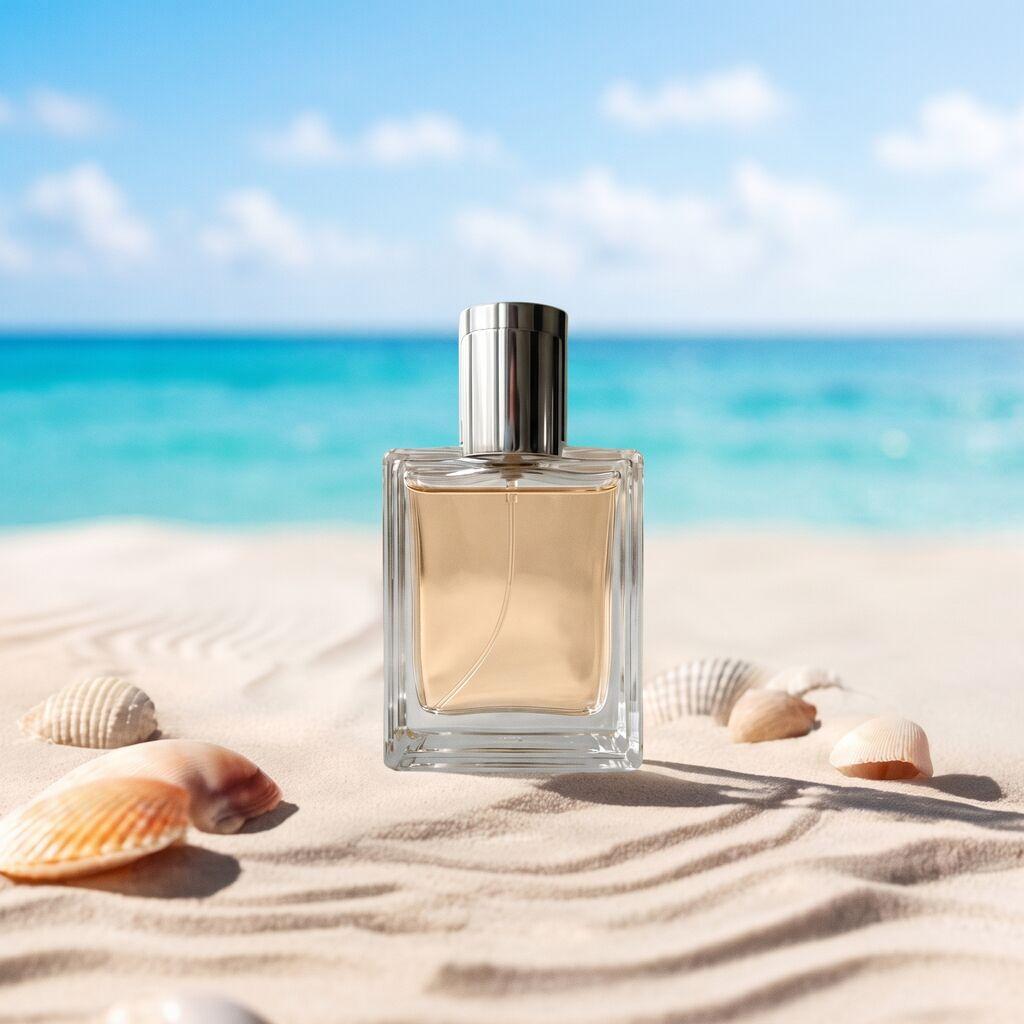
A product that is in focus and fully in frame cuts out cleanly. Clear glass and thin handles are the hardest cases, so check them in the result.
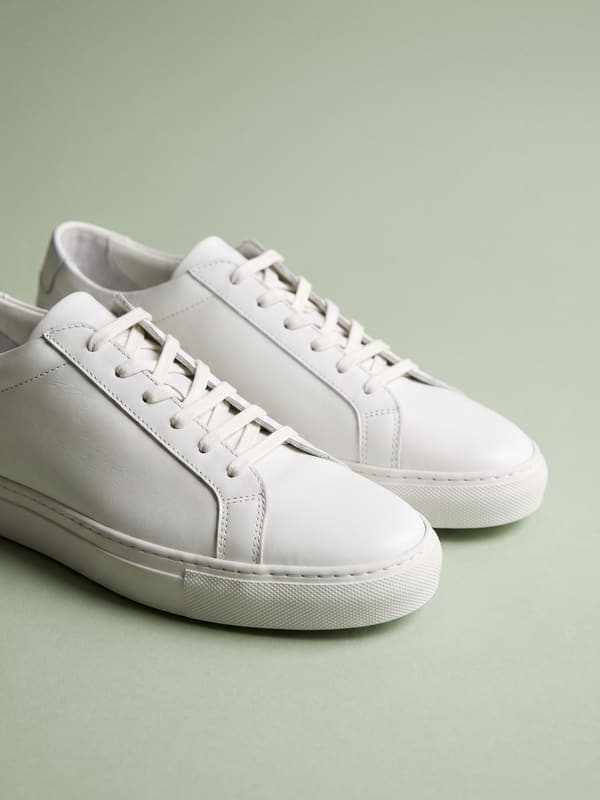
A sneaker reads well on stone or a podium, a mug on a kitchen counter, a serum on a bathroom shelf.
Each run gives two variations, and you can generate two more with the same set.
Use a photo of the product on any background. It is cut out automatically.
Each set shows a preview with your own product. Choose one, or describe your own.
Pick your favorite of two variations, generate two more if you like, then download.
Great app for filtering photos and even greater app for sizing pictures for not only posts but story photos as well... love this app I mainly use insta size for all my posts now ;)
Resizing photos for social media should be a cinch, but most editing programs are a pain to use. Of the dozen I’ve used, Instasize is the fastest, easiest and most consistent...
Perfect app for the exact social media picture sizes. Love it. I use it daily. & I like the premade options they give you for different social medias!
Its the best app. for sizing photos to fit for Instagram or other forms of social media. You can also edit photos and create collages with multiple photos. It’s had been my friend for several years!
Always helpful when needing to resize photos
I love this app. Makes posting all types of photos. Love how it makes them fit on different formats
I use this app everyday to perfectly resize images for all of my social media platforms
This app saved the day for me! I’m finally able to resize my photos for IG....effortlessly
We use this App weekly to resize pics for social media posts. Very user friendly, easy to use program when you want to get in and out quickly...
Product staging puts a product in a realistic set, with props, a surface, lighting, shadows and reflections, so it looks photographed there instead of pasted onto a backdrop.
No. After the set is generated, your original product pixels are placed back over it, so the label text, logo, color and shape come from your photo. If a result does not keep your product faithful, it is not shown to you.
Background scenes place your cutout on a generated backdrop. Staging builds the whole set around the product, including contact shadows, reflections and perspective, which makes it look like one photograph.
Two variations per run. Choose Generate 2 more to get two more from the same set.
Staging is an AI feature, so it uses AI credits on a paid plan, and Pro starts with a free trial. A run that fails is not charged. Downloads have no watermark.
Bottles, jars, mugs, shoes, boxes and other objects photographed on their own work well. Very thin or transparent parts can need a second try.
Staged images are best as secondary or lifestyle images. Many marketplaces require a plain white background for the main image, so use the background remover for that one.
Short definitions of the image terms behind this tool, with how to handle each one.
Placing a product in a styled, realistic set with props, light and shadows around it.
A photo that shows a product in real-life use or a believable setting, not on a plain backdrop.
Product photography is taking pictures of items for sale so buyers can judge them online.
Resize, crop, add text and work with layers for free. Paid plans include an AI usage allowance, background removal and access to image and video models. First-time subscribers can start with a free trial.
Essential tools for casual creators.
Free forever
Essential AI tools for creators
Billed monthly
Annual option: $299.99 billed yearly.
Advanced features for professionals
Billed monthly
Annual option: $499 billed yearly.
Maximum power and speed
Billed monthly
Annual option: $2199 billed yearly.
Generate from text, expand photos, remove backgrounds, and upscale to 4K