Transparent Background Maker
Upload a photo and get a transparent background, saved as a PNG with no box behind the subject. Review hair, fur, shadows, and other fine edges before using the result.
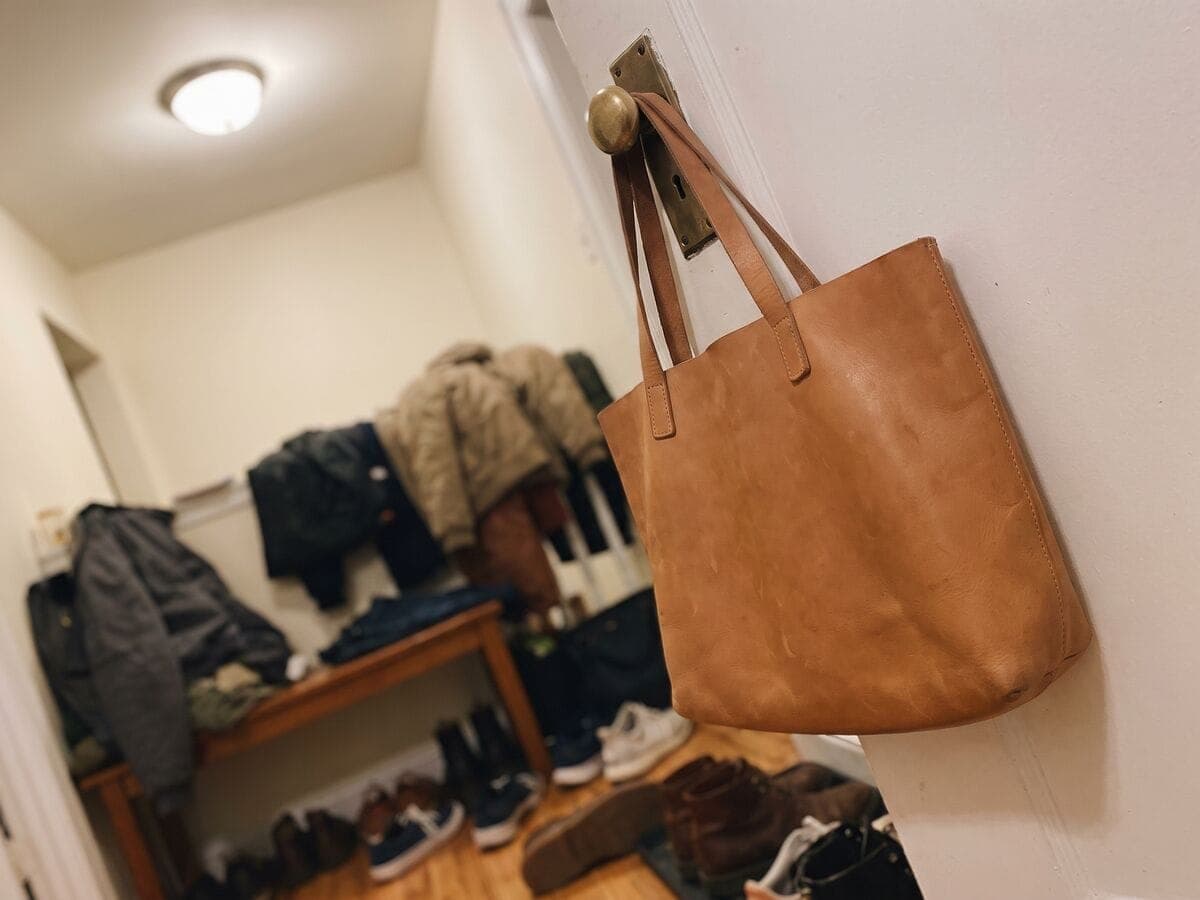
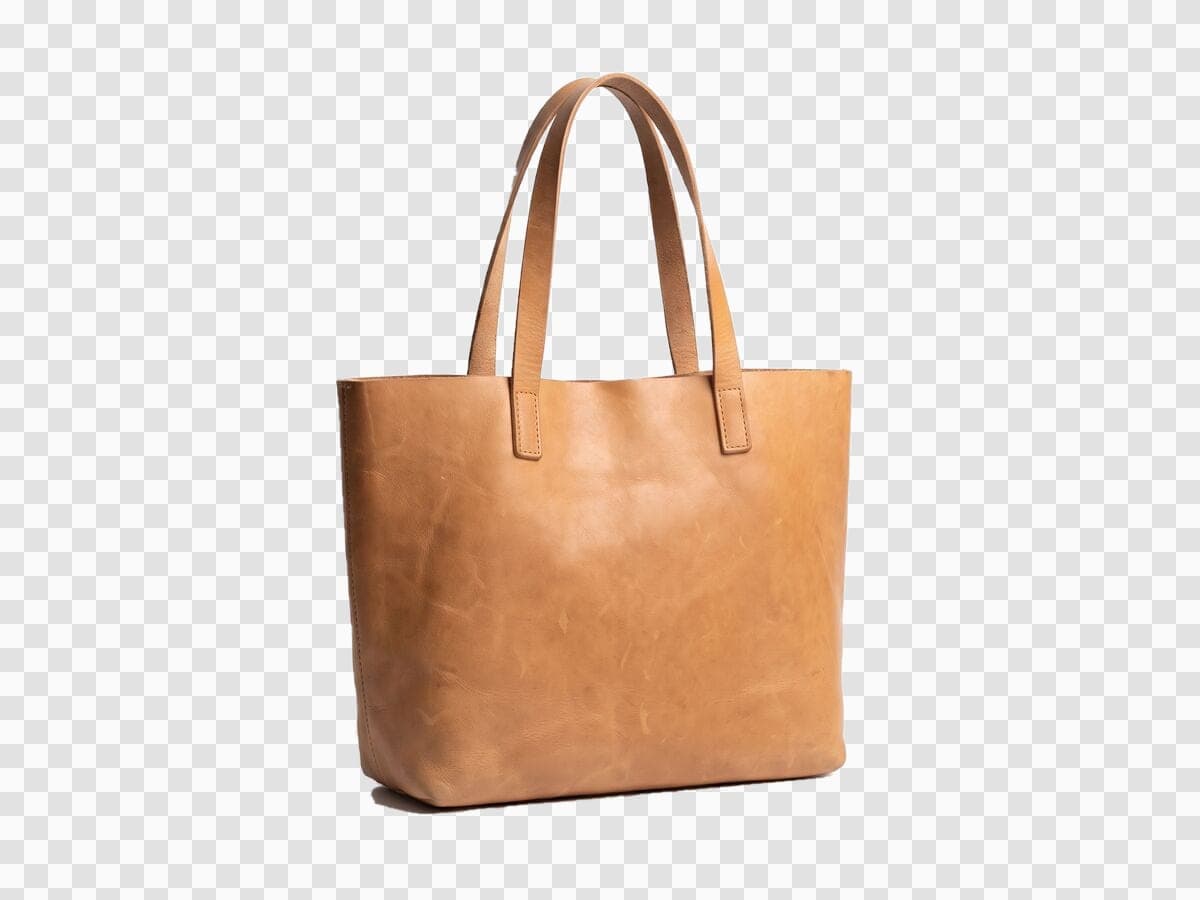
Product photo in, transparent PNG out
The checkerboard is the transparent part. Drop the PNG onto a listing template, a colored backdrop or an ad, and the product keeps clean edges. Sellers use it to make listing-ready cutouts before choosing a background.
How this compares to other tools
Sourced comparisons built from each vendor's own published pricing and feature terms, with the source links on the page.
Product photo guides for sellers
Selling on Amazon, Etsy, eBay or Shopify? These guides cover marketplace photo rules and the edits that make a listing look professional.
Or browse every guide in the Instasize seller hub.
Comparing tools? See the best Photoroom alternatives, Pixelcut alternatives and remove.bg alternatives, the product photo glossary, or background color pages.
Turn a Photo Into a Transparent PNG
Automatically Isolate the Subject
The background remover identifies the main subject and creates a cutout with transparent pixels around it. Results depend on contrast, lighting, occlusion, and the complexity of the edges.
Use the Cutout in Designs and Listings
A transparent PNG can be placed over a color, photo, slide, storefront, or social graphic without a rectangular background. Check the destination requirements before uploading it.
Get a Cleaner Transparent Cutout
Start With a Clear Source
Use the highest-resolution source available with the subject in focus and visibly separated from the background. Heavy blur, compression, and similar foreground and background colors make separation harder.
Inspect Fine Edges
Zoom in around hair, fur, glass, shadows, and narrow gaps. Automated removal can leave missing detail, halos, or background fragments in these areas.
Keep PNG as the Output
PNG supports fully transparent and semi-transparent pixels. JPG does not, so saving the cutout as JPG would replace transparency with a solid background.
How to make a transparent PNG?
- 1
Step 1: Upload an Image
Choose the product photo, portrait, logo, or other image whose background you want to remove.
- 2
Step 2: Remove the Background
Run the background remover and wait for the subject cutout. Any account or usage limit is shown in the tool before processing.
- 3
Step 3: Review and Download the PNG
Inspect the subject boundary and transparent areas, then download a suitable PNG result.
One of my go-to apps
Great app for filtering photos and even greater app for sizing pictures for not only posts but story photos as well... love this app I mainly use insta size for all my posts now ;)
Fast and Straightforward
Resizing photos for social media should be a cinch, but most editing programs are a pain to use. Of the dozen I’ve used, Instasize is the fastest, easiest and most consistent...
Great Sizes
Perfect app for the exact social media picture sizes. Love it. I use it daily. & I like the premade options they give you for different social medias!
I love instasize
Its the best app. for sizing photos to fit for Instagram or other forms of social media. You can also edit photos and create collages with multiple photos. It’s had been my friend for several years!
Always helpful
Always helpful when needing to resize photos
Huge fan
I love this app. Makes posting all types of photos. Love how it makes them fit on different formats
I’ve been using for years. Can’t work without it.
I use this app everyday to perfectly resize images for all of my social media platforms
LOVE
This app saved the day for me! I’m finally able to resize my photos for IG....effortlessly
Great App
We use this App weekly to resize pics for social media posts. Very user friendly, easy to use program when you want to get in and out quickly...
Upload the image and run the background remover. The result is a subject cutout surrounded by transparent pixels that can be downloaded as PNG.
Related guides
Step-by-step articles for the same job, with examples and common mistakes.
Terms explained
Short definitions of the image terms behind this tool, with how to handle each one.
What is a transparent PNG?
A PNG image with see-through areas, so any color or photo behind it shows through.
What is a PNG?
A lossless image format that supports transparency, common for cutouts, logos and graphics.
What is a cutout?
A subject separated from its background, ready to place on any new backdrop.
Try a colored background
Put the cutout on a solid color instead. Pick a shade, preview it live and download.
Blue background for photos
A clean blue backdrop for headshots and products.
Purple background for photos
A bold purple backdrop for creators and brands.
Green background for photos
A fresh green backdrop for portraits and products.
Pink background for photos
A soft pink backdrop for beauty, gifts and dark products.
Red background for photos
A bold red backdrop for sales, food and seasonal posts.
Yellow background for photos
A bright yellow backdrop that makes navy and denim pop.
Orange background for photos
A warm orange backdrop for home goods and food brands.
Gold background for photos
A rich gold backdrop for skincare, gifts and premium looks.
Gray background for photos
A quiet gray (grey) backdrop for catalogs and headshots.
Brown background for photos
An earthy brown backdrop for coffee, plants and craft shops.
Teal background for photos
A deep teal backdrop that flatters leather and brass.
Beige background for photos
A warm beige backdrop for minimal, natural product shots.
Pastel background for photos
A soft pastel backdrop for stationery, beauty and baby items.
File tools
Convert between other image formats
Pick the exact conversion you need. Each converter runs in your browser and shows the output size before you download.
One subscription. Every AI model.
Create without limits. Get full access to every premium AI model and our entire suite of tools with a single plan.
Free
Essential tools for casual creators.
Free forever
- Resize, crop, text and layers
- Batch resize & convert, 200 photos at a time
- HD export
- No AI features: AI edits are part of Pro
Pro
PopularEssential AI tools for creators
Billed monthly
- More AI usage
- Batch background removal, 200 photos at a time
- 2 generations at a time
- AI Chat Editing
- All AI image models
- All AI video models
Ultimate
Advanced features for professionals
Billed monthly
- More AI usage
- Batch background removal, 200 photos at a time
- 4 generations at a time
- AI Chat Editing
- All AI image models
- All AI video models
Max
Maximum power and speed
Billed monthly
- More AI usage
- Batch background removal, 200 photos at a time
- 8 generations at a time
- AI Chat Editing
- All AI image models
- All AI video models
AI Image Generator for Every Creative Need
Generate from text, expand photos, remove backgrounds, and upscale to 4K