Blur Background of a Photo Online
Blur the background of any photo online. Upload it and the subject stays sharp while your original background is blurred behind it. Preview the effect, then download it.
Related tools
Same job on a different file type or batch size. Each tool still processes the file in this browser.
How It Works
A Blurred Copy Behind the Cutout
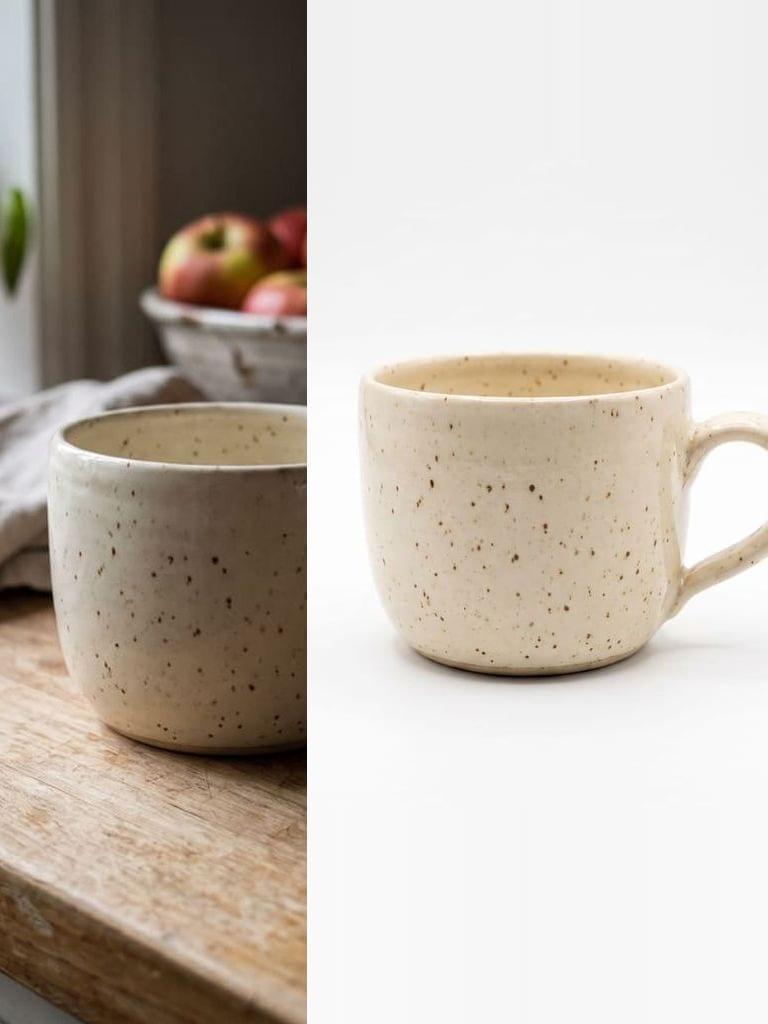
The tool cuts out your subject, blurs your original photo, and places the sharp cutout on top. Because the blur is a copy of your own background, the colors and light still feel like the same scene.
Not the Same as a Lens Blur
A real lens blurs gradually with distance. This effect blurs the whole background evenly, which looks clean for portraits and products but is not a depth simulation.
Getting a Natural Result
Busy Backgrounds
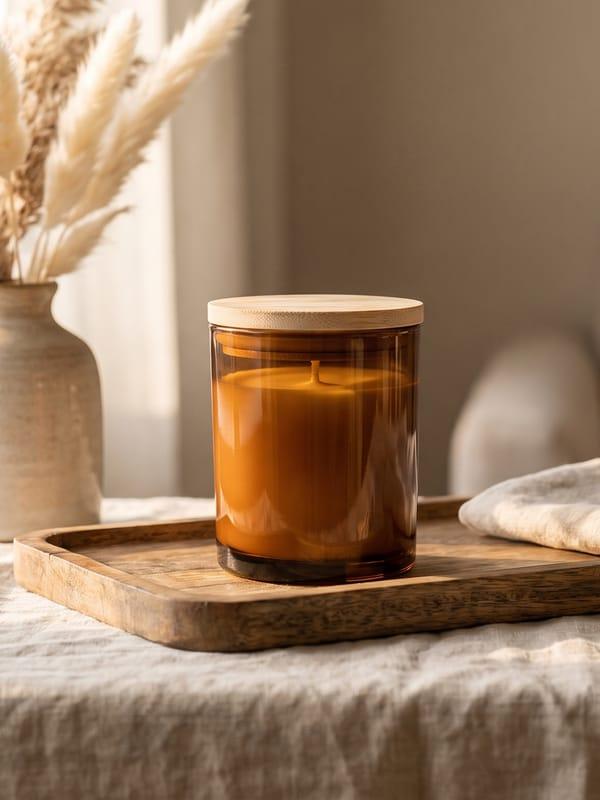
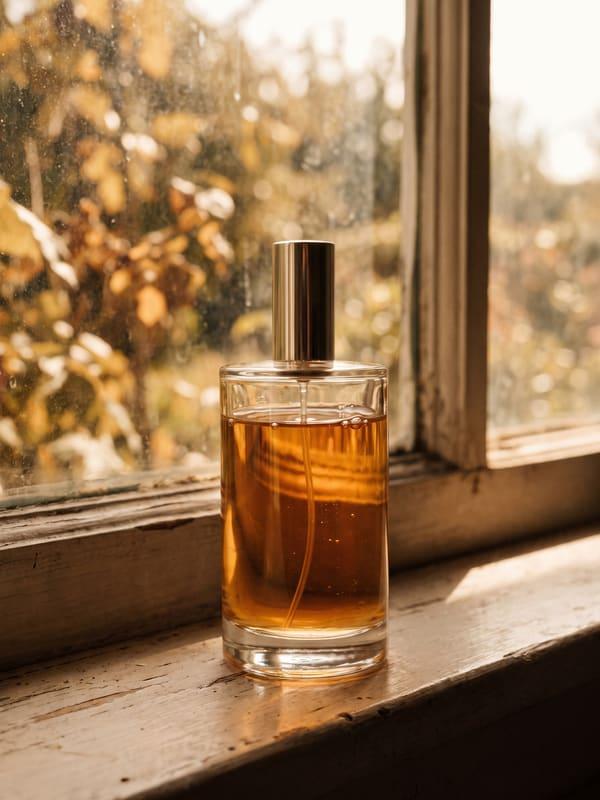
Blur is useful when the place behind you is distracting but you still want it to read as a place. Streets, rooms, and crowds turn into soft color.
Edge Quality
The edge between sharp subject and soft background is where it can look cut out. Zoom into hair and shoulders in the preview, and prefer photos where the subject is clearly separate.
Output
A blurred background is a full photo, so it downloads as a JPG. If you want only the subject, choose Transparent for a PNG.
How to blur the background of a photo online?
- 1
Step 1: Upload Your Photo
Choose a photo with a clear main subject, such as a person, pet, or product.
- 2
Step 2: Let the Tool Separate the Subject
The subject is cut out and your original background is blurred behind it. Any account or usage limit appears in the tool before processing.
- 3
Step 3: Check the Edges and Download
Look at the boundary in the preview, change the background if you prefer, and download the result.
One of my go-to apps
Great app for filtering photos and even greater app for sizing pictures for not only posts but story photos as well... love this app I mainly use insta size for all my posts now ;)
Fast and Straightforward
Resizing photos for social media should be a cinch, but most editing programs are a pain to use. Of the dozen I’ve used, Instasize is the fastest, easiest and most consistent...
Great Sizes
Perfect app for the exact social media picture sizes. Love it. I use it daily. & I like the premade options they give you for different social medias!
I love instasize
Its the best app. for sizing photos to fit for Instagram or other forms of social media. You can also edit photos and create collages with multiple photos. It’s had been my friend for several years!
Always helpful
Always helpful when needing to resize photos
Huge fan
I love this app. Makes posting all types of photos. Love how it makes them fit on different formats
I’ve been using for years. Can’t work without it.
I use this app everyday to perfectly resize images for all of my social media platforms
LOVE
This app saved the day for me! I’m finally able to resize my photos for IG....effortlessly
Great App
We use this App weekly to resize pics for social media posts. Very user friendly, easy to use program when you want to get in and out quickly...
How do I blur the background of a picture?
Upload the picture. The subject is cut out, your original background is blurred, and the sharp subject is placed on top. Preview it and download a JPG.
Can I control how strong the blur is?
Not yet. The blur strength scales with the size of the photo so it looks similar on small and large images.
Does it blur the background or the whole photo?
Only the background. The subject stays sharp because it is cut out first and placed back on top of the blurred copy.
Will it look like portrait mode?
It gives a similar clean, soft backdrop, but the blur is even rather than graduated by distance like a real lens.
Can I blur a background without it looking cut out?
Start with a sharp photo where the subject stands apart from the background, and check hair and edges in the preview.
Does it cost anything?
Removing the background is an AI feature, so it is part of the paid plans, and Pro starts with a free trial. Downloads have no watermark.
What is the difference between Blur Background and Blur Image?
Blur Background keeps your subject sharp and blurs only what is behind it. Blur Image softens the entire photo evenly, subject included, with an adjustable amount.
Can I blur the background of a product photo?
Yes. A sharp product over a soft copy of its own backdrop keeps the focus on the item. If a marketplace needs a plain white background instead, use the white background tool.
Can I blur a background for free?
The subject cut-out is an AI step that belongs to the paid plans, and Pro starts with a free trial. Downloads have no watermark.
Related guides
Step-by-step articles for the same job, with examples and common mistakes.
Terms explained
Short definitions of the image terms behind this tool, with how to handle each one.
Try a colored background
Put the cutout on a solid color instead. Pick a shade, preview it live and download.
Blue background for photos
A clean blue backdrop for headshots and products.
Purple background for photos
A bold purple backdrop for creators and brands.
Green background for photos
A fresh green backdrop for portraits and products.
Pink background for photos
A soft pink backdrop for beauty, gifts and dark products.
Red background for photos
A bold red backdrop for sales, food and seasonal posts.
Yellow background for photos
A bright yellow backdrop that makes navy and denim pop.
Orange background for photos
A warm orange backdrop for home goods and food brands.
Gold background for photos
A rich gold backdrop for skincare, gifts and premium looks.
Gray background for photos
A quiet gray (grey) backdrop for catalogs and headshots.
Brown background for photos
An earthy brown backdrop for coffee, plants and craft shops.
Teal background for photos
A deep teal backdrop that flatters leather and brass.
Beige background for photos
A warm beige backdrop for minimal, natural product shots.
Pastel background for photos
A soft pastel backdrop for stationery, beauty and baby items.
Instasize pricing: free editing and paid AI plans
Resize, crop, add text and work with layers for free. Paid plans include an AI usage allowance, background removal and access to image and video models. First-time subscribers can start with a free trial.
Free
Essential tools for casual creators.
Free forever
- Resize, crop, text and layers
- Batch resize & convert, 200 photos at a time
- HD export
- No AI features: AI edits are part of Pro
Pro
PopularEssential AI tools for creators
Billed monthly
Annual option: $299.99 billed yearly.
- More AI usage
- Batch background removal, 200 photos at a time
- 2 generations at a time
- AI Chat Editing
- All AI image models
- All AI video models
Ultimate
Advanced features for professionals
Billed monthly
Annual option: $499 billed yearly.
- More AI usage
- Batch background removal, 200 photos at a time
- 4 generations at a time
- AI Chat Editing
- All AI image models
- All AI video models
Max
Maximum power and speed
Billed monthly
Annual option: $2199 billed yearly.
- More AI usage
- Batch background removal, 200 photos at a time
- 8 generations at a time
- AI Chat Editing
- All AI image models
- All AI video models
AI Image Generator for Every Creative Need
Generate from text, expand photos, remove backgrounds, and upscale to 4K