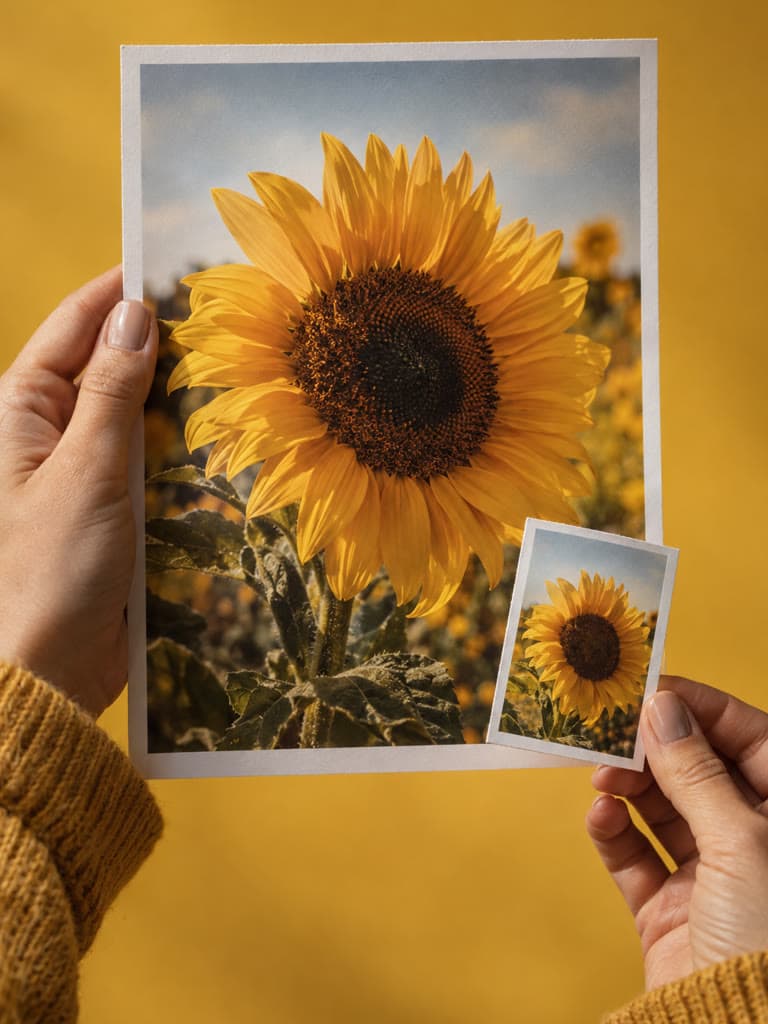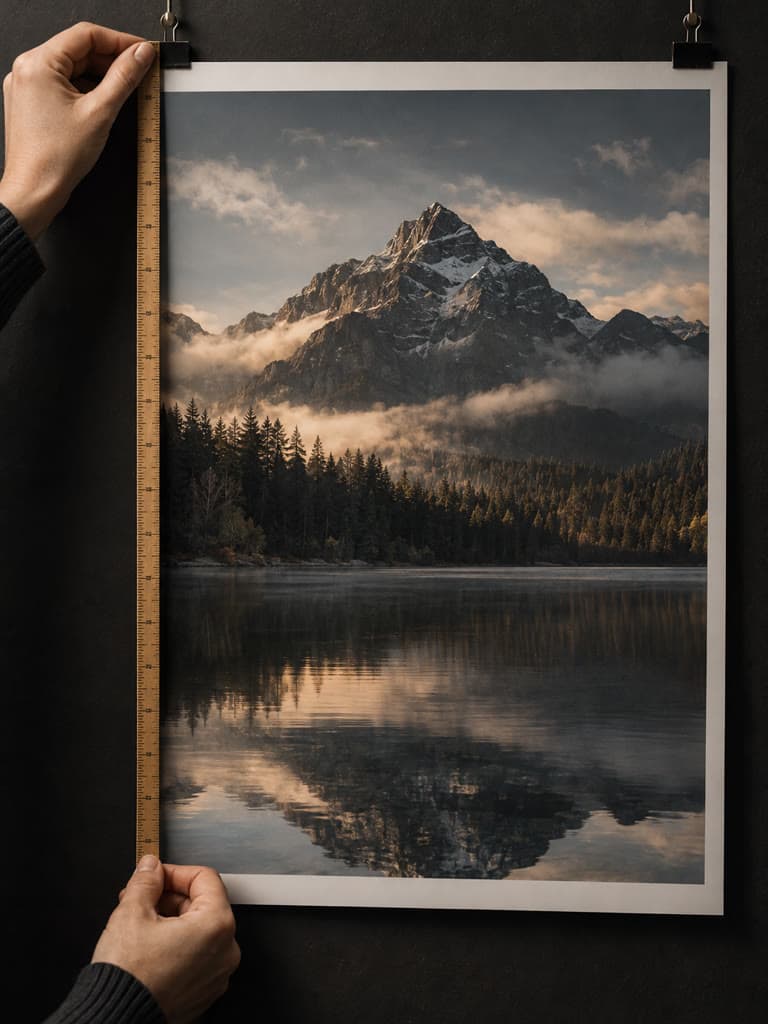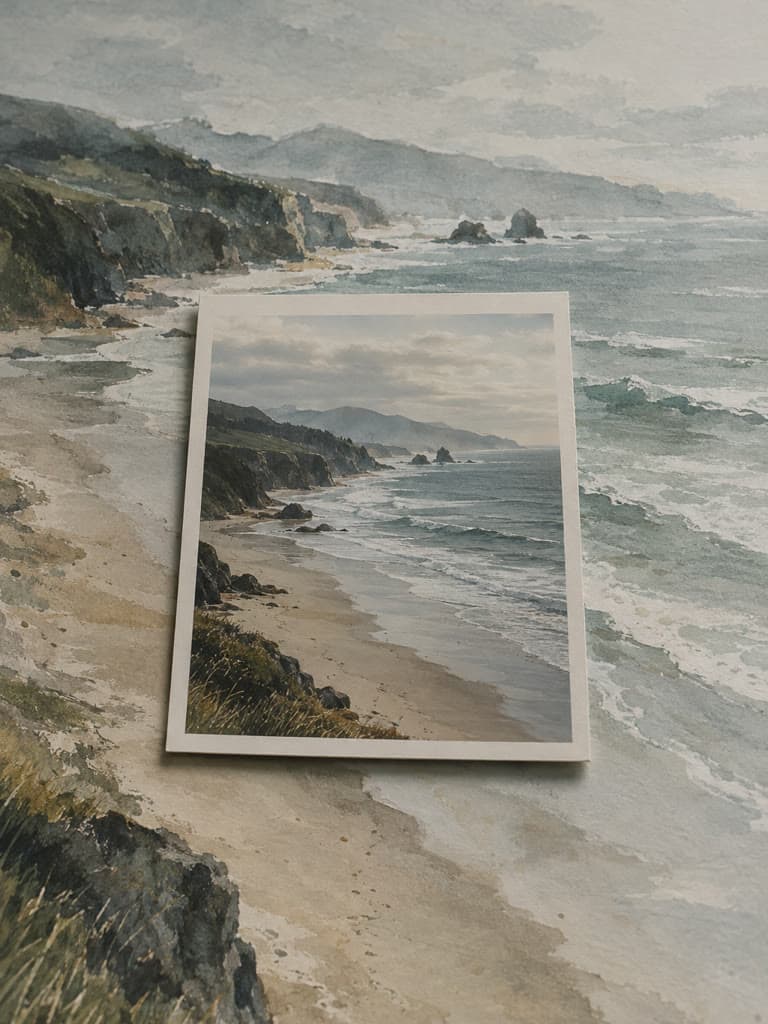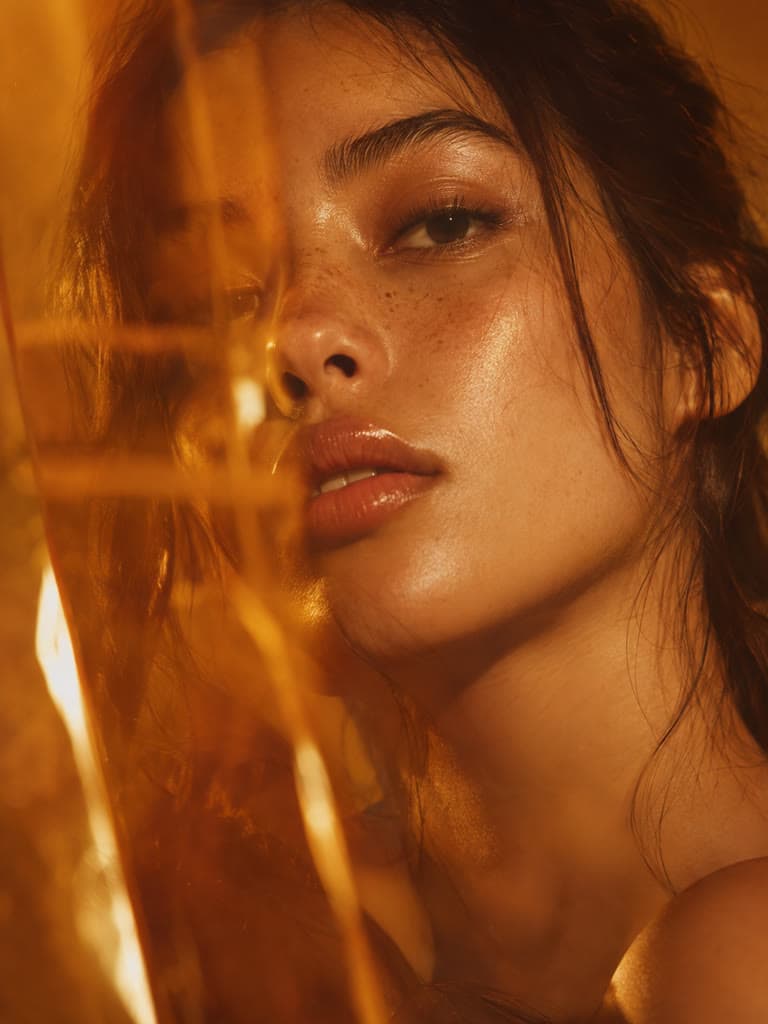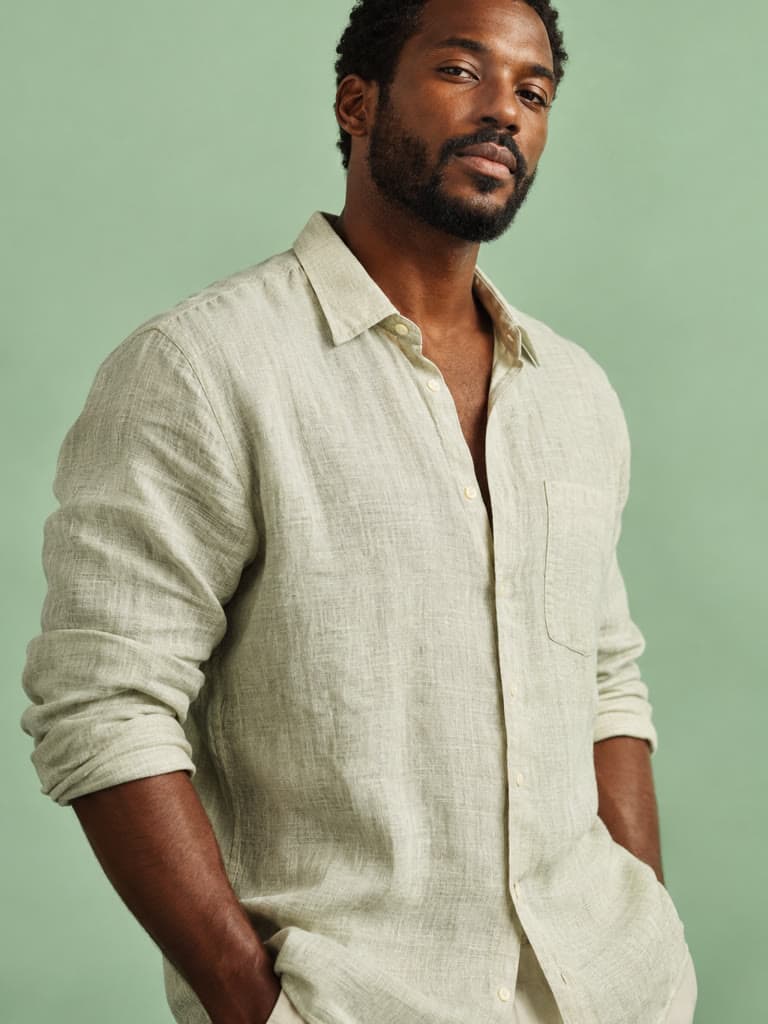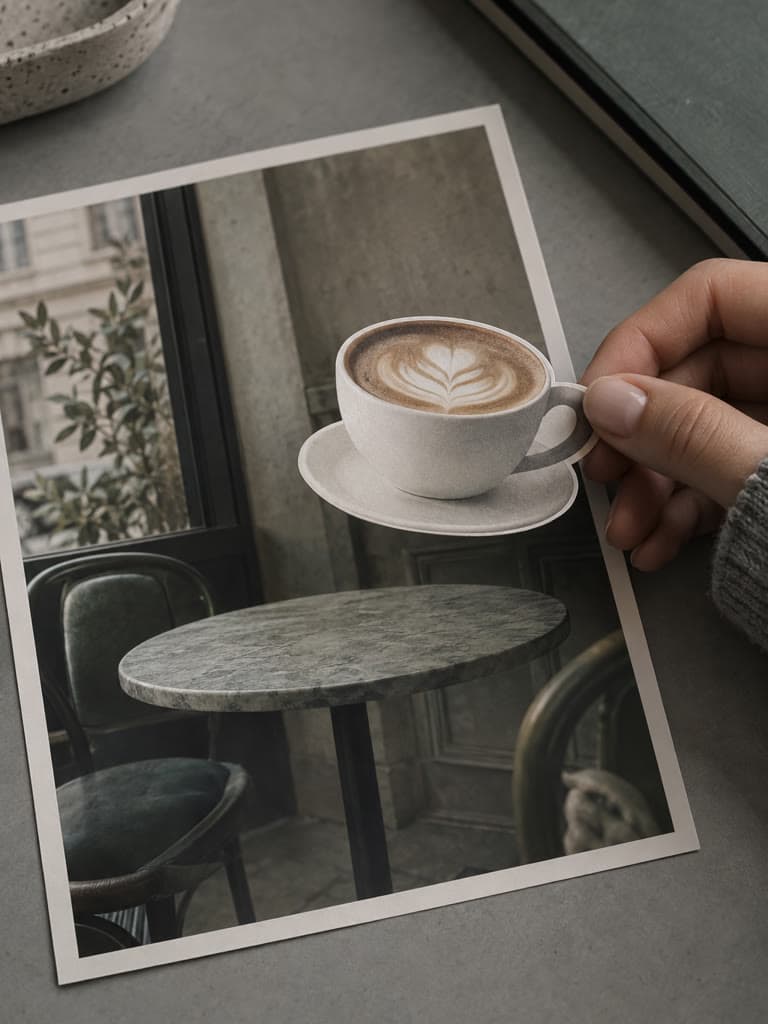
Any Aspect Ratio
Square, portrait, landscape, or something custom. Pick your ratio and we handle the math.
Crop an image to a square, portrait, landscape, social media preset, or custom pixel size. Preview Fit or Fill before downloading the result.
Same job on a different file type or batch size. Each tool still processes the file in this browser.
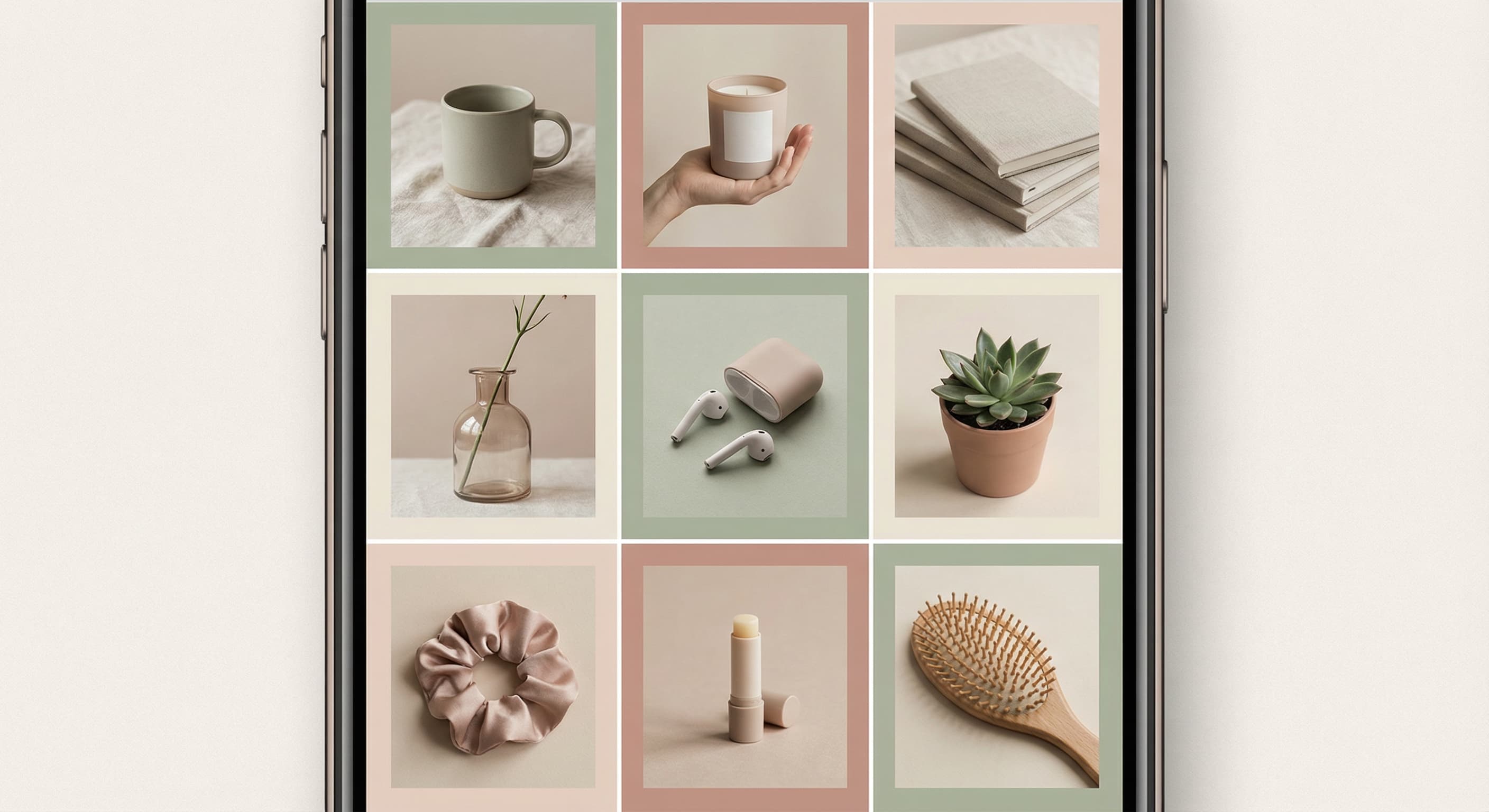
That shot is fire but the background is messy? Crop it out. A curated feed isn't about perfection, it's about intention. When every photo is thoughtfully framed, your whole grid tells a story. Crop away the distractions and let your content shine the way it deserves to.
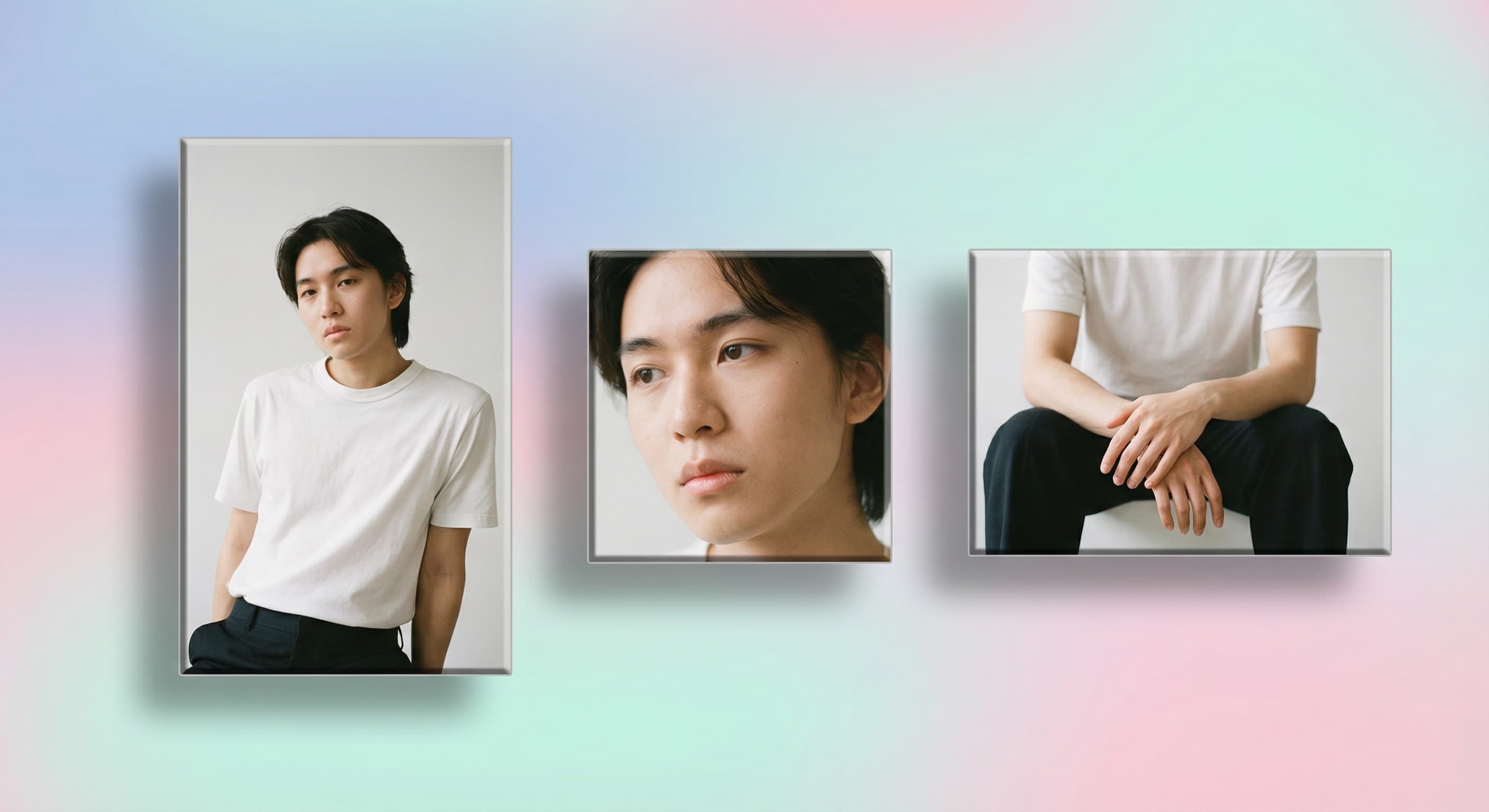
Choose a crop that matches the current destination requirements, then preview what the crop removes. Filling a frame can cut edges; fitting the full image can add surrounding space.
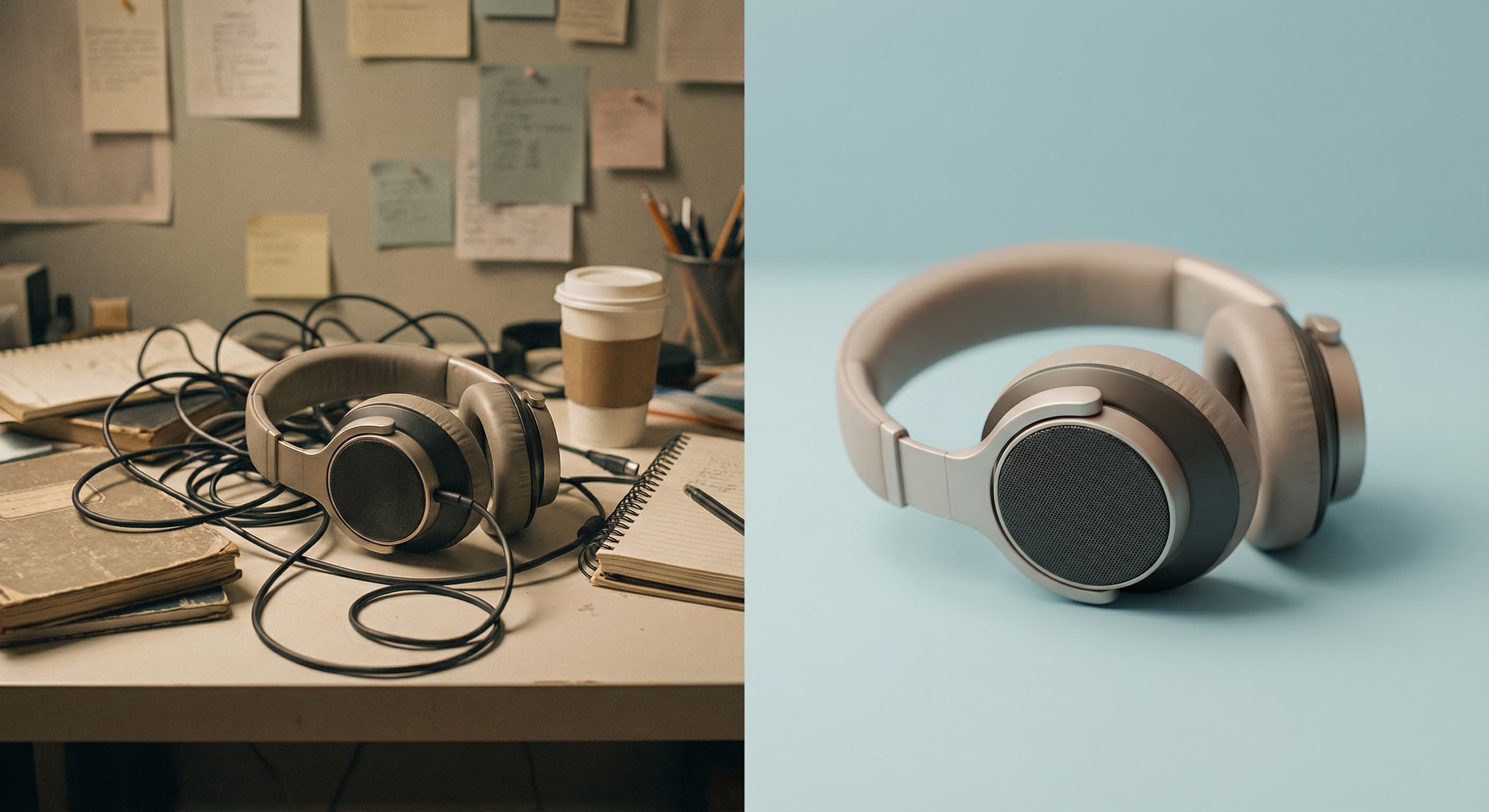
Photobombers, awkward empty space, that random trash can in the corner, your ex who somehow ended up in every group photo. We've all been there. Cropping lets you take control of your frame and tell the story you actually want to tell. Cut the chaos, keep the moment.
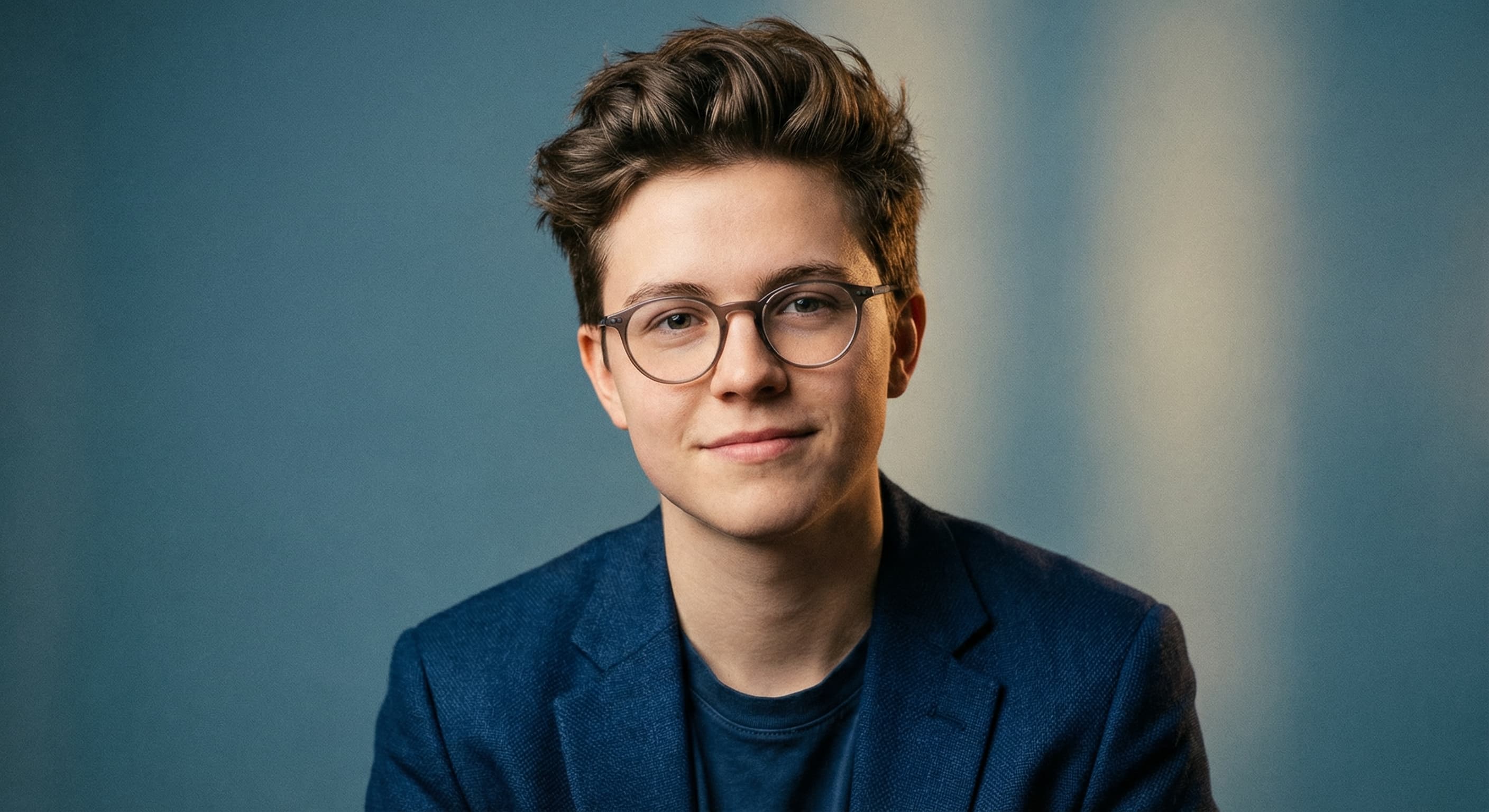
Your profile pic is your first impression everywhere. LinkedIn, dating apps, Discord, you name it. A tight, well framed headshot shows you mean business (or at least that you know how to use a camera). Crop in on what matters: your face, your confidence, your vibe. Let everything else fade away.
No learning curve. No confusing tools. Just results.
Square, portrait, landscape, or something custom. Pick your ratio and we handle the math.
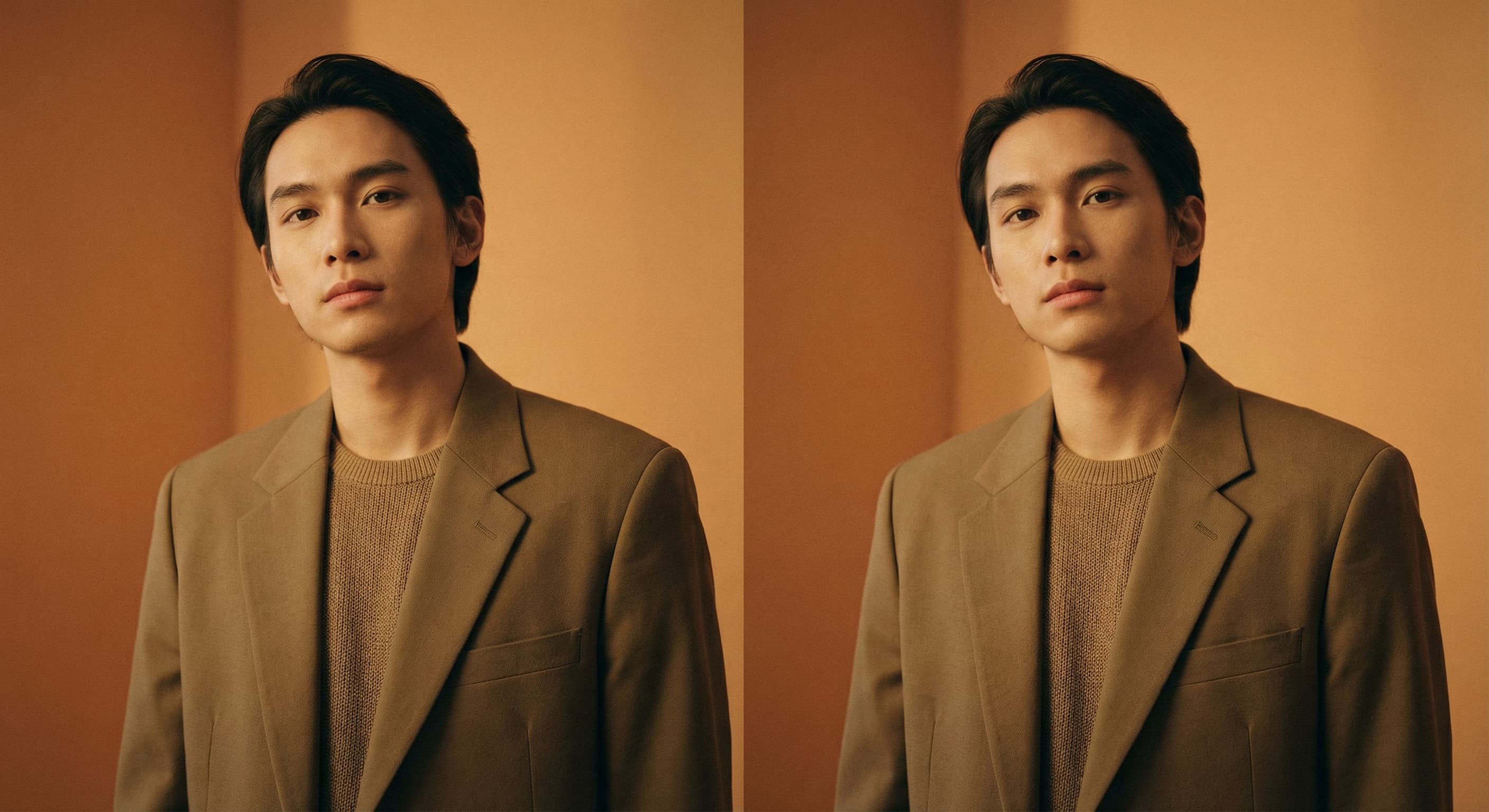
Switch between Fit and Fill to see whether the full image stays visible or the edges are cropped. Downloads use high-quality JPG encoding.

Crop it and it's instantly ready for Instagram, TikTok, wherever. No extra steps, no format headaches.
Choose one JPG, PNG, or WebP image up to 10MB from your phone or computer.
Pick a preset or enter custom width and height values. Fill crops the edges to cover the canvas; Fit keeps the complete image.
Review the crop, switch modes if needed, and download the result as a JPG.
Great app for filtering photos and even greater app for sizing pictures for not only posts but story photos as well... love this app I mainly use insta size for all my posts now ;)
Resizing photos for social media should be a cinch, but most editing programs are a pain to use. Of the dozen I’ve used, Instasize is the fastest, easiest and most consistent...
Perfect app for the exact social media picture sizes. Love it. I use it daily. & I like the premade options they give you for different social medias!
Its the best app. for sizing photos to fit for Instagram or other forms of social media. You can also edit photos and create collages with multiple photos. It’s had been my friend for several years!
Always helpful when needing to resize photos
I love this app. Makes posting all types of photos. Love how it makes them fit on different formats
I use this app everyday to perfectly resize images for all of my social media platforms
This app saved the day for me! I’m finally able to resize my photos for IG....effortlessly
We use this App weekly to resize pics for social media posts. Very user friendly, easy to use program when you want to get in and out quickly...
Image cropping removes the outer parts of a photo to improve composition, change the aspect ratio, or cut out distractions. It's like trimming the fat from your photos.
Create without limits. Get full access to every premium AI model and our entire suite of tools with a single plan.
Essential tools for casual creators.
Free forever
Essential AI tools for creators
Billed monthly
Advanced features for professionals
Billed monthly
Maximum power and speed
Billed monthly
Generate from text, expand photos, remove backgrounds, and upscale to 4K