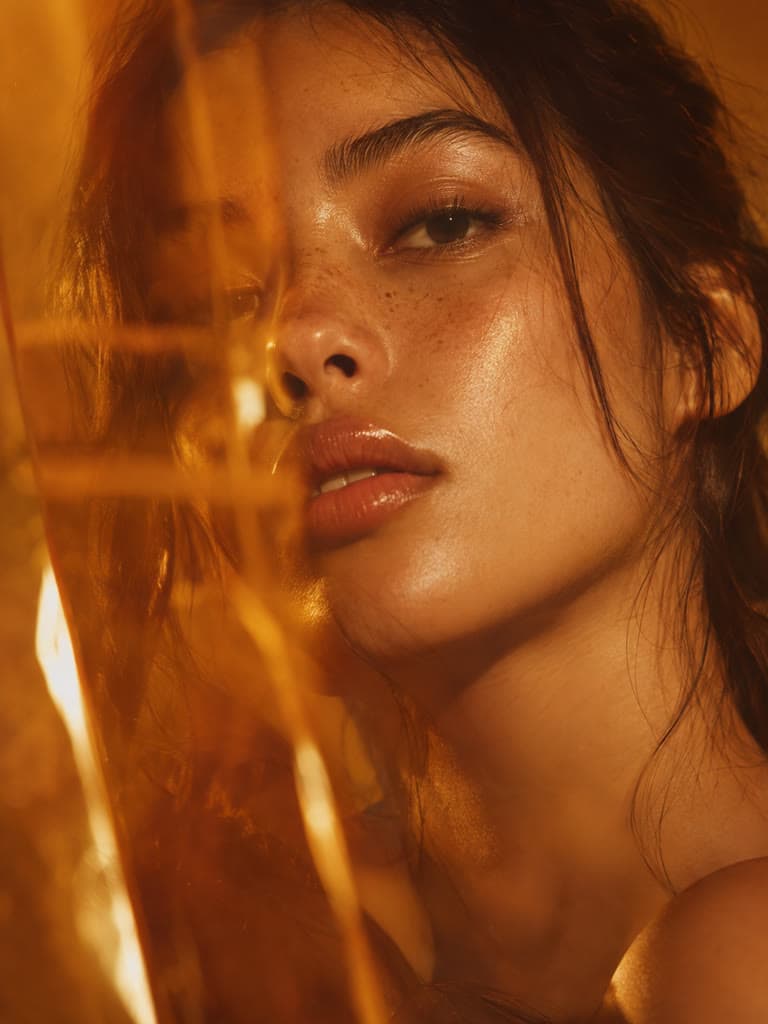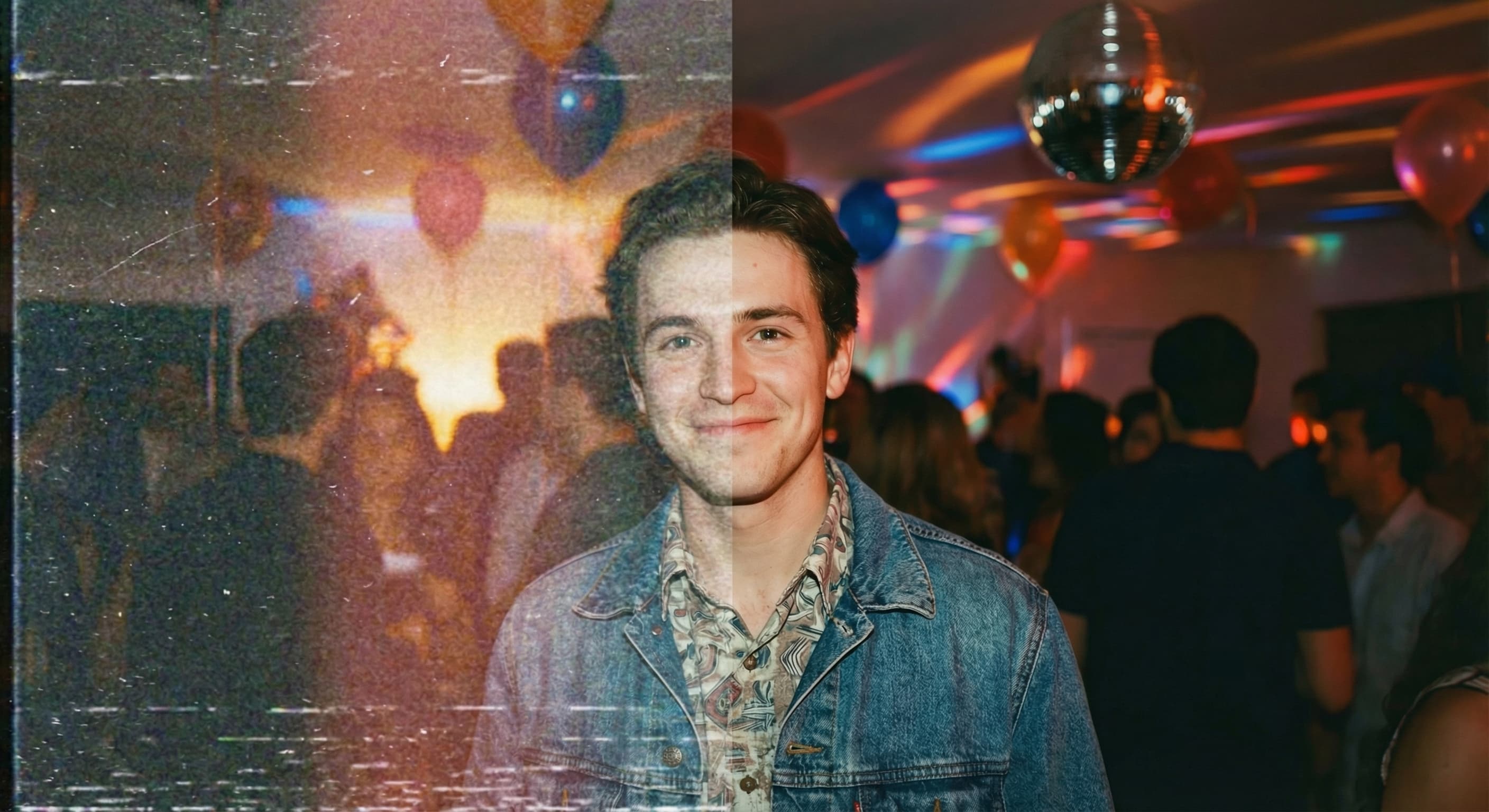
AI Generated Detail
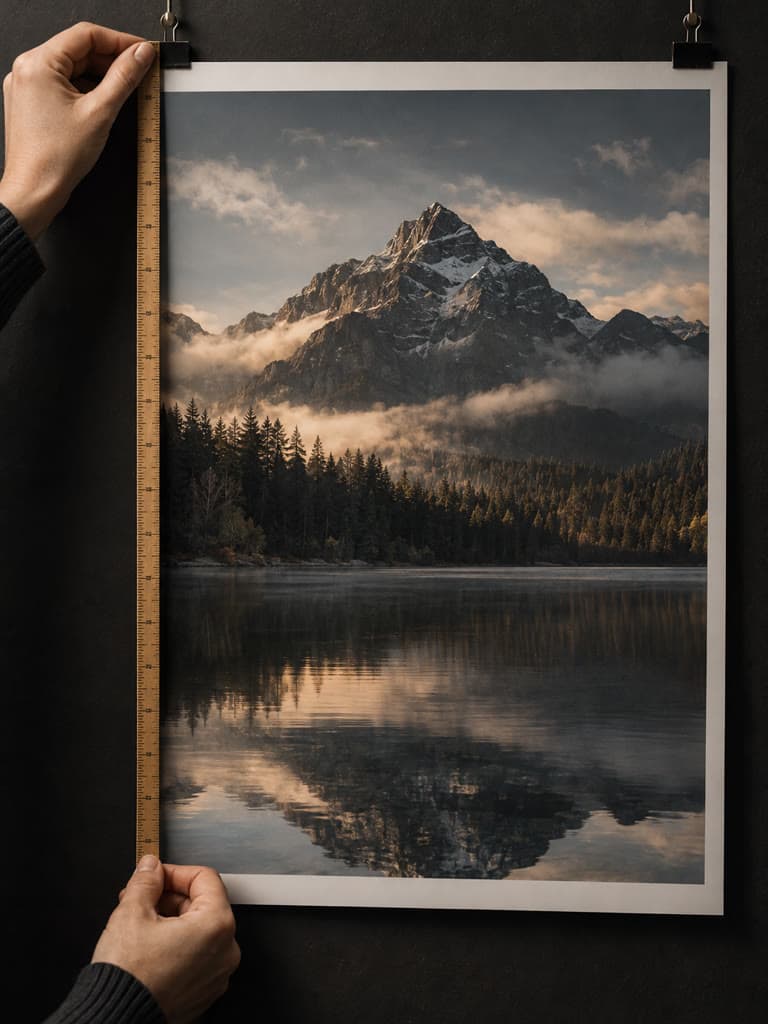
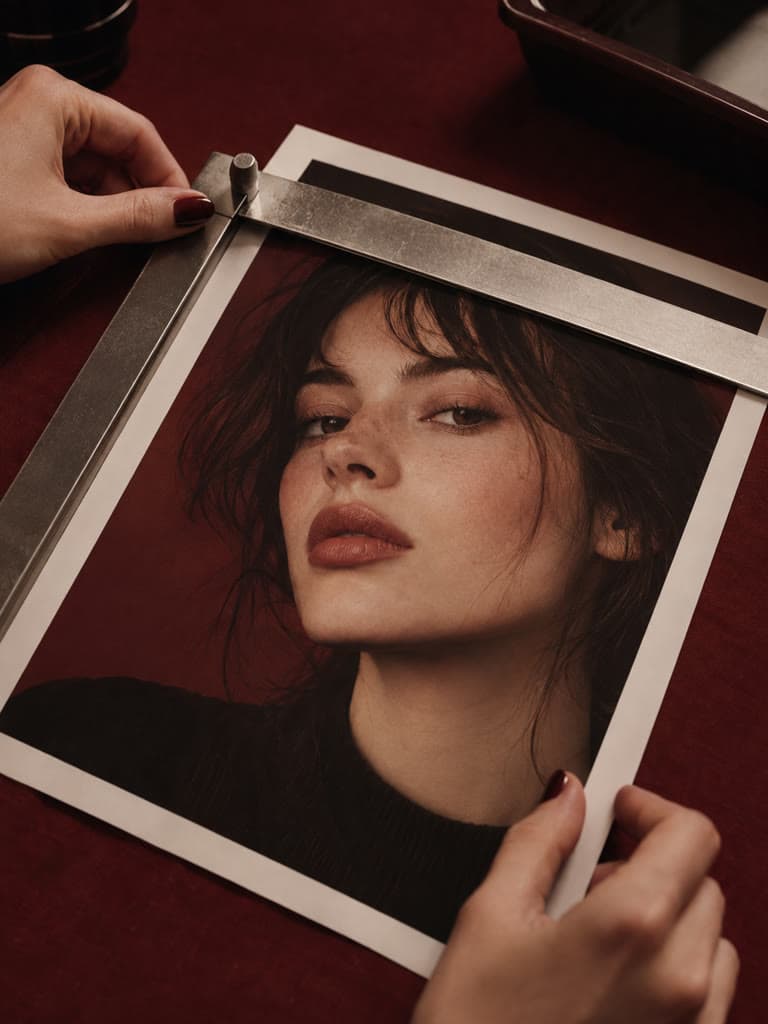
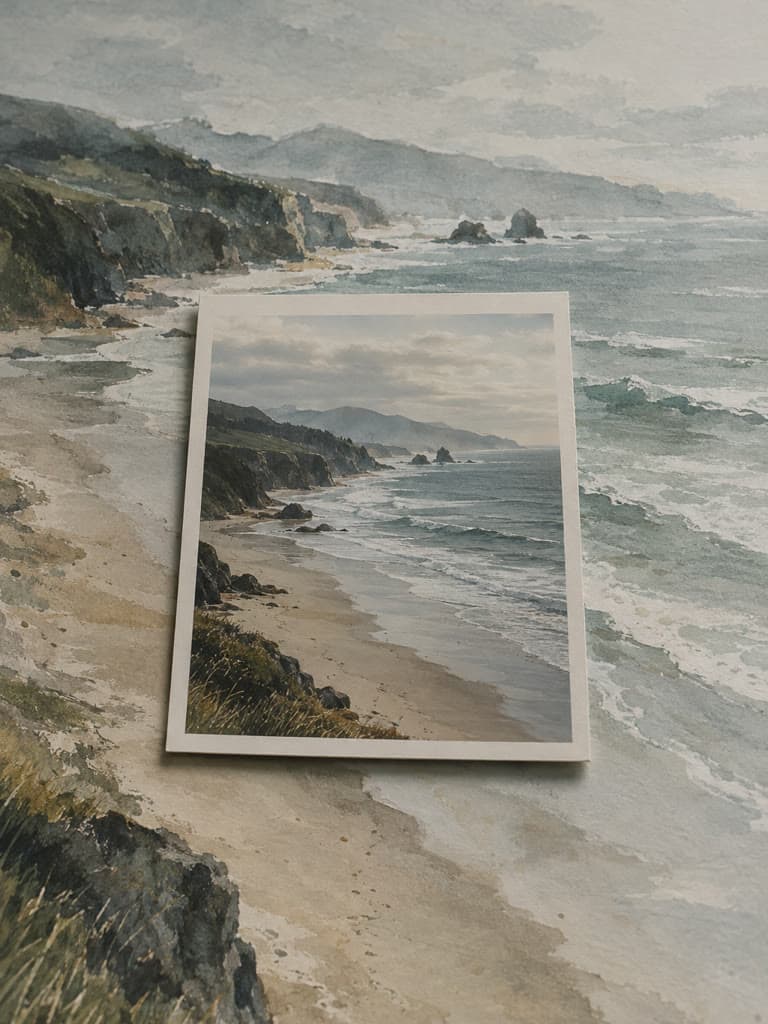
Regular resizing stretches existing pixels. The AI generates plausible new detail from learned patterns; this can look sharper, but it is not a recovery of the exact missing source information.
Make an image bigger with AI-generated detail instead of basic pixel stretching. Enlarge a small source for screens or print, then inspect the result for generated artifacts.
Sourced comparisons built from each vendor's own published pricing and feature terms, with the source links on the page.
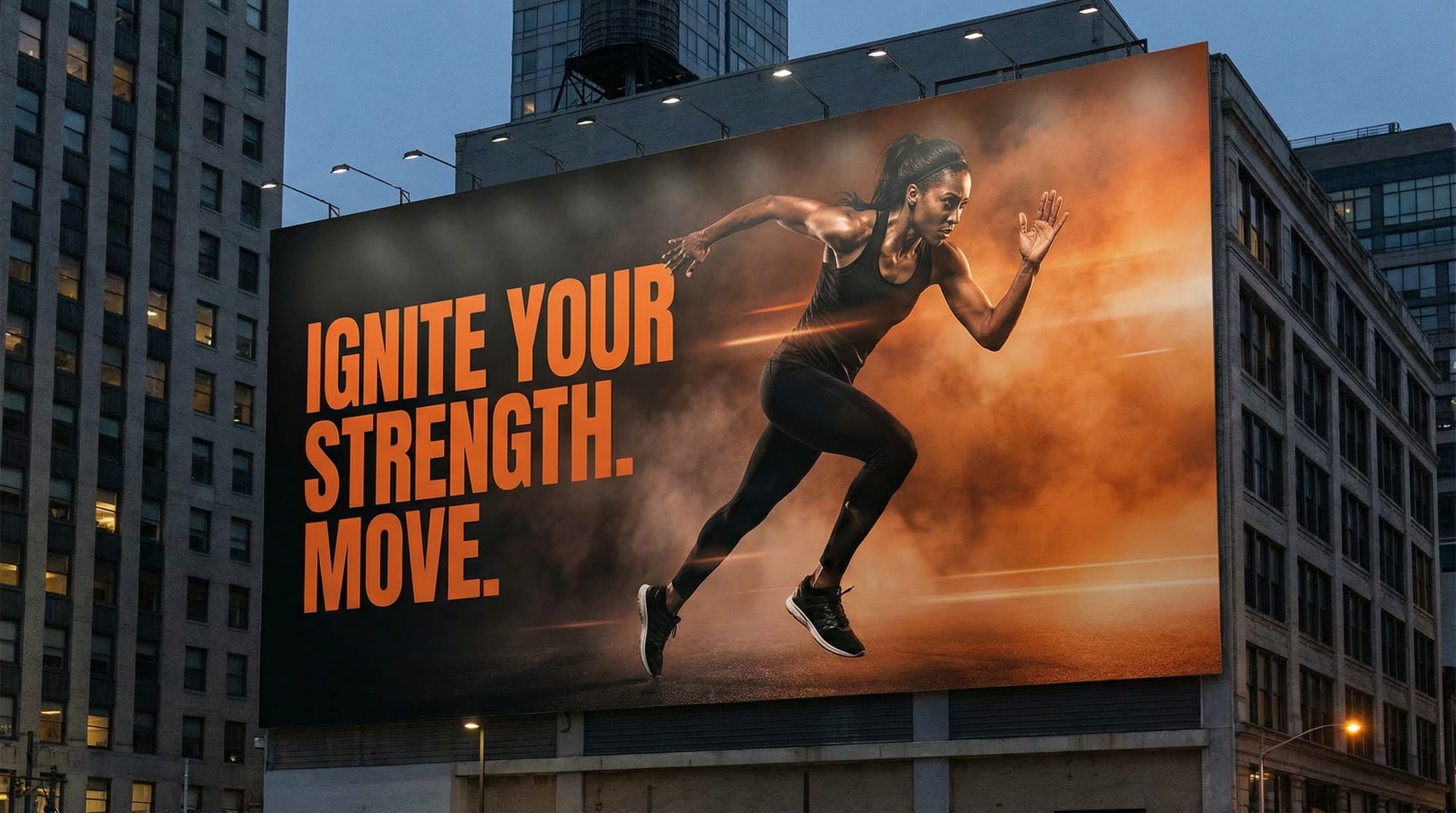
Need a larger file for print? Upscale the image to increase its pixel dimensions, then inspect the generated details and make a proof before ordering a poster, canvas, or other large-format output.
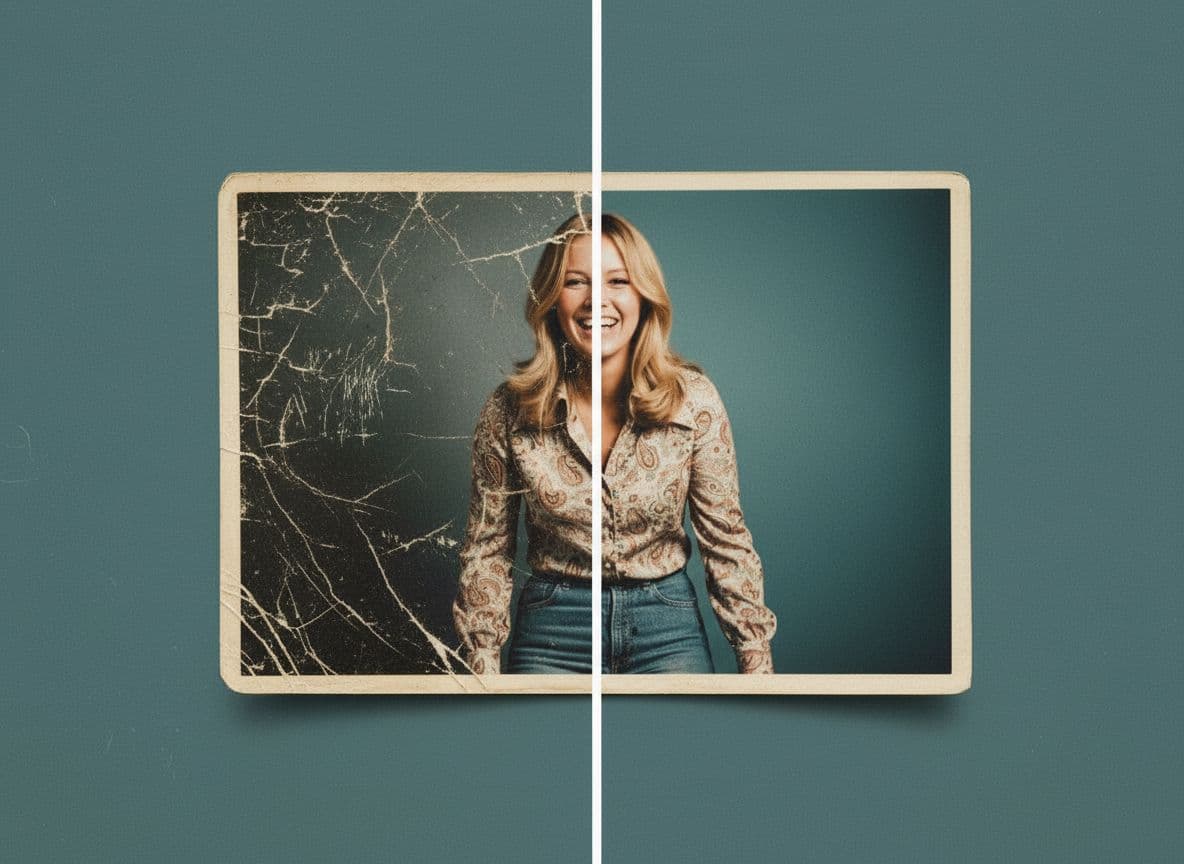
Enlarge a small scan or early digital photo with generated texture and edge detail. The result may look clearer, but AI cannot recover the exact information missing from the source, so preserve the original and inspect faces closely.
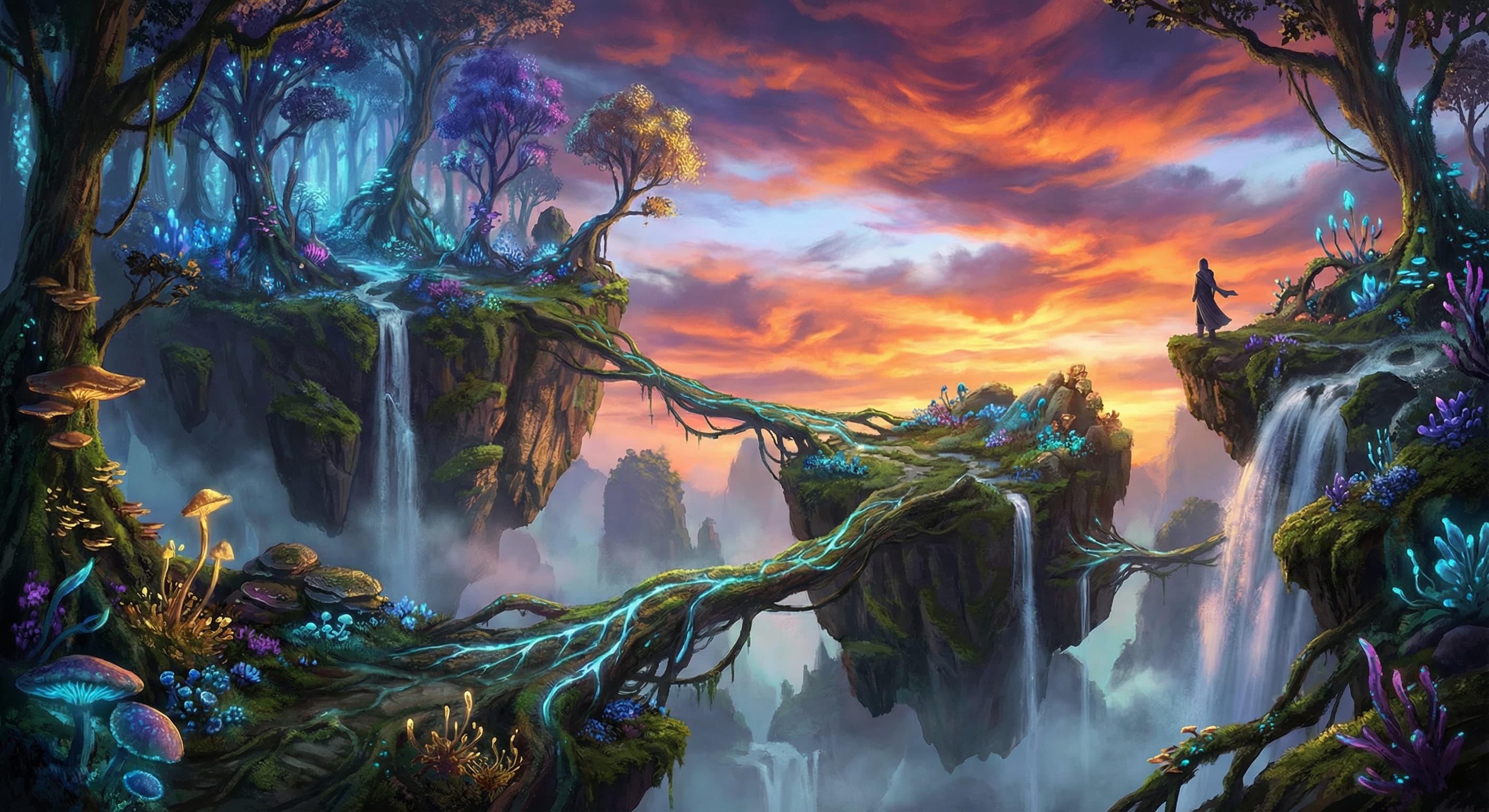
Enlarge Midjourney, DALL-E, or Stable Diffusion artwork for a bigger screen or print. AI-generated detail can improve apparent sharpness, but check lettering, hands, faces, and repeating patterns before publishing.
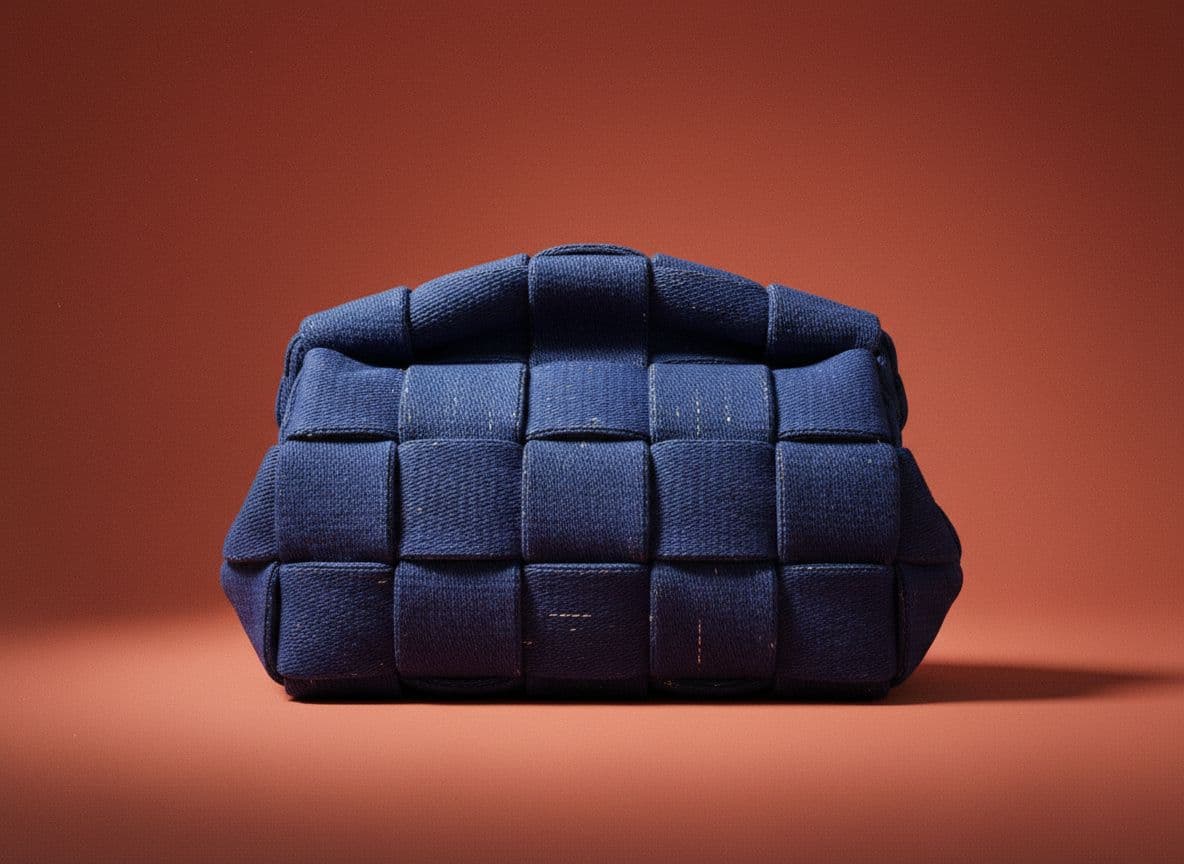
Increase the pixel dimensions of a product photo for e-commerce listings, marketplaces, or catalogs. Compare the output with the source so generated details do not misrepresent the item.
Enhance visible edges and generate plausible missing detail.
Regular resizing stretches existing pixels. The AI generates plausible new detail from learned patterns; this can look sharper, but it is not a recovery of the exact missing source information.
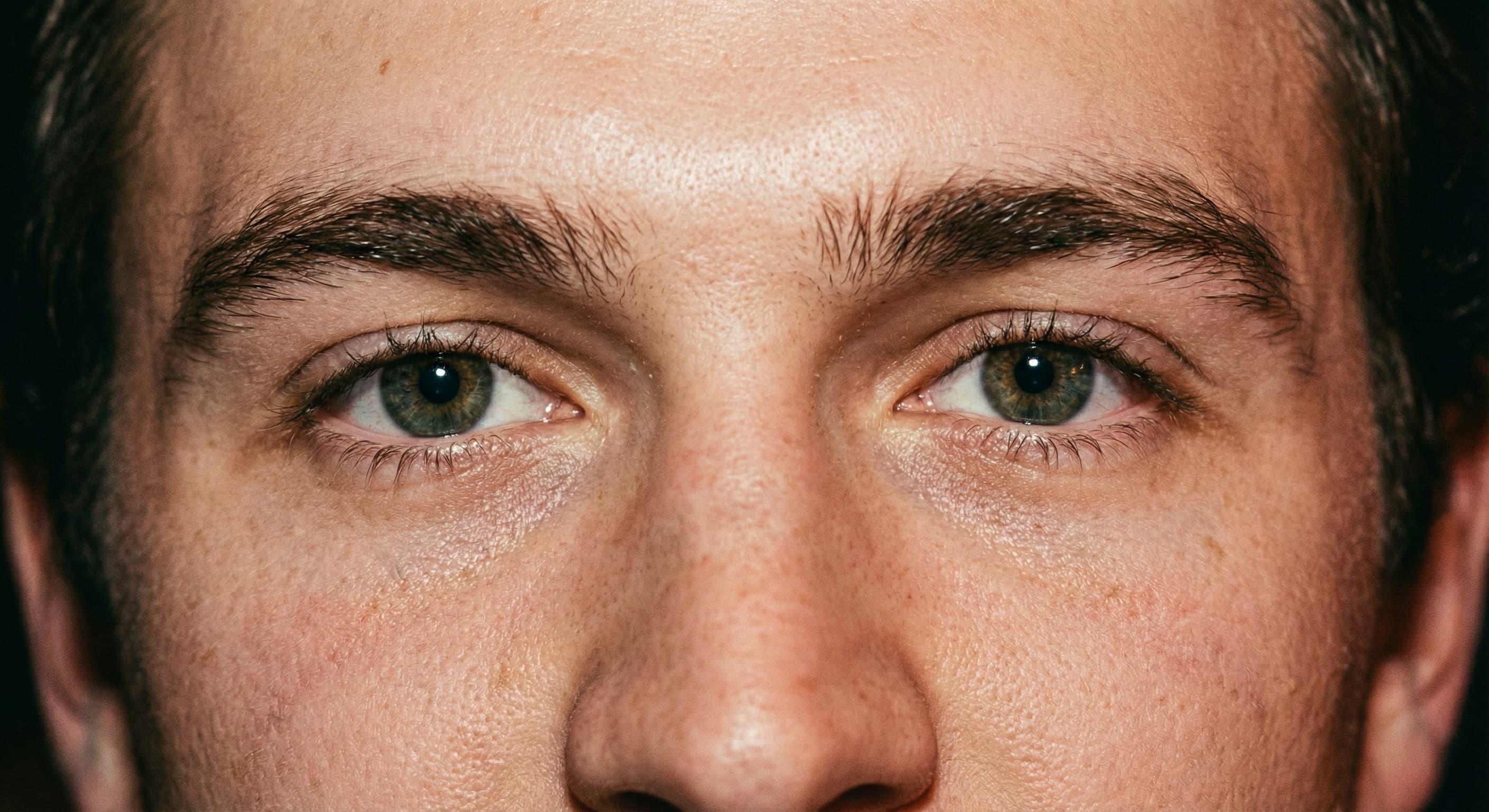
Flip the 2x / 4x toggle. 2x doubles the width and height; 4x quadruples them, so a 1000px image becomes 2000px or 4000px. Standard and Face run at either scale; Max runs at 2x.
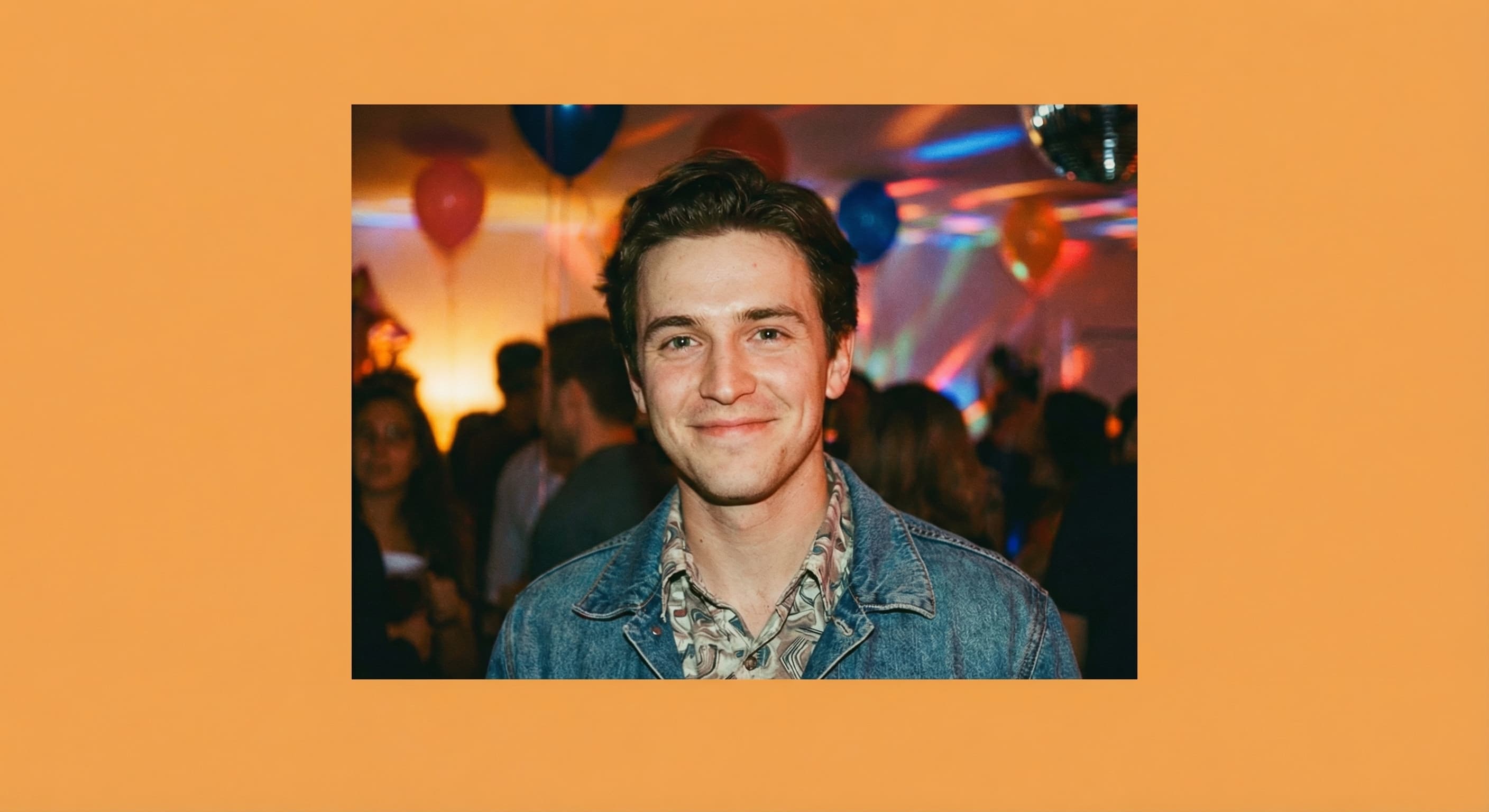
Face adds AI face restoration to the upscale, at 2x or 4x. Use it for portraits and group shots, then check that restored faces still look like the people in the photo.
Drag and drop any image file or click to select from your device. We support JPG, PNG, and WebP formats.
Set the toggle to 2x to double the width and height or 4x to quadruple them, then pick Standard, Face, or Max (Max runs at 2x). The AI generates a larger version for you to inspect.
Your upscaled image is ready. Download it at full resolution with no watermarks.
Great app for filtering photos and even greater app for sizing pictures for not only posts but story photos as well... love this app I mainly use insta size for all my posts now ;)
Resizing photos for social media should be a cinch, but most editing programs are a pain to use. Of the dozen I’ve used, Instasize is the fastest, easiest and most consistent...
Perfect app for the exact social media picture sizes. Love it. I use it daily. & I like the premade options they give you for different social medias!
Its the best app. for sizing photos to fit for Instagram or other forms of social media. You can also edit photos and create collages with multiple photos. It’s had been my friend for several years!
Always helpful when needing to resize photos
I love this app. Makes posting all types of photos. Love how it makes them fit on different formats
I use this app everyday to perfectly resize images for all of my social media platforms
This app saved the day for me! I’m finally able to resize my photos for IG....effortlessly
We use this App weekly to resize pics for social media posts. Very user friendly, easy to use program when you want to get in and out quickly...
A tool that increases image resolution by adding new pixels. AI upscalers generate plausible detail instead of only stretching the image.
Create without limits. Get full access to every premium AI model and our entire suite of tools with a single plan.
Essential tools for casual creators.
Free forever
Essential AI tools for creators
Billed monthly
Advanced features for professionals
Billed monthly
Maximum power and speed
Billed monthly
Generate from text, expand photos, remove backgrounds, and upscale to 4K