Photo Inverter
Invert the colors in a JPG, PNG, or WebP to create a negative image, a warmer film effect, high contrast, or a selective color inversion. The free tool runs privately in your browser without sending the file to a processing server.
Create Unique Artistic Effects with Photo Inverter
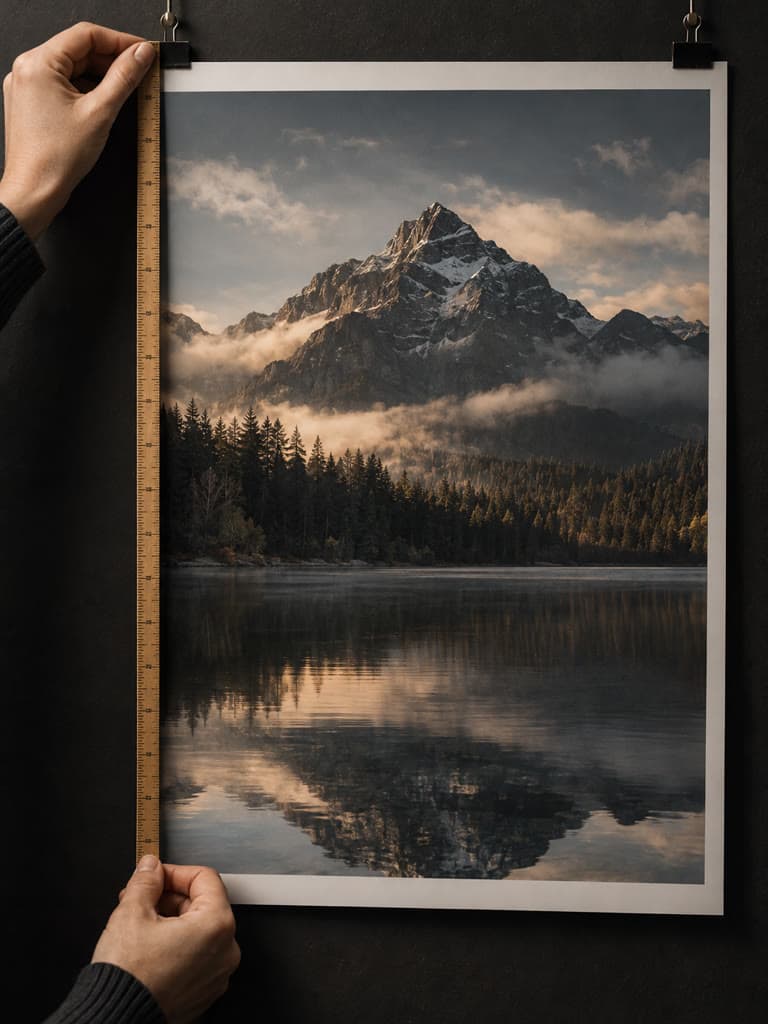
Transform ordinary photos into extraordinary art pieces using our advanced photo inverter. Explore experimental color schemes, negative effects, and selective inversions that push creative boundaries and inspire new artistic directions.
Learn more→Stand Out with Inverted Photo Effects
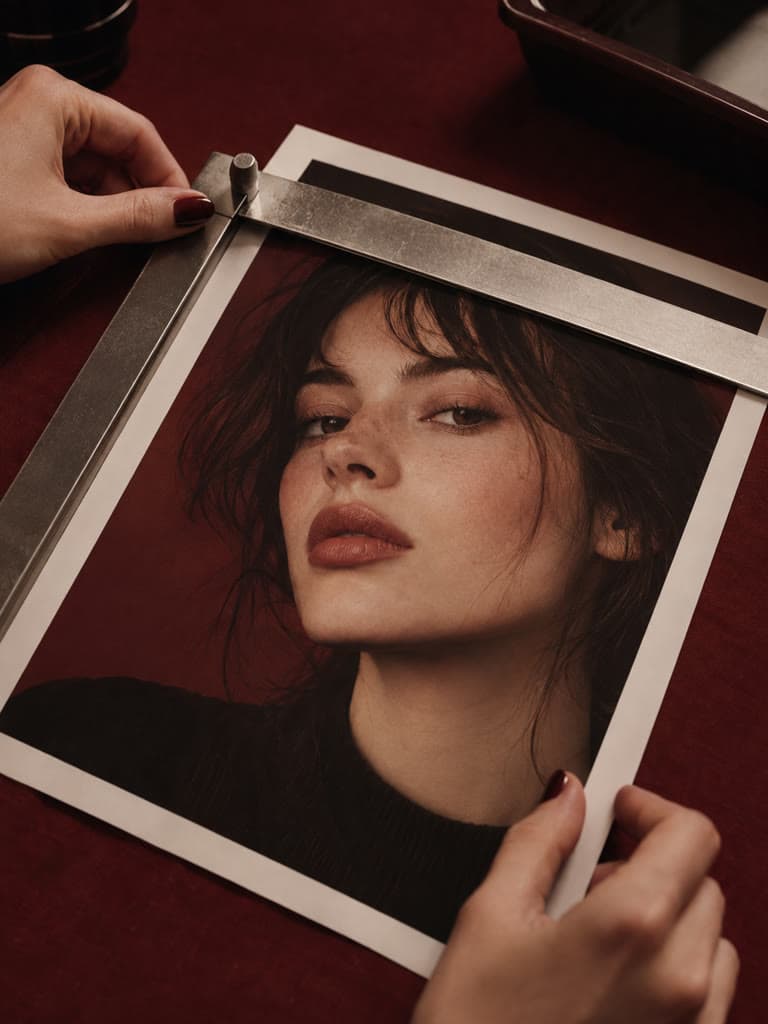
Experiment with negative, selective color, and high-contrast effects for posts, Stories, and thumbnails on Instagram, TikTok, YouTube, and other social platforms.
Learn more→Explore Creative Photo Inversion Techniques
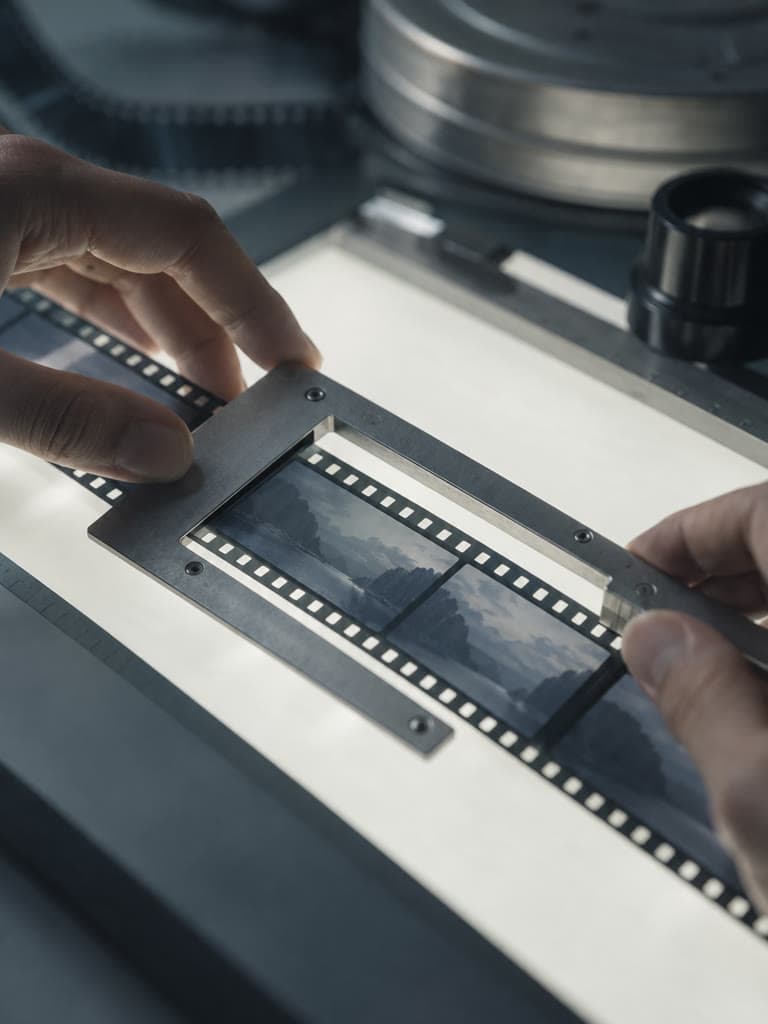
Experiment with negative-style color treatments, high-contrast inversions, selective colors, and controlled intensity changes for portraits, landscapes, and conceptual work.
Learn more→Create Stunning Inverted Photo Effects
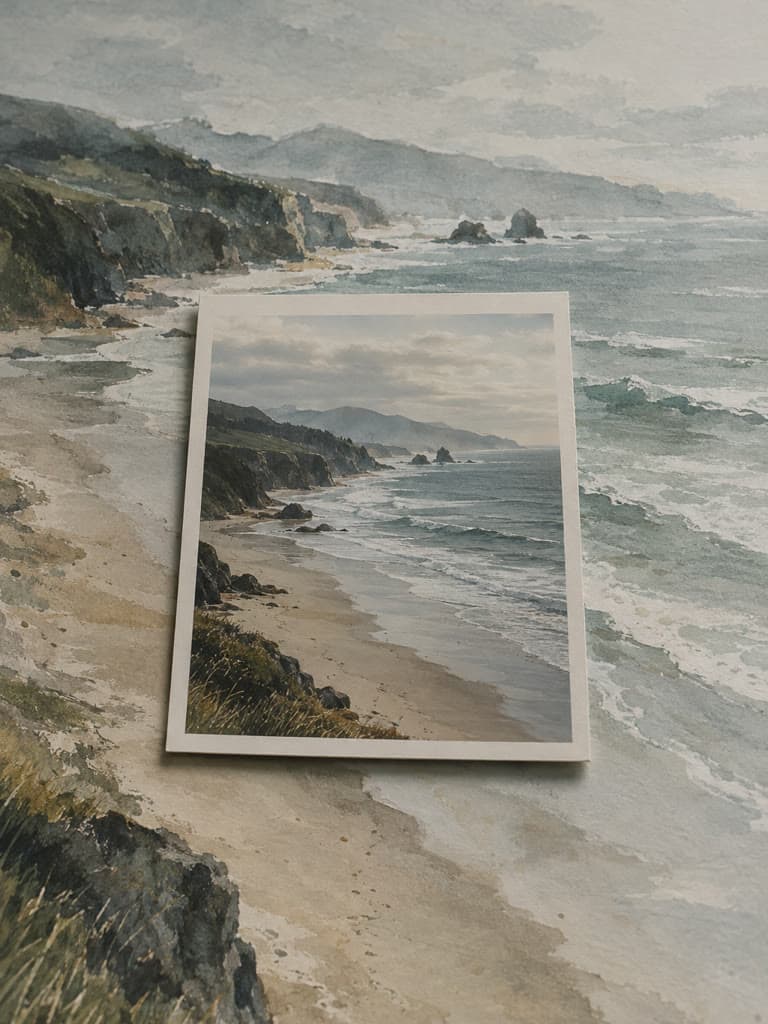
Invert Every Color
Reverse the colors in your photo to create a negative-style effect. The Full Invert preset applies the effect across the image while keeping its subject and composition recognizable.
Advanced Inversion Controls
Fine-tune the result with an intensity control, selective color targeting, and four effect presets. Compare the original and processed image before you download.
Preview Before Downloading
Switch between the original and inverted versions to check the effect. If the result is too strong, lower the intensity or choose another preset and process it again.
Photo Inverter Controls
Multiple Inversion Styles
Choose from various photo inverter presets including full inversion, negative film effects, selective color pop, and high contrast modes. Each style offers unique artistic possibilities for different creative projects.
Selective Color Inversion
Target selected colors while leaving other colors unchanged. Use this control to emphasize an element or experiment with a narrower color effect.
Before-and-After Preview
Once processing finishes, switch between the original and edited versions. Adjust the settings and process another version before downloading the result you prefer.
A Private, Free Photo Inverter
Free With No Sign-In
Invert as many supported images as you need without creating an account or spending AI credits. The browser performs the color calculation directly on your device.
Works on Any Device
The upload and editing interface adapts to desktop, tablet, and mobile screens. Use a current browser that supports image uploads and downloads.
Private Browser Processing
Your source image stays in the browser while the tool inverts its decoded pixels. It is not sent to the photo-inverter API or added to your Instasize Library.
How to use our photo inverter tool?
- 1
Step 1: Upload an Image
Choose a JPEG, PNG, or WebP image up to 10MB from your computer, tablet, or phone. No account or sign-in is required.
- 2
Step 2: Select Inversion Style
Choose from multiple photo inverter presets: full inversion, negative film effect, selective color pop, or high contrast mode. Each offers unique artistic possibilities.
- 3
Step 3: Customize Settings
Fine-tune your photo inverter settings by adjusting intensity levels, selecting specific colors for selective inversion, or experimenting with different effect combinations.
- 4
Step 4: Preview and Adjust
Compare the original and inverted previews. Change the intensity, effect, or selected colors and the browser updates the result without uploading the source.
- 5
Step 5: Download Your Creation
Download the inverted photo to your device. Check the output before using it for social media, print, or another project.
One of my go-to apps
Great app for filtering photos and even greater app for sizing pictures for not only posts but story photos as well... love this app I mainly use insta size for all my posts now ;)
Fast and Straightforward
Resizing photos for social media should be a cinch, but most editing programs are a pain to use. Of the dozen I’ve used, Instasize is the fastest, easiest and most consistent...
Great Sizes
Perfect app for the exact social media picture sizes. Love it. I use it daily. & I like the premade options they give you for different social medias!
I love instasize
Its the best app. for sizing photos to fit for Instagram or other forms of social media. You can also edit photos and create collages with multiple photos. It’s had been my friend for several years!
Always helpful
Always helpful when needing to resize photos
Huge fan
I love this app. Makes posting all types of photos. Love how it makes them fit on different formats
I’ve been using for years. Can’t work without it.
I use this app everyday to perfectly resize images for all of my social media platforms
LOVE
This app saved the day for me! I’m finally able to resize my photos for IG....effortlessly
Great App
We use this App weekly to resize pics for social media posts. Very user friendly, easy to use program when you want to get in and out quickly...
A photo inverter reverses the colors in an image to create a negative-style effect. Light areas become dark, dark areas become light, and colors shift toward their opposites.
One subscription. Every AI model.
Create without limits. Get full access to every premium AI model and our entire suite of tools with a single plan.
Free
Essential tools for casual creators.
Free forever
- Daily AI usage
- Batch resize & convert, 50 photos at a time
- 1 slow generation at a time
- AI Chat Editing
Pro
PopularEssential AI tools for creators
Billed monthly
- More AI usage
- Batch background removal, 50 photos at a time
- 2 generations at a time
- AI Chat Editing
- All AI image models
- All AI video models
Ultimate
Advanced features for professionals
Billed monthly
- More AI usage
- Batch background removal, 50 photos at a time
- 4 generations at a time
- AI Chat Editing
- All AI image models
- All AI video models
Max
Maximum power and speed
Billed monthly
- More AI usage
- Batch background removal, 50 photos at a time
- 8 generations at a time
- AI Chat Editing
- All AI image models
- All AI video models
AI Image Generator for Every Creative Need
Generate from text, expand photos, remove backgrounds, and upscale to 4K