AI-Generated Motion
The AI understands what's in your image and generates appropriate movement. People can shift slightly, hair can blow, water can ripple. Not pre-programmed effects, but intelligent animation.
Your photos are about to move. Upload any image and watch AI bring it to life with realistic motion, camera movements, and cinematic effects. No video skills required.
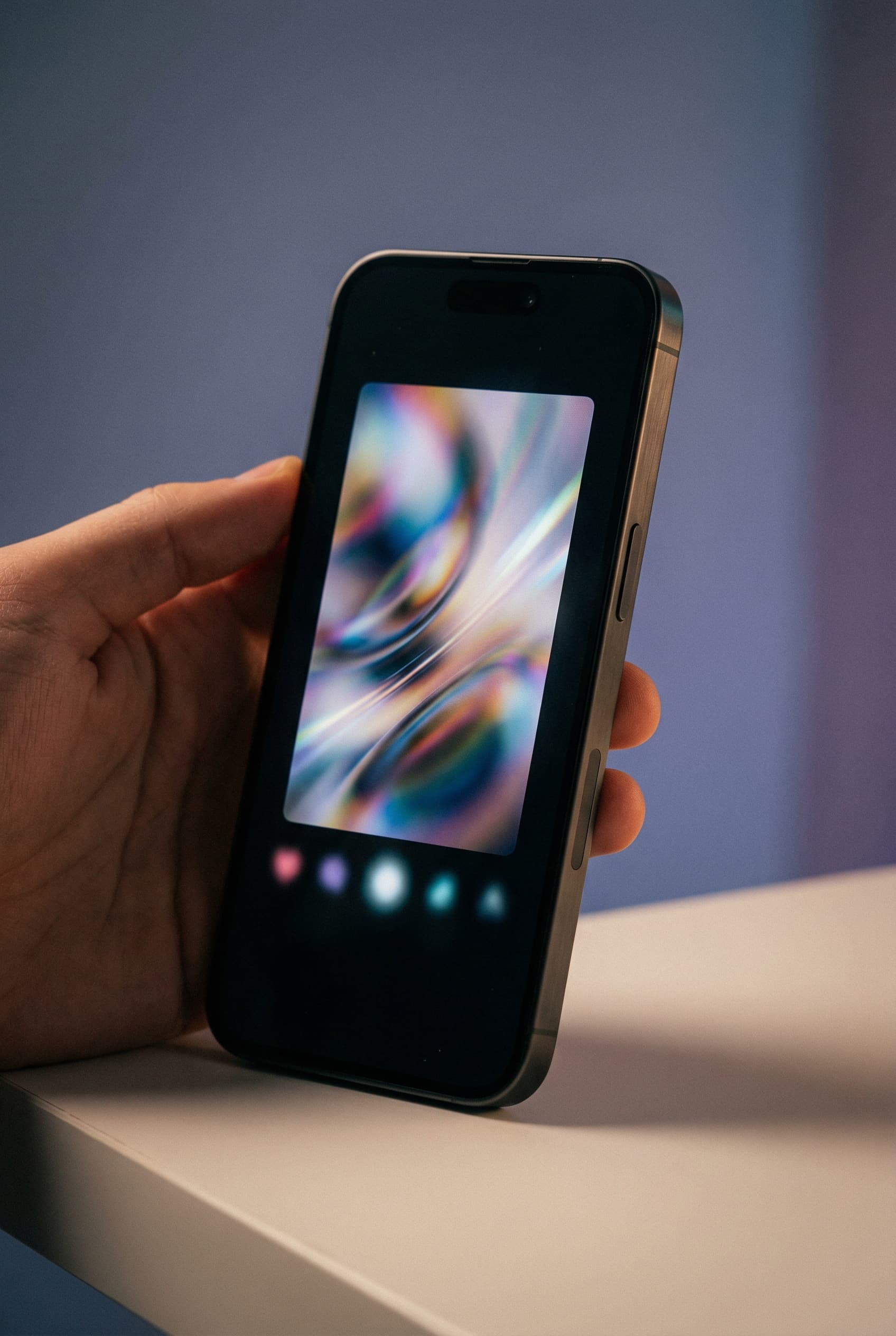
Static posts get scrolled past. Moving content stops thumbs. Turn your best photos into eye-catching videos for Reels, TikToks, and Stories without filming anything new.
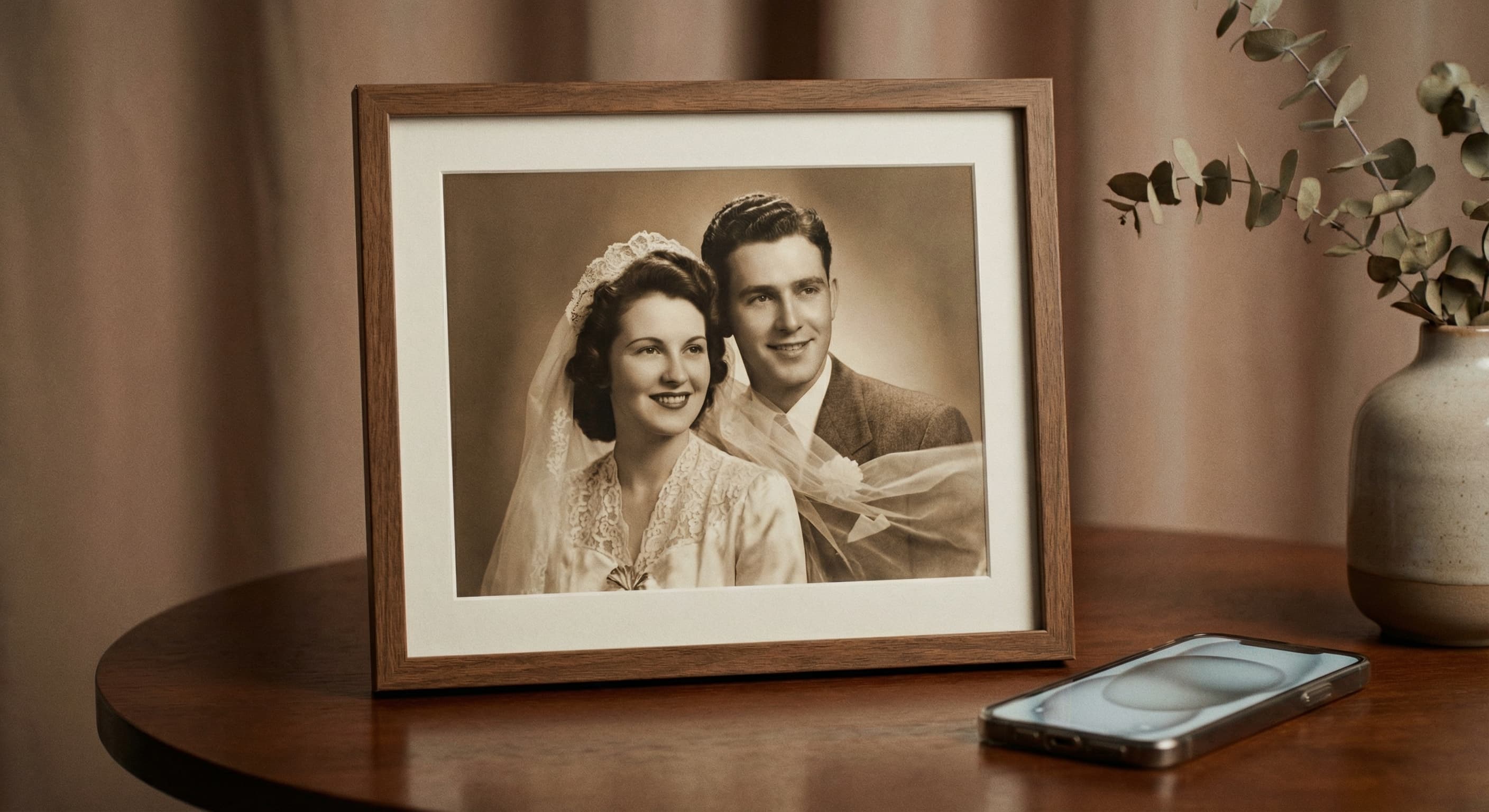
That perfect vacation photo. Your grandparents' wedding picture. Your kid's first birthday. Watch frozen moments come alive with natural, subtle movement.
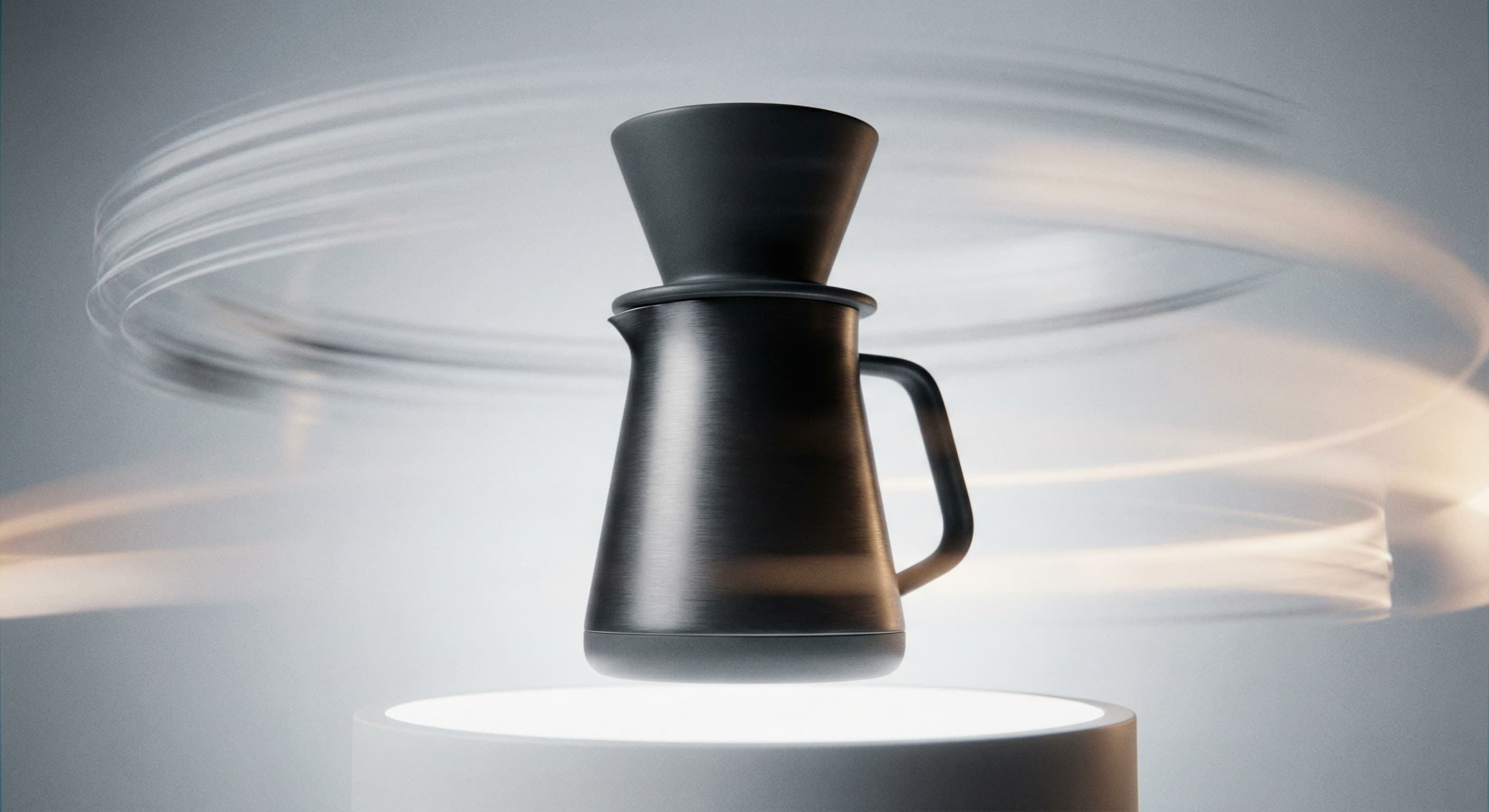
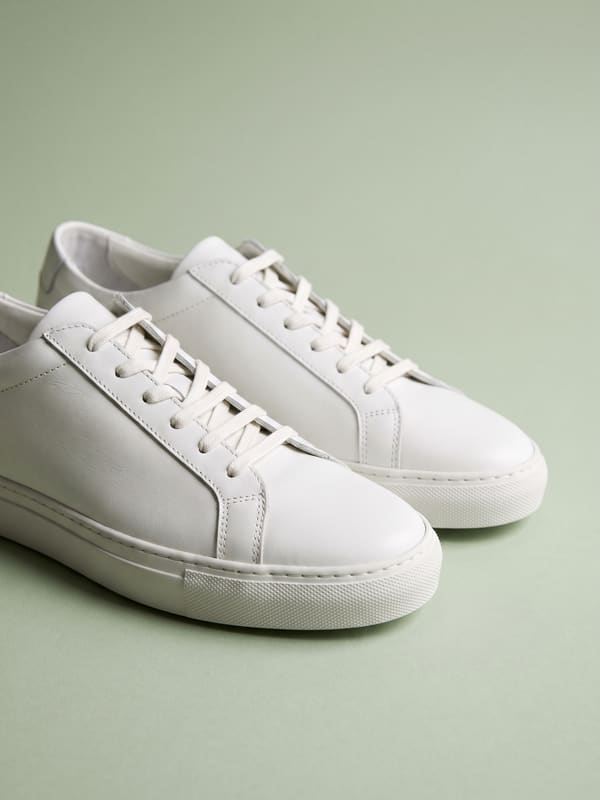
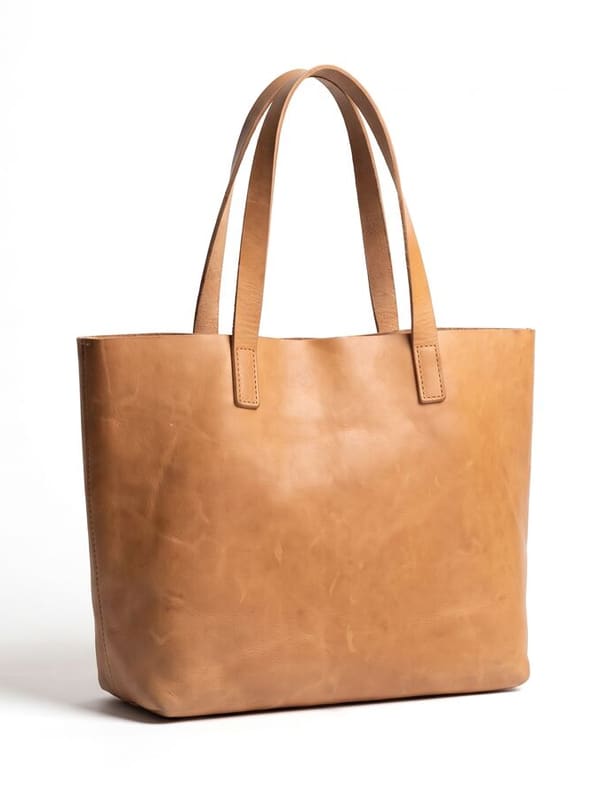
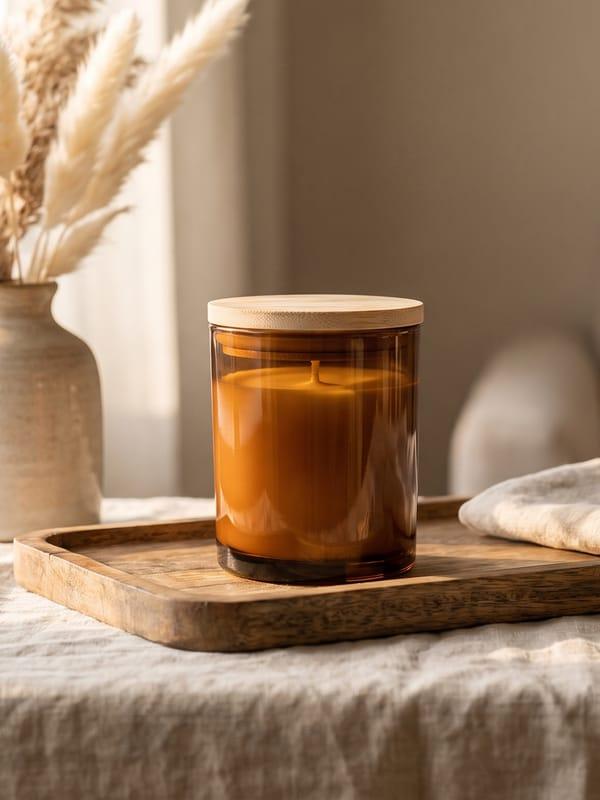
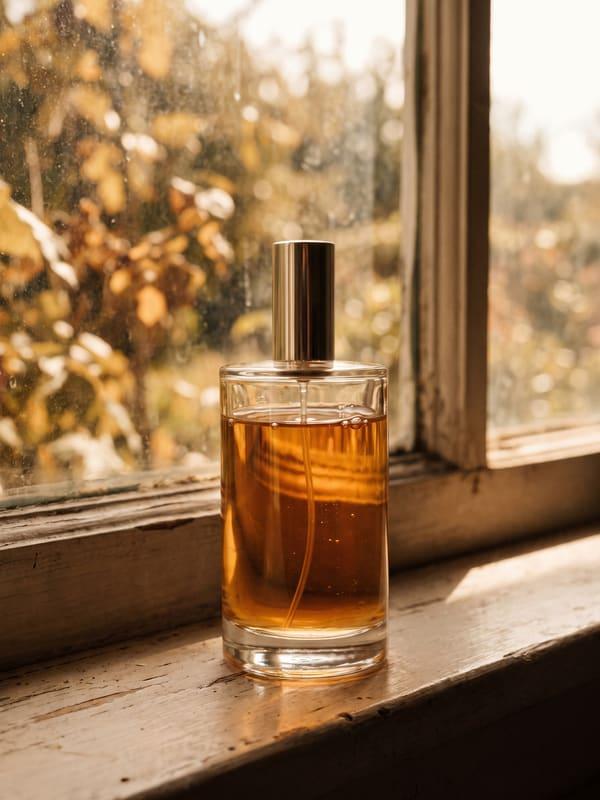
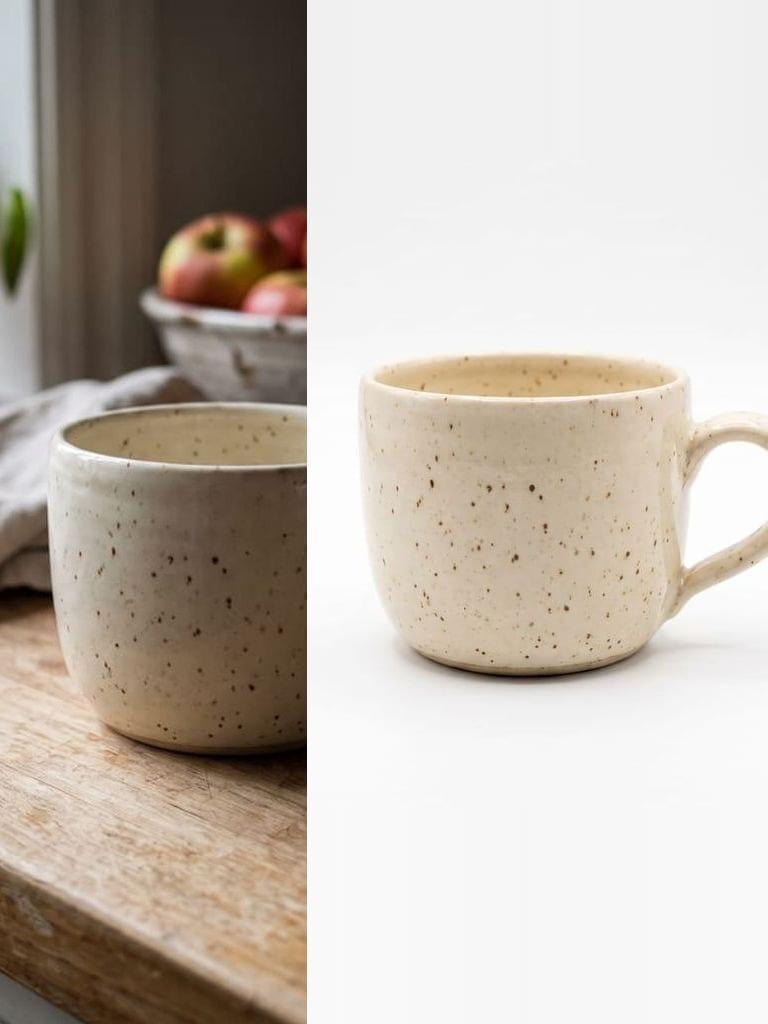
Product photos are fine. Product videos convert better. Animate your product shots with professional camera movements. Pan, zoom, and orbit without a video crew.
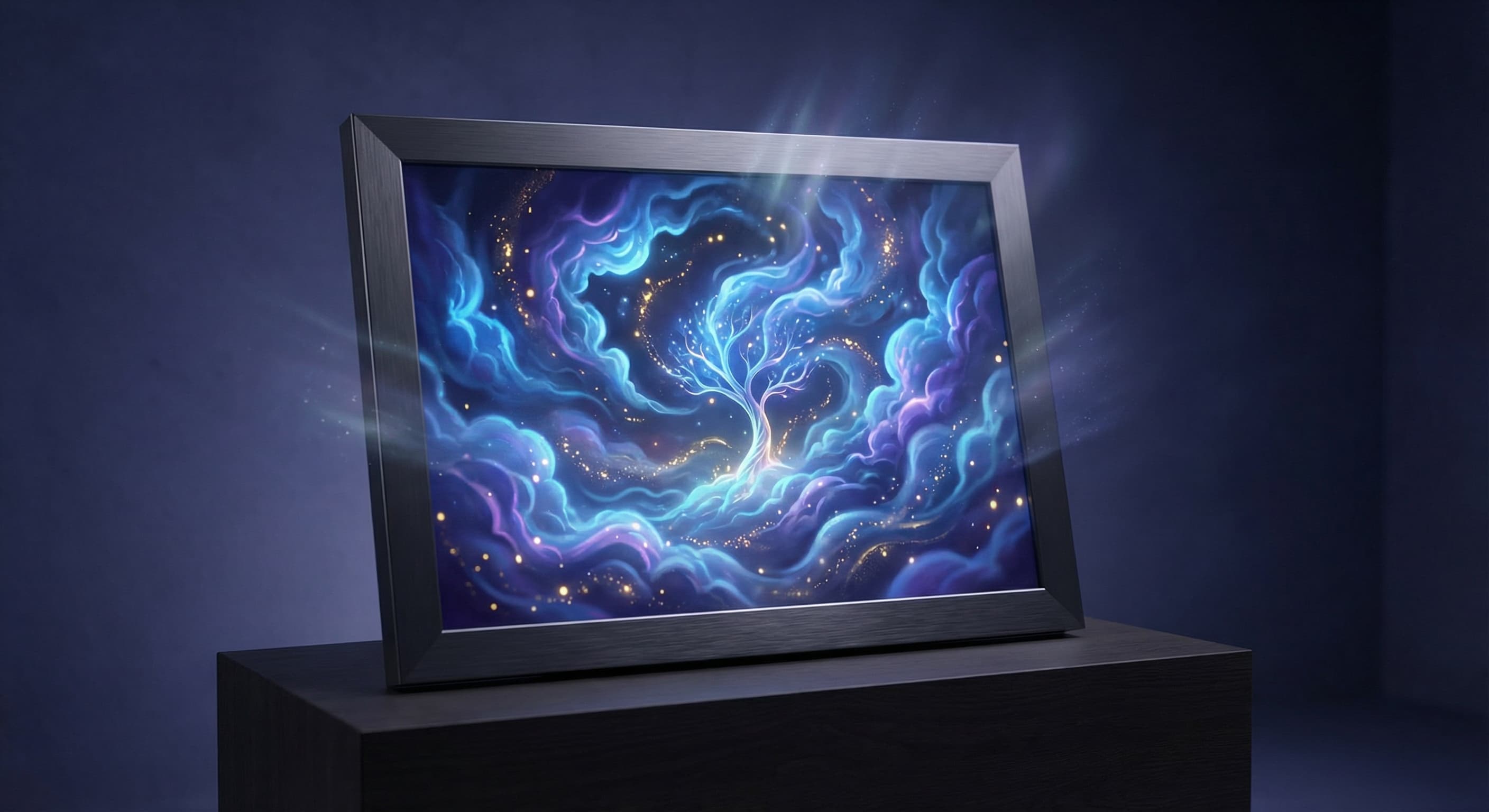
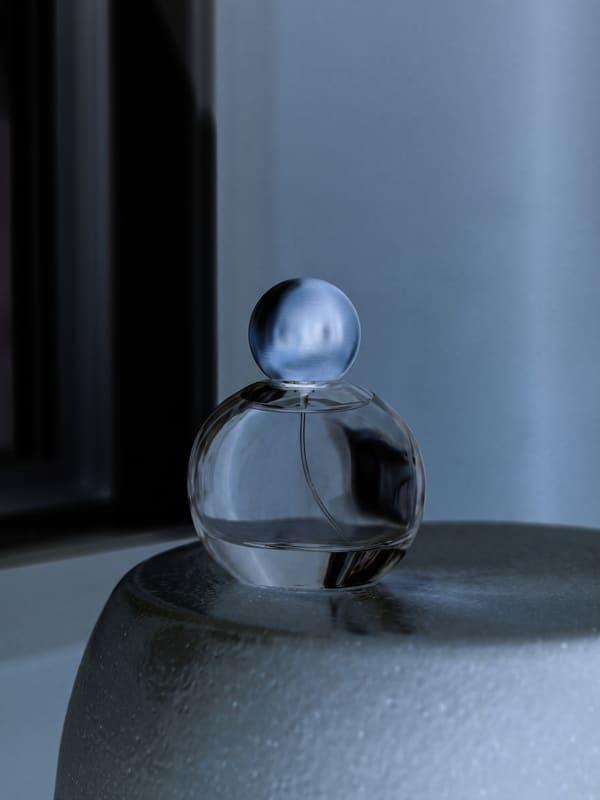
Digital art, illustrations, AI-generated images. Add subtle animation to make your artwork feel alive. Flowing hair, drifting clouds, flickering lights.
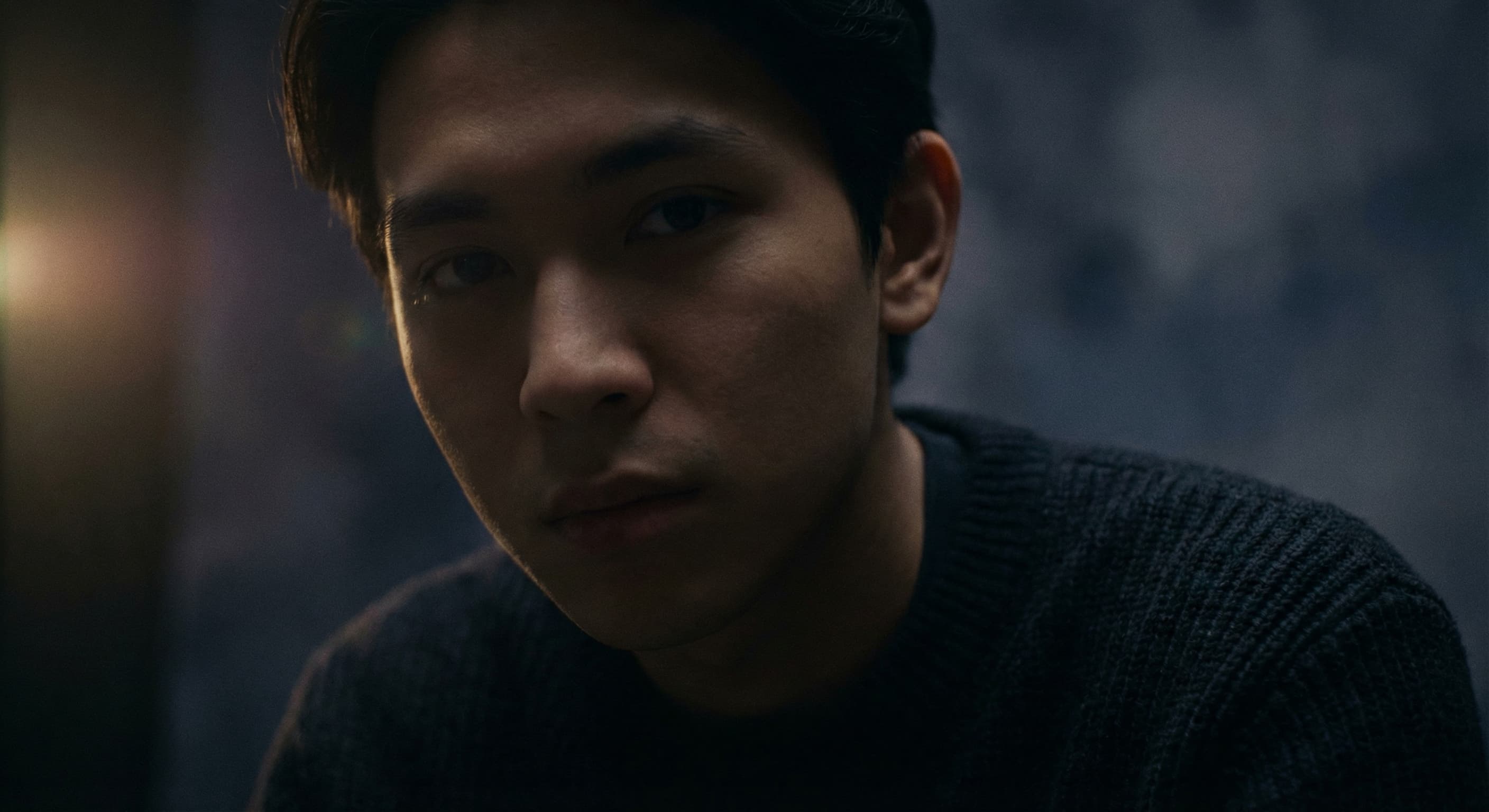
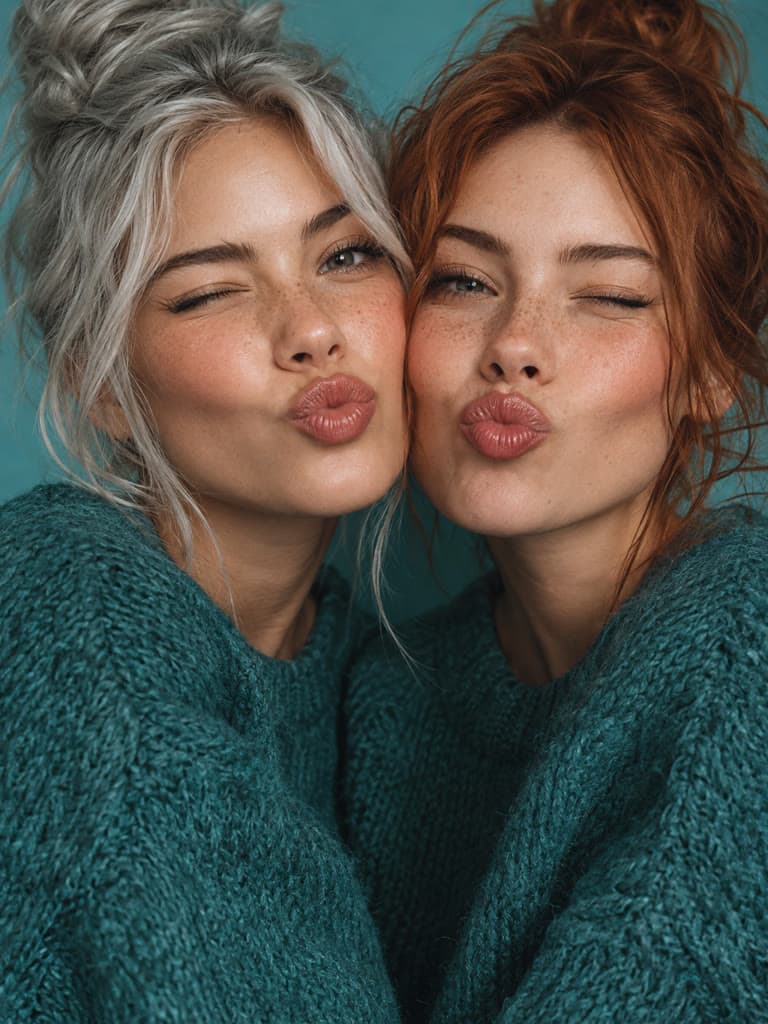
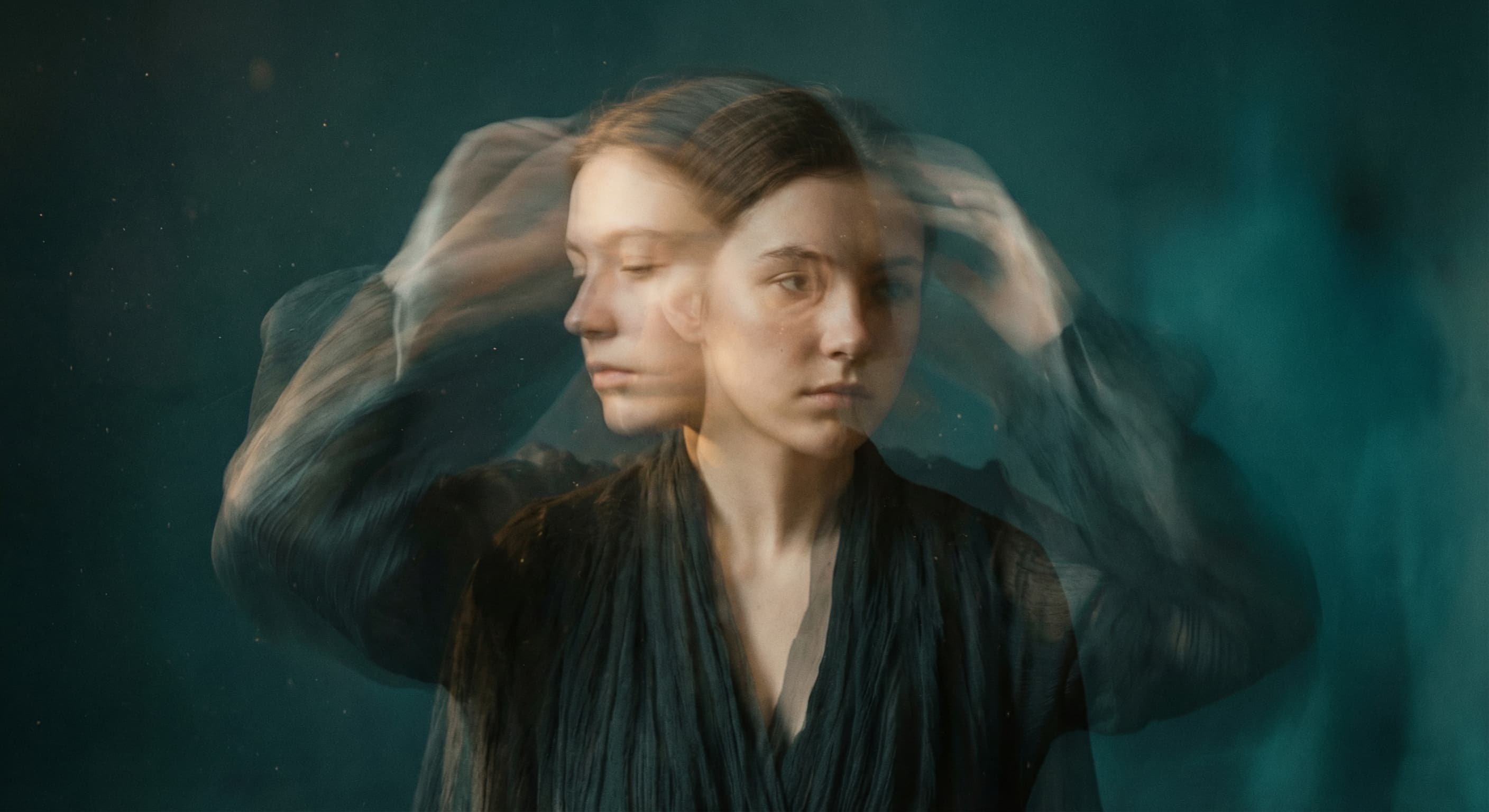
Turn portrait photos into movie-like moments. Add dramatic camera movements, subtle breathing motion, or atmospheric effects. Your selfie just became a film still.
Basic slideshows add fake zoom effects. This is different. Real AI-generated motion that looks natural.
The AI understands what's in your image and generates appropriate movement. People can shift slightly, hair can blow, water can ripple. Not pre-programmed effects, but intelligent animation.
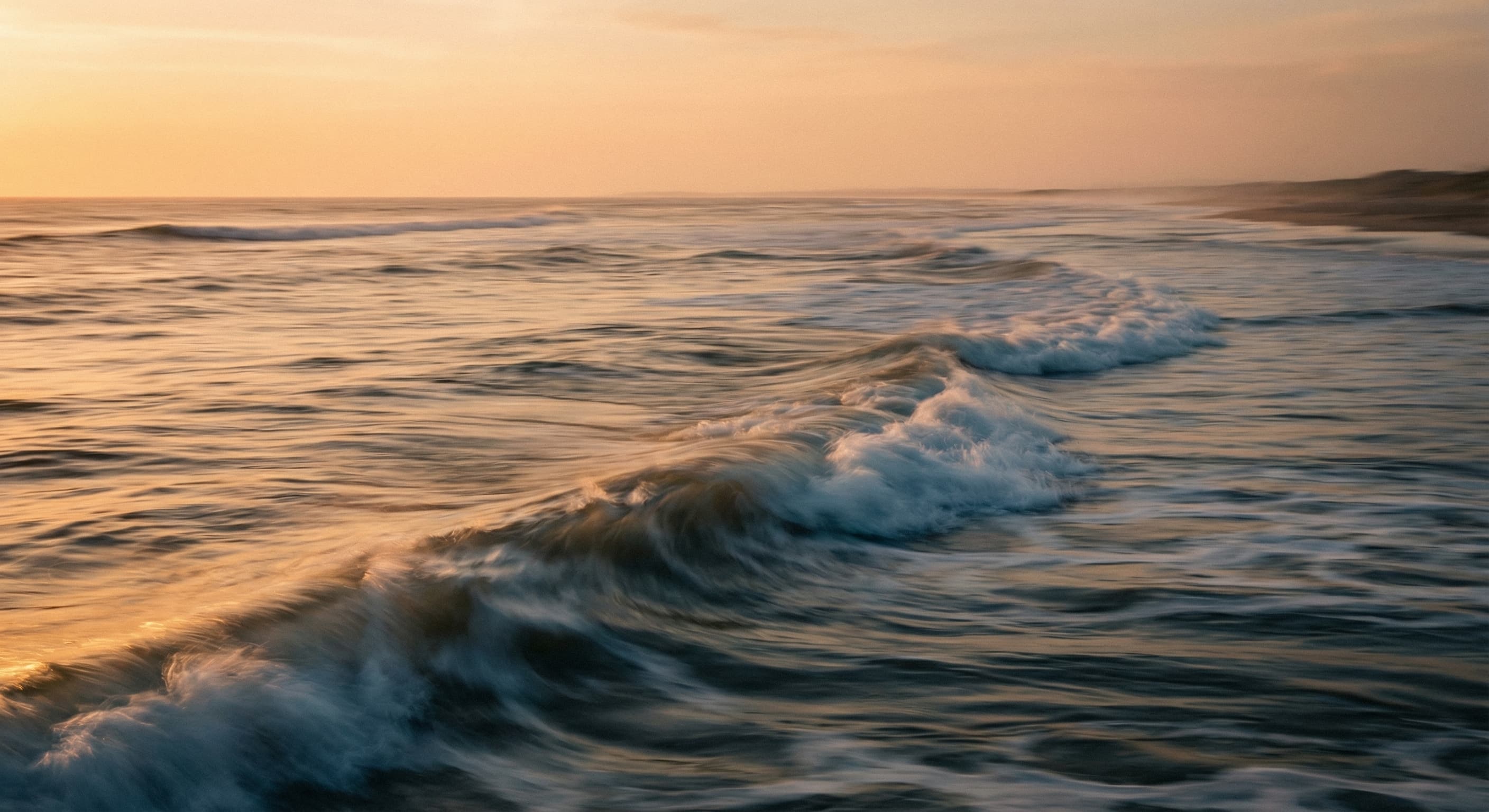
Describe the camera movement you want. Slow push in, dramatic pan, smooth orbit. The AI generates realistic camera motion that would cost thousands to film.
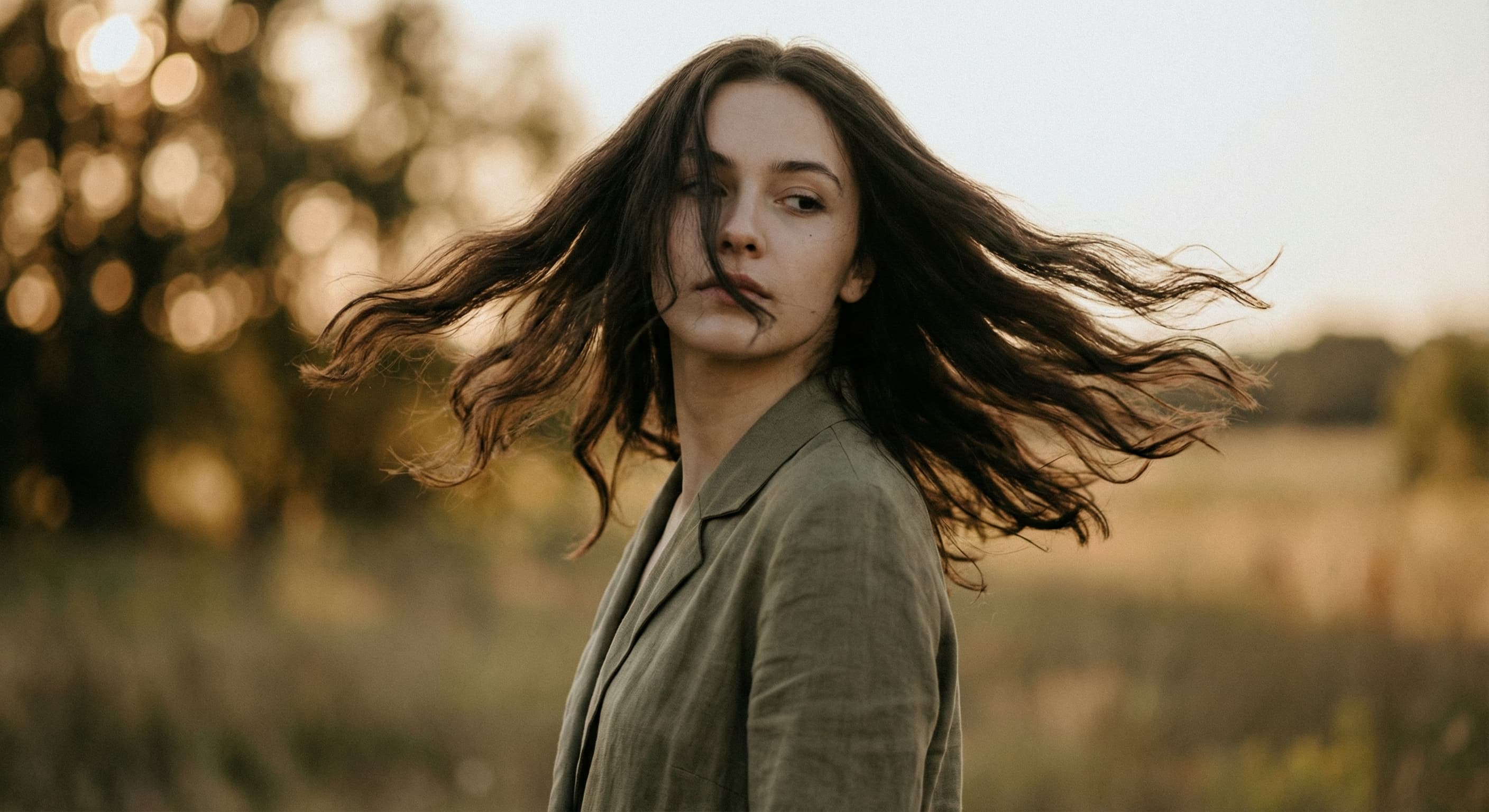
Tell the AI what you want to see. 'Gentle breeze through hair', 'camera slowly zooms in', 'waves crashing in background'. Natural language controls the animation.
Select any photo you want to animate. Works with portraits, landscapes, products, artwork, and more. Higher resolution images produce better video quality.
Tell the AI what movement you want. Camera directions like "slow zoom in" or subject motion like "hair blowing gently". Be specific for best results.
The AI processes your image and creates a short video with realistic motion. Generation takes about 30-60 seconds.
Preview your animated video and download in MP4 format. Perfect for social media, presentations, or sharing with friends.
Great app for filtering photos and even greater app for sizing pictures for not only posts but story photos as well... love this app I mainly use insta size for all my posts now ;)
Resizing photos for social media should be a cinch, but most editing programs are a pain to use. Of the dozen I’ve used, Instasize is the fastest, easiest and most consistent...
Perfect app for the exact social media picture sizes. Love it. I use it daily. & I like the premade options they give you for different social medias!
Its the best app. for sizing photos to fit for Instagram or other forms of social media. You can also edit photos and create collages with multiple photos. It’s had been my friend for several years!
Always helpful when needing to resize photos
I love this app. Makes posting all types of photos. Love how it makes them fit on different formats
I use this app everyday to perfectly resize images for all of my social media platforms
This app saved the day for me! I’m finally able to resize my photos for IG....effortlessly
We use this App weekly to resize pics for social media posts. Very user friendly, easy to use program when you want to get in and out quickly...
Our AI uses advanced video generation models that understand the content of your image and create realistic motion frames. It analyzes subjects, backgrounds, and depth to generate appropriate movement while maintaining visual consistency throughout the video.
High-resolution photos with clear subjects work best. Portraits, landscapes, product photos, and artwork all animate well. Images with distinct foreground and background elements allow for more dramatic camera movements.
Generated videos are approximately 4-5 seconds long at 24fps. This is optimized for social media content like Instagram Reels, TikTok, and Stories where short, looping content performs best.
Yes, through your text prompt. Describe specific movements like "camera pans left while subject remains still" or "gentle breathing motion with static background". The AI interprets your description to create the animation.
Videos are generated in MP4 format at 480x480 resolution, optimized for social media sharing. The format is compatible with all major platforms and devices.
Image to video is an AI feature, so it's part of the paid plans — Pro starts with a free trial. A video uses more of your daily AI credits than an image edit, and higher plans include a larger daily allowance.
Video quality depends heavily on the input image. Higher resolution source images produce better results. If your original image is low resolution or heavily compressed, the video will reflect that quality.
Currently, each generation creates a ~4-5 second clip. For longer content, you can generate multiple clips and combine them using a video editor, or use our slideshow tool to create longer videos from multiple images.
Yes! AI-generated artwork, digital illustrations, and images from other AI tools all work great. The consistent style and clean details in AI images often produce excellent animation results.
Yes, though results vary based on image quality. Consider using our upscaler tool first to enhance old photos before animating them for best results.
Resize, crop, add text and work with layers for free. Paid plans include an AI usage allowance, background removal and access to image and video models. First-time subscribers can start with a free trial.
Essential tools for casual creators.
Free forever
Essential AI tools for creators
Billed monthly
Annual option: $299.99 billed yearly.
Advanced features for professionals
Billed monthly
Annual option: $499 billed yearly.
Maximum power and speed
Billed monthly
Annual option: $2199 billed yearly.
Generate from text, expand photos, remove backgrounds, and upscale to 4K