Photo Filters
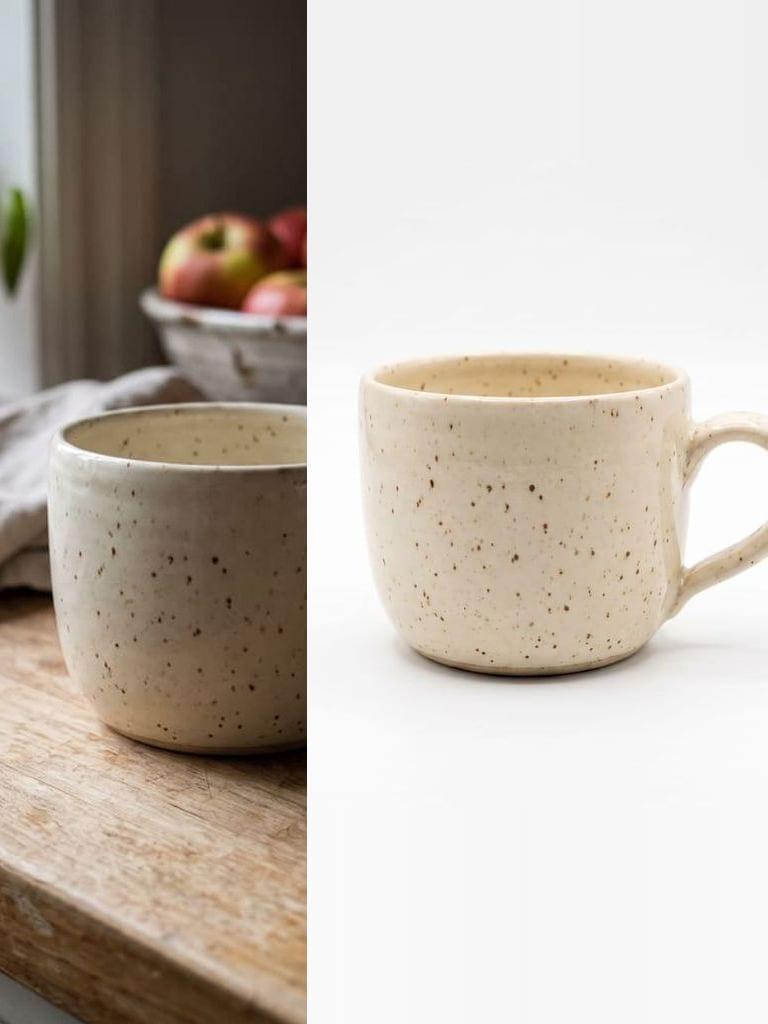
Upload a JPG, PNG, or WebP and preview a curated filter collection in your browser. Choose a look, compare it with the original, and download the result.
How this compares to other tools
Sourced comparisons built from each vendor's own published pricing and feature terms, with the source links on the page.
Photo filters
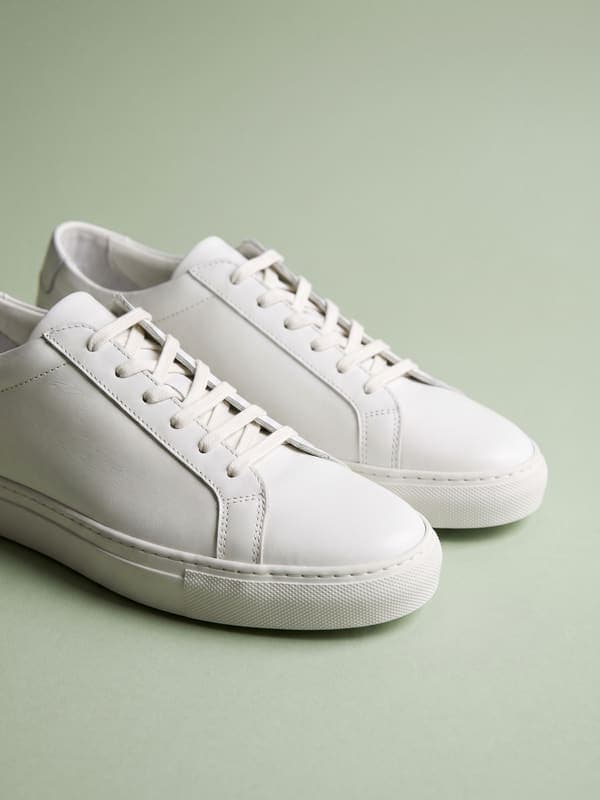
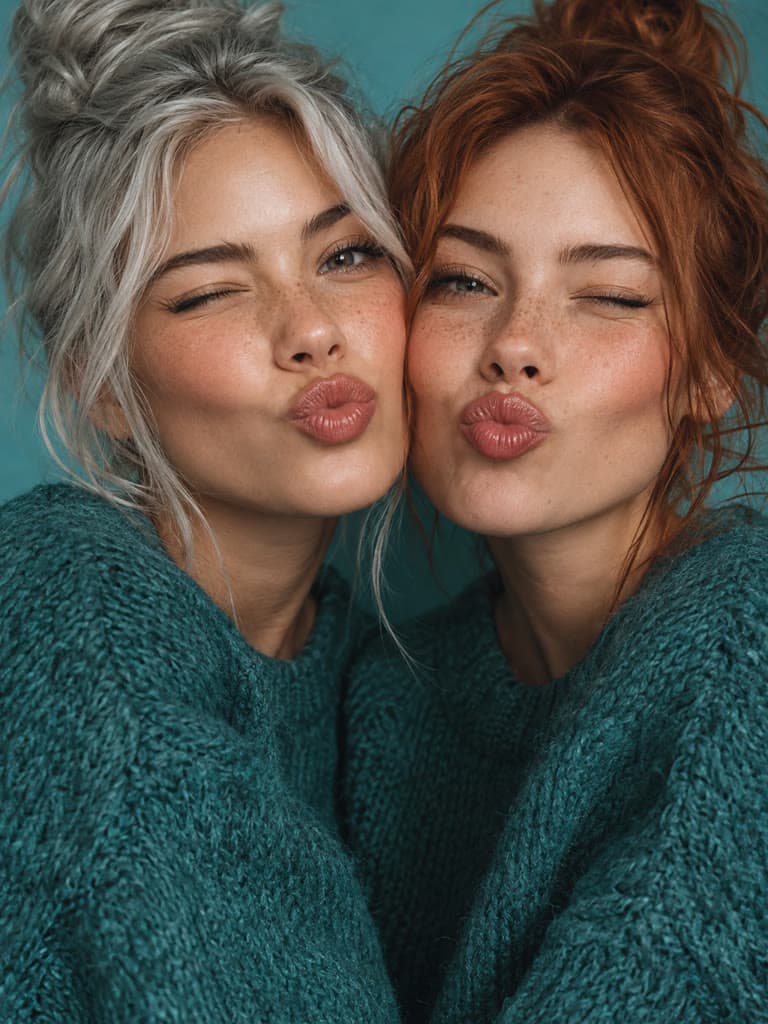
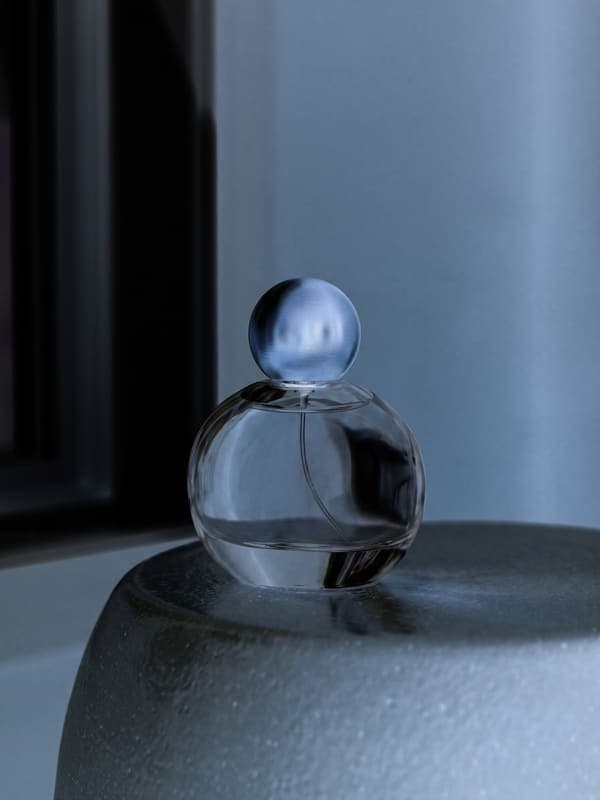
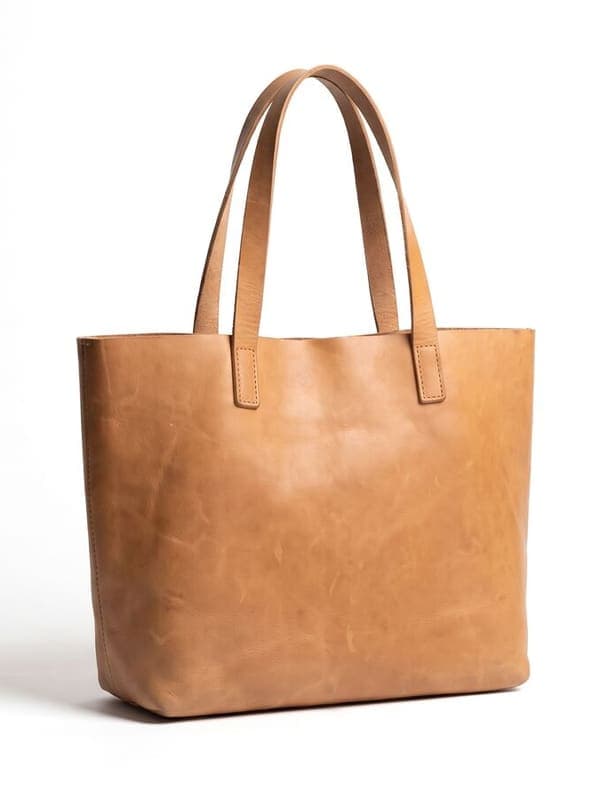
Black and white, sepia, and vintage looks
Professional Filters at Your Fingertips
One-Click Enhancement
Transform your photos instantly with our professionally crafted filters. Each filter is designed to enhance your images while maintaining natural looks and authentic colors.
Curated Collection
From subtle enhancements to dramatic transformations, our filter collection covers every style. Whether you need vintage vibes or modern aesthetics, find the perfect look for your photos.
Adjustable Intensity
Fine-tune your filters with adjustable intensity controls. Get exactly the look you want by customizing how strongly each filter affects your image.
Filters for Every Style
Classic Looks
Give your photos timeless appeal with our classic filter collection. Perfect for portraits, landscapes, and everyday moments.
Modern Effects
Stay on trend with our contemporary filters. Create eye-catching content for social media with modern, vibrant looks.
Professional Grade
Each filter is crafted to meet professional standards, ensuring your photos look polished and refined every time.
How to apply filters to your photos?
- 1
Step 1: Upload Your Photo
Choose an image from your device to begin. We support various formats including JPG, PNG, and WEBP.
- 2
Step 2: Select a Filter
Browse through our collection of filters and click on one to preview how it will look on your photo.
- 3
Step 3: Download Your Enhanced Photo
Once you're happy with the result, click download to save your filtered photo in high quality.
One of my go-to apps
Great app for filtering photos and even greater app for sizing pictures for not only posts but story photos as well... love this app I mainly use insta size for all my posts now ;)
Fast and Straightforward
Resizing photos for social media should be a cinch, but most editing programs are a pain to use. Of the dozen I’ve used, Instasize is the fastest, easiest and most consistent...
Great Sizes
Perfect app for the exact social media picture sizes. Love it. I use it daily. & I like the premade options they give you for different social medias!
I love instasize
Its the best app. for sizing photos to fit for Instagram or other forms of social media. You can also edit photos and create collages with multiple photos. It’s had been my friend for several years!
Always helpful
Always helpful when needing to resize photos
Huge fan
I love this app. Makes posting all types of photos. Love how it makes them fit on different formats
I’ve been using for years. Can’t work without it.
I use this app everyday to perfectly resize images for all of my social media platforms
LOVE
This app saved the day for me! I’m finally able to resize my photos for IG....effortlessly
Great App
We use this App weekly to resize pics for social media posts. Very user friendly, easy to use program when you want to get in and out quickly...
What are photo filters?
Photo filters are preset adjustments that can instantly enhance your photos with specific looks or styles. They can adjust colors, contrast, brightness, and other elements to create a cohesive aesthetic.
Can I adjust filter intensity?
Yes! All our filters come with adjustable intensity controls, allowing you to fine-tune the effect to perfectly match your vision.
Will filters affect my photo quality?
No, our filters are designed to enhance your photos while maintaining their original quality. You can apply and adjust filters without losing image resolution.
What types of filters are available?
We offer a wide range of filters including vintage, modern, black and white, portrait-optimized, landscape enhancers, and many more to suit different photography styles and needs.
Can I use filters for professional work?
Absolutely! Our filters are professionally crafted and suitable for both personal and professional use, from social media content to professional photography.
Instasize pricing: free editing and paid AI plans
Resize, crop, add text and work with layers for free. Paid plans include an AI usage allowance, background removal and access to image and video models. First-time subscribers can start with a free trial.
Free
Essential tools for casual creators.
Free forever
- Resize, crop, text and layers
- Batch resize & convert, 200 photos at a time
- HD export
- No AI features: AI edits are part of Pro
Pro
PopularEssential AI tools for creators
Billed monthly
Annual option: $299.99 billed yearly.
- More AI usage
- Batch background removal, 200 photos at a time
- 2 generations at a time
- AI Chat Editing
- All AI image models
- All AI video models
Ultimate
Advanced features for professionals
Billed monthly
Annual option: $499 billed yearly.
- More AI usage
- Batch background removal, 200 photos at a time
- 4 generations at a time
- AI Chat Editing
- All AI image models
- All AI video models
Max
Maximum power and speed
Billed monthly
Annual option: $2199 billed yearly.
- More AI usage
- Batch background removal, 200 photos at a time
- 8 generations at a time
- AI Chat Editing
- All AI image models
- All AI video models
AI Image Generator for Every Creative Need
Generate from text, expand photos, remove backgrounds, and upscale to 4K