Exact Dimensions
Set precise width and height in pixels. No guessing, no approximations—your image comes out exactly the size you specify.
Resize one JPG, PNG, or WebP image at a time to custom pixel dimensions or a social-media preset, then download the result as a JPG.
Perfect dimensions for Instagram, YouTube, TikTok, and more
7 sizes
9 sizes
5 sizes
9 sizes
7 sizes
6 sizes
5 sizes
9 sizes
16 sizes
6 sizes
6 sizes
5 sizes
28 sizes
4 sizes
7 sizes
7 sizes
5 sizes
5 sizes
3 sizes
5 sizes
24 sizes
Business image sizes
Use source-backed presets for property, travel, restaurant, and commerce platforms. Each page explains whether its canvas is required, recommended, or derived from published ratio rules.
Publishing sizes
Use source-backed presets for listings, campaigns, organizer pages, and music profiles, then check each platform's preview before publishing.
Prepare store capsules, game icons, listing thumbnails, profile art, and creator-marketplace images with current platform-specific presets.
Sourced publishing presets
Prepare icons, screenshots, listing art, repository previews, and profile images with dimensions linked to current platform documentation.
Need to resize an image for Instagram? The dedicated Instagram image resizer covers posts, Stories, Reels, carousels, profile pictures, and Highlight covers.
Put one image on each page, arrange the order, and create the PDF in your browser.
Browse one updated table of post, profile, banner, Story, thumbnail, and cover dimensions before choosing a preset.
Every platform has different size requirements. Instagram supports 1080x1080 feed posts and 1080x1920 Stories, while YouTube currently recommends 3840x2160 custom thumbnails. Choose a preset, then decide whether to fit the full image or fill the frame.
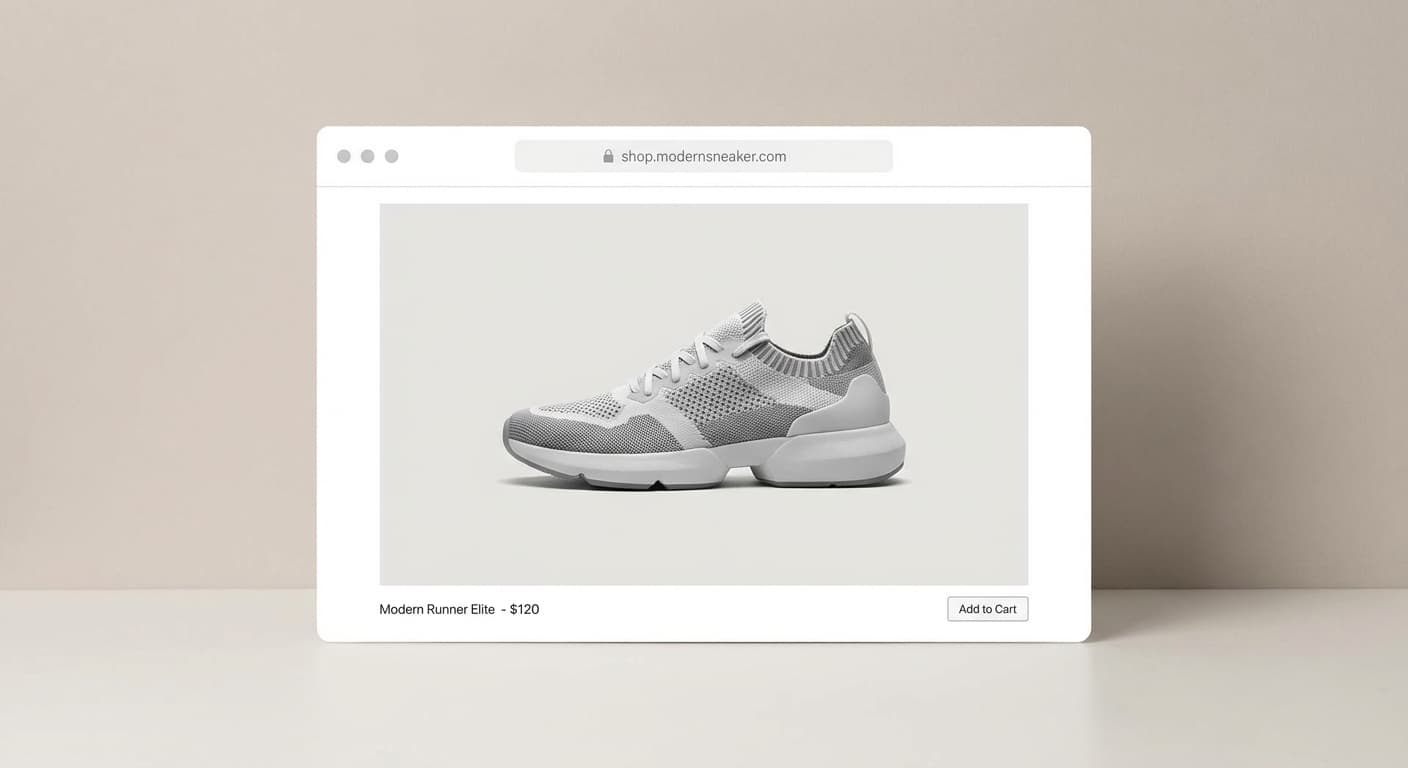
Large images slow down your website. Visitors leave, search rankings drop. Resize product photos, blog images, and hero banners to web-friendly dimensions. Your pages load faster without sacrificing the quality your brand needs.
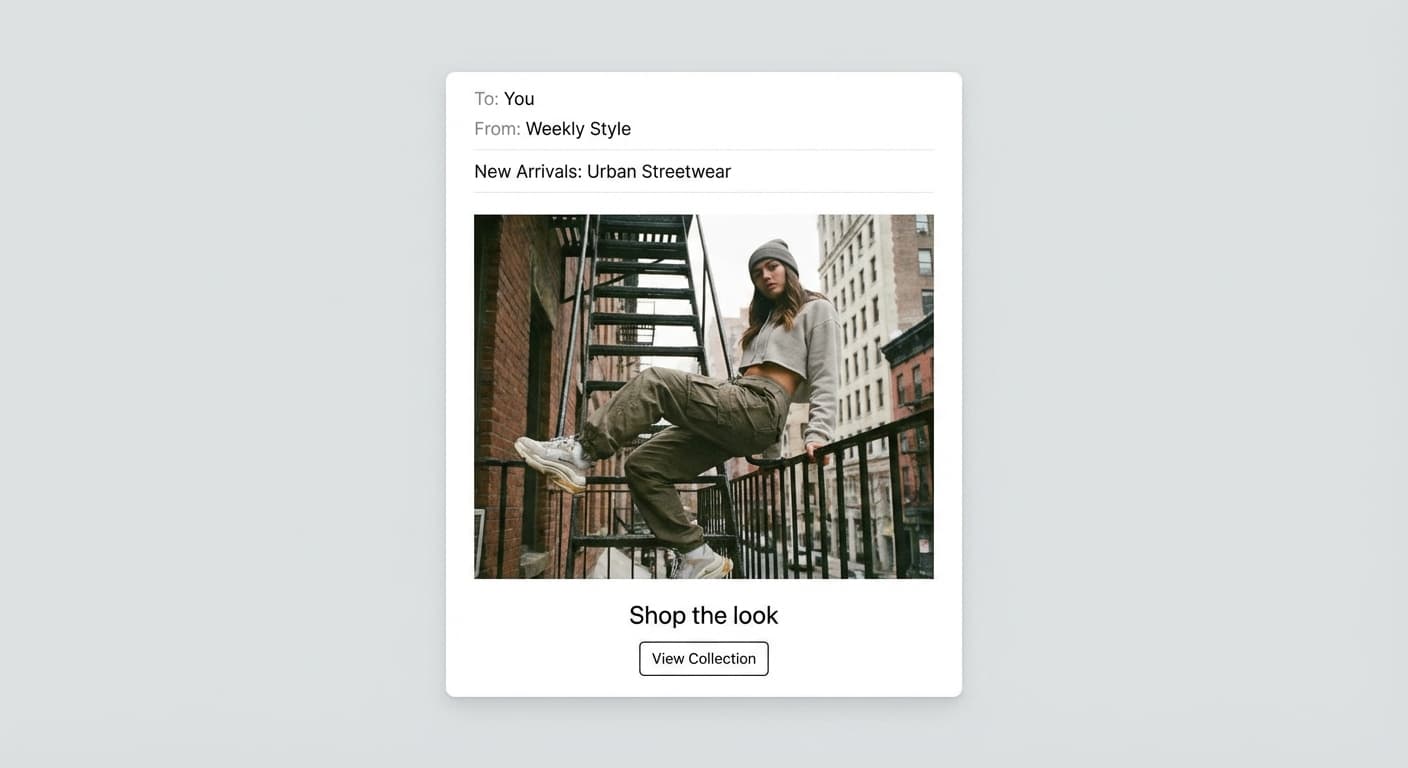
Email providers reject attachments over 10-25MB. Marketing platforms have their own limits. Resize photos before attaching so your messages actually reach the inbox, not the spam folder or bounce pile.
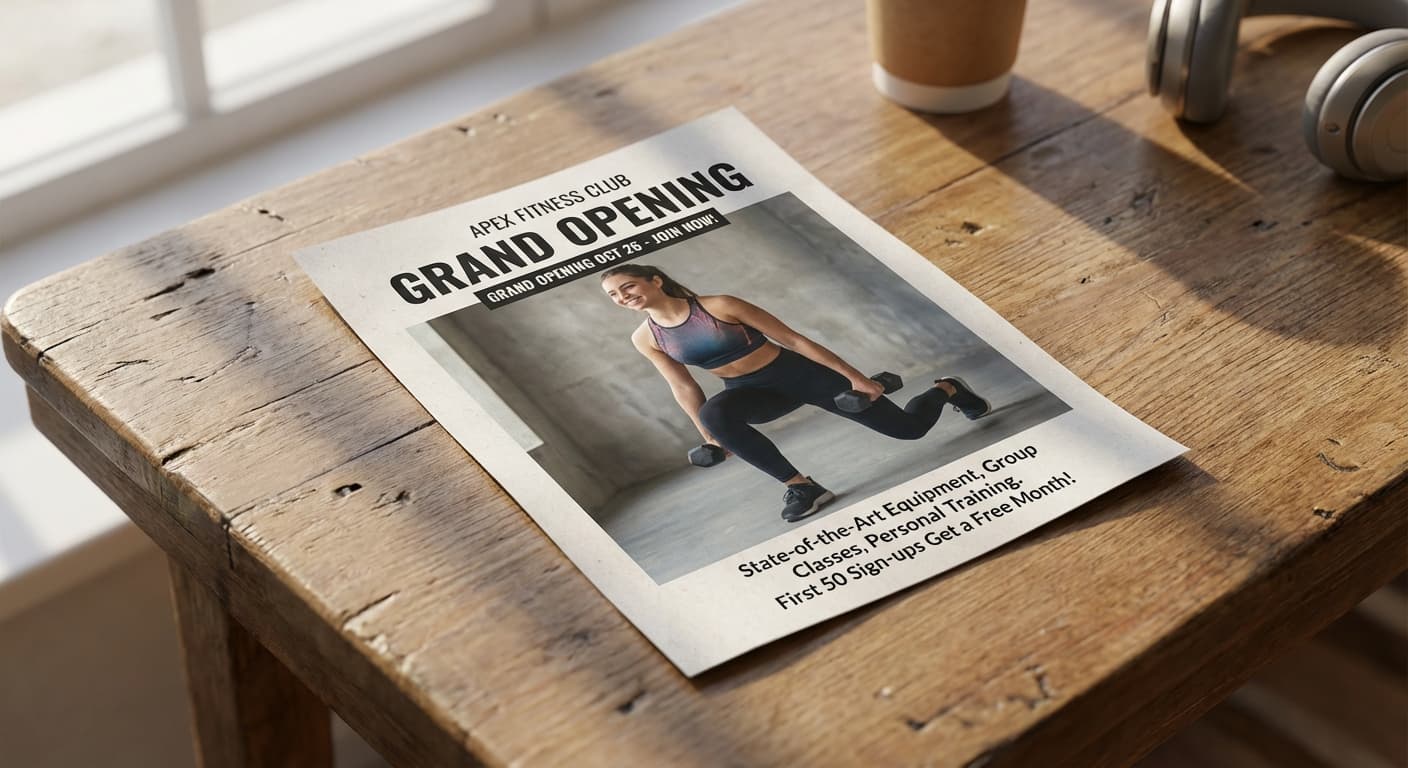
Print shops need specific pixel dimensions for flyers, posters, and banners. Too small and your image looks pixelated. Too large and you're wasting file space. Set the exact dimensions your printer requires and get crisp results every time.
Get the exact dimensions you need, every time.
Set precise width and height in pixels. No guessing, no approximations—your image comes out exactly the size you specify.
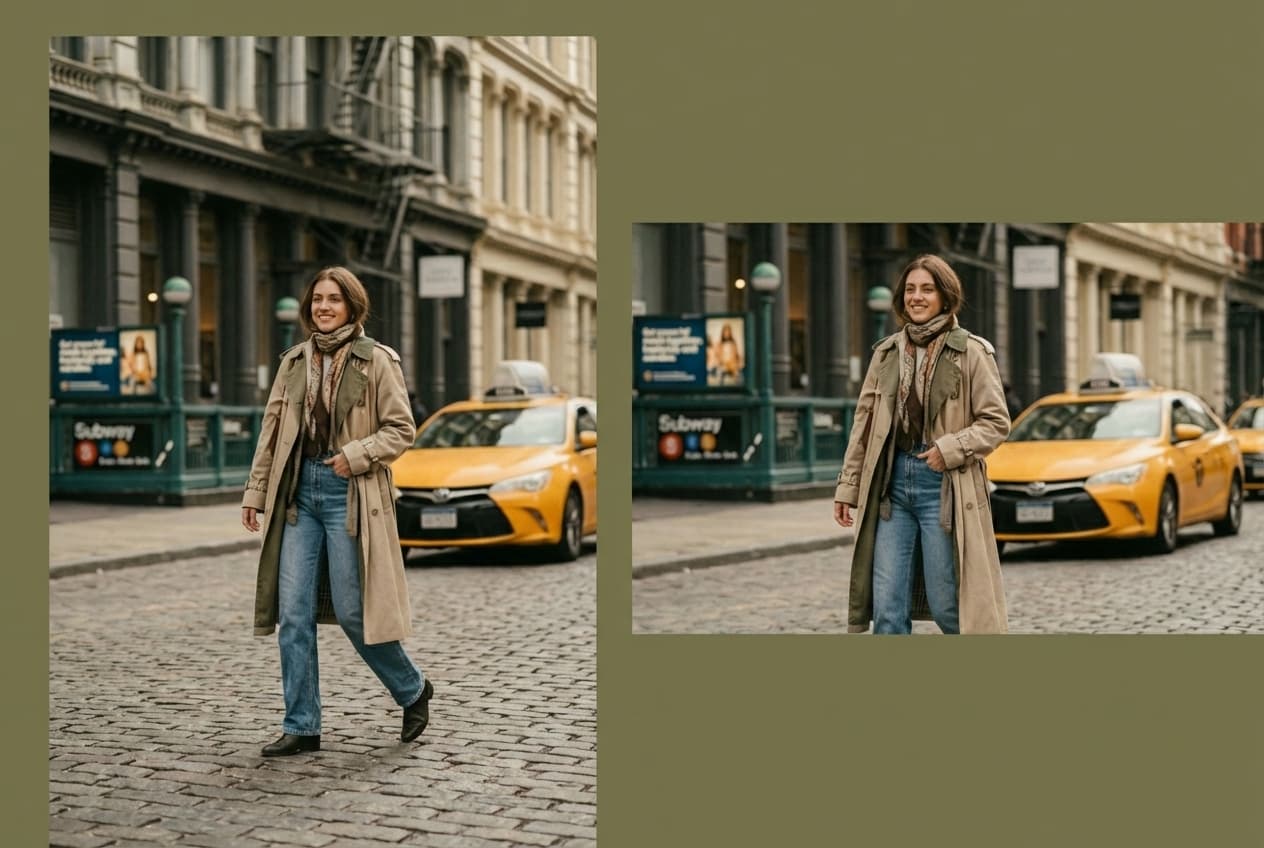
Choose how your image fills the frame. Fit, fill, crop, or pad. You control how the resize handles aspect ratio differences.
Fit perfectly for Instagram, TikTok, YouTube, Facebook, LinkedIn, and more. One click gets you the exact dimensions each platform requires.
Drag and drop one JPG, PNG, or WebP image up to 10MB, or click to select it from your device.
Select a platform preset like Instagram Story or YouTube Thumbnail, or enter your own custom width and height in pixels.
Preview the resized image, then download the JPG result directly to your device without a watermark.
Great app for filtering photos and even greater app for sizing pictures for not only posts but story photos as well... love this app I mainly use insta size for all my posts now ;)
Resizing photos for social media should be a cinch, but most editing programs are a pain to use. Of the dozen I’ve used, Instasize is the fastest, easiest and most consistent...
Perfect app for the exact social media picture sizes. Love it. I use it daily. & I like the premade options they give you for different social medias!
Its the best app. for sizing photos to fit for Instagram or other forms of social media. You can also edit photos and create collages with multiple photos. It’s had been my friend for several years!
Always helpful when needing to resize photos
I love this app. Makes posting all types of photos. Love how it makes them fit on different formats
I use this app everyday to perfectly resize images for all of my social media platforms
This app saved the day for me! I’m finally able to resize my photos for IG....effortlessly
We use this App weekly to resize pics for social media posts. Very user friendly, easy to use program when you want to get in and out quickly...
A tool that changes the dimensions of your photo—making it bigger, smaller, or a different shape.
Each resizer keeps the file in its own format, so a JPG stays JPG and a transparent PNG stays transparent.
Same job on a different file type or batch size. Each tool still processes the file in this browser.
Sourced comparisons built from each vendor's own published pricing and feature terms, with the source links on the page.
File tools
Need a different file format or transparent background? Choose a focused converter, then check the preview and encoded size before downloading.
Create without limits. Get full access to every premium AI model and our entire suite of tools with a single plan.
Essential tools for casual creators.
Free forever
Essential AI tools for creators
Billed monthly
Advanced features for professionals
Billed monthly
Maximum power and speed
Billed monthly
Generate from text, expand photos, remove backgrounds, and upscale to 4K