AI-Powered Inpainting
Our AI analyzes the surrounding area and intelligently fills the gap. Textures, patterns, lighting—all reconstructed naturally.
Erase anything from your photos. Remove photobombers, unwanted objects, text, watermarks, and distractions. Just describe what to remove and AI handles the rest.

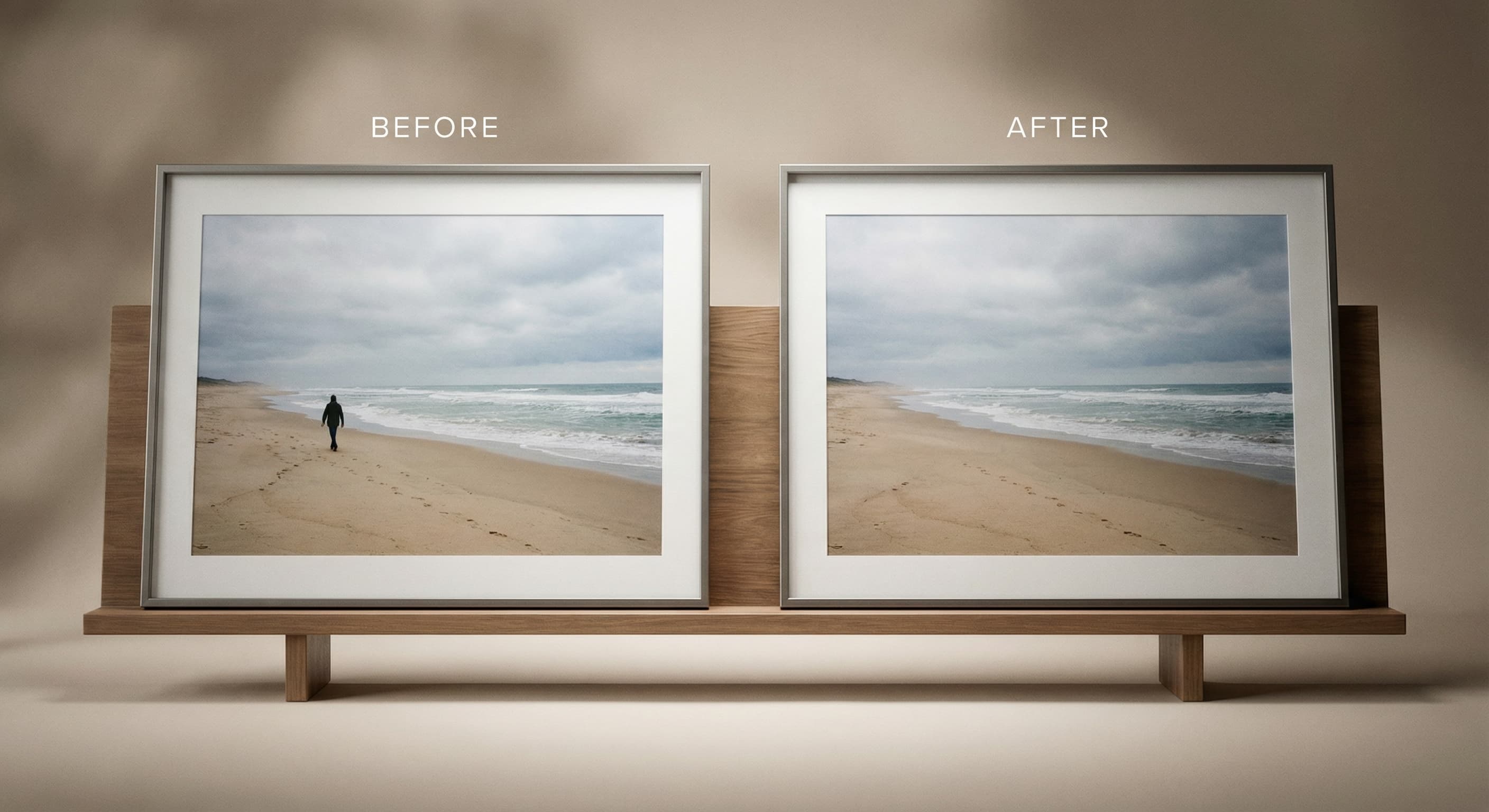
That stranger walked into your perfect shot. That tourist ruined your landmark photo. Gone in seconds. Your photos, just the people you want.
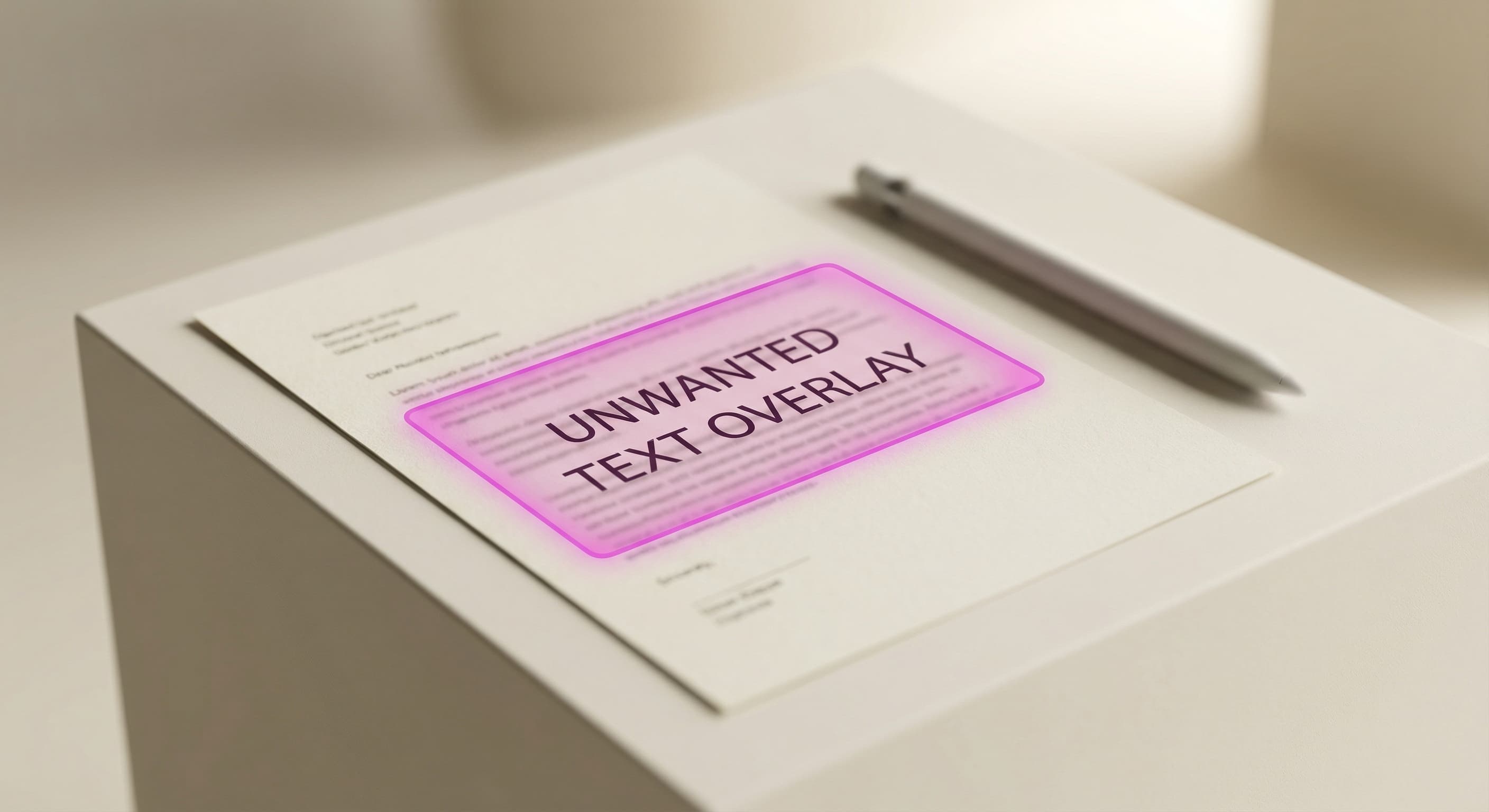
Remove watermarks from stock photos you've licensed, clean up screenshots, or remove unwanted text overlays from images.
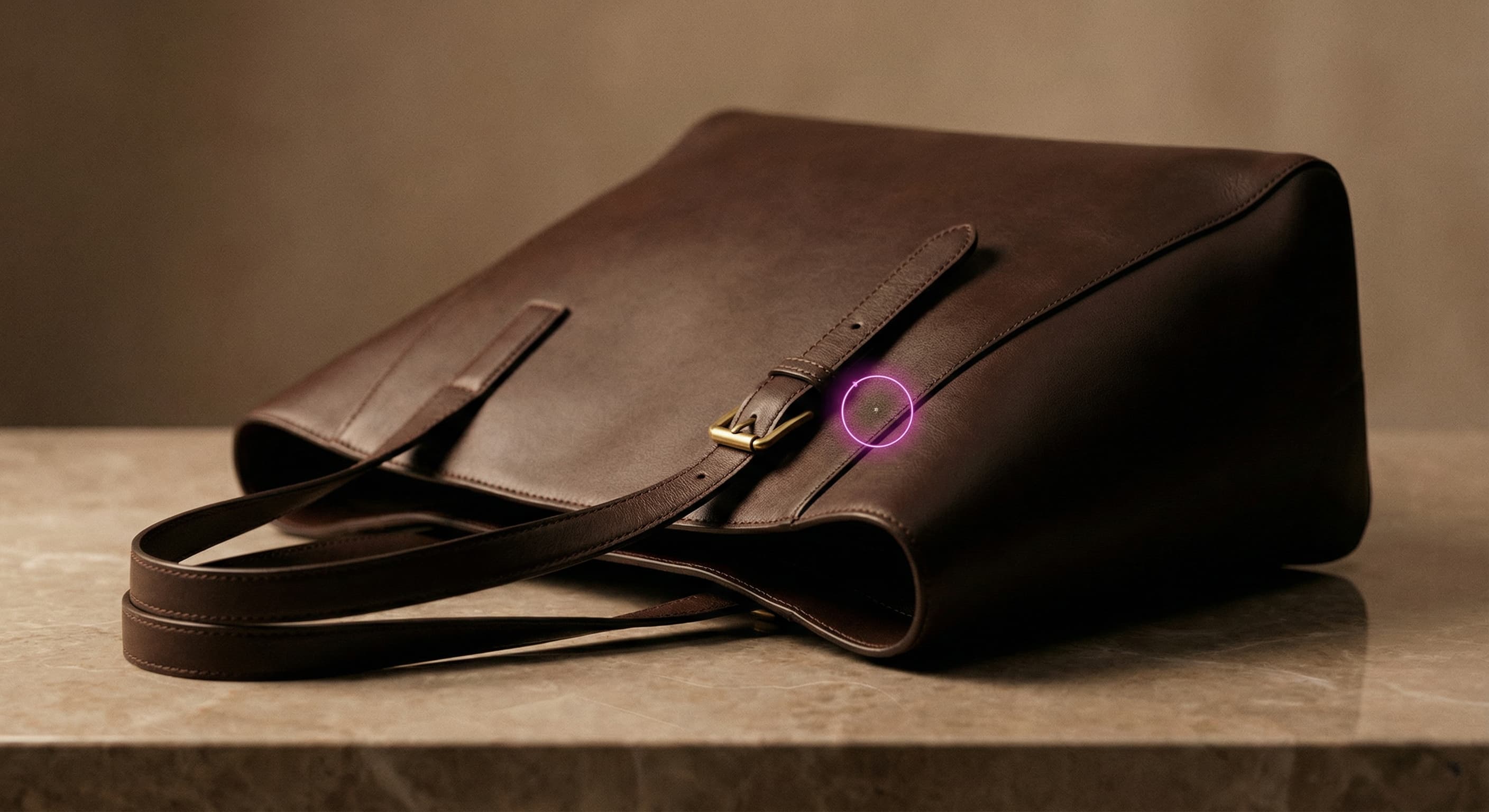
Selling something? Remove price tags, dust, scratches, and background clutter. Make your products look professional.
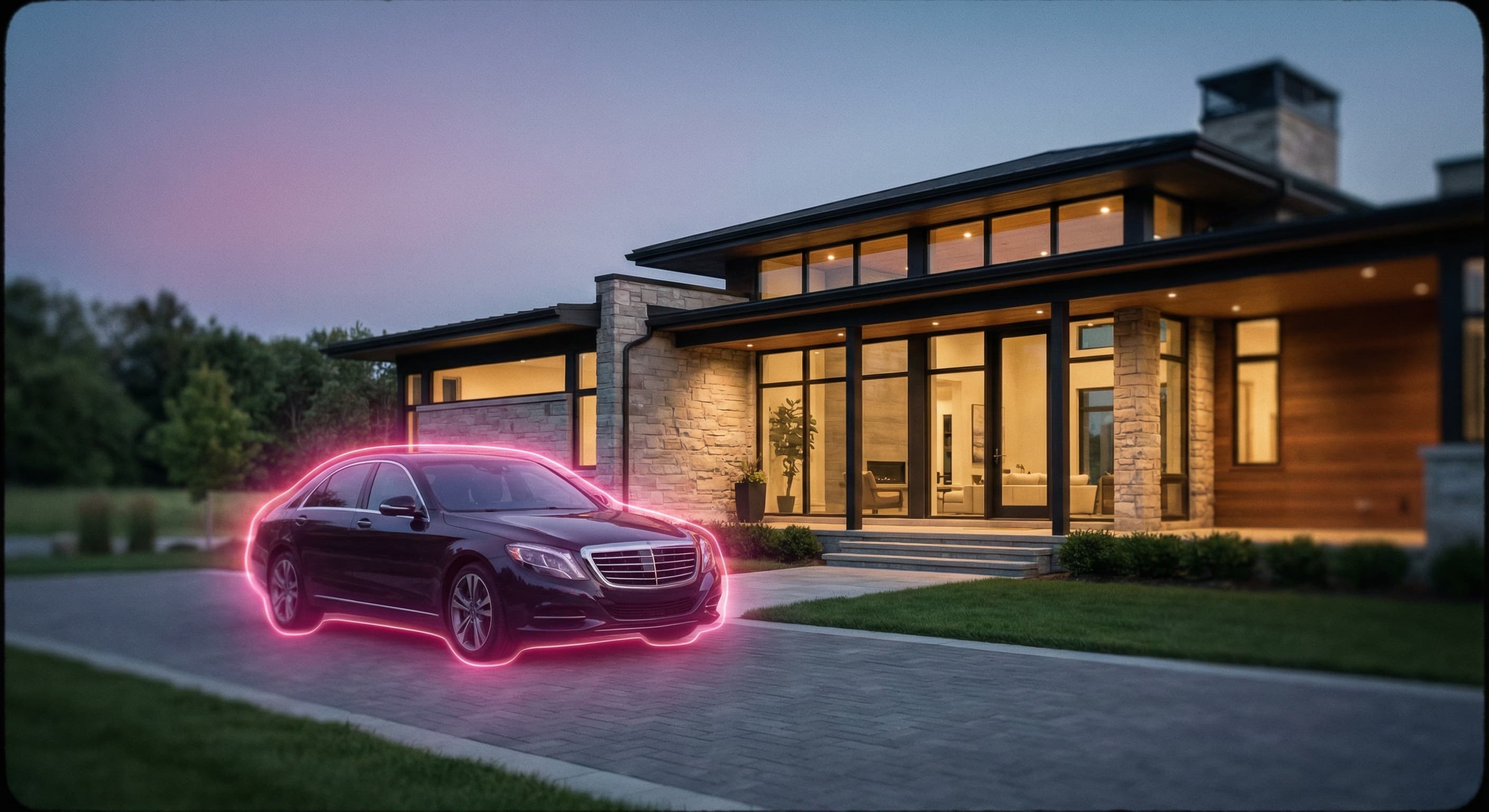
Remove cars from driveways, trash bins, power lines, or neighbors' clutter. Show properties at their best.
Most object removers leave smudges, weird textures, or obvious patches. Ours rebuilds the background seamlessly. Here's how we make objects disappear completely.
Our AI analyzes the surrounding area and intelligently fills the gap. Textures, patterns, lighting—all reconstructed naturally.
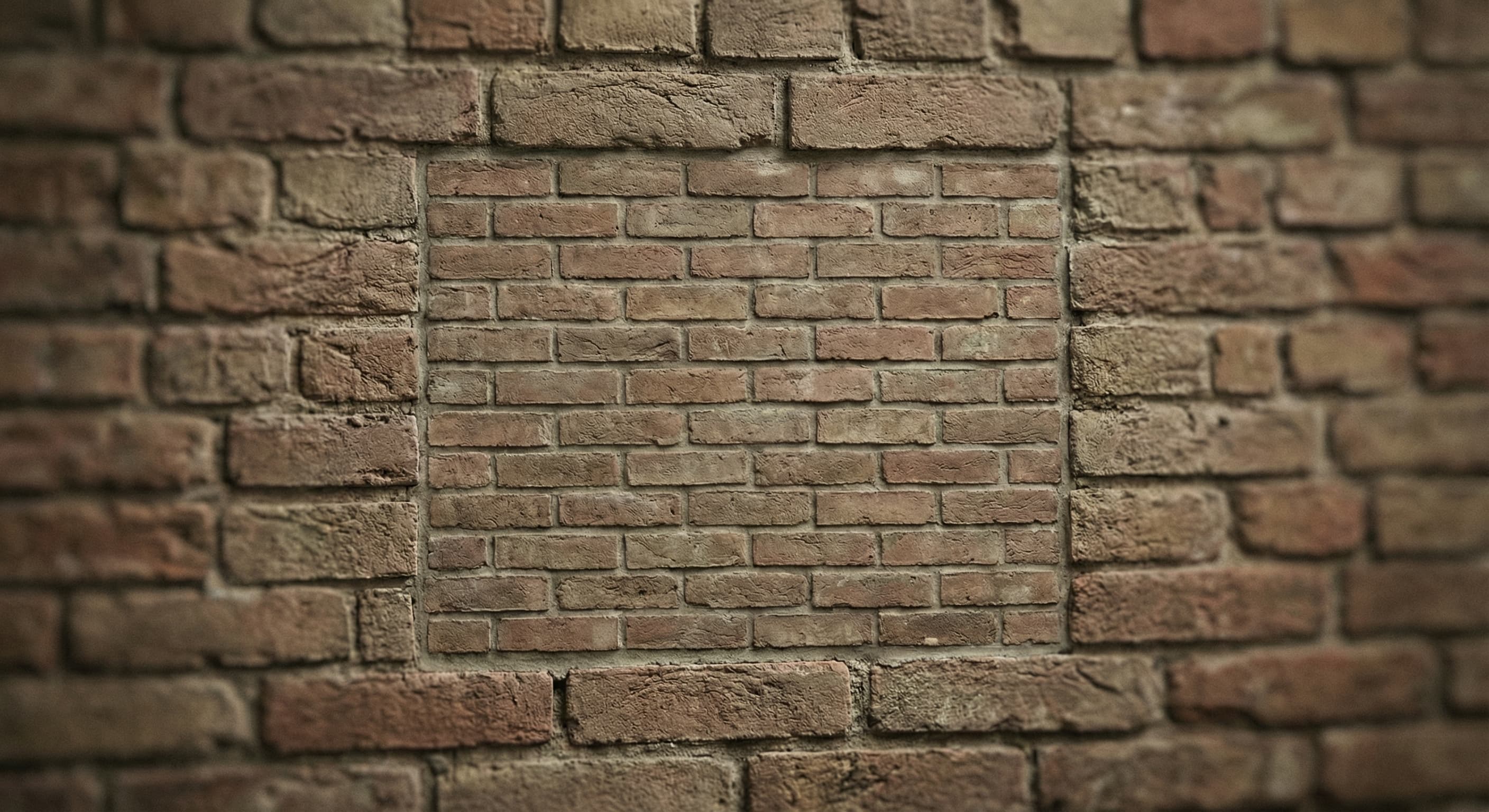
Brick walls, grass, fabric, crowds—our AI understands context and maintains continuity. No obvious patches or blurs.
Download the generated edit and compare its dimensions, texture, and detail with the source. Inpainting and export can alter pixels, so keep the original.
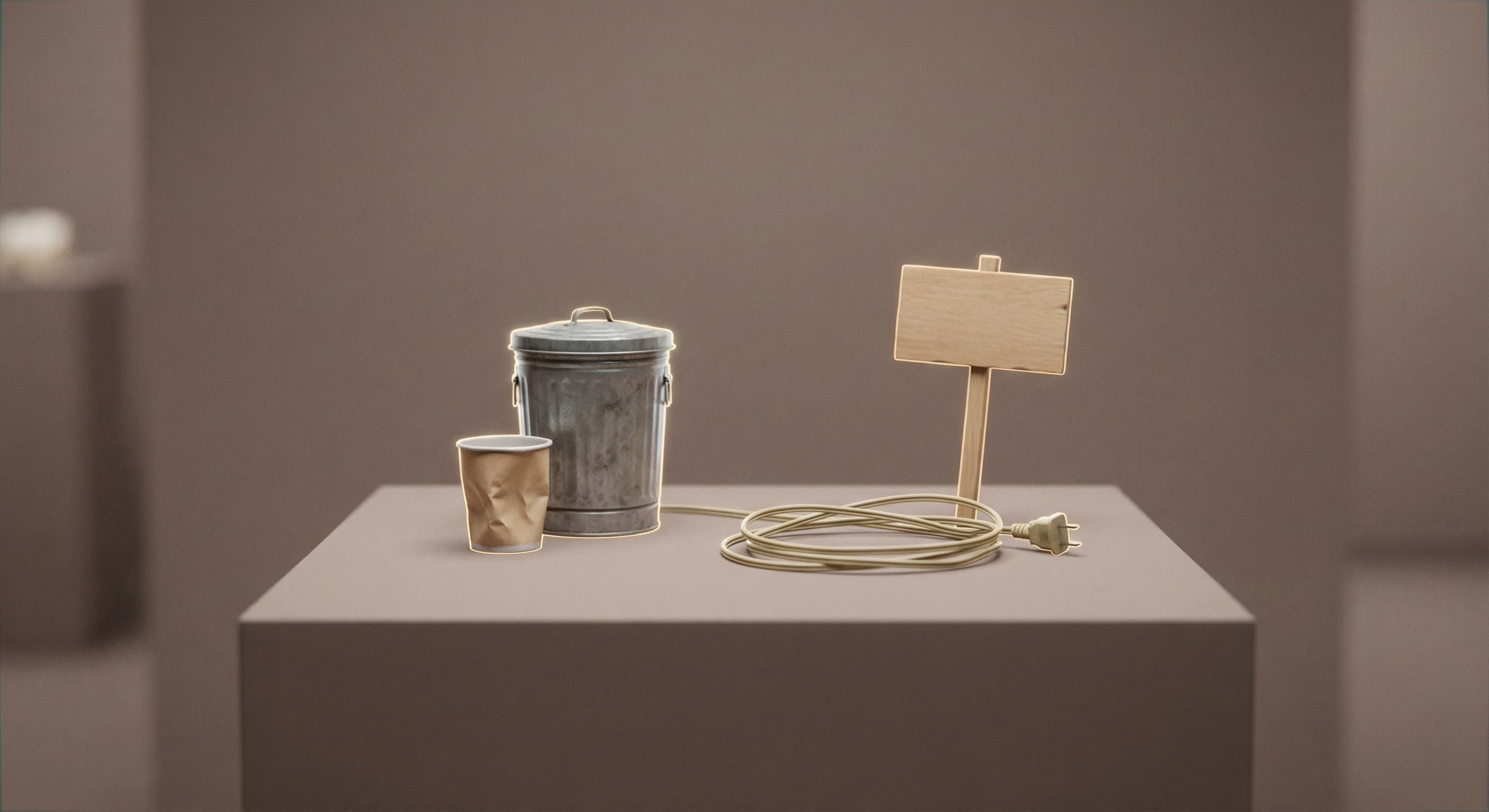
Remove individuals or entire groups from photos. Perfect for cleaning up travel shots, event photos, or any image where people are in the way.
Erase signs, vehicles, furniture, trash, power lines, or any distracting object. Clean up the background without touching your subject.
Remove watermarks, date stamps, logos, and text overlays. Useful for repurposing images or cleaning up screenshots.
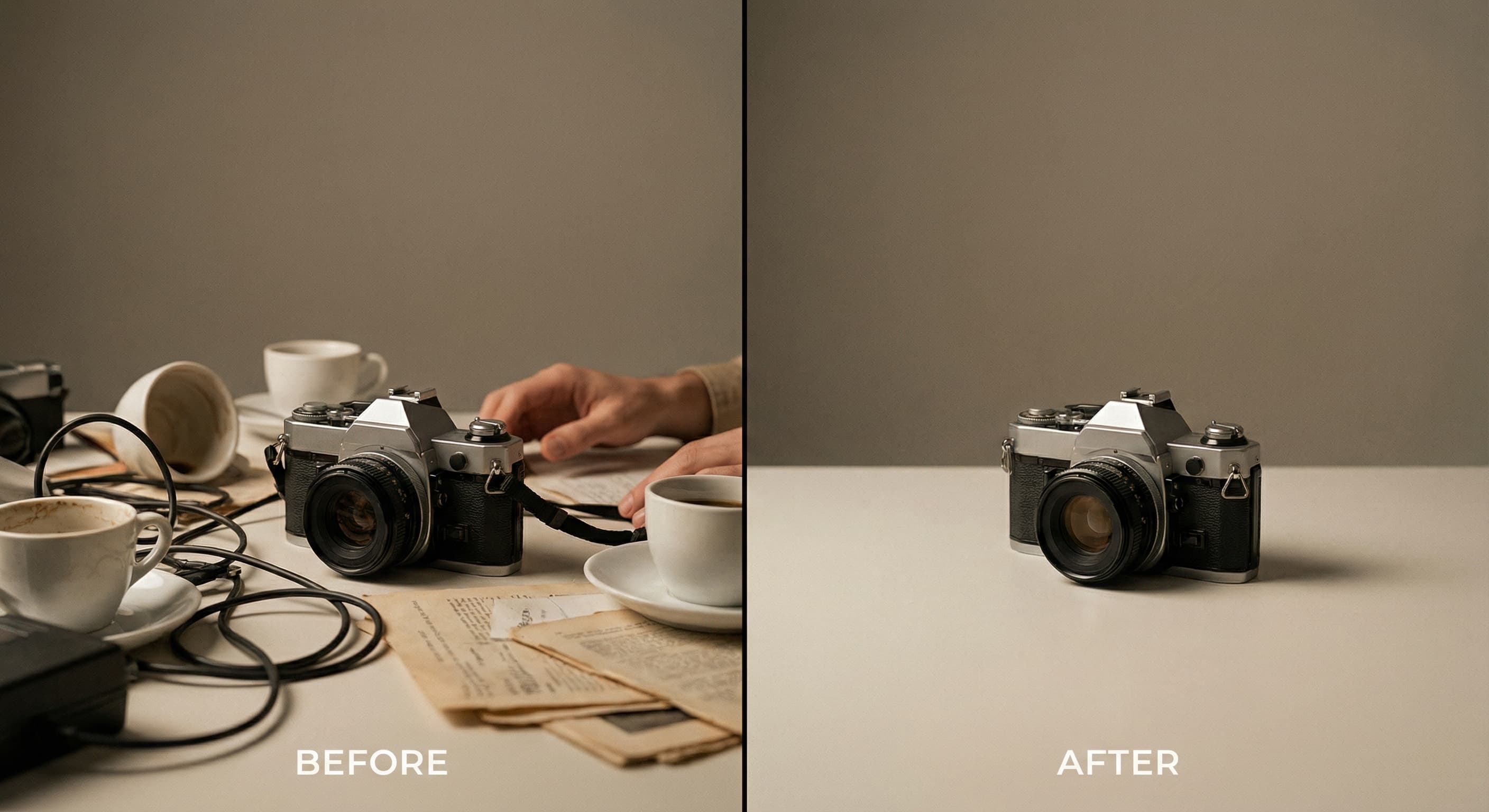
Instead of "remove object," try "remove the red car in the background" or "erase the person on the left." Clear descriptions help AI understand exactly what to remove.
For large objects or complex backgrounds, the AI may need to make educated guesses about what should fill the space. Results are usually excellent but check the details.
You can remove multiple things in one request. Just list them: "Remove the trash can, power lines, and the car in the background."
Drop your image or click to upload. We support JPG, PNG, and WebP up to 20MB.
Tell us what you want erased: "Remove the person in the red shirt" or "Erase the trash can on the right."
AI removes the object and reconstructs the background. Download your clean image in full resolution.
Great app for filtering photos and even greater app for sizing pictures for not only posts but story photos as well... love this app I mainly use insta size for all my posts now ;)
Resizing photos for social media should be a cinch, but most editing programs are a pain to use. Of the dozen I’ve used, Instasize is the fastest, easiest and most consistent...
Perfect app for the exact social media picture sizes. Love it. I use it daily. & I like the premade options they give you for different social medias!
Its the best app. for sizing photos to fit for Instagram or other forms of social media. You can also edit photos and create collages with multiple photos. It’s had been my friend for several years!
Always helpful when needing to resize photos
I love this app. Makes posting all types of photos. Love how it makes them fit on different formats
I use this app everyday to perfectly resize images for all of my social media platforms
This app saved the day for me! I’m finally able to resize my photos for IG....effortlessly
We use this App weekly to resize pics for social media posts. Very user friendly, easy to use program when you want to get in and out quickly...
Our AI uses advanced inpainting technology. It analyzes the area around the object you want removed, understands patterns and textures, then intelligently fills the space as if the object was never there.
Almost anything: people, objects, text, watermarks, logos, shadows, reflections, blemishes, and more. The AI works best with clear descriptions of what to remove.
Yes. Our AI reconstructs backgrounds based on surrounding context—matching textures, patterns, lighting, and colors. Most removals are undetectable.
No. Your image maintains its original resolution and quality. We process at full resolution and don't compress your photos.
Yes. Just describe everything you want removed in a single request: "Remove the person on the left, the sign in the background, and the car on the right."
Most removals complete in 10-30 seconds, depending on complexity. Large objects with detailed backgrounds may take slightly longer as the AI reconstructs more area.
Step-by-step articles for the same job, with examples and common mistakes.
Short definitions of the image terms behind this tool, with how to handle each one.
Resize, crop, add text and work with layers for free. Paid plans include an AI usage allowance, background removal and access to image and video models. First-time subscribers can start with a free trial.
Essential tools for casual creators.
Free forever
Essential AI tools for creators
Billed monthly
Annual option: $299.99 billed yearly.
Advanced features for professionals
Billed monthly
Annual option: $499 billed yearly.
Maximum power and speed
Billed monthly
Annual option: $2199 billed yearly.
Generate from text, expand photos, remove backgrounds, and upscale to 4K