Manual Positioning
Zoom and pan the original image yourself. The tool does not infer where a face, head, chin, or eye is located.
Prepare a size-only identity photo from an existing image. Choose a square 600×600 crop, a 35:45 crop, a 240 KB U.S. visa file, or a 4×6 print sheet. This tool does not detect faces, replace backgrounds, or certify acceptance.
Crop, resize, and export locally. There is no face finder, background editor, retouching, or official acceptance check.
Zoom and pan the original image yourself. The tool does not infer where a face, head, chin, or eye is located.
Export a 600×600 square JPG, a 600×600 JPG at or below 240 KB, a 413×531 35:45 crop, or six squares on a 1200×1800 4×6 print sheet.
The browser creates the JPG locally. No image-processing request is needed, and preview guides are excluded from the download.
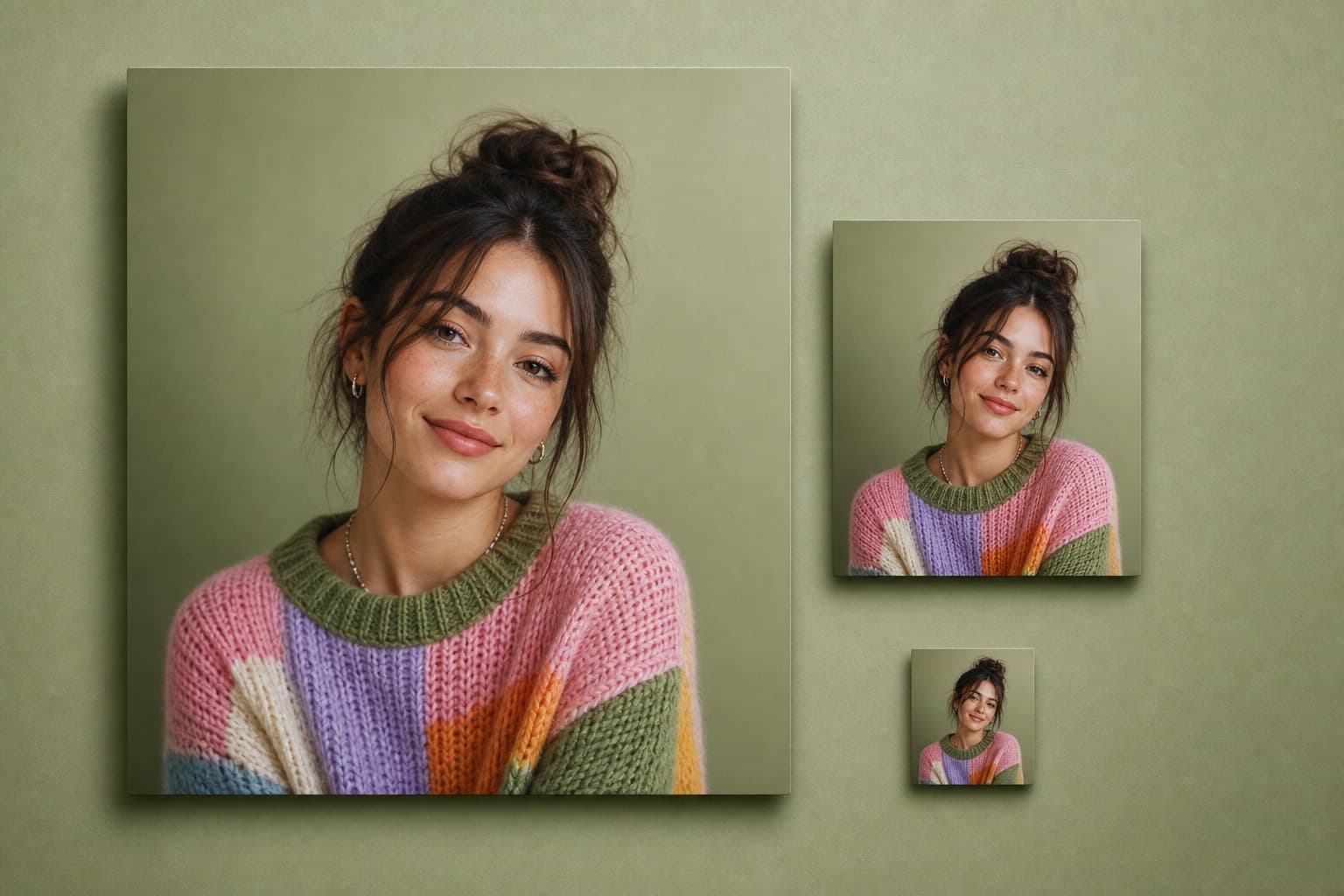
Identity photos can also have rules for recency, head and eye position, expression, clothing, glasses, background, lighting, color, compression, file size, and print quality. This tool does not validate them and is not a substitute for an official photo service.
The State Department says to upload the original unedited photo and use the crop or reposition controls in its application. Do not use filters, retouching, AI enhancement, or background replacement.
Open the official instructions for the exact country, document, application method, and date. Confirm whether outside cropping or resizing is allowed.
Select a recent, sharp JPG, PNG, or WebP that already has the required background, lighting, expression, pose, and clothing.
Choose the output, then adjust zoom and position. Preview guides are reference marks only and do not detect or validate a face.
Download the JPG and measure or inspect it against every official rule. The issuing authority—not this tool—decides whether the photo is acceptable.
Great app for filtering photos and even greater app for sizing pictures for not only posts but story photos as well... love this app I mainly use insta size for all my posts now ;)
Resizing photos for social media should be a cinch, but most editing programs are a pain to use. Of the dozen I’ve used, Instasize is the fastest, easiest and most consistent...
Perfect app for the exact social media picture sizes. Love it. I use it daily. & I like the premade options they give you for different social medias!
Its the best app. for sizing photos to fit for Instagram or other forms of social media. You can also edit photos and create collages with multiple photos. It’s had been my friend for several years!
Always helpful when needing to resize photos
I love this app. Makes posting all types of photos. Love how it makes them fit on different formats
I use this app everyday to perfectly resize images for all of my social media platforms
This app saved the day for me! I’m finally able to resize my photos for IG....effortlessly
We use this App weekly to resize pics for social media posts. Very user friendly, easy to use program when you want to get in and out quickly...
No. It only crops, resizes, compresses to a file-size ceiling when you pick the visa preset, and can tile a print sheet. It does not detect a face, check expression or recency, inspect the background, validate head and eye position, or guarantee acceptance.
No. It performs a manual crop, resize, and JPG export. It does not detect your face, retouch your appearance, replace the background, add filters, or use generative AI.
The U.S. State Department says to submit an original, unchanged color photo taken within the last six months and not to use software, phone filters, or AI to change it. For online renewal, use the original photo and the crop or reposition controls in the official application.
The preview can show a center line and the U.S. digital eye-level band. It does not detect eyes or a head, so you must manually check the actual face position and every other rule.
No. Center, eye-band, and print-cut guides appear only in the editor preview. The downloaded JPG contains only the cropped photo or repeated print-sheet photos.
No. The source image is decoded, cropped, resized, and exported locally in the browser. The tool does not send the photo to a processing endpoint.
The tool accepts one JPG, JPEG, PNG, or WebP file up to 20 MB and 32 megapixels. All results are exported as JPG.
Resize, crop, add text and work with layers for free. Paid plans include an AI usage allowance, background removal and access to image and video models. First-time subscribers can start with a free trial.
Essential tools for casual creators.
Free forever
Essential AI tools for creators
Billed monthly
Annual option: $299.99 billed yearly.
Advanced features for professionals
Billed monthly
Annual option: $499 billed yearly.
Maximum power and speed
Billed monthly
Annual option: $2199 billed yearly.
Generate from text, expand photos, remove backgrounds, and upscale to 4K