Sepia Filter
Give any photo the warm brown tone of an old print. Upload a photo, see the sepia version next to the original, and download it when it looks right.
Photo filters
Black and white, sepia, and vintage looks
How to add a sepia filter to a photo online?
- 1
Step 1: Upload your photo
Choose a JPG, PNG, or WebP image from your device.
- 2
Step 2: Review the sepia tone
The Sepia filter is applied as soon as your photo loads. Switch between Before and After to compare.
- 3
Step 3: Download your sepia photo
Save the result, or choose Black & White or Vintage from the filter strip if you want a different mood.
One of my go-to apps
Great app for filtering photos and even greater app for sizing pictures for not only posts but story photos as well... love this app I mainly use insta size for all my posts now ;)
Fast and Straightforward
Resizing photos for social media should be a cinch, but most editing programs are a pain to use. Of the dozen I’ve used, Instasize is the fastest, easiest and most consistent...
Great Sizes
Perfect app for the exact social media picture sizes. Love it. I use it daily. & I like the premade options they give you for different social medias!
I love instasize
Its the best app. for sizing photos to fit for Instagram or other forms of social media. You can also edit photos and create collages with multiple photos. It’s had been my friend for several years!
Always helpful
Always helpful when needing to resize photos
Huge fan
I love this app. Makes posting all types of photos. Love how it makes them fit on different formats
I’ve been using for years. Can’t work without it.
I use this app everyday to perfectly resize images for all of my social media platforms
LOVE
This app saved the day for me! I’m finally able to resize my photos for IG....effortlessly
Great App
We use this App weekly to resize pics for social media posts. Very user friendly, easy to use program when you want to get in and out quickly...
What is a sepia filter?
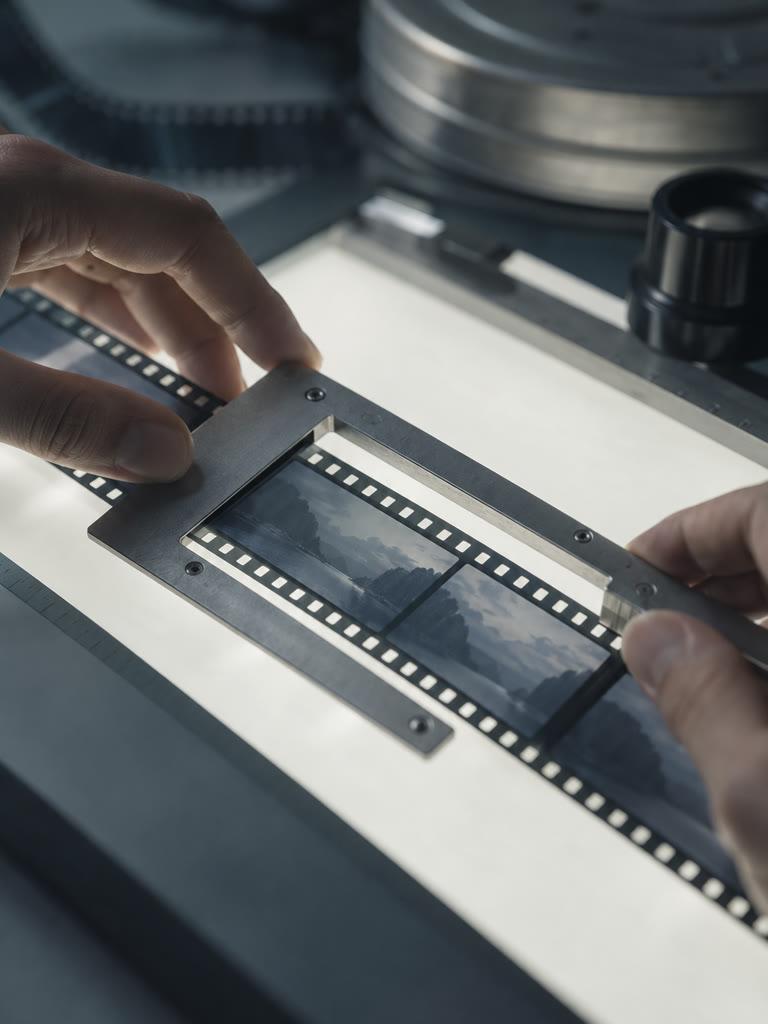
Sepia is a monochrome look in warm browns. It imitates photographs printed with sepia toner in the 19th and early 20th centuries, which is why it reads as old or nostalgic.
How is sepia different from black and white?
Black and white uses only neutral grays. Sepia keeps the same light and dark structure but shifts it toward brown, so the picture feels warmer and softer.
How is sepia different from the Vintage filter?
Sepia is a single-tint, almost monochrome look. Vintage keeps some of the original color but fades the blacks, softens contrast, and adds a warm cast, like a worn color print.
Which photos suit a sepia tone?
Portraits, family photos, landscapes, and travel pictures work well. Photos with bright, saturated colors lose that color completely, so keep the original if the colors matter.
Does the filter change my original file?
No. The filter creates a new image from your upload. Your original file stays as it was, and you can pick Original in the filter strip to compare.
Instasize pricing: free editing and paid AI plans
Resize, crop, add text and work with layers for free. Paid plans include an AI usage allowance, background removal and access to image and video models. First-time subscribers can start with a free trial.
Free
Essential tools for casual creators.
Free forever
- Resize, crop, text and layers
- Batch resize & convert, 200 photos at a time
- HD export
- No AI features: AI edits are part of Pro
Pro
PopularEssential AI tools for creators
Billed monthly
Annual option: $299.99 billed yearly.
- More AI usage
- Batch background removal, 200 photos at a time
- 2 generations at a time
- AI Chat Editing
- All AI image models
- All AI video models
Ultimate
Advanced features for professionals
Billed monthly
Annual option: $499 billed yearly.
- More AI usage
- Batch background removal, 200 photos at a time
- 4 generations at a time
- AI Chat Editing
- All AI image models
- All AI video models
Max
Maximum power and speed
Billed monthly
Annual option: $2199 billed yearly.
- More AI usage
- Batch background removal, 200 photos at a time
- 8 generations at a time
- AI Chat Editing
- All AI image models
- All AI video models
AI Image Generator for Every Creative Need
Generate from text, expand photos, remove backgrounds, and upscale to 4K