Product Photo Guides for Online Sellers
Five guides, one for each job: a main image that passes, a white backdrop, a phone photo cleaned up, a believable shadow, or a styled scene. Pick the one that matches where your photo is today.
Start with the job
- Selling on AmazonAmazon Product PhotosGet a main image that Amazon accepts.
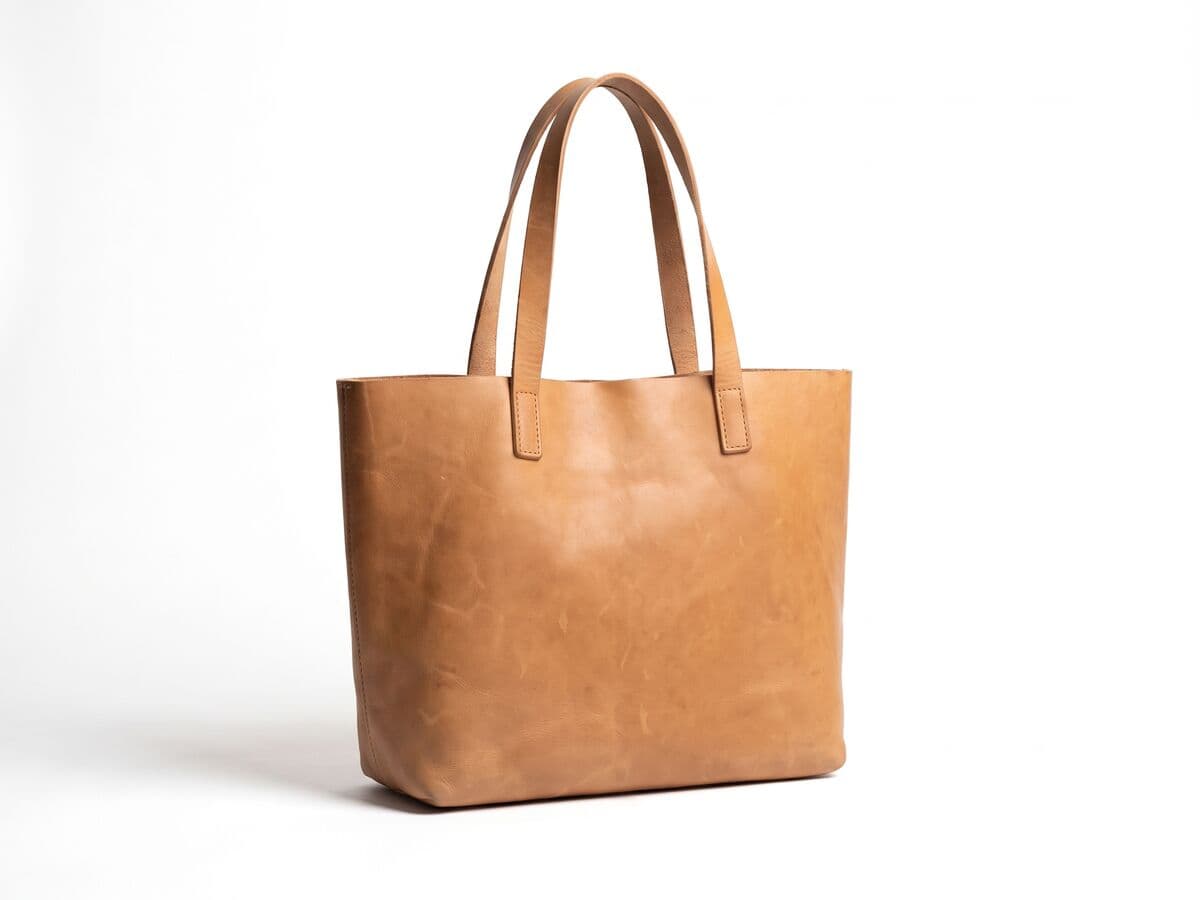
- Need a clean white backdropWhite Background for Product PhotosPut a product on pure white and see what each marketplace requires.
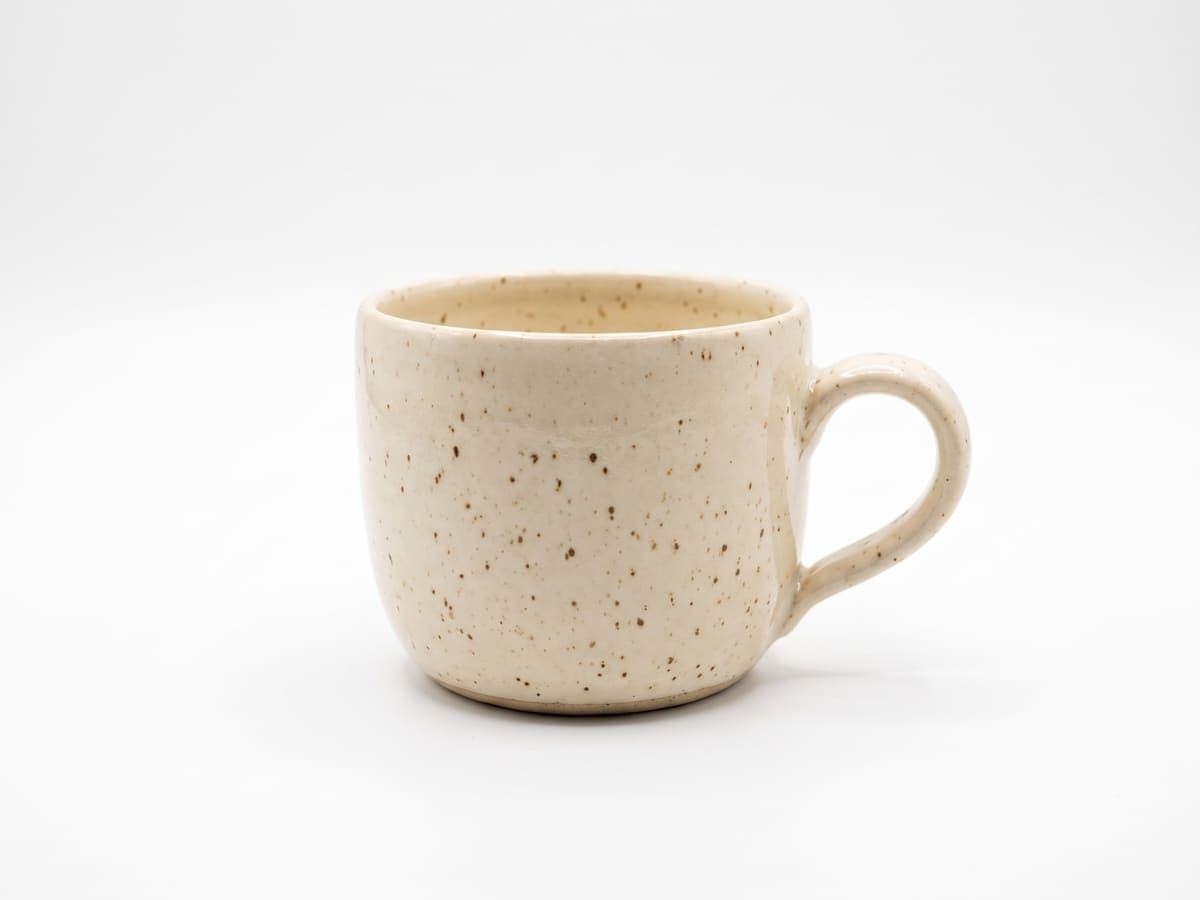
- Starting from a phone snapshotProduct Photo EditorClean up a phone photo: cutout, backdrop, shadow and the listing pack.
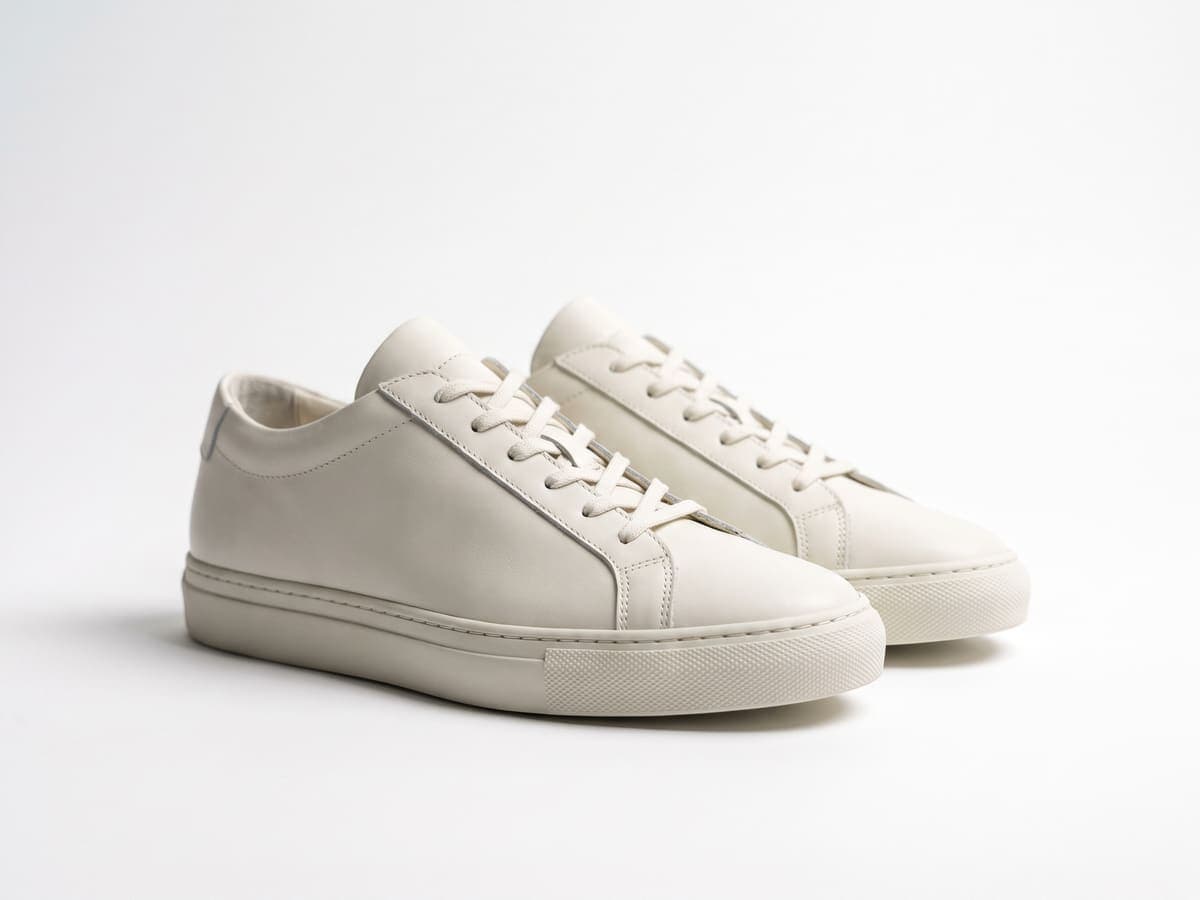
- Product looks like it floatsProduct Photo ShadowGround a cut-out product with a soft, hard or floating shadow.
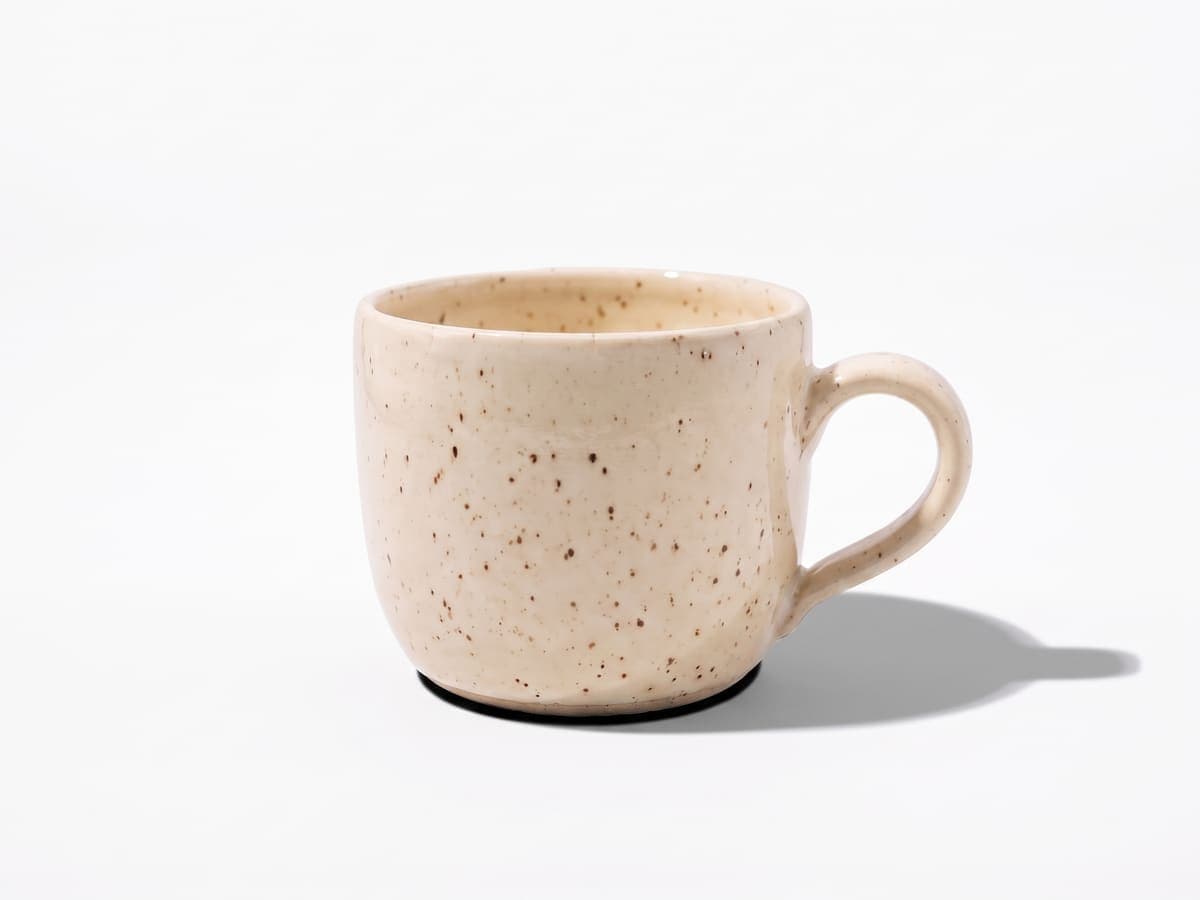
- Need lifestyle shots, not a studio setAI Product PhotographyPlace the real product in a generated scene for gallery and social images.

Product photography guides
Shoot the photo first, then edit it. Shot ideas, beauty product setups and Depop photo tips you can try with a phone.
Image size for each marketplace
The guides above show how to make the photo. These pages hold the pixel sizes, so resize it to fit before you upload.
Amazon
eBay
Etsy
Shopify
Depop
Working through a whole catalog?
Edit one photo until it looks right, then run the rest through the batch photo editor so every listing matches. Need only the cutout? Use the background remover, or browse the image resizer for every other size.