Put Your Photo on a Beige Background
Cut out the subject, then try cream, sand or taupe behind it. Preview live and download a JPG.
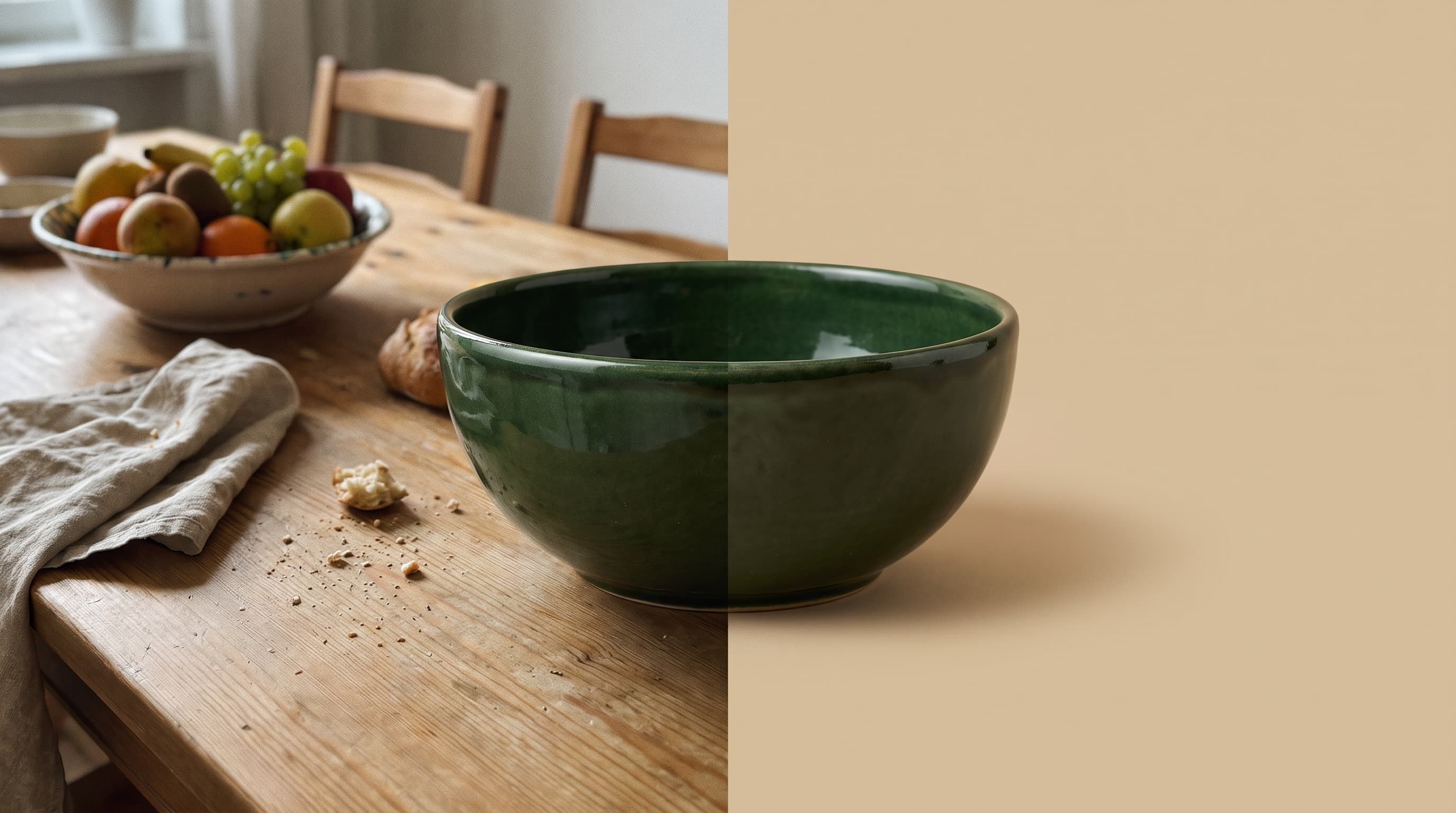
Using a beige background
Beige is the warm, quiet neutral
Beige gives a soft, natural look that fits minimal and neutral brands. It makes deep colors such as forest green, navy, burgundy and black stand out without the harshness of pure white.
Cream, sand or taupe
Cream (around #f5efe0) is almost white and gentle. Sand (around #d6c3a5) is a clear beige. Taupe (around #a8977f) is deeper and more modern.
Pale products need contrast
White and cream products can wash out on beige. Use taupe or add a soft shadow so the outline stays clear.
Where beige works best
- Ceramics and home decorDark glazed pieces look refined on sand beige.
- Fashion and linenNeutral palettes suit clothing, bags and bedding shots.
- Skincare and wellnessCream beige supports a clean, natural brand look.
- Minimal social feedsA consistent beige backdrop makes a feed feel calm and branded.
More background colors
Pick any shade in the Change Background Color tool, or start from a color below. Marketplace main images usually need pure white, so use the white background tool for those.
How do I put a beige background on a photo?
Upload the photo, wait for the cutout, then choose a beige shade with the color picker or enter a hex code. Download a JPG.
What is the hex code for beige?
Classic beige is #f5f5dc. For a warmer product backdrop try #d6c3a5 (sand) or #f5efe0 (cream).
Is beige okay for marketplace photos?
For your own store and social posts, yes. Amazon and many marketplaces require pure white on the main image, so use the white background tool there.
Which products look best on beige?
Dark and saturated items: forest green, navy, black, burgundy and terracotta.
Is it free?
Removing the background is an AI feature, so it is part of the paid plans, and Pro starts with a free trial. Downloads have no watermark.