Put Your Photo on a Blue Background
Upload a photo, cut out the subject, and set it on a solid blue. Slide the shade from navy to sky, then download.
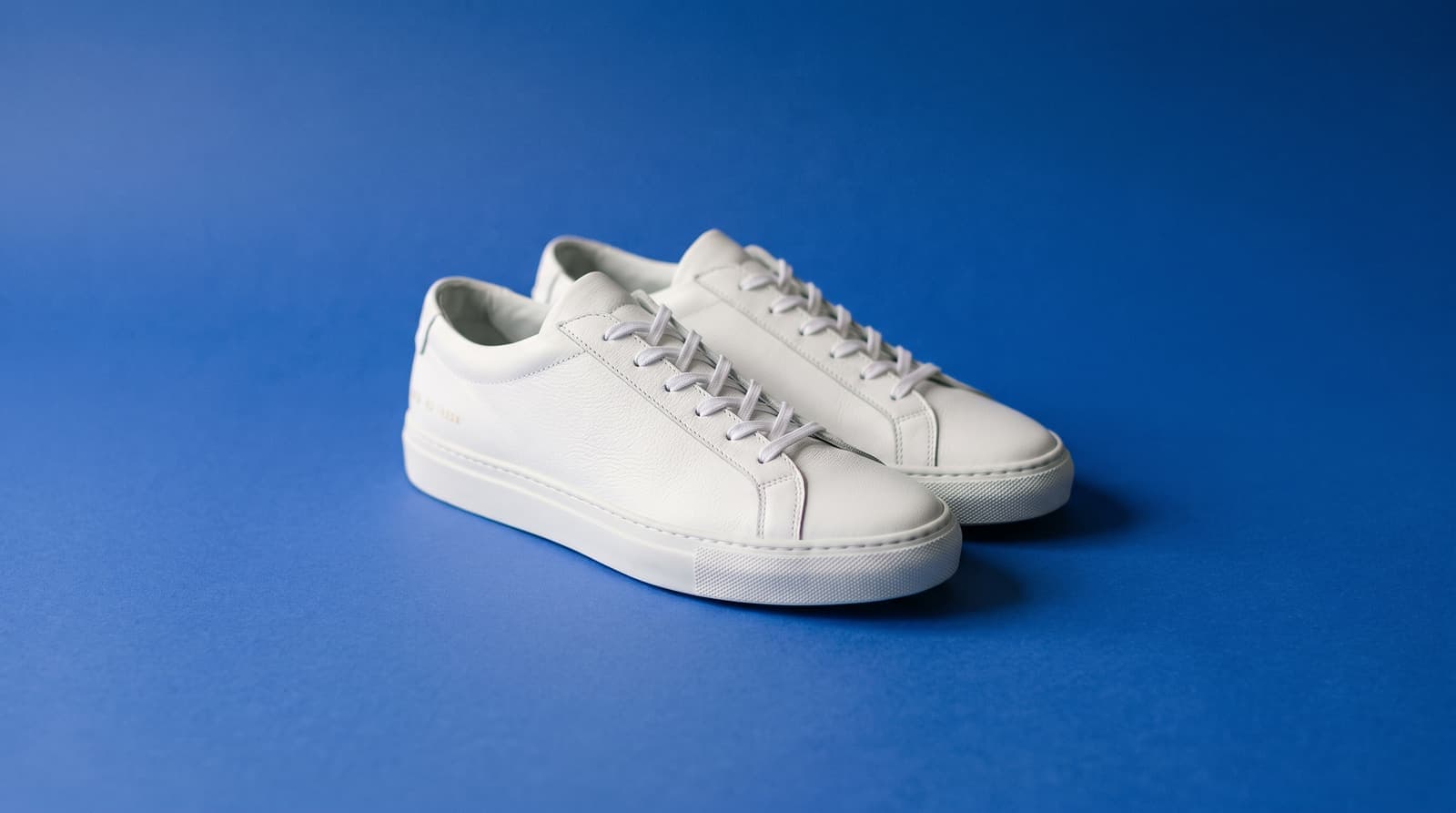
Using a blue background
Why blue works behind a subject
Blue sits opposite orange and yellow on the color wheel, so warm skin, tan leather and wood stand out against it. It is also a color most people read as clean and calm, which is why it shows up on ID photos, team pages and tech product shots.
Pick the shade for the job
A mid blue like cobalt gives product shots energy. Navy feels formal and suits headshots. Light sky blue is soft and works for baby, beauty and wellness photos. The color picker lets you match an exact brand blue by hex code.
Keep the edges clean
Blue spill is the usual flaw: a blue background can tint a light subject. White sneakers, glass and shiny metal pick up a bluish edge, so use a slightly lighter or less saturated blue if the product looks cold.
Where blue works best
- Product photosWhite and light products pop on a saturated blue. Good for shoes, skincare and small electronics.
- Profile pictures and headshotsA navy or mid blue reads as professional on LinkedIn and team pages.
- Passport and ID style photosSome countries ask for a blue background. Check the official rules for exact shade and size before you submit.
- Thumbnails and postsBlue holds up at small sizes, so the subject stays readable in a feed.
More background colors
Pick any shade in the Change Background Color tool, or start from a color below. For marketplace listings, use the white background tool and the white background guide for product photos.
Upload the photo, wait for the subject to be cut out, then choose a blue swatch or open the color picker. The preview updates as you pick, and you download the result as a JPG.