Put Your Photo on a Yellow Background
Upload a photo, cut out the subject, and set it on yellow. Pick butter, sunflower or mustard, then download.
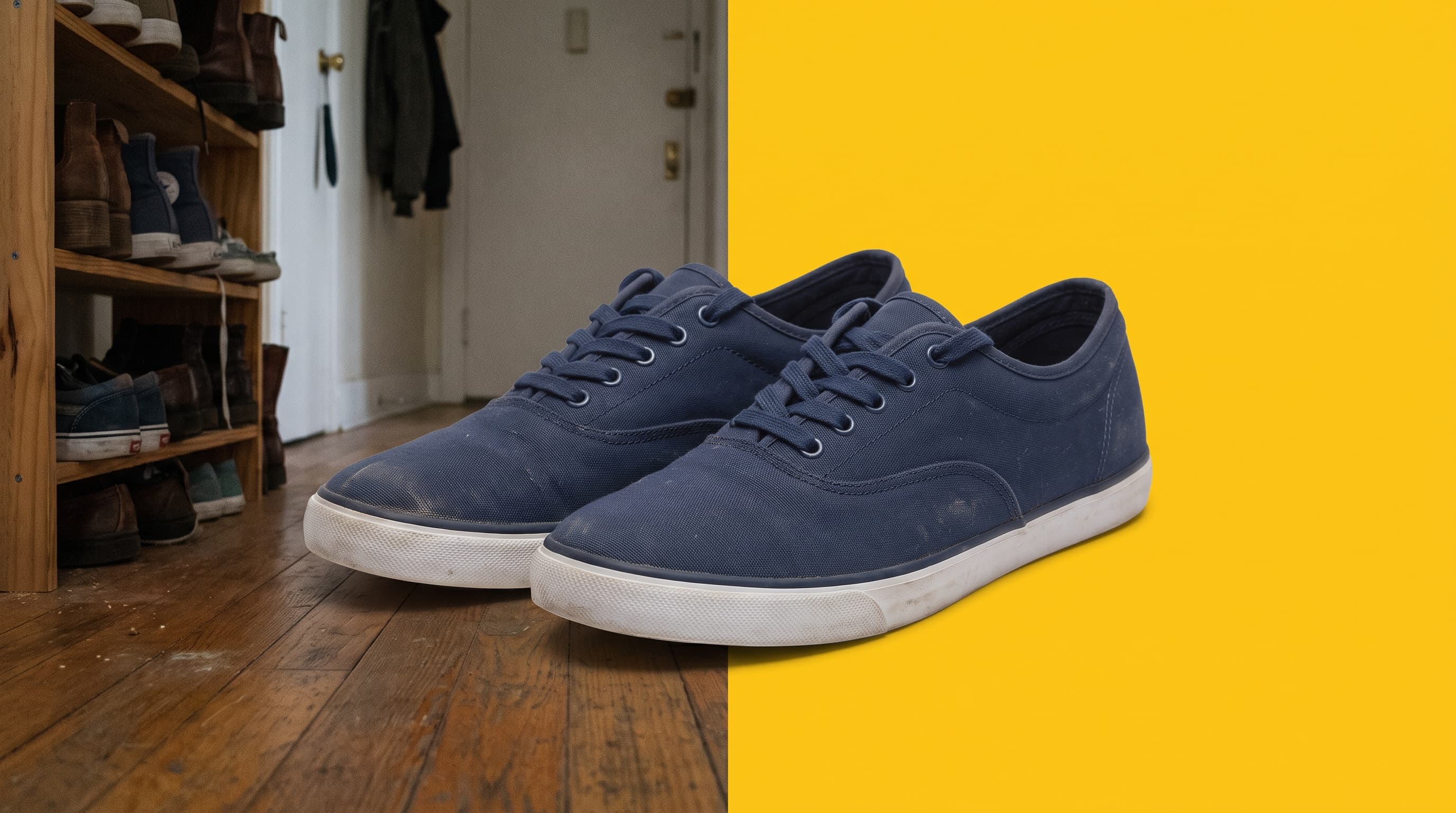
Using a yellow background
Yellow is the best partner for blue and navy
Yellow and blue are opposites on the color wheel, so navy sneakers, denim, blue glass and dark bottles get the sharpest separation against a yellow field.
Butter, sunflower or mustard
Butter yellow (around #fde68a) is soft and modern. Sunflower (around #facc15) is bright and friendly. Mustard (around #ca8a04) is earthy and suits leather, denim and vintage items.
Yellow can overpower pale products
White and cream items lose their edges on a bright yellow. Choose butter yellow for light products, or add a soft shadow so the outline stays clear.
Where yellow works best
- Footwear and apparelNavy, black and denim pieces pop against sunflower yellow in a lookbook or listing.
- Kids and toy productsA bright yellow reads as playful and keeps small products easy to see in a grid.
- Social media coversYellow is high-visibility, so a cutout on yellow holds up in a crowded feed.
- Event and promo graphicsMatch a brand yellow by hex code for consistent posters, stories and ads.
More background colors
Pick any shade in the Change Background Color tool, or start from a color below. Marketplace main images usually need pure white, so use the white background tool for those.
Upload the photo, wait for the cutout, then choose a yellow swatch or open the color picker. Download the finished photo as a JPG.