Put Your Photo on an Orange Background
Cut out the subject, then try peach, tangerine or burnt orange behind it. Preview live and download a JPG.
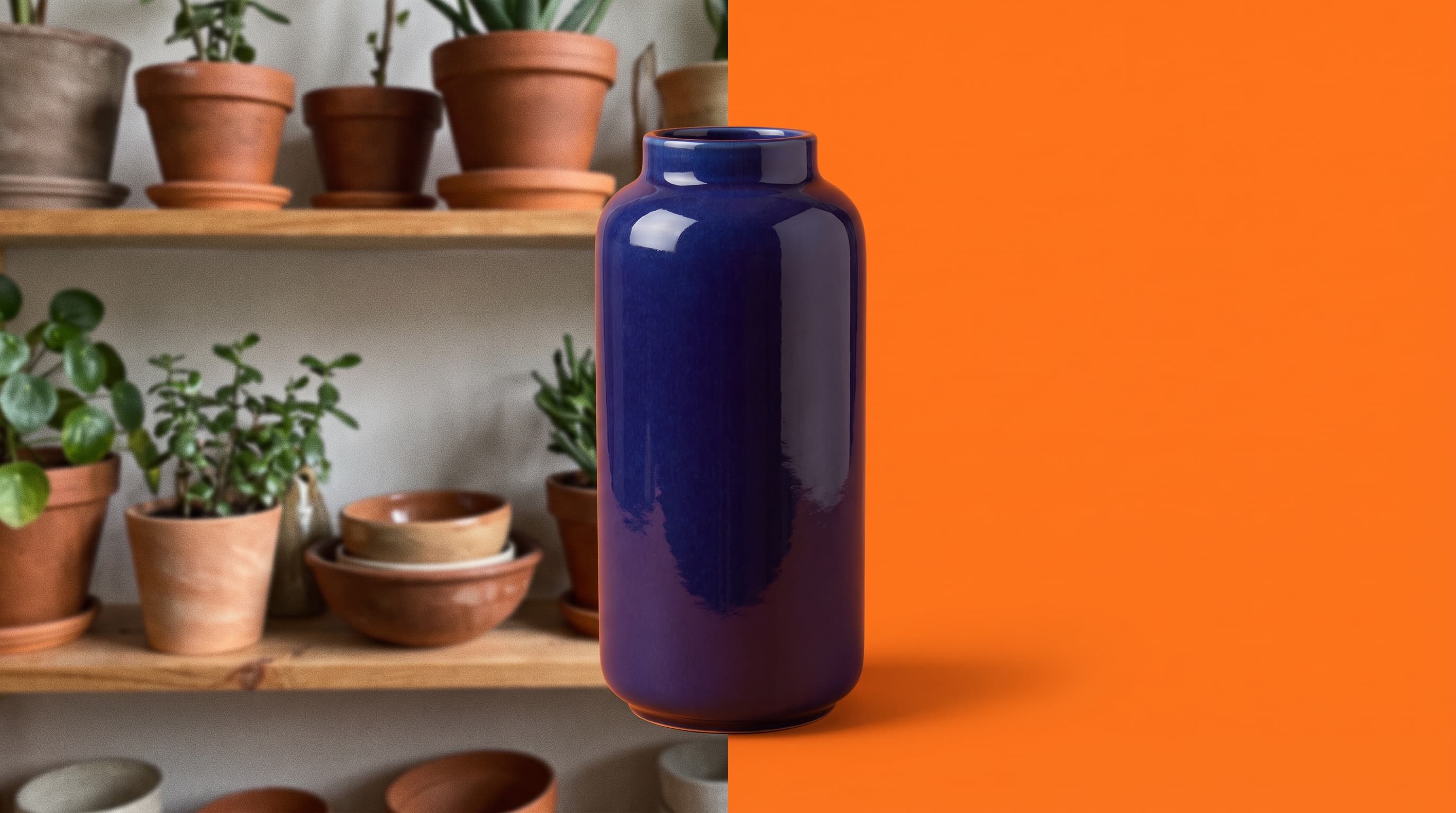
Using an orange background
Orange and blue are a natural pair
Orange is the complement of blue, so indigo ceramics, denim, navy bags and teal glass look rich against it. Black and white products also hold up well.
Peach, tangerine or burnt orange
Peach (around #fdba74) is warm and gentle for beauty and home goods. Tangerine (around #f97316) is bold and good for sports and snacks. Burnt orange (around #c2410c) feels autumnal and premium.
Keep orange products off orange
Wood, leather and terracotta products can blend into an orange backdrop. For those, use a cooler background such as teal or blue, or lighten the orange to peach.
Where orange works best
- Home and ceramicsBlue and green vases, bowls and planters stand out against tangerine.
- Food and drink brandsOrange stimulates appetite, so it suits snacks, sauces and beverages.
- Sports and outdoor gearA high-energy orange fits running shoes, water bottles and camping gear.
- Autumn campaignsBurnt orange gives fall and Halloween product shots a seasonal look.
More background colors
Pick any shade in the Change Background Color tool, or start from a color below. Marketplace main images usually need pure white, so use the white background tool for those.
How do I put an orange background behind a photo?
Upload the photo, let the tool cut out the subject, then pick an orange swatch or choose an exact shade with the color picker. Download a JPG.
What orange hex codes should I try?
Peach #fdba74, tangerine #f97316 and burnt orange #c2410c are good starting points. Any hex code from your brand guide also works.
Does orange work for portraits?
Soft peach is flattering on most skin tones. A saturated orange can reflect onto the face, so check the edges and skin in the preview.
Can I switch to another color without starting over?
Yes. The cutout is made once, and every new color is applied in your browser.
What file format is the download?
A colored background downloads as a JPG with no watermark. Pick Transparent if you need a PNG with no background.