Put Your Photo on a Purple Background
Cut out the subject once, then try violet, lilac or plum behind it. Pick the shade you like and download a JPG.
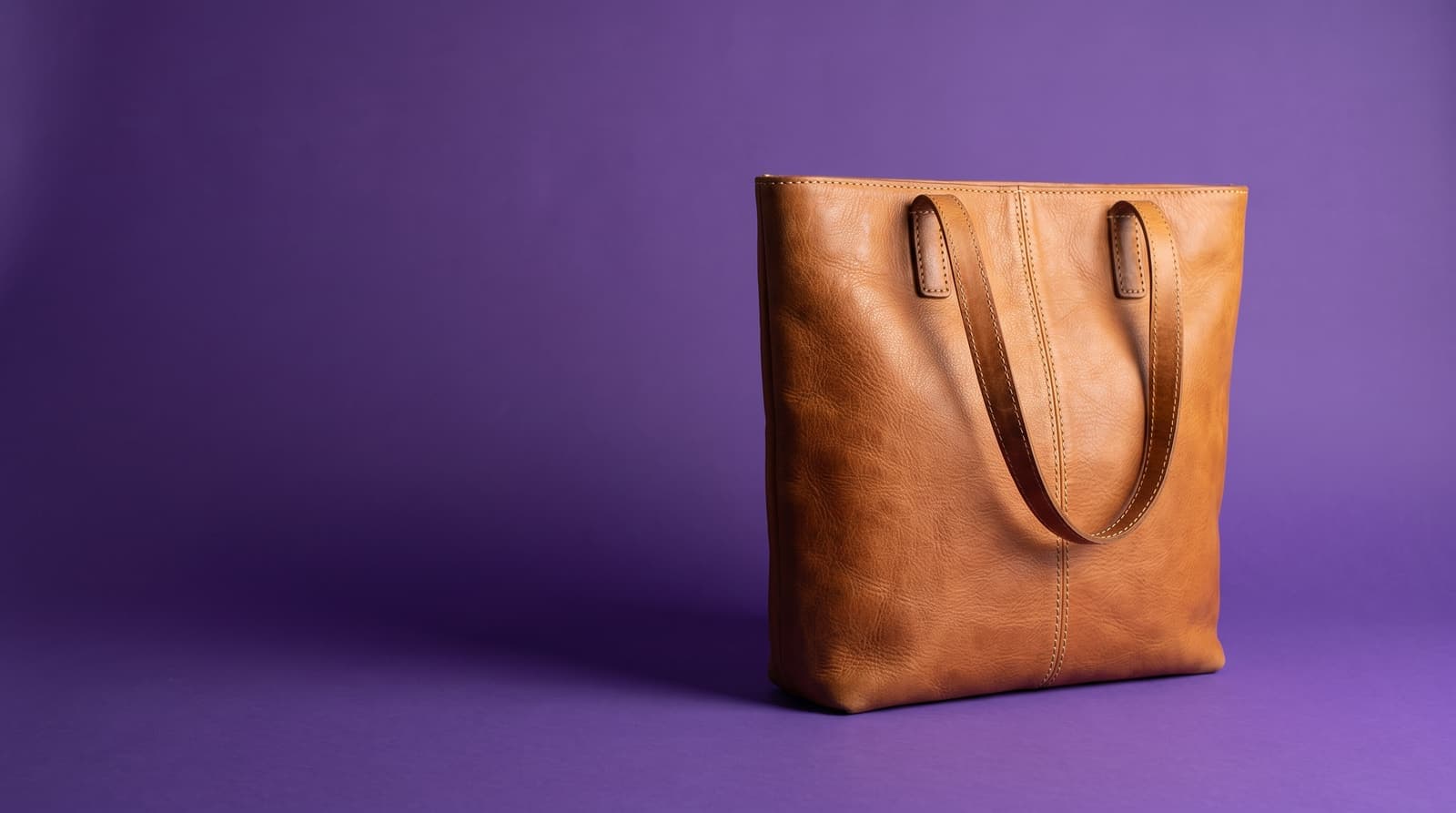
Using a purple background
Purple suits warm, neutral products
Purple is the complement of yellow, so tan leather, gold jewelry, cream ceramics and honey-toned wood look rich against it. Cool gray and black products also hold up well.
Violet, lilac and plum
Lilac is soft and works for beauty, stationery and gift items. Violet is bold and good for thumbnails and creator posts. Plum or deep purple feels premium and suits candles, perfume and accessories.
Use it as a series
Purple is distinctive, so a whole shop or feed on the same shade looks branded without a logo. Pick one shade, note its hex code, and reuse it across every photo.
Where purple works best
- Accessories and jewelryGold and tan items stand out against a mid purple.
- Beauty and gift productsLilac gives lip, nail and skincare photos a soft, cohesive look.
- Creator and music postsA bold violet gives a profile picture or cover image a clear identity.
- Brand-matched graphicsEnter your brand purple by hex code so the photo matches your site and packaging.
More background colors
Pick any shade in the Change Background Color tool, or start from a color below. For marketplace listings, use the white background tool and the white background guide for product photos.
Upload the picture, let the tool cut out the subject, then pick a purple swatch or choose an exact shade with the color picker. Download the result as a JPG.