Put Your Photo on a Teal Background
Upload a photo, cut out the subject, and set it on teal. Choose aqua, classic teal or deep petrol, then download.
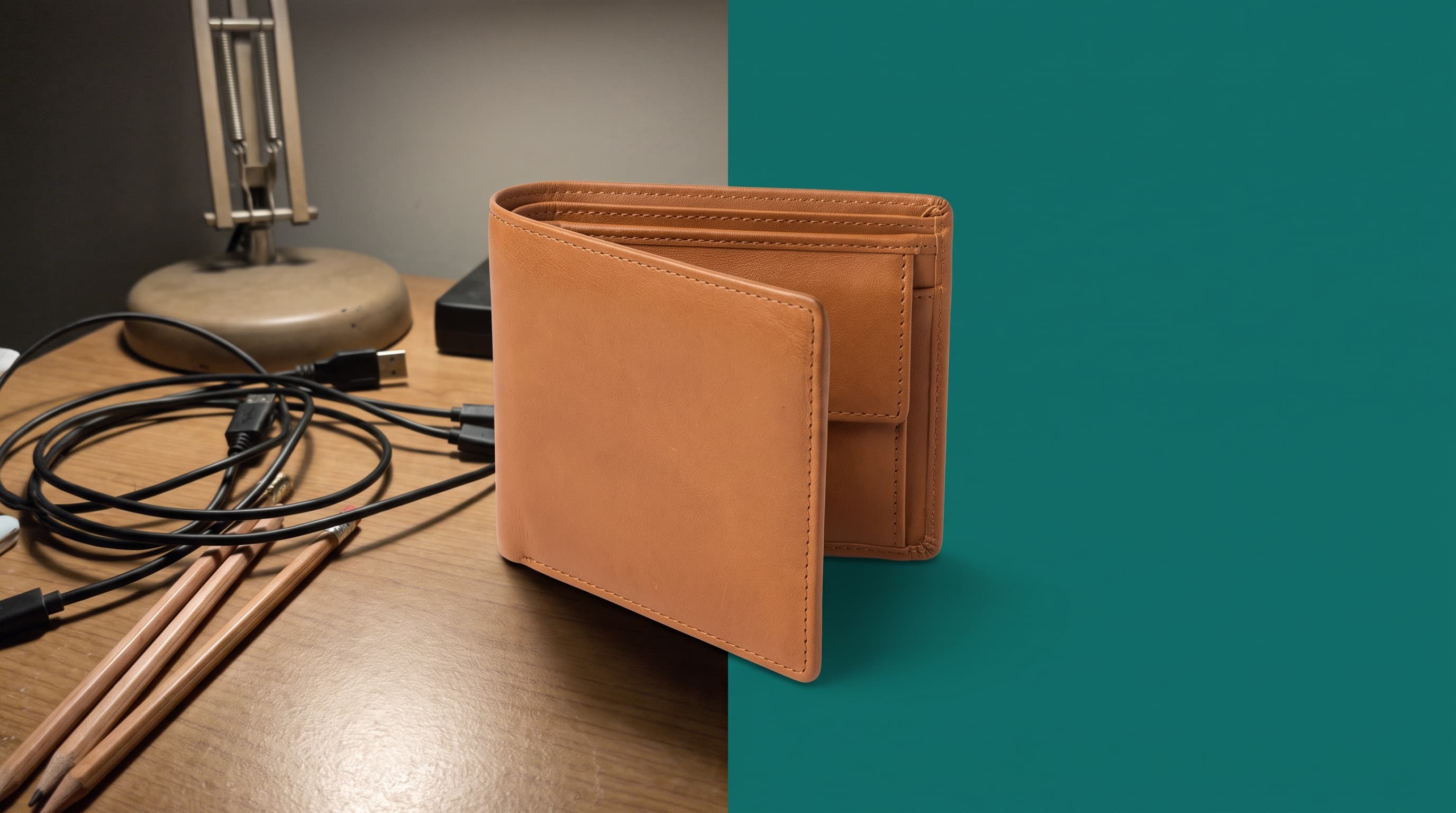
Using a teal background
Teal flatters warm leather and metal
Teal sits across from red-orange on the color wheel, so tan leather, brass, copper, terracotta and wood look rich against it. It reads as calm and modern.
Aqua, teal or petrol
Aqua (around #5eead4) is fresh and good for wellness items. Classic teal (around #0f766e) is versatile. Deep petrol (around #134e4a) is moody and premium for leather goods and jewelry.
Check green and blue products
Teal sits between blue and green, so products in either family can blend in. Use a warm or neutral background for those.
Where teal works best
- Leather goods and walletsTan and cognac leather separate sharply from deep teal.
- Jewelry and accessoriesBrass, copper and gold pieces glow on petrol teal.
- Spa and wellnessAqua and soft teal suit candles, soaps and skincare.
- Tech and SaaS graphicsTeal is a common brand color for apps and dashboards, so match it by hex code.
More background colors
Pick any shade in the Change Background Color tool, or start from a color below. Marketplace main images usually need pure white, so use the white background tool for those.
Upload the photo, let the tool cut out the subject, then pick a teal shade in the color picker or enter a hex code. Download a JPG.