AI Product Photography
Upload a product photo, cut it out and place it in an AI-generated scene. The background is generated; your product is never regenerated.
From white studio shot to styled scene
The bottle is the same in both photos. The scene behind it is the only thing that changed, which is what keeps the product accurate.
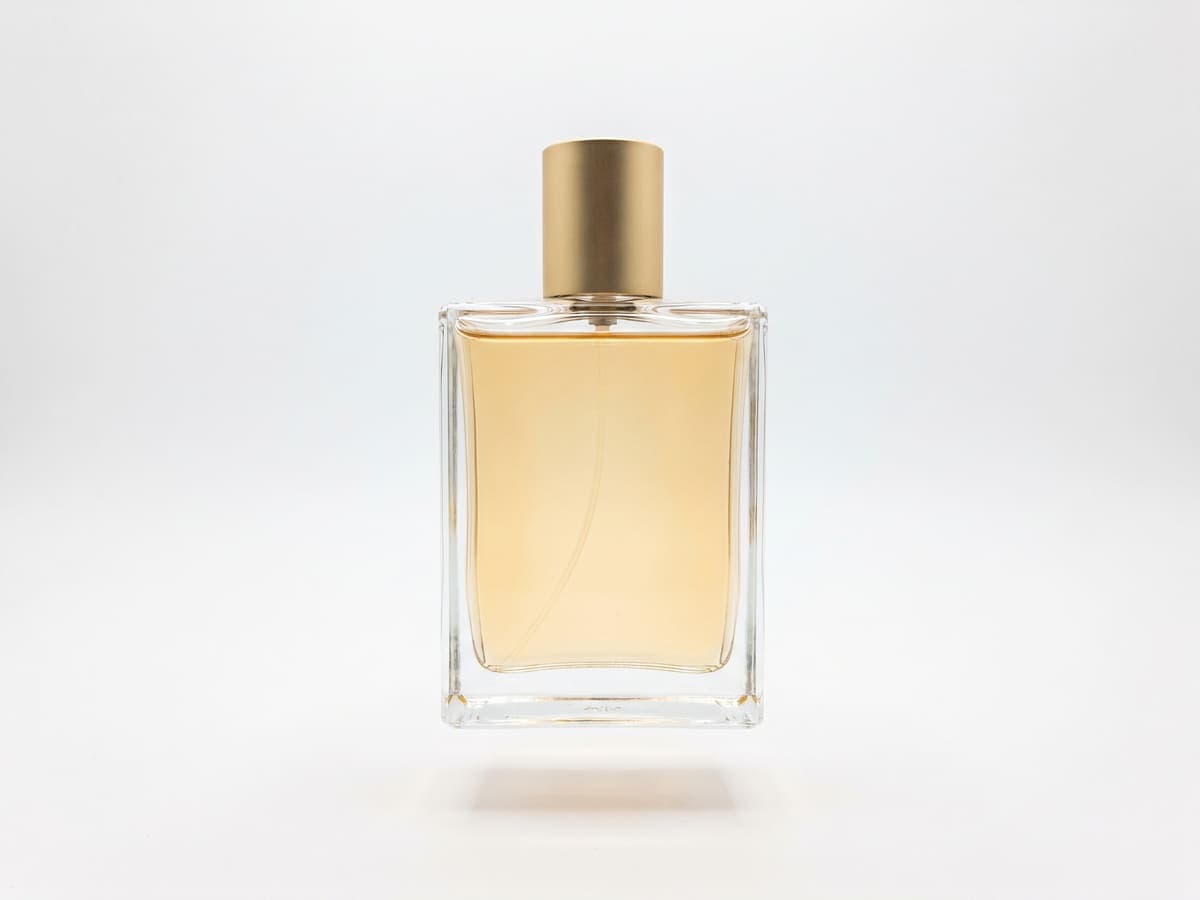
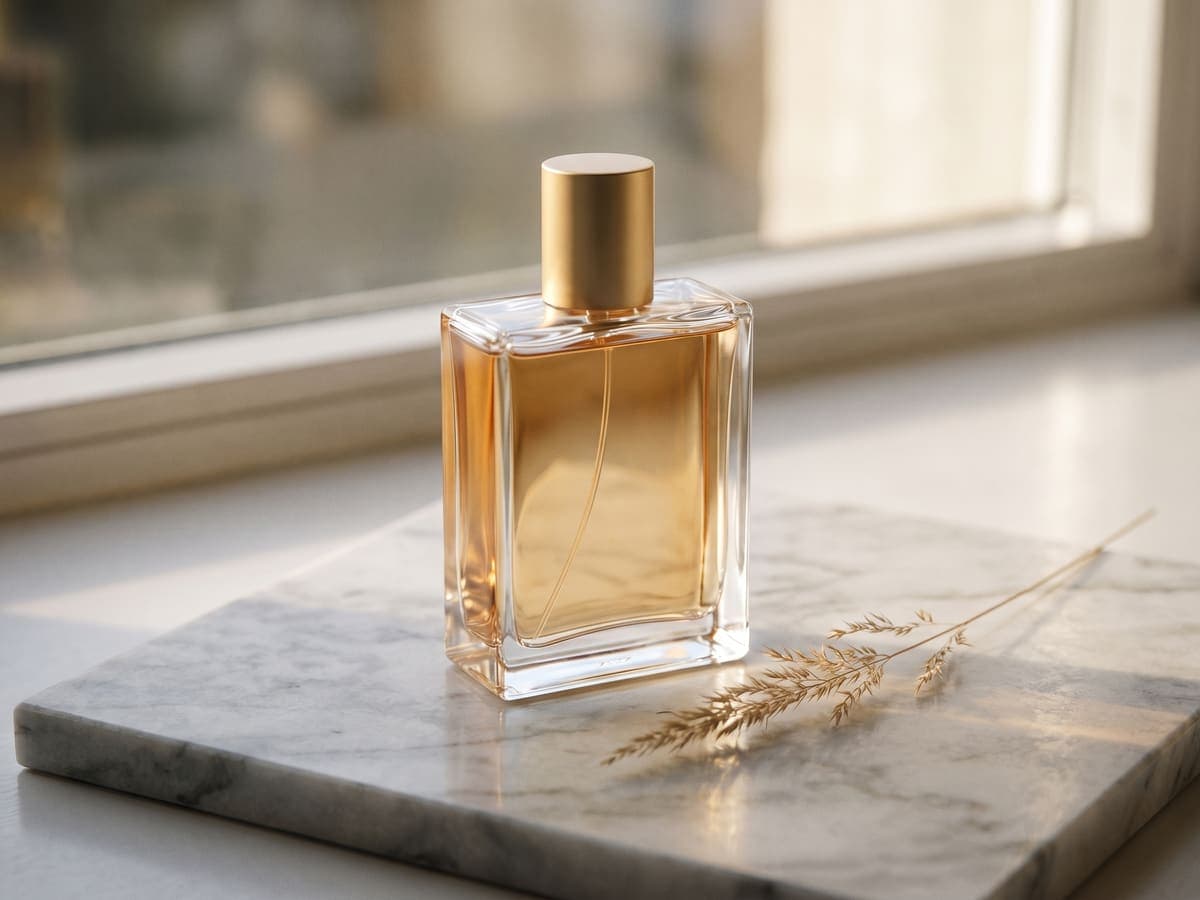
Generated scene, real product
Many AI product tools regenerate the whole image, which can quietly change a logo, a label or a color. Here the scene is generated without the product in it, and your original cutout is placed on top. The pixels that show your product are the ones you shot.
That matters for honest listings. The buyer sees the real item, in a setting that suits it.
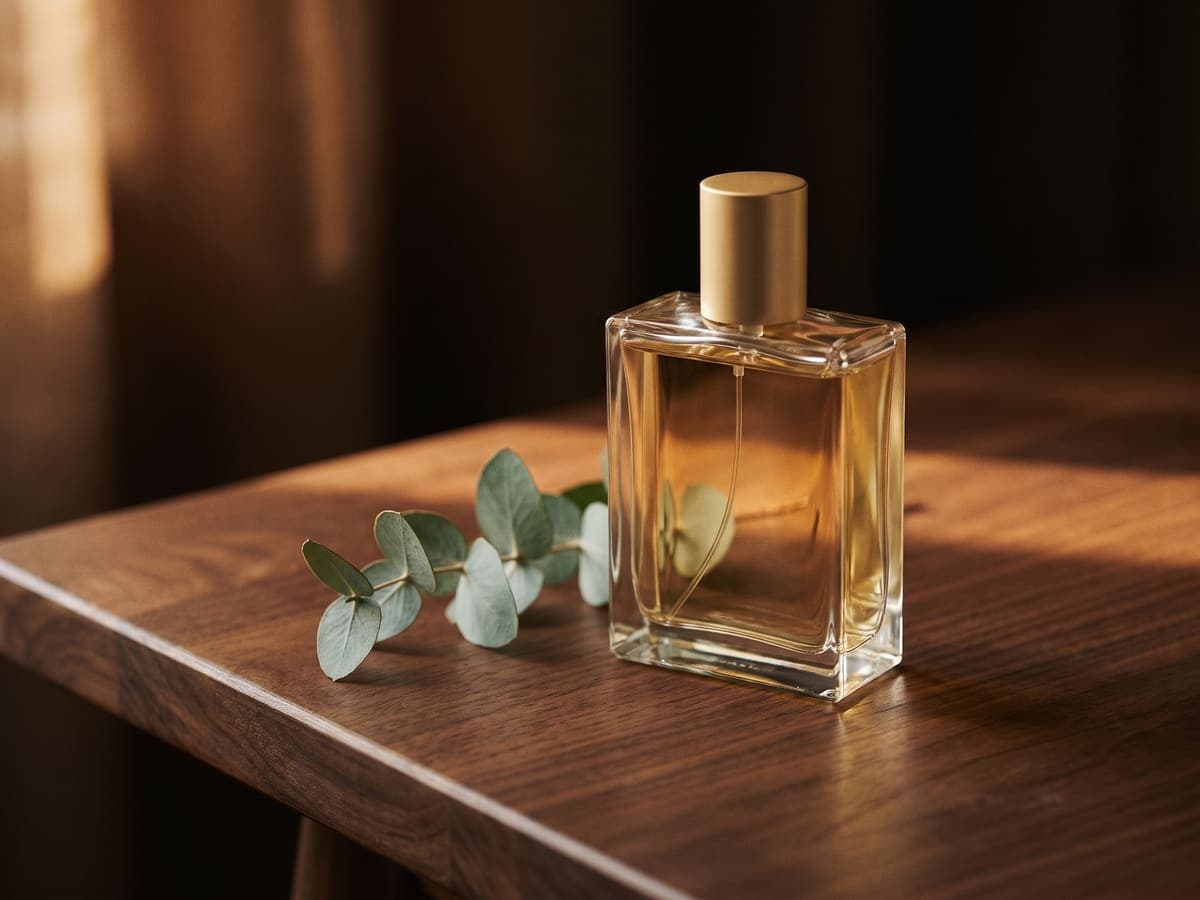
Same bottle, a different scene
Swap the surface and the light to match the product and where it will be seen. The bottle never changes.
Where scene photos work, and where they do not
Scenes suit hero images, social posts, ads, your own storefront and the secondary images on most marketplaces. They are usually not allowed as the main image on marketplaces that require a plain white background, such as Amazon. Make the white version first, then the scene versions for the rest of the gallery.
Choosing a scene
Match the scene to the product and the buyer.
- Marble or light wood for skincare, candles and tableware.
- Dark wood or concrete for tech, tools and leather goods.
- Studio colors for apparel and accessories that need to pop on a feed.
- Outdoor scenes for garden, travel and outdoor gear.
How to create AI product photos
- 1
Step 1: Upload a clear product photo
A sharp, well-lit shot with the whole product in frame gives the best cutout.
- 2
Step 2: Open AI scenes
Choose a preset such as marble counter or light wood, or describe your own scene.
- 3
Step 3: Pick a result and add a shadow
Two options are generated. Choose one, then add a soft shadow so the product sits in the scene.
- 4
Step 4: Download
Save the JPG. If a scene is not right, you are not charged for a failed run, and you can try another preset.
It is generating the setting around a product photo with AI, so a plain shot can become a lifestyle or styled image without a photoshoot.