Put Your Photo on a Green Background
Upload a photo, cut out the subject, and set it on green. Try sage, emerald or forest, then download a JPG.
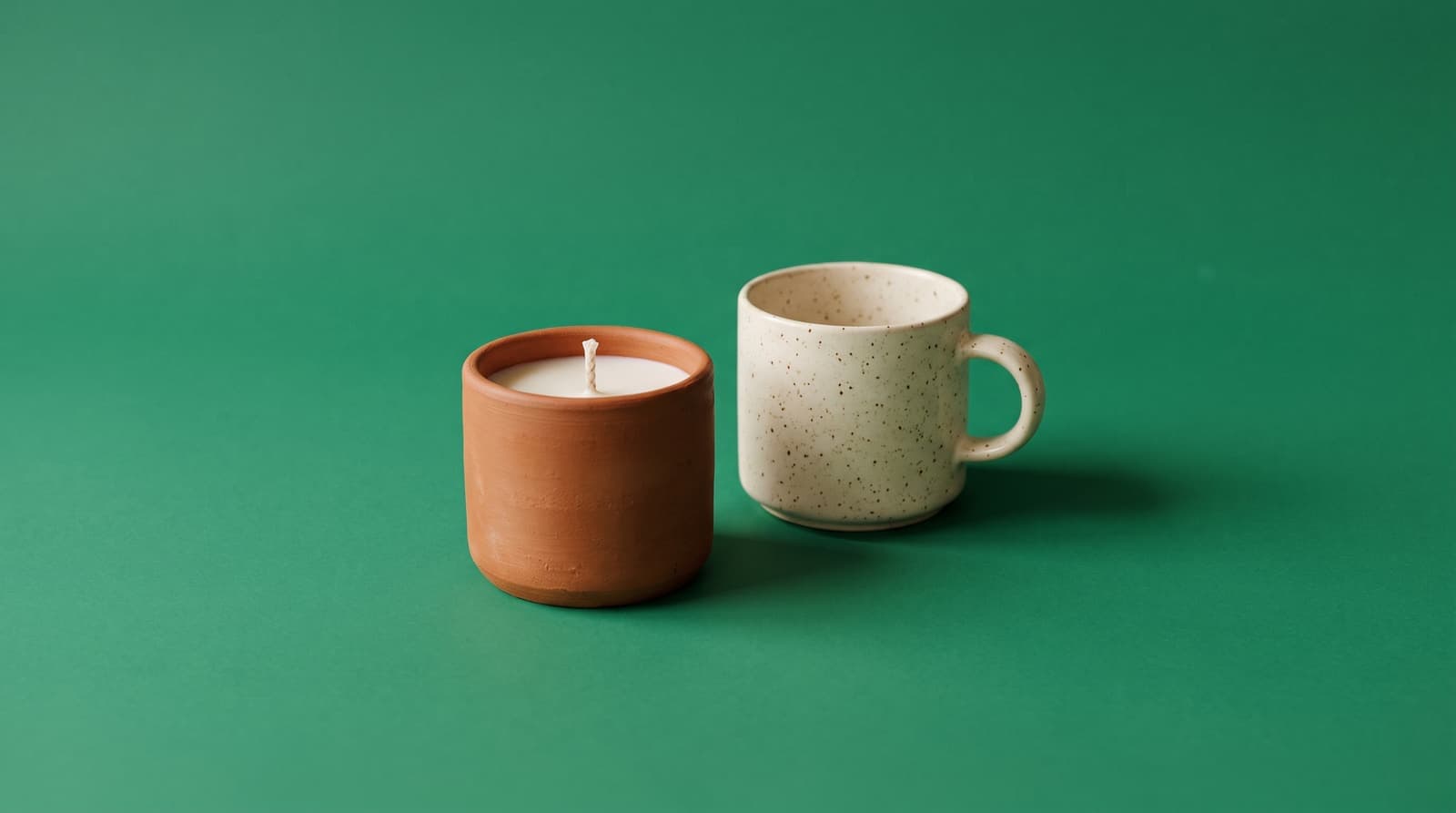
Using a green background
Green makes earthy colors pop
Green sits opposite red on the color wheel, so terracotta, rust, pink and red-brown products stand out sharply against it. Cream and white items also look fresh on a muted green.
Sage, emerald or forest
Sage is soft and natural, a fit for plants, candles and kitchenware. Emerald is vivid and suits fashion and beauty. Forest green is deep and feels premium for leather goods and jewelry.
Green screen is a different job
This tool cuts the subject out with AI, so you do not need a physical green screen. If you want to replace a green screen in a video, that is a separate chroma-key workflow. Here, green is simply the color you choose to put behind your photo.
Where green works best
- Plant, candle and home goodsSage and forest greens fit natural and handmade products.
- Fashion and accessoriesEmerald makes red, pink and tan items stand out.
- Eco and wellness brandsA calm green backs up a natural or clean-label story without extra graphics.
- Profile picturesA muted green background keeps attention on the face and works for most skin tones.
More background colors
Pick any shade in the Change Background Color tool, or start from a color below. For marketplace listings, use the white background tool and the white background guide for product photos.
Upload the photo, wait for the subject to be cut out, then choose a green swatch or pick an exact shade with the color picker. Download the result as a JPG.