Put Your Photo on a Gold Background
Upload a photo, cut out the subject, and set it on gold. Choose champagne, antique or deep gold, then download.
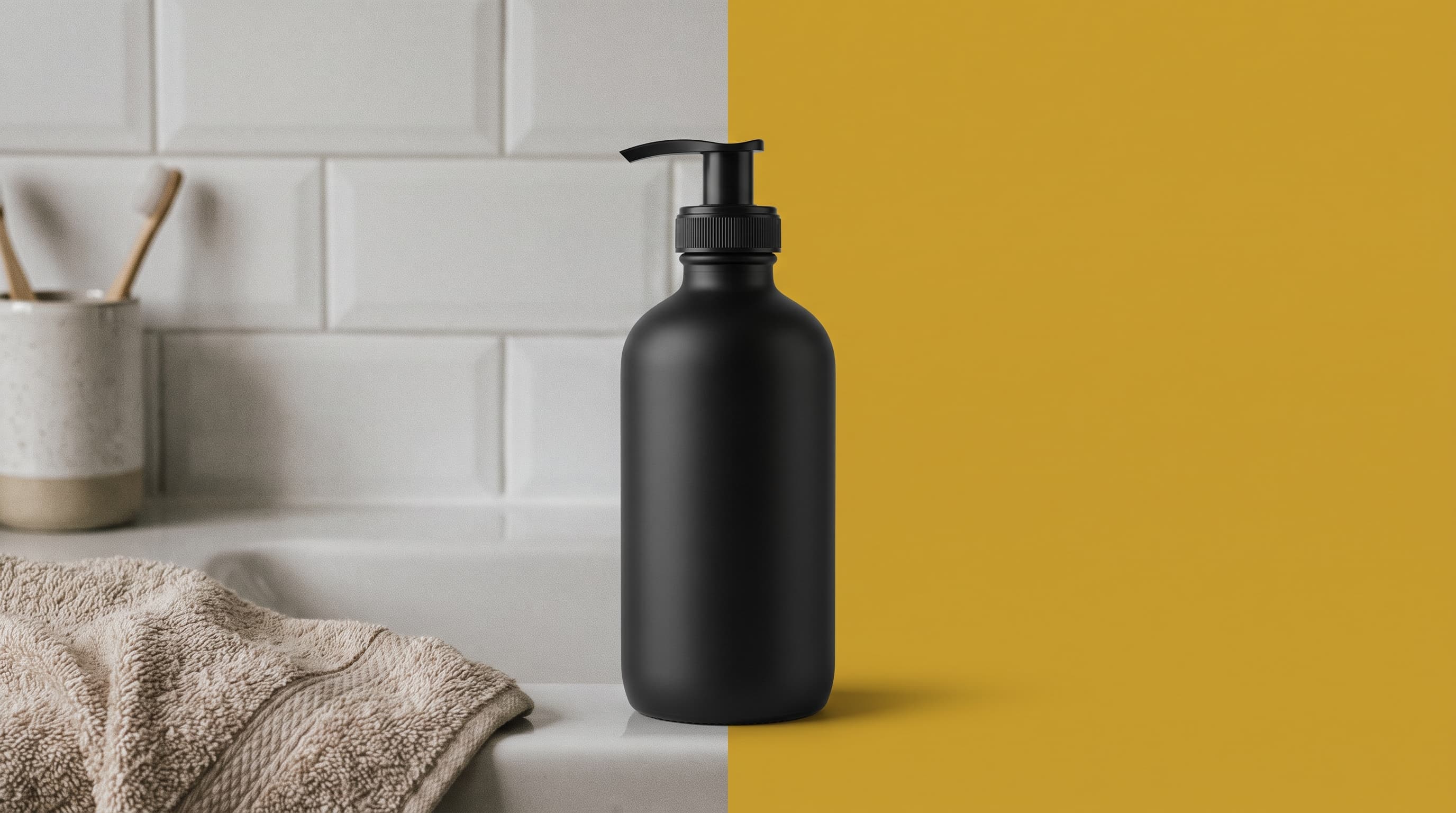
Using a gold background
Gold says premium without extra props
Black, deep green, burgundy and navy products look luxurious on gold. It is a common choice for skincare, candles, fragrance and holiday gift shots.
A flat color, not metallic foil
This tool sets a solid color, so gold here means a flat warm tone, not a shiny foil. Champagne (around #e7d3a1) is light and elegant, antique gold (around #c9a227) is rich, and deep gold (around #a16207) is moody and warm.
Skip gold for gold products
Gold jewelry and brass items blend into a gold backdrop. Put them on black, navy or deep green instead, and keep gold for dark or white products.
Where gold works best
- Skincare and fragranceBlack or white bottles and jars look premium on antique gold.
- Holiday and gift guidesGold fits Christmas, New Year and anniversary campaigns.
- Luxury brand postsUse champagne gold for a restrained, high-end feed.
- Award and event graphicsGold backdrops suit winner announcements and invitations.
More background colors
Pick any shade in the Change Background Color tool, or start from a color below. Marketplace main images usually need pure white, so use the white background tool for those.
Upload the photo, wait for the subject cutout, then choose a gold or yellow swatch, or enter a gold hex code in the color picker. Download a JPG.