Background
Pure white, RGB 255, 255, 255. The tool fills with #FFFFFF, so the edge of the frame is the same white as the page around it.
Source: Amazon Seller Central, Product Photography StandardsUpload a product photo and it comes back as an Amazon main image: cut out, on pure white, at 2000×2000. Below: the main-image rules and how to shoot for them.
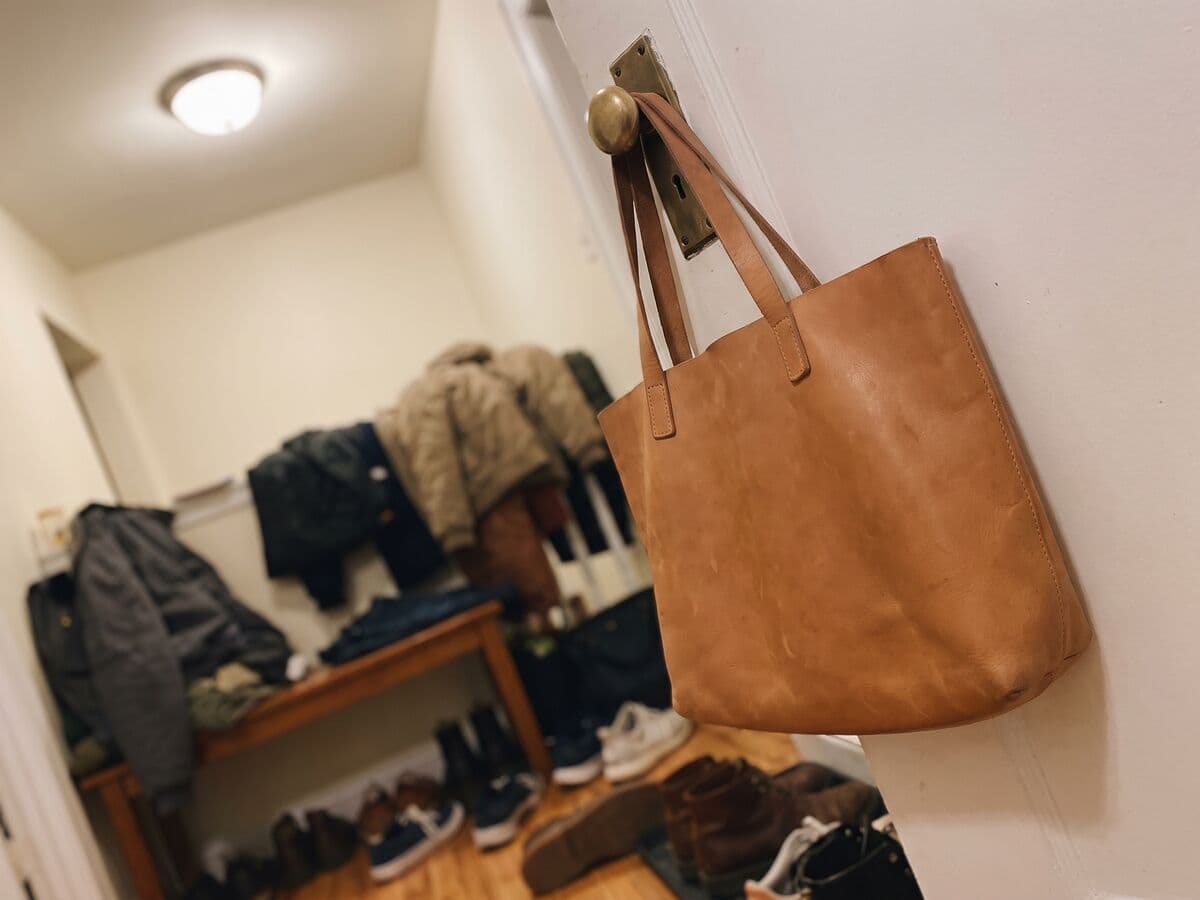
Same tote, same phone, no studio. The cutout, the white fill and the 2000×2000 frame are the only change, so the buyer sees exactly what ships.
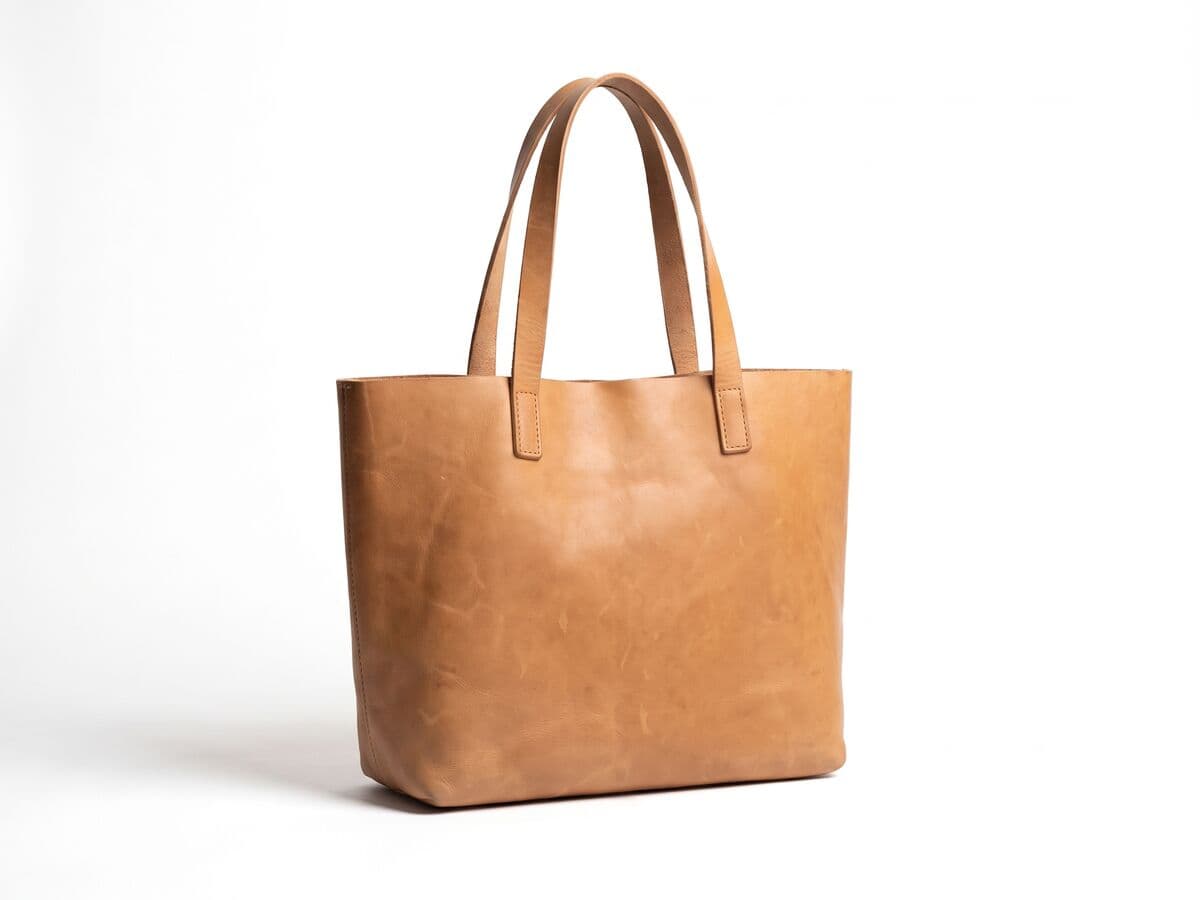
These are the rules Amazon publishes for the main (first) image. Categories can add their own, and Amazon can change them, so confirm the current policy in Seller Central before you list.
Pure white, RGB 255, 255, 255. The tool fills with #FFFFFF, so the edge of the frame is the same white as the page around it.
Source: Amazon Seller Central, Product Photography StandardsThe product fills 85% to 100% of the frame. The Amazon export uses 85%, so the product is large without touching the edge.
Source: Amazon Seller Central, Product Photography StandardsAt least 1,000 px on the longest side so zoom works, and about 1,600 px or more is best. The export is 2,000 × 2,000 px, which clears both.
Source: Amazon Seller Central, Product Photography StandardsJPEG is preferred. PNG, TIFF and GIF are accepted. Amazon states no file-size limit, so the export stays under a 10 MB cap of our own.
Source: Amazon Seller Central, Product Photography StandardsNo text, logos, borders or watermarks on the main image. Shadows are not addressed in the post, so the export has none unless you add one.
Source: Amazon Seller Central, Product Photography StandardsA resizer changes the pixel size of a photo you already have. An Amazon main image also needs the background gone and replaced with pure white, and the product scaled to fill the frame. This page does that whole job in one step: upload, cutout, white, 2000×2000, download.
If your photo is already on white and you only need the dimensions, the Amazon image size guide is the faster route.
Same white, same frame, same scale. Listings that match read as one brand in search results, and the batch editor applies the Amazon export to a whole shoot at once.
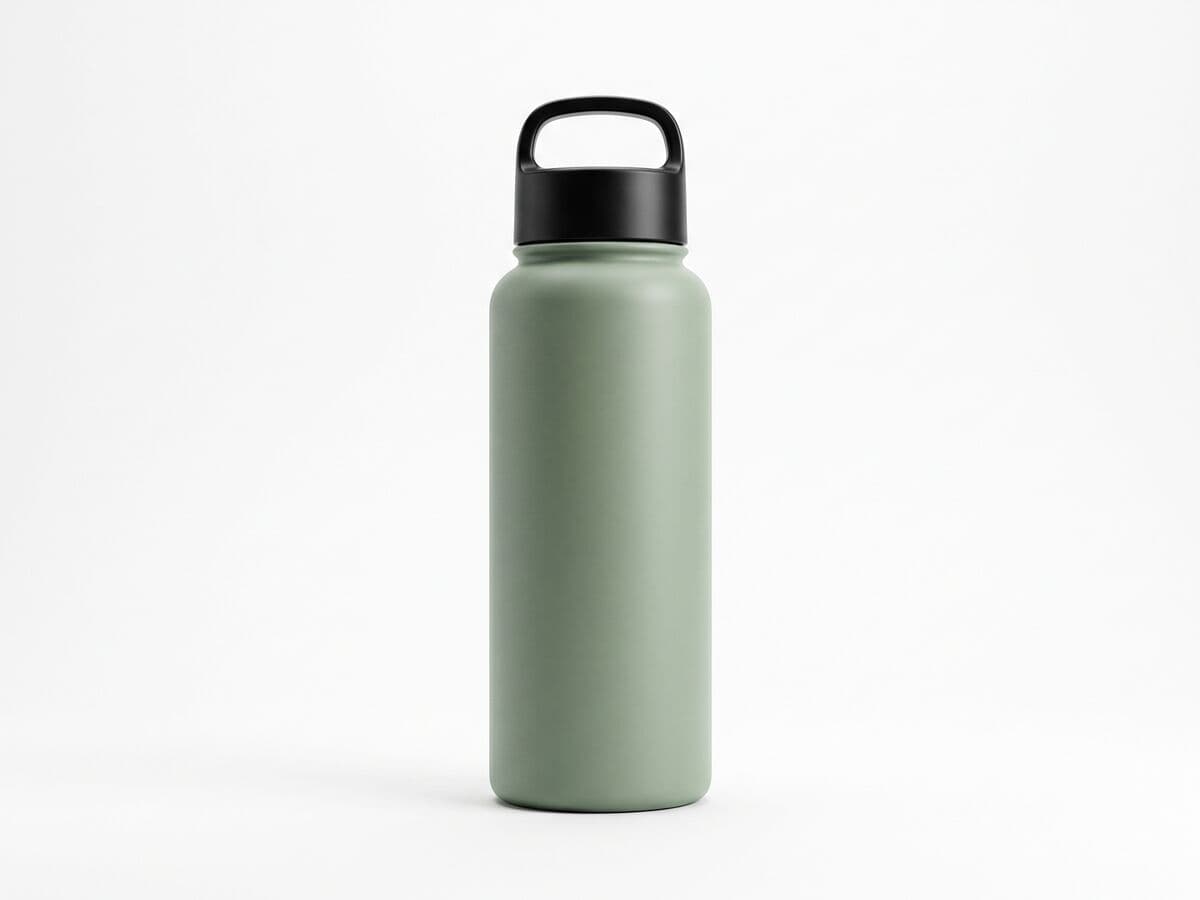

Most rejected main images fail on the background or the crop, not the product. A few habits at the shoot save the edit.
Zoom into the edges in the preview. Glass, chrome and fine straps are where a cutout can leave a pale fringe. Check the file is a JPG at the size shown under the preview, then upload it as the main image.
Pick a sharp photo with the whole product in frame. The Amazon export is already selected under the preview.
The product is cut out and placed on pure white at 2000×2000. Hold Show original to compare against the source.
Zoom into the preview, then read the line under it for the file type, size and weight.
Download the JPG and add it as the main image of your listing. For a whole catalog, use the batch editor.
Pure white background (RGB 255, 255, 255), the product filling 85% to 100% of the frame, at least 1,000 px on the longest side, and no text, logos or watermarks. JPEG is preferred. Confirm the current rules in Seller Central.