Put Your Photo on a Brown Background
Cut out the subject, then try tan, coffee or chocolate brown behind it. Preview live and download a JPG.
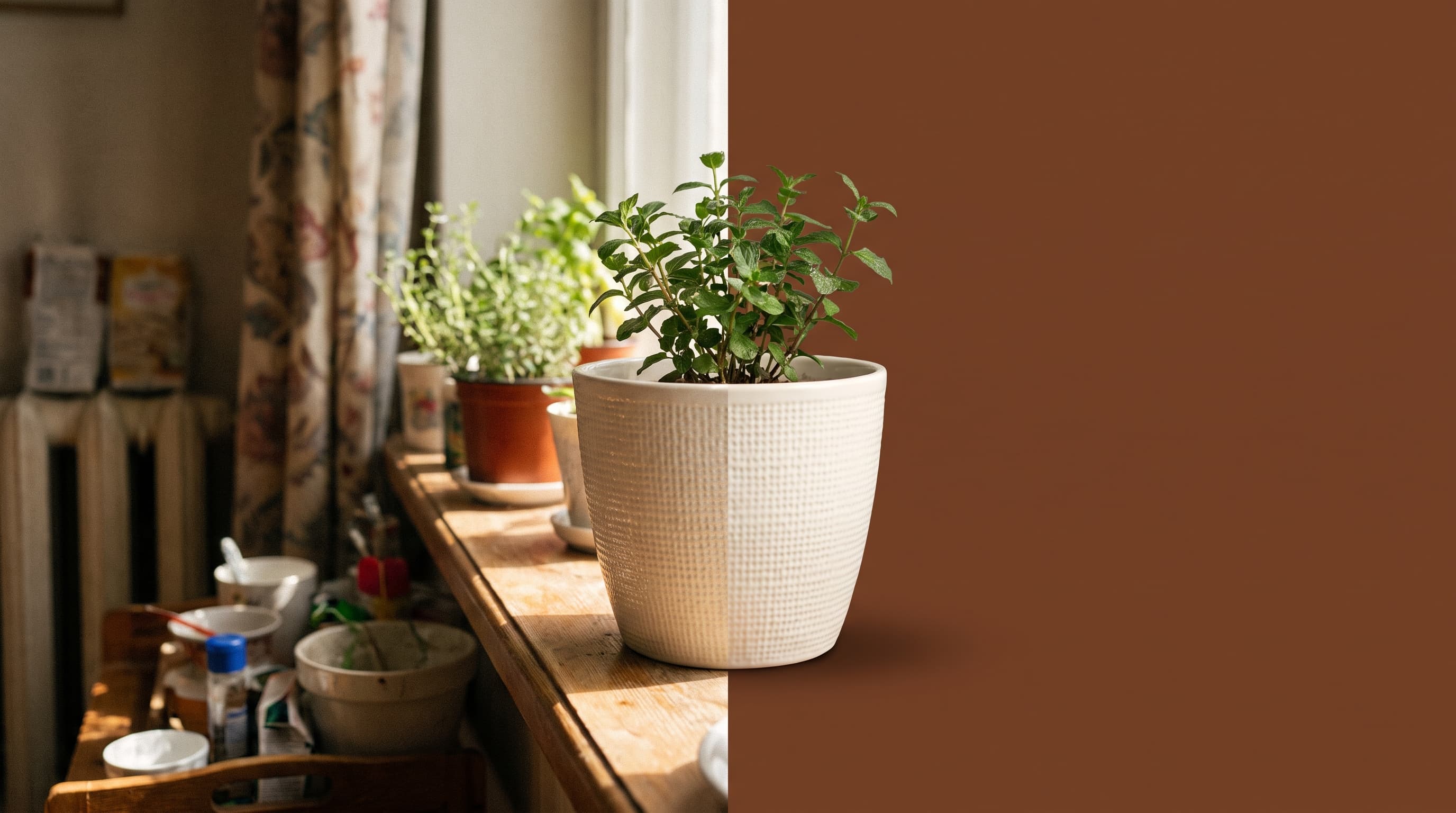
Using a brown background
Brown gives an earthy, handmade feel
Brown feels natural and warm. It suits coffee, leather, ceramics, wood goods and anything sold on craft and sustainability. Cream, white and green items have the strongest contrast.
Tan, coffee or chocolate
Tan (around #b08968) is soft and neutral. Coffee (around #6f4e37) is warm and balanced. Chocolate (around #78452a) is deep and works for light and bright products.
Not for brown products
Leather, wood and cardboard items blend into a similar brown. Use a cream, sage or teal background for those, and keep brown for white, green and metallic products.
Where brown works best
- Coffee and tea brandsCream mugs and white packaging look rich on coffee brown.
- Plants and home decorCream planters and green plants contrast well with chocolate brown.
- Craft and handmade shopsBrown reads as natural and supports an artisan story.
- Autumn contentWarm brown fits fall campaigns and cozy lifestyle posts.
More background colors
Pick any shade in the Change Background Color tool, or start from a color below. Marketplace main images usually need pure white, so use the white background tool for those.
Upload the photo, wait for the cutout, then choose a brown shade with the color picker or enter a hex code. Download a JPG.