Put Your Photo on a Pink Background
Upload a photo, cut out the subject, and set it on pink. Try blush, bubblegum or hot pink, then download a JPG.
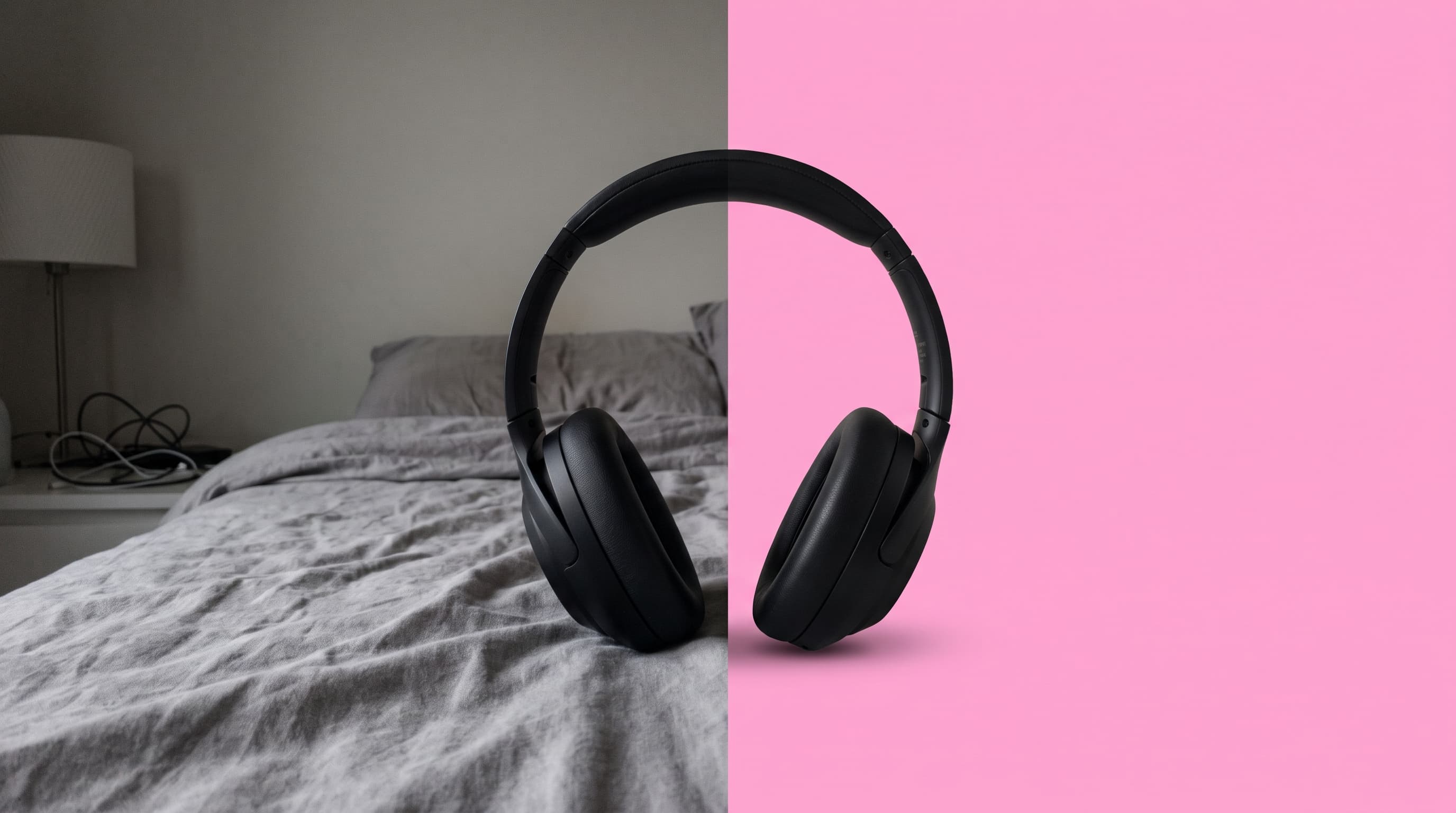
Using a pink background
Pink makes dark products read as premium
Black, charcoal, navy and forest-green products stand out hard against pink, and the contrast looks deliberate rather than clinical. It is also one of the few colors that flatters both cool and warm product tones.
Blush, bubblegum or hot pink
Blush (around #fbcfe8) is soft and suits skincare, candles and gifts. Bubblegum (around #f9a8d4) is playful and works for accessories and tech. Hot pink (around #ec4899) is loud, so save it for thumbnails, launches and creator posts.
Watch pink and skin tones together
Pink backgrounds can wash out pale skin and clash with red lipstick or orange clothing. For portraits, pick a dusty or blush pink and avoid saturated magenta behind the face.
Where pink works best
- Beauty and gift shopsBlush pink gives skincare, nail and candle photos a soft, cohesive feed on Instagram and Etsy.
- Electronics and accessoriesBlack headphones, cases and speakers look sharp against bubblegum pink.
- Social posts and thumbnailsHot pink stops the scroll and keeps the subject readable at small sizes.
- Brand-matched graphicsEnter your brand pink by hex code so every photo matches your packaging and site.
More background colors
Pick any shade in the Change Background Color tool, or start from a color below. Marketplace main images usually need pure white, so use the white background tool for those.
Upload the photo, wait for the subject to be cut out, then choose a pink swatch or pick an exact shade with the color picker. The preview updates live and you download a JPG.