Instagram Profile Picture Resizer
Instagram shows profile photos at different rendered sizes and crops the square upload into a circle. This tool exports 400x400 pixels as a practical working file; Instagram does not publish that as a universal minimum.
Sizes, to scale
+4 more sizes below
Instagram profile picture size
Instagram profile picture size: 400×400 px tool output, 1:1 aspect ratio.
Instagram displays the square upload inside a circular frame and may render it at different sizes. Keep the subject centered and preview the crop in the app.
400
width (px)
400
height (px)
1:1
aspect ratio
Need other dimensions? Browse all Instagram sizes or use the free image resizer for any platform.
Sources
We check platform-specific dimensions against source documentation when available.
- Instagram Help Center - Add or change your profile picture - Official Instagram Help Center article on adding or changing your profile picture.
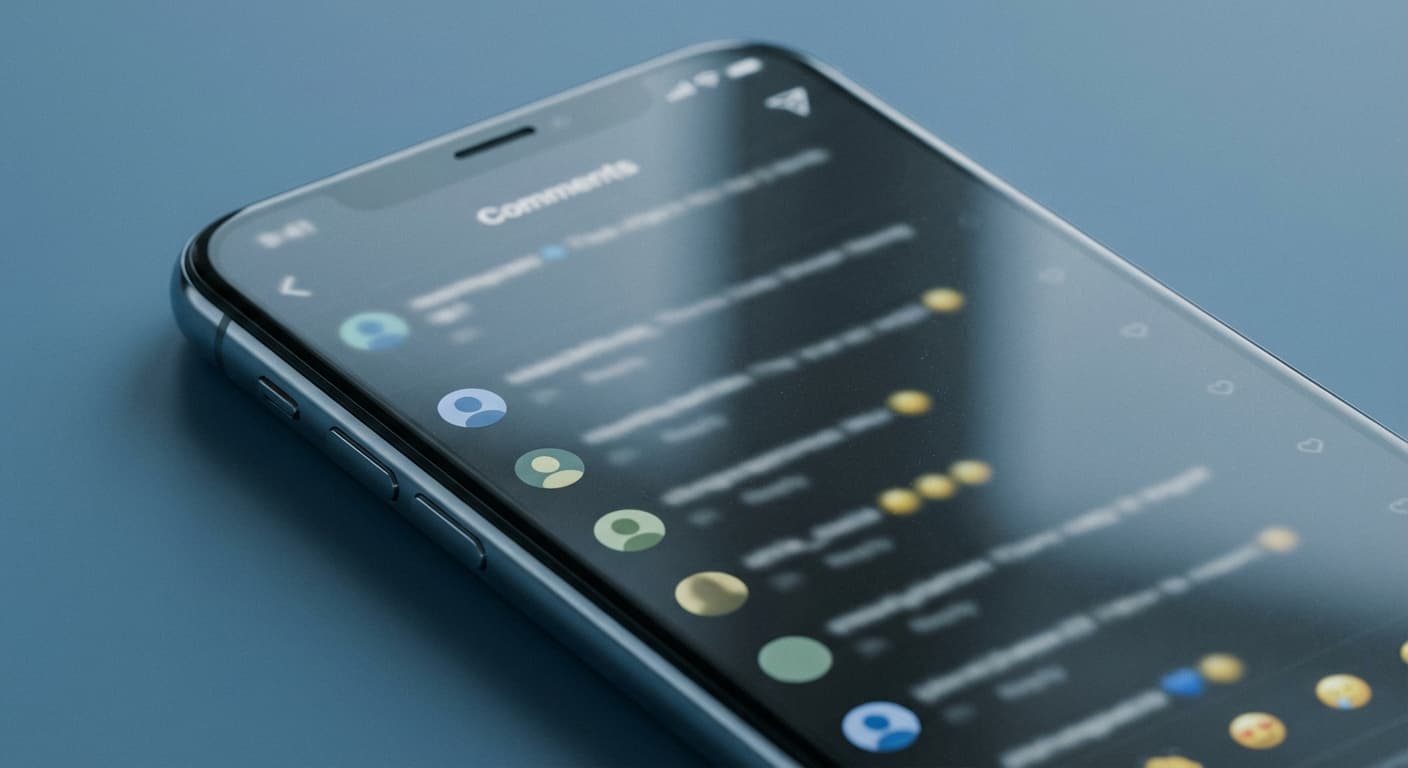
Make It Instantly Recognizable
Profile pictures can appear as small thumbnails throughout Instagram. Use a clear face, simple logo, or high-contrast image, and avoid fine text that becomes unreadable when the image is rendered small.
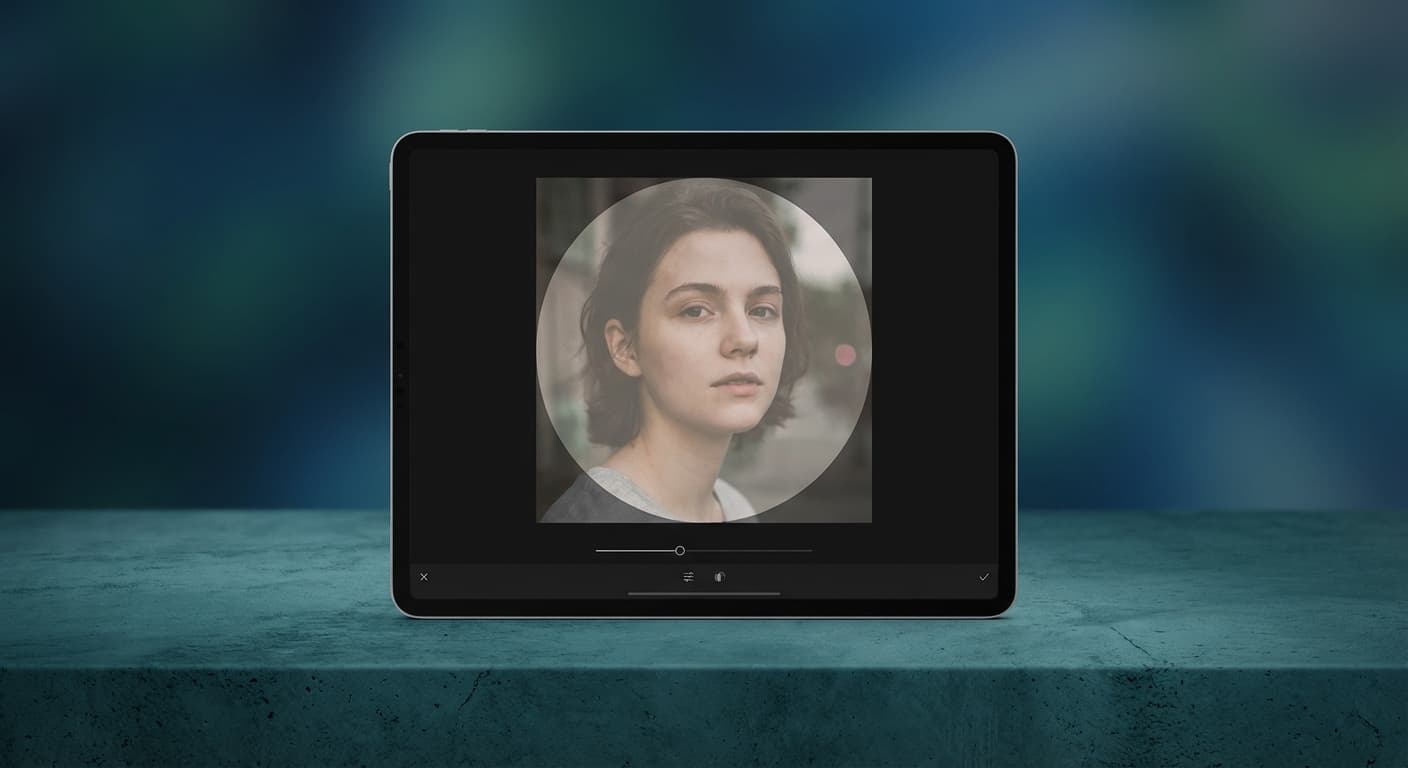
Design for the Circle Crop
Instagram crops every profile picture into a circle, cutting off corners. Upload a square image at 400x400 pixels and keep important elements away from the edges. Center your face or logo so the circular mask doesn't cut off anything essential. Test how it looks before publishing by previewing the crop.
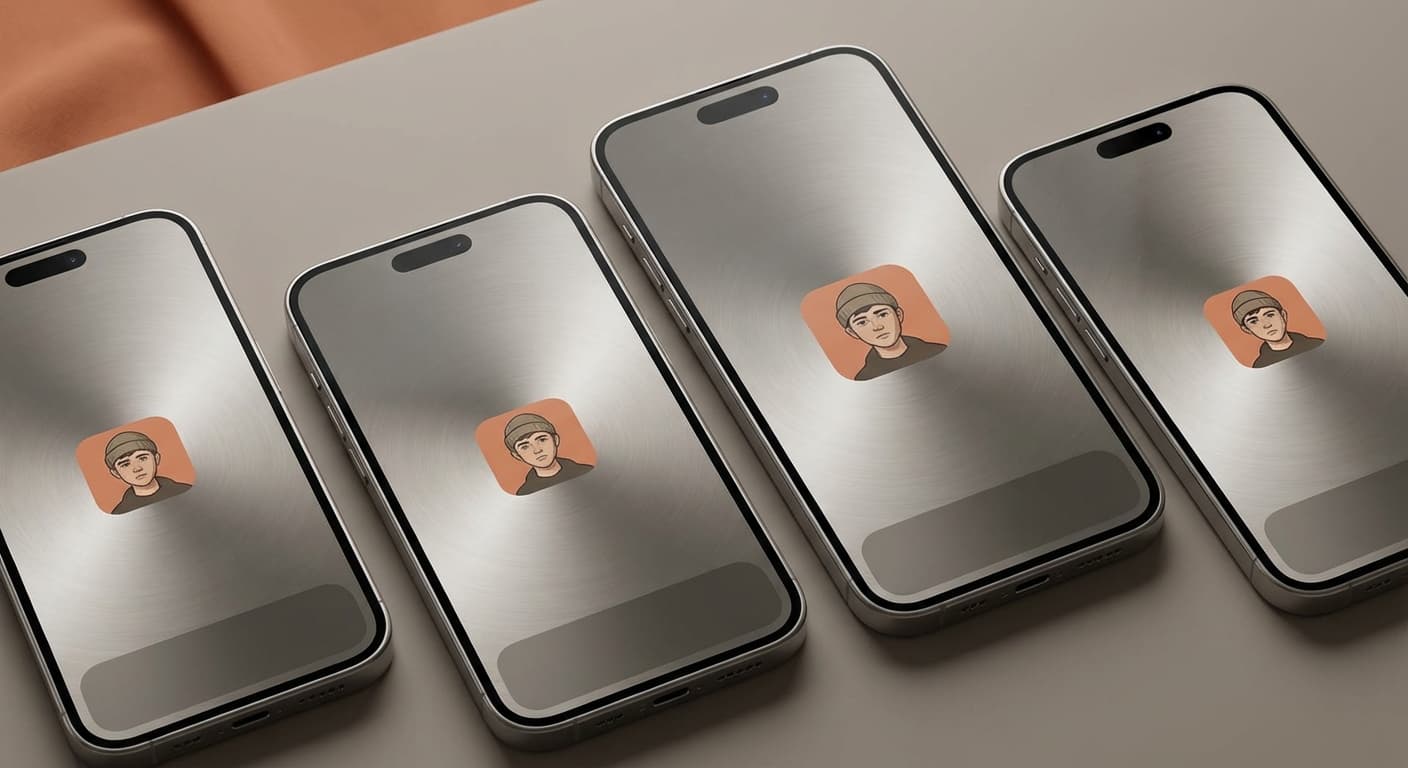
Stay Consistent Across Platforms
A consistent profile image can help people recognize an account across platforms. Check each platform's current crop and upload requirements rather than assuming one 400x400 export will display identically everywhere.
How do I change my Instagram profile picture?
- 1
Step 1: Open the Instagram App
To change your Instagram profile picture, you first need to open the Instagram app on your mobile device.
- 2
Step 2: Go to Your Profile Page
Once you’ve opened the Instagram app, navigate to your profile page by tapping on the person icon in the bottom right corner of the screen.
- 3
Step 3: Tap on Your Profile Picture
On your profile page, tap on your current profile picture. This will take you to the page where you can select a new picture or take a new photo.
This tool exports a 400×400 square image. Instagram does not publish that as a universal profile-photo minimum, and it renders the image at different sizes depending on context.
More free tools
Crop, convert, shrink or clean up the photo around your resize. Each tool runs in your browser.
Crop image
Trim a photo to any ratio or a custom box before you resize it.
Photo enhancer
Fix a dull, dark or grainy photo in one tap.
Transparent PNG maker
Remove the background and save a PNG with real transparency.
Blur background
Keep the subject sharp and soften what is behind it.
Compress image to 100KB
Shrink a photo under a 100KB upload limit.
Convert HEIC to JPG
Turn an iPhone photo into a JPG that opens anywhere.
All Instagram Image Sizes
Choose another available Instagram canvas and review its source notes
Instagram photo guides
Step-by-step articles for the same job, with examples and common mistakes.
Make your Instagram profile picture
Crop a circle or square avatar, remove the background, or resize to an exact platform size.
Profile Picture Maker
Frame a photo, pick a platform size, and download a circle or square PNG.
Round Profile Picture
Crop any photo, wide or tall, into a true circle.
Round Image Corners
Keep the whole image and soften its corners.
Background Remover
Cut out the subject for a transparent PNG.
Image Resizer
Resize to an exact platform size.
File tools
Convert the resized image
Need a different file format or transparent background? Choose a focused converter, then check the preview and encoded size before downloading.
Put Your Instagram Profile Picture Image Into a PDF
Put one image on each page, arrange the order, and create the PDF in your browser.
Free tools
Explore Free Creative Tools
Everything you need to make your photos stand out with our free photo editing tools

AI Photo Editor
Edit photos by describing what you want. Remove backgrounds, resize, enhance, add text, and more. Just type your edit in plain English.

Face Swap
Create an AI face-swap image from uploaded photos. Results vary with lighting, pose, source quality, and the faces in each image.

Photo Inverter
Invert image colors online for free. Create a negative photo, adjust intensity, or target selected colors privately in your browser with no signup.

Image Size Converter
Free online image size converter. Resize a photo to exact pixel dimensions (width x height) in JPG, PNG, or WebP. Need a target file size in KB or a format change? We point you to the right tool. No signup.
Weighing up the options? Best photo editing apps for Instagram compares Instasize with Canva, Picsart, VSCO, Lightroom, and Snapseed using each vendor's own published terms.