Instagram Highlight Cover Resizer
Stories added to Highlights remain visible until you remove them. Instagram shows the selected Highlight cover in a circle, so preview the crop instead of relying on an unverified fixed safe-zone measurement.
Sizes, to scale
+4 more sizes below
Instagram Highlight cover working size
Instagram Highlight cover working size: 1080×1920 px Story canvas, with the cover subject centered.
Instagram lets you choose a cover when creating or editing a Highlight. The profile presentation is circular and may change by device, so use the in-app preview.
1080
width (px)
1920
height (px)
9:16
aspect ratio
Need other dimensions? Browse all Instagram sizes or use the free image resizer for any platform.
Sources
We check platform-specific dimensions against source documentation when available.
- Instagram Help Center - Add a Story Highlight - Official steps for choosing a cover and managing Stories in a Highlight.
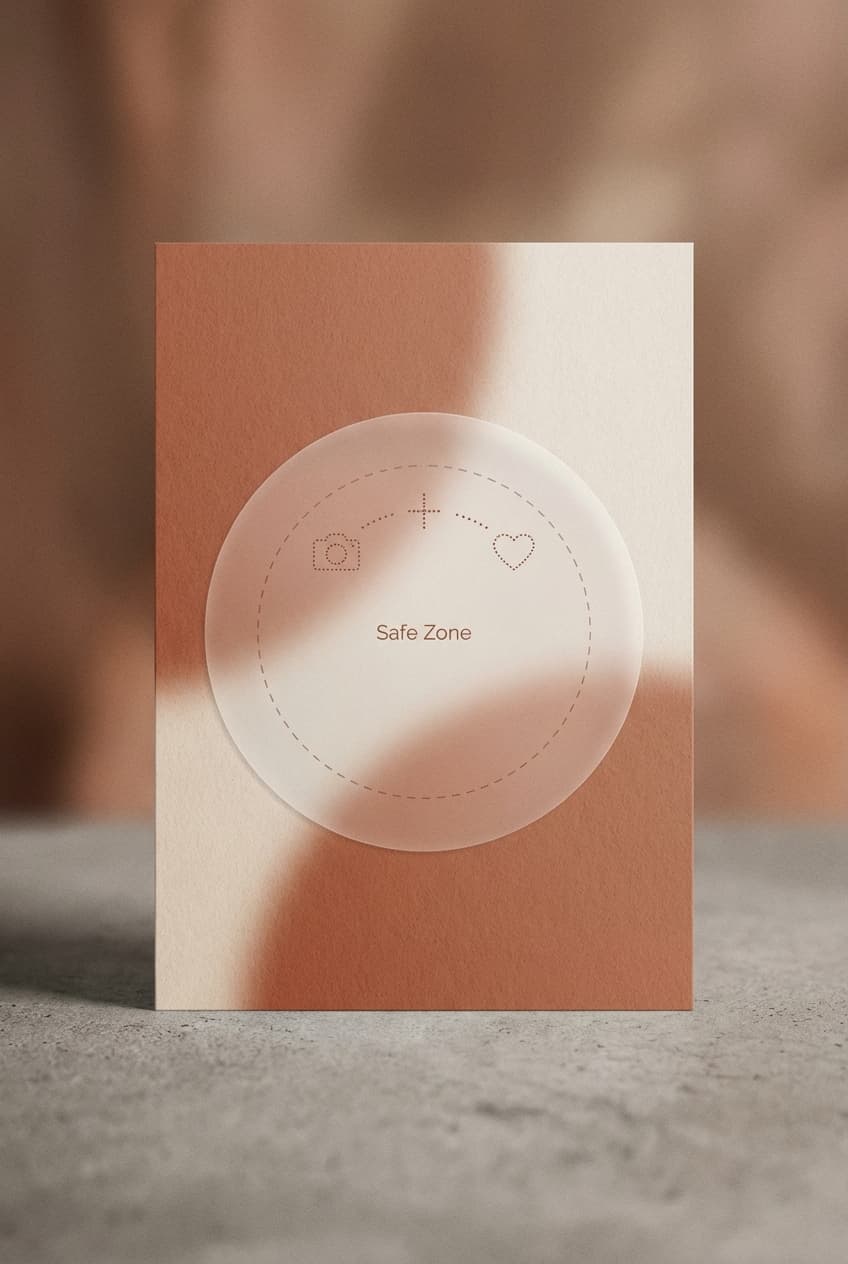
Design for the Circle Crop
Highlight covers appear inside a circular profile treatment. Keep icons, text, and important details near the center, leave a generous margin, and use the cover-positioning preview instead of depending on a fixed pixel safe zone.
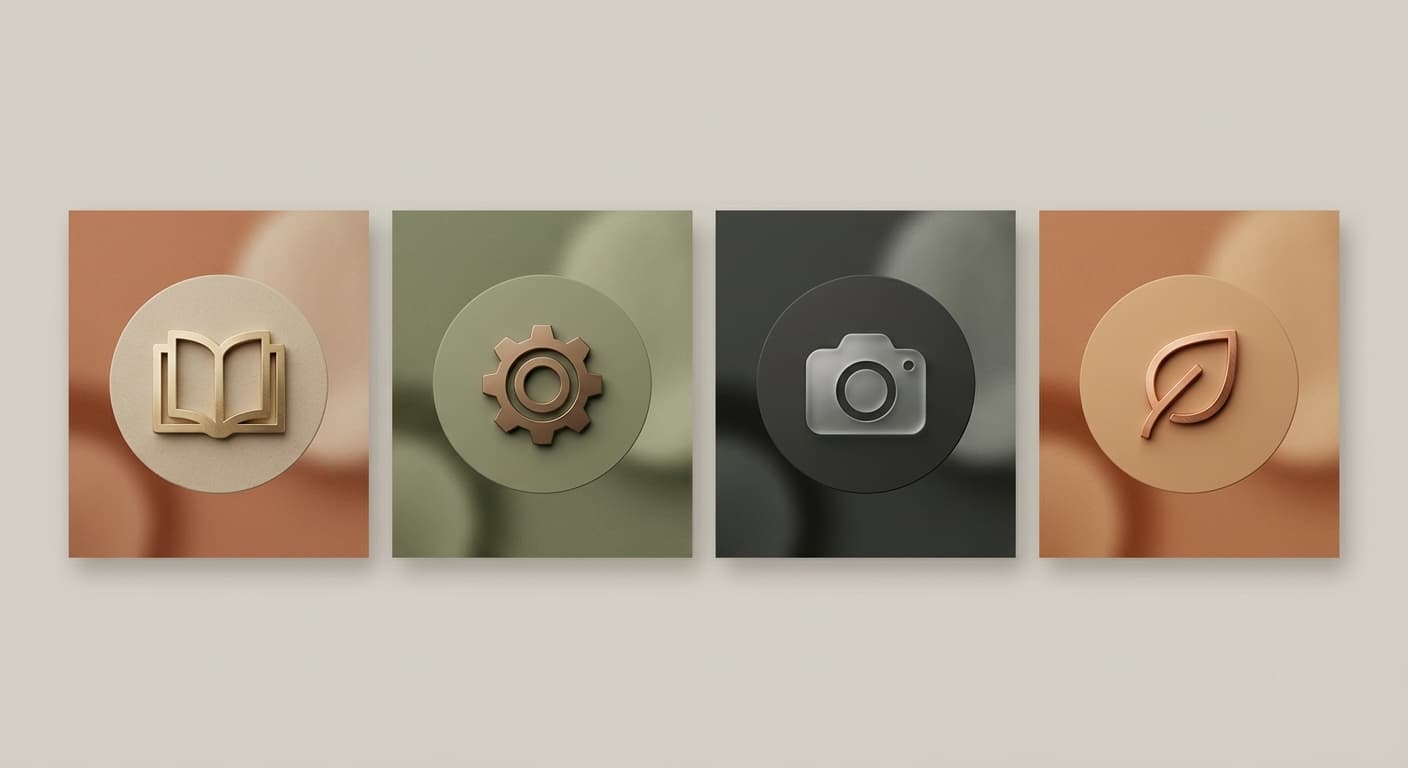
Create Consistent Branding
A repeated background, icon style, or type treatment can make Highlight categories easier to scan. Keep labels concise enough to remain understandable at a small rendered size.
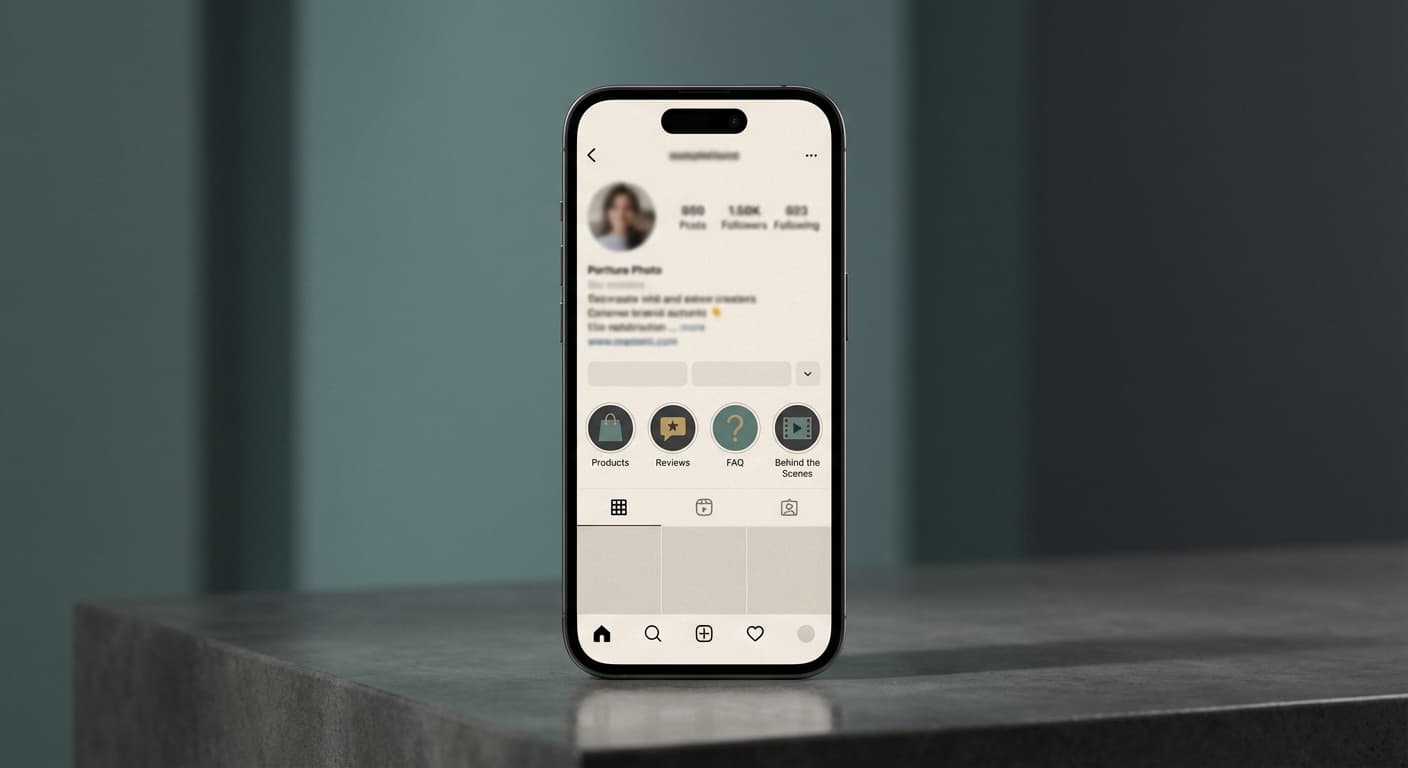
Organize Your Best Content
Use clear icons or short words that accurately describe each Highlight. Keep the most useful categories easy to find, and remove outdated Stories rather than following an arbitrary Highlight-count rule.
How do I create custom Instagram Highlight covers?
- 1
Step 1: Design your cover
Create a 1080x1920 pixel image with the icon or subject centered and a generous margin for the circular crop.
- 2
Step 2: Add to your Stories
Add the relevant Story or Stories to a Highlight. Instagram lets you choose and adjust a cover while creating or editing the Highlight.
- 3
Step 3: Set as Highlight cover
Open your Highlight, tap Edit Highlight, then Edit Cover. Select your custom cover image and adjust positioning if needed.
This tool uses a 1080x1920 Story canvas. Instagram displays the chosen Highlight cover in a circle, so center the design and confirm its position in the app.
All Instagram Image Sizes
Choose another available Instagram canvas and review its source notes
File tools
Convert the resized image
Need a different file format or transparent background? Choose a focused converter, then check the preview and encoded size before downloading.
Put Your Instagram Highlight Cover Image Into a PDF
Put one image on each page, arrange the order, and create the PDF in your browser.
Free tools
Explore Free Creative Tools
Everything you need to make your photos stand out with our free photo editing tools

AI Photo Editor
Edit photos by describing what you want. Remove backgrounds, resize, enhance, add text, and more. Just type your edit in plain English.

Face Swap
Create an AI face-swap image from uploaded photos. Results vary with lighting, pose, source quality, and the faces in each image.

Photo Inverter
Invert image colors online for free. Create a negative photo, adjust intensity, or target selected colors privately in your browser with no signup.

Image Size Converter
Free online image size converter. Resize a photo to exact pixel dimensions (width x height) in JPG, PNG, or WebP. Need a target file size in KB or a format change? We point you to the right tool. No signup.
Weighing up the options? Best photo editing apps for Instagram compares Instasize with Canva, Picsart, VSCO, Lightroom, and Snapseed using each vendor's own published terms.