Instagram Carousel Resizer
Instagram applies one selected orientation to every item in a carousel. Prepare each image for that shared crop—such as 1080x1080 square or 1080x1350 portrait—before uploading.
Sizes, to scale
+4 more sizes below
Instagram carousel image size
Instagram carousel image size: 1080×1080 px square tool output; use 1080×1350 px for a 4:5 portrait set.
Instagram currently allows up to 10 photos and videos and applies one selected orientation to the complete carousel. It does not publish an engagement guarantee for carousel posts.
1080
width (px)
1080
height (px)
1:1
aspect ratio
Need other dimensions? Browse all Instagram sizes or use the free image resizer for any platform.
Sources
We check platform-specific dimensions against source documentation when available.
- Instagram Help Center - Share multiple photos or videos - Official instructions for carousel item limits and the shared orientation.
- Instagram Help Center - Image resolution of photos - Official guidance for feed-photo widths and supported aspect ratios.
Use Only the Slides You Need
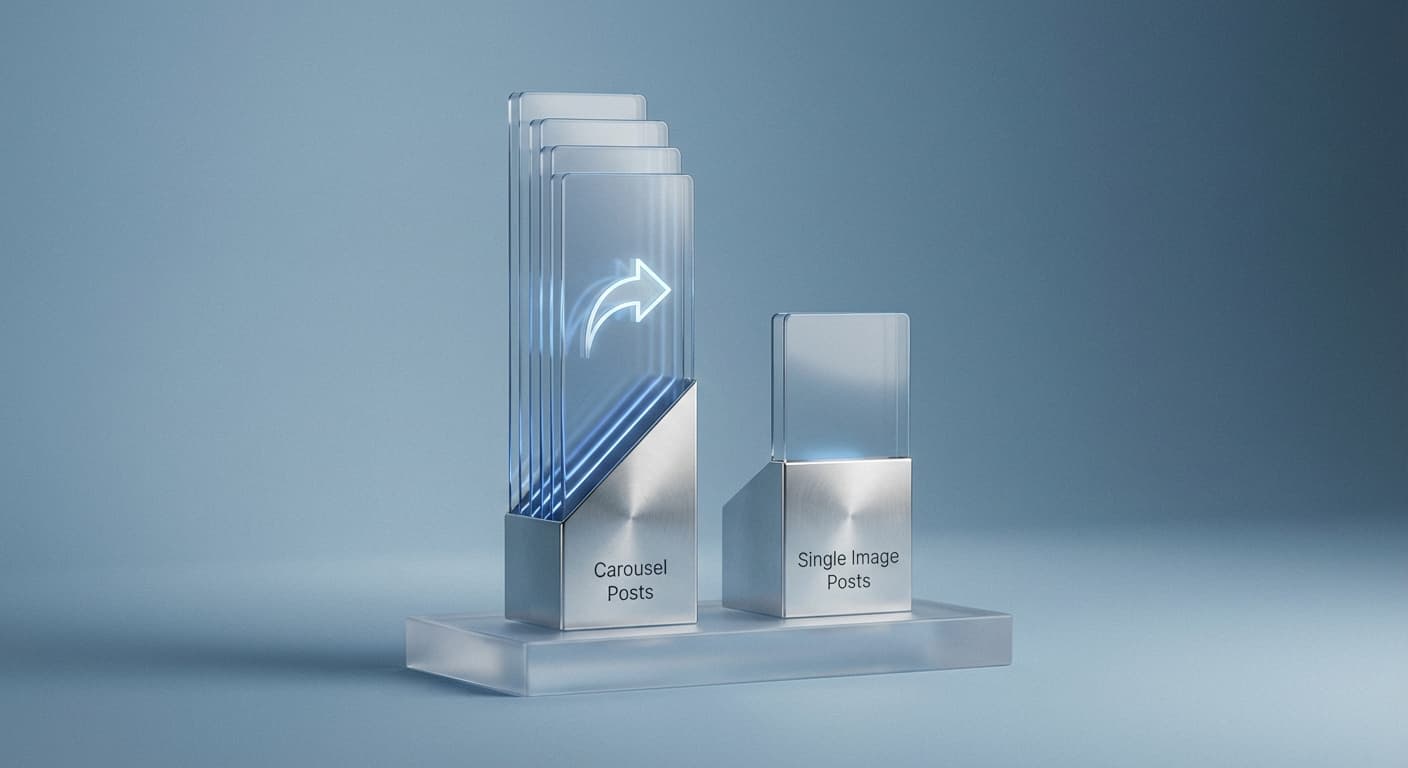
Carousels work well for sequences, comparisons, and grouped media. Instagram allows up to 10 items, but there is no reason to fill every slot when fewer slides communicate the idea clearly.
Keep Dimensions Consistent
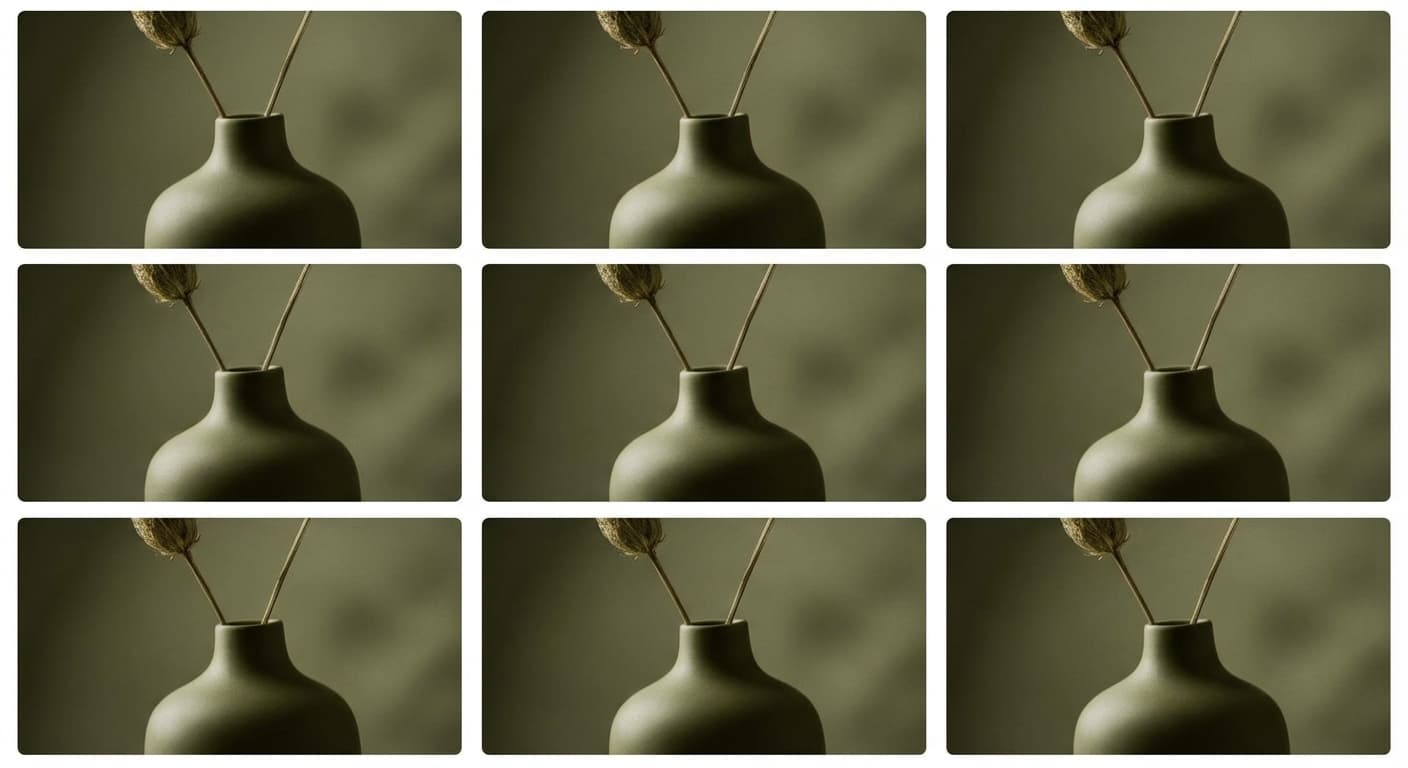
Instagram applies one orientation to the complete carousel and does not allow a different orientation for each item. Prepare every image for the selected square, portrait, or landscape crop, then adjust each crop in the posting preview.
Tell Stories Across Slides
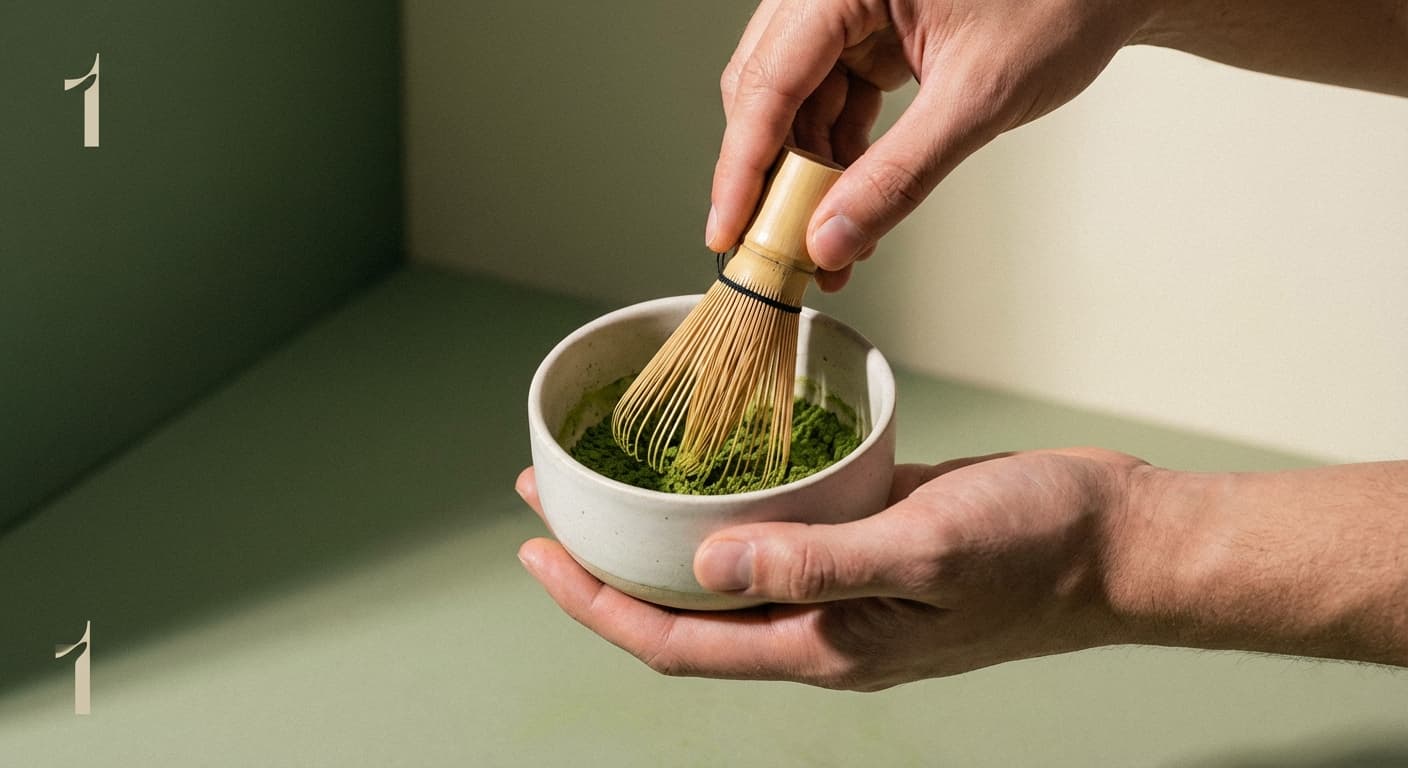
Carousels can organize tutorials, before-and-afters, product details, or related images. Give the sequence a clear order, make each slide understandable, and include a relevant next step only when it helps the viewer.
How do I create an Instagram carousel post?
- 1
Step 1: Prepare your images
Choose one canvas for the set. Use 1080x1080 for square or 1080x1350 for a 4:5 portrait format, and preview every image in that crop.
- 2
Step 2: Upload multiple images
In the Instagram app, tap the layers icon to select multiple images. Choose up to 10 photos or videos for your carousel.
- 3
Step 3: Arrange and post
Drag slides to reorder them. Add filters and captions, then post. The first slide shows in your grid and feed.
Instagram carousels support up to 10 images or videos per post. You can mix photos and videos in the same carousel.
All Instagram Image Sizes
Choose another available Instagram canvas and review its source notes
File tools
Convert the resized image
Need a different file format or transparent background? Choose a focused converter, then check the preview and encoded size before downloading.
Put Your Instagram Carousel Image Into a PDF
Put one image on each page, arrange the order, and create the PDF in your browser.
Free tools
Explore Free Creative Tools
Everything you need to make your photos stand out with our free photo editing tools

AI Photo Editor
Edit photos by describing what you want. Remove backgrounds, resize, enhance, add text, and more. Just type your edit in plain English.

Face Swap
Create an AI face-swap image from uploaded photos. Results vary with lighting, pose, source quality, and the faces in each image.

Photo Inverter
Invert image colors online for free. Create a negative photo, adjust intensity, or target selected colors privately in your browser with no signup.

Image Size Converter
Free online image size converter. Resize a photo to exact pixel dimensions (width x height) in JPG, PNG, or WebP. Need a target file size in KB or a format change? We point you to the right tool. No signup.
Weighing up the options? Best photo editing apps for Instagram compares Instasize with Canva, Picsart, VSCO, Lightroom, and Snapseed using each vendor's own published terms.