Instagram Post Size in 2026: 1080 x 1350, Square and Landscape Dimensions

Table of Contents
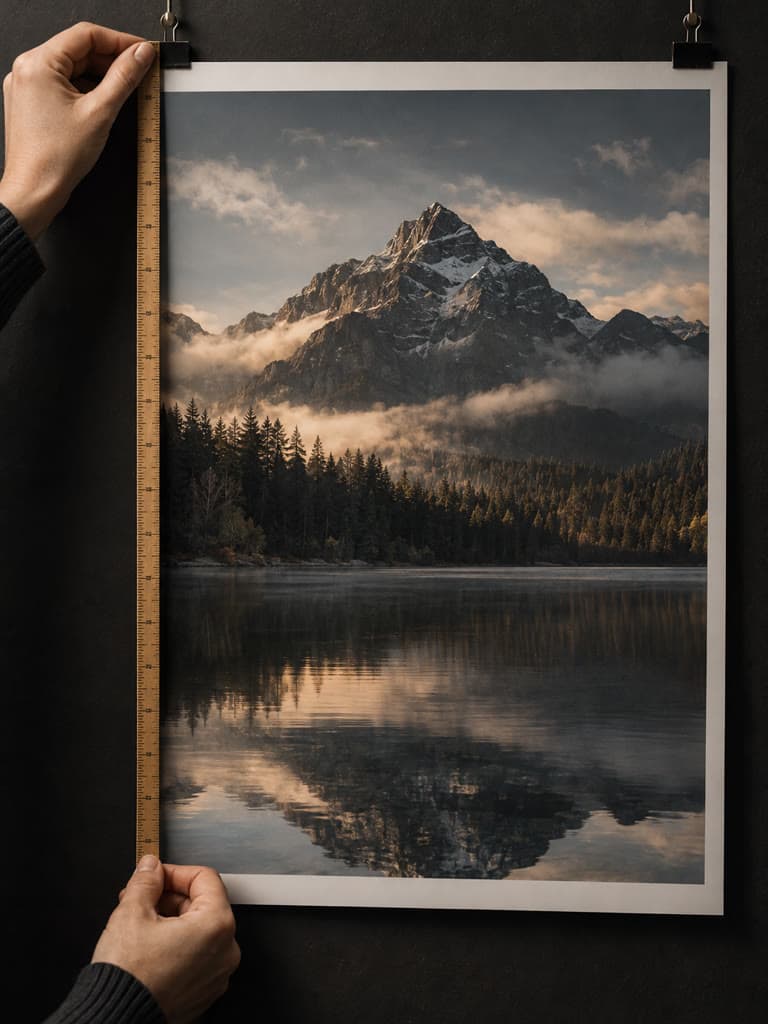
The Instagram post size to use is 1080 x 1350 pixels (4:5). It is the tallest shape most feeds show in full, so a portrait photo takes up more of the screen than a square or landscape one. Square (1080 x 1080) and landscape (1080 x 566) still work, and Instagram now also supports 3:4 (1080 x 1440).
Resize for the Instagram post size, free in your browser
Try it freeInstagram post dimensions at a glance
| Format | Size (px) | Aspect ratio | Use it for |
|---|---|---|---|
| Portrait | 1080 x 1350 | 4:5 | Default choice for photos and carousels |
| Portrait, tall | 1080 x 1440 | 3:4 | Fills the new 3:4 grid thumbnail with no crop |
| Square | 1080 x 1080 | 1:1 | Product shots, quotes, centered subjects |
| Landscape | 1080 x 566 | 1.91:1 | Wide scenes, panoramas, group photos |
| Stories and Reels | 1080 x 1920 | 9:16 | Full-screen vertical (not a feed post) |
Always start from a photo at least 1080 pixels wide. A smaller one is stretched up and looks soft, so use a larger original when you can.
Which Instagram post size should you pick?
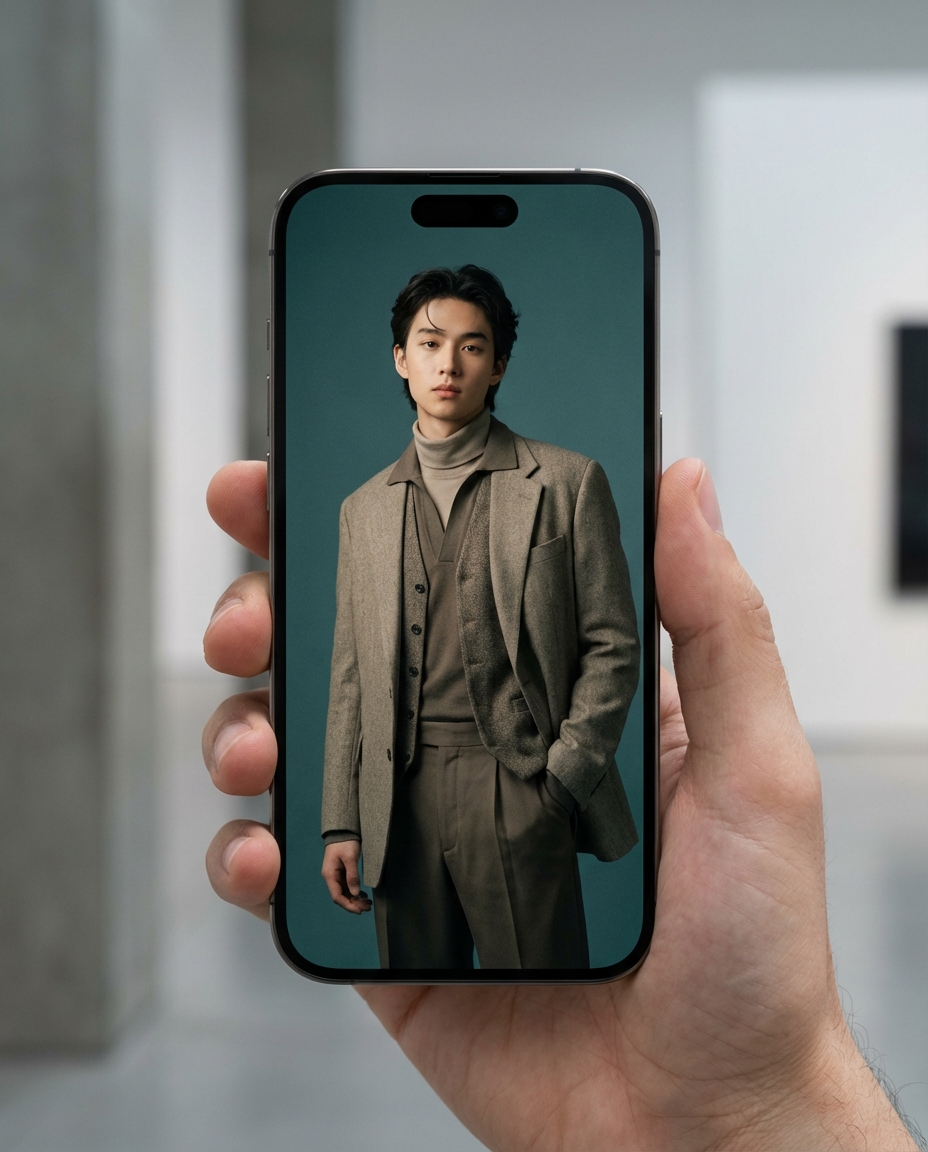
- Portrait 1080 x 1350 (4:5). Best for most posts. It uses the most vertical space in the feed, which helps a photo stand out.
- 3:4, 1080 x 1440. Choose this if you care about how the post looks in the profile grid, which shows thumbnails in a 3:4 shape. A 4:5 post is trimmed slightly there, so keep faces and text away from the top and bottom edges.
- Square 1080 x 1080 (1:1). Safe when the subject sits in the middle or you want the same crop in the feed and the grid.
- Landscape 1080 x 566 (1.91:1). Gives the smallest feed footprint, so use it only when the scene needs the width.
Carousel post size
A carousel takes its shape from the first slide, and the rest are cropped to match. Pick one size, 1080 x 1350, 1080 x 1440 or 1080 x 1080, and export every slide at it. Mixing landscape and portrait slides leaves bars or cuts off content. The carousel resizer sizes a whole set the same way.
Common mistakes
- Uploading a small image. Under 1080 px wide, Instagram scales it up and it blurs.
- Uploading an odd aspect ratio. Instagram crops it, often right through the subject. Resize first so you choose the crop.
- Putting key content at the edges. The grid thumbnail and the feed crop trim the top and bottom. Keep the subject in the middle 80 percent.
- Using the feed size for Stories. Stories and Reels are 9:16 (1080 x 1920). Use the Story resizer for those.
Resize a photo to the Instagram post size
Instasize resizes for free in your browser. Upload your photo, pick the post shape and download a file that is ready to post.
- Portrait post, 1080 x 1350
- Square post, 1080 x 1080
- Carousel, 1080 x 1350 per slide
- All Instagram sizes
FAQ
What is the best Instagram post size in 2026?
1080 x 1350 pixels (4:5 portrait). It fills the most screen in the feed. Instagram also accepts 1080 x 1440 (3:4), 1080 x 1080 (1:1) and 1080 x 566 (1.91:1).
What are the Instagram post dimensions for a square photo?
1080 x 1080 pixels at a 1:1 aspect ratio.
Does every slide of a carousel need the same size?
Use one size for every slide. Instagram crops the other slides to the shape of the first, so pick 1080 x 1350, 1080 x 1440 or 1080 x 1080 and keep it.
What size should Instagram Stories and Reels be?
1080 x 1920 pixels (9:16). That is a different format from the feed post size above.
How do I resize a photo to the Instagram post size?
Open the free Instasize resizer, upload the photo, choose the Instagram post preset and download. It runs in your browser.
Sources: Instagram Help Center (help.instagram.com); size recommendations cross-checked against Adobe Express, Buffer and Figma Instagram size guides. Checked October 2026.