eBay Image Resizer

Prepare an eBay listing photo with a 1600×1600 square working canvas based on eBay’s 1,600-pixel longest-side recommendation.

All eBay Image Sizes

Choose the eBay format you need, then review its source notes, crop, and image quality.

About eBay Image Sizes

eBay listing photos need at least 500 pixels on the longest side. The platform recommends 1,600 pixels for mobile display and accepts non-square images.

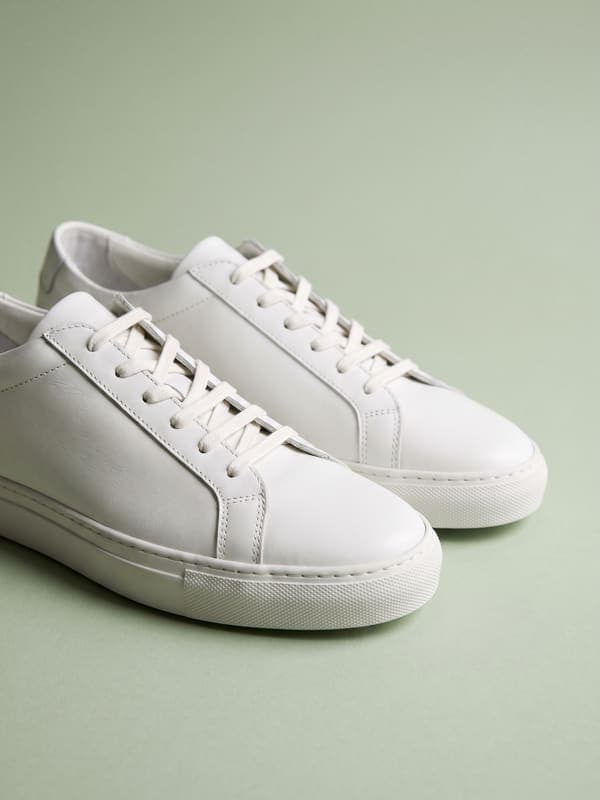
Show the actual item clearly, include condition details, and avoid text or borders that distract from the listing.

eBay Size Cheatsheet

Quick reference for all eBay image dimensions.

eBay image dimensions for all formats
FormatDimensions
eBay Listing Photo1600 × 1600

Posting somewhere else? Use the free image resizer to resize images for any platform.

How to resize images for eBay?

  1. 1

    Step 1: Upload your image

    Select the image you want to resize for eBay. Our tool supports JPG, PNG, WebP, and HEIC formats.

  2. 2

    Step 2: Choose your eBay canvas

    Select the eBay product, print, or page-size preset you need and review whether it is a requirement, recommendation, or working canvas.

  3. 3

    Step 3: Download and verify

    Review the crop and image quality, download the resized image, then verify it in the eBay listing or print workflow.

FAQ

eBay image resizer FAQ

Can't find what you're looking for? Contact support

This page provides eBay Listing Photo (1600x1600). Open a preset to see whether its dimensions are a documented requirement, recommendation, minimum, or practical working canvas.