Poshmark Image Resizer

Prepare Poshmark Covershots for the current 3:4 portrait listing frame with a practical 1200×1600 working canvas.

All Poshmark Image Sizes

Choose the Poshmark format you need, then review its source notes, crop, and image quality.

About Poshmark Image Sizes

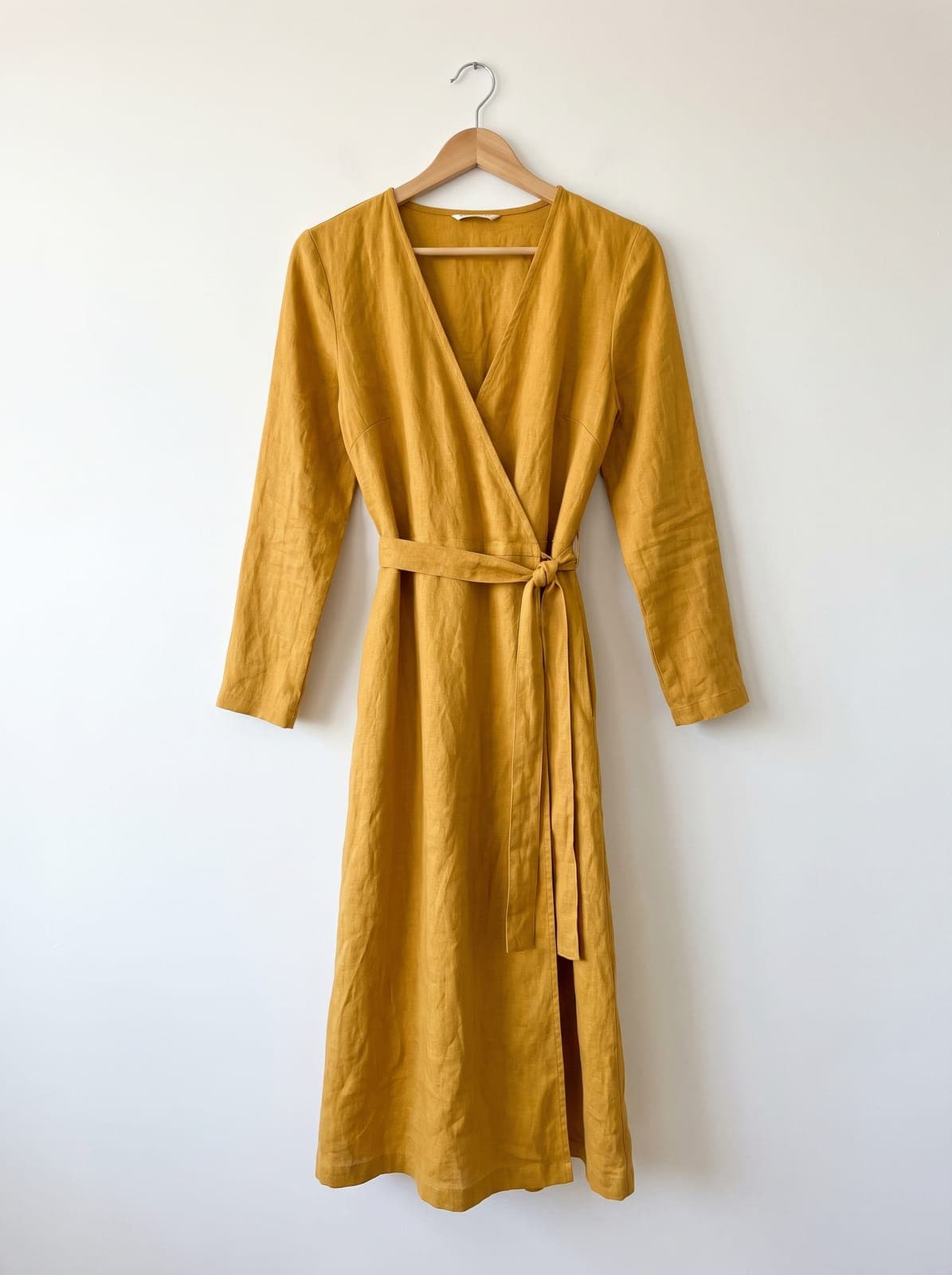
New Poshmark cover photos display in a 3:4 portrait frame. Use the working canvas to control that crop before shoppers see it in Search or your Closet.

Keep the full item visible, use a simple background, and add separate detail photos for material, labels, and flaws.

Poshmark Size Cheatsheet

Quick reference for all Poshmark image dimensions.

Poshmark image dimensions for all formats
FormatDimensions
Poshmark Cover Photo1200 × 1600

Posting somewhere else? Use the free image resizer to resize images for any platform.

How to resize images for Poshmark?

  1. 1

    Step 1: Upload your image

    Select the image you want to resize for Poshmark. Our tool supports JPG, PNG, WebP, and HEIC formats.

  2. 2

    Step 2: Choose your Poshmark canvas

    Select the Poshmark product, print, or page-size preset you need and review whether it is a requirement, recommendation, or working canvas.

  3. 3

    Step 3: Download and verify

    Review the crop and image quality, download the resized image, then verify it in the Poshmark listing or print workflow.

FAQ

Poshmark image resizer FAQ

Can't find what you're looking for? Contact support

This page provides Poshmark Cover Photo (1200x1600). Open a preset to see whether its dimensions are a documented requirement, recommendation, minimum, or practical working canvas.

Want to know more about Poshmark?

Get helpful explanations and useful insights so you understand everything there is to know about Poshmark