LinkedIn Profile Photo Resizer
Your profile photo is your LinkedIn first impression. Recruiters see it before reading anything else. At 400×400 pixels, your photo displays crisp and professional across all devices.
400
width (px)
400
height (px)
1:1
aspect ratio
Need other dimensions? Browse all Linkedin sizes or use the free image resizer for any platform.
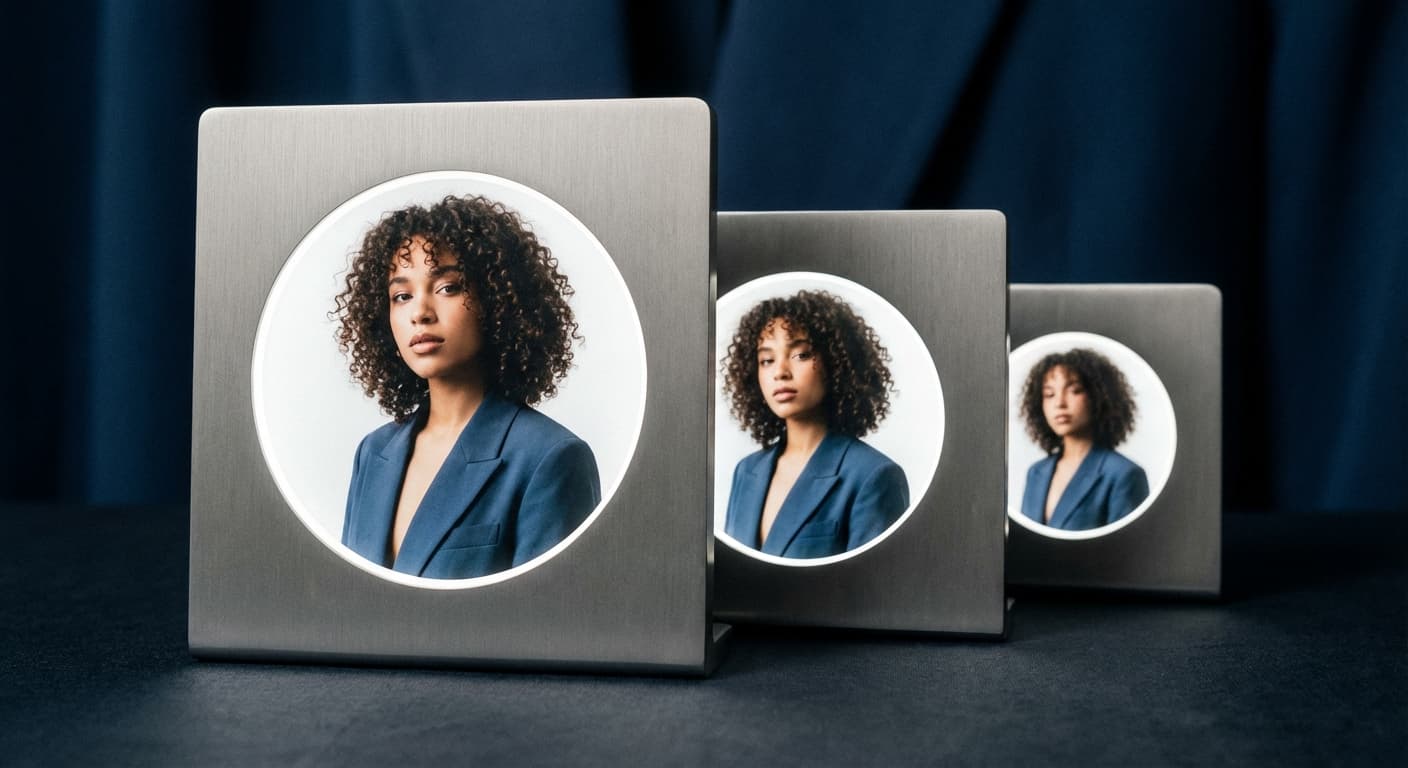
Why 400×400 Pixels?
LinkedIn crops and scales your photo for different contexts—tiny thumbnails in messaging, medium circles in feeds, larger displays on profiles. At 400×400, you have enough resolution for all sizes without making the file too large to upload.
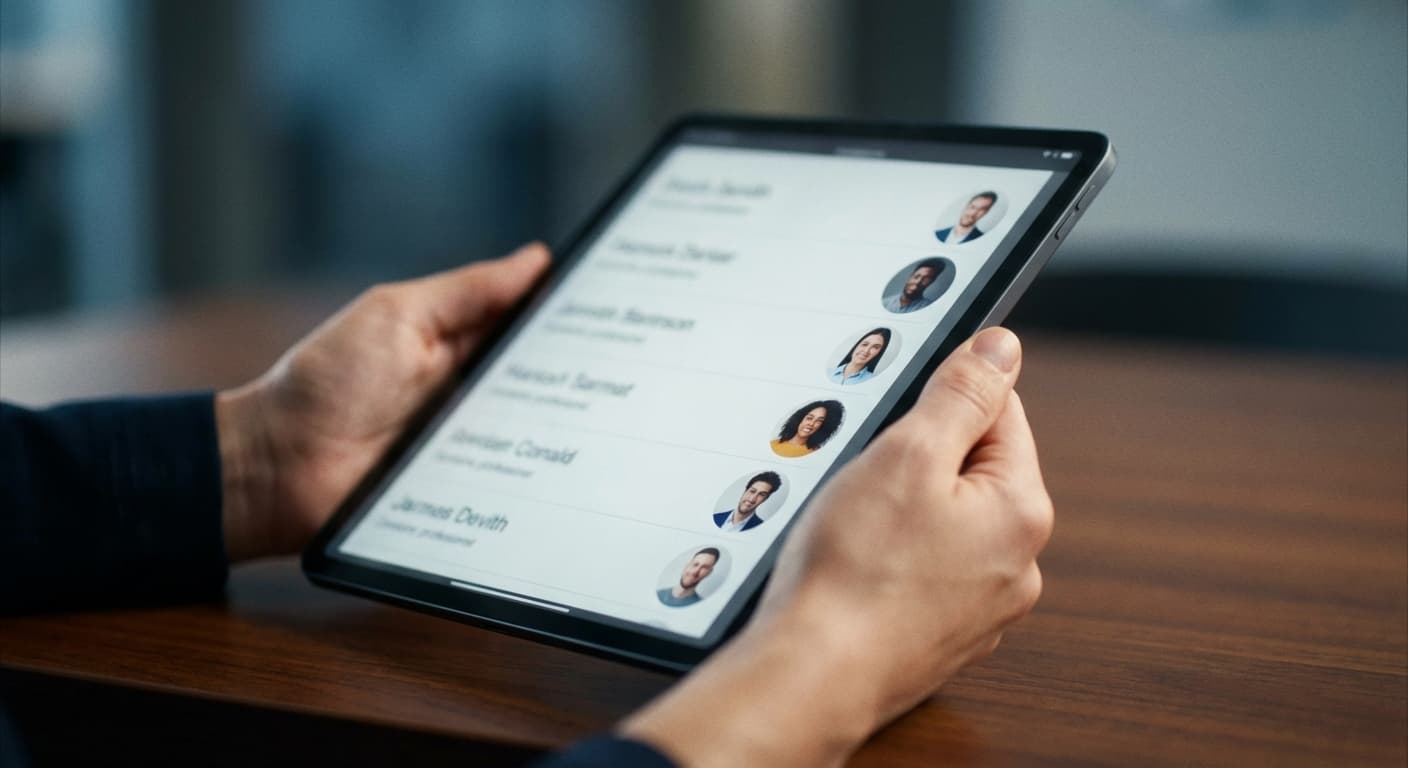
First Impressions Matter
Recruiters spend seconds scanning profiles. A professional, properly sized photo makes you look credible and approachable. Studies show profiles with photos get significantly more views than those without. Make sure yours looks sharp.
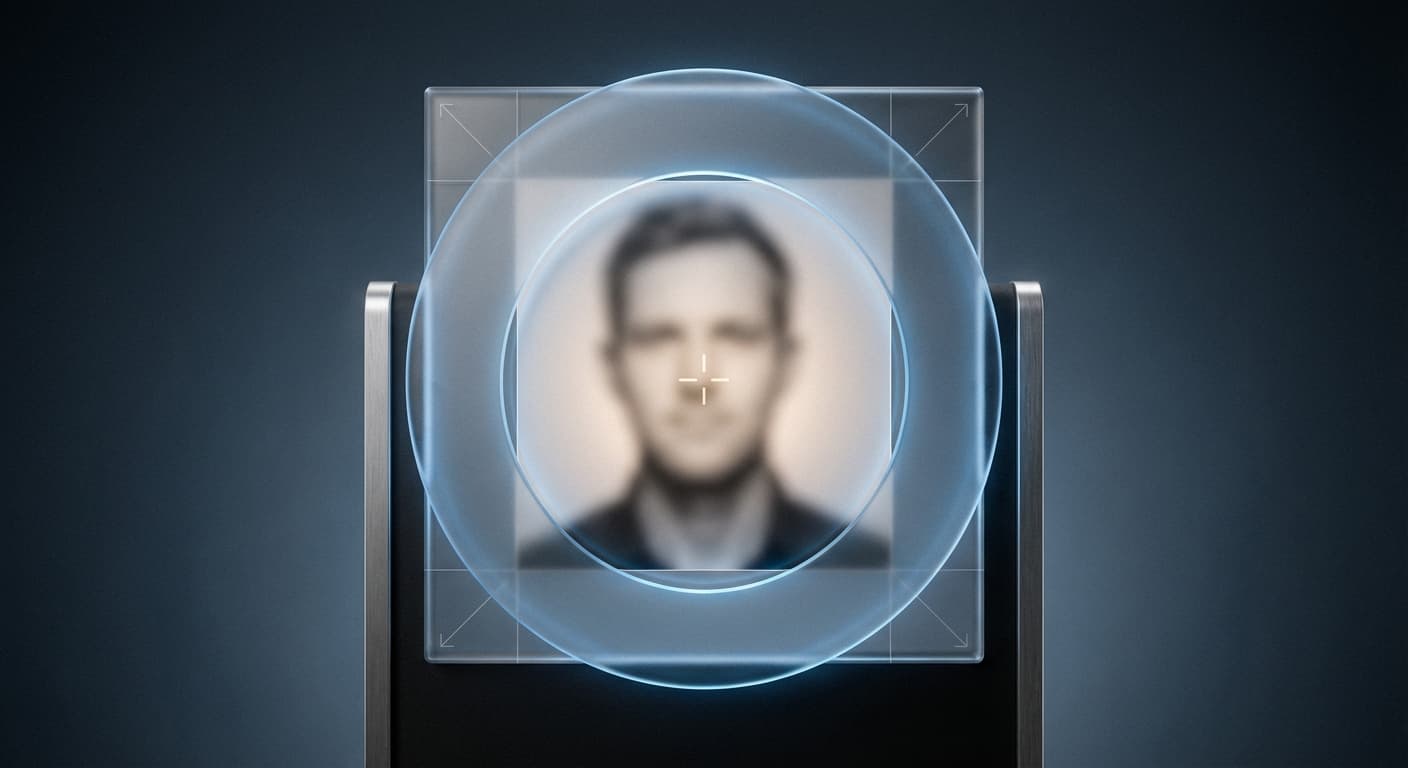
Resize Your Profile Photo
Upload your headshot. We resize it to exactly 400×400 pixels. Works with any photo—crop to show your face clearly, centered in the frame. Download and upload directly to LinkedIn.
How to resize image for LinkedIn Profile Photo?
- 1
Step 1: Choose your image
From your library on your device, choose the image you would like to use as a LinkedIn Profile Photo.
- 2
Step 2: Upload and resize your image
Upload your image and, within a few seconds, our tool will automatically resize your image to LinkedIn profile photo dimensions.
- 3
Step 3: Save LinkedIn Profile Photo
Once ready, click the Download button to save your LinkedIn Profile Photo to your device.
The recommended profile photo size for LinkedIn is 400 x 400 pixels. This size ensures that your profile photo is clear and visible on all devices.
All Linkedin Image Sizes
Choose another available Linkedin canvas and review its source notes
Work and design image sizes
Prepare sourced image dimensions for collaboration, portfolio, publishing, and meeting platforms.
- Figma Image ResizerPrepare Figma Community thumbnails, plugin or widget icons, and profile avatars with presets taken from current Figma Help documentation.
- Notion Image ResizerPrepare a 280×280 Notion page icon or a wide page cover that meets Notion’s 1,500-pixel width guidance.
- Behance Image ResizerPrepare Behance project covers, profile banners, and portfolio images using Behance’s current display and upload guidance.
- Slack Image ResizerPrepare a square Slack profile photo at the documented 512×512 minimum.
- Microsoft Teams Image ResizerPrepare Microsoft Teams meeting backgrounds and required full-color or outline app icons with PNG output.
- Dribbble Image ResizerPrepare a Dribbble Shot on a clear 1600×1200, 4:3 working canvas without presenting that size as a platform requirement.
- LinkedIn Ad Image ResizerPrepare square, vertical, and carousel images using current Campaign Manager dimensions.
File tools
Convert the resized image
Need a different file format or transparent background? Choose a focused converter, then check the preview and encoded size before downloading.
Put Your LinkedIn Profile Photo Image Into a PDF
Put one image on each page, arrange the order, and create the PDF in your browser.
Free tools
Explore Free Creative Tools
Everything you need to make your photos stand out with our free photo editing tools

AI Photo Editor
Edit photos by describing what you want. Remove backgrounds, resize, enhance, add text, and more. Just type your edit in plain English.

Face Swap
Create an AI face-swap image from uploaded photos. Results vary with lighting, pose, source quality, and the faces in each image.

Photo Inverter
Invert image colors online for free. Create a negative photo, adjust intensity, or target selected colors privately in your browser with no signup.

Image Size Converter
Free online image size converter. Resize a photo to exact pixel dimensions (width x height) in JPG, PNG, or WebP. Need a target file size in KB or a format change? We point you to the right tool. No signup.
Weighing up the options? Best photo editing apps for Instagram compares Instasize with Canva, Picsart, VSCO, Lightroom, and Snapseed using each vendor's own published terms.