LinkedIn Banner Size in 2026: 1584 x 396 (Profile) and 1128 x 191 (Company Page)
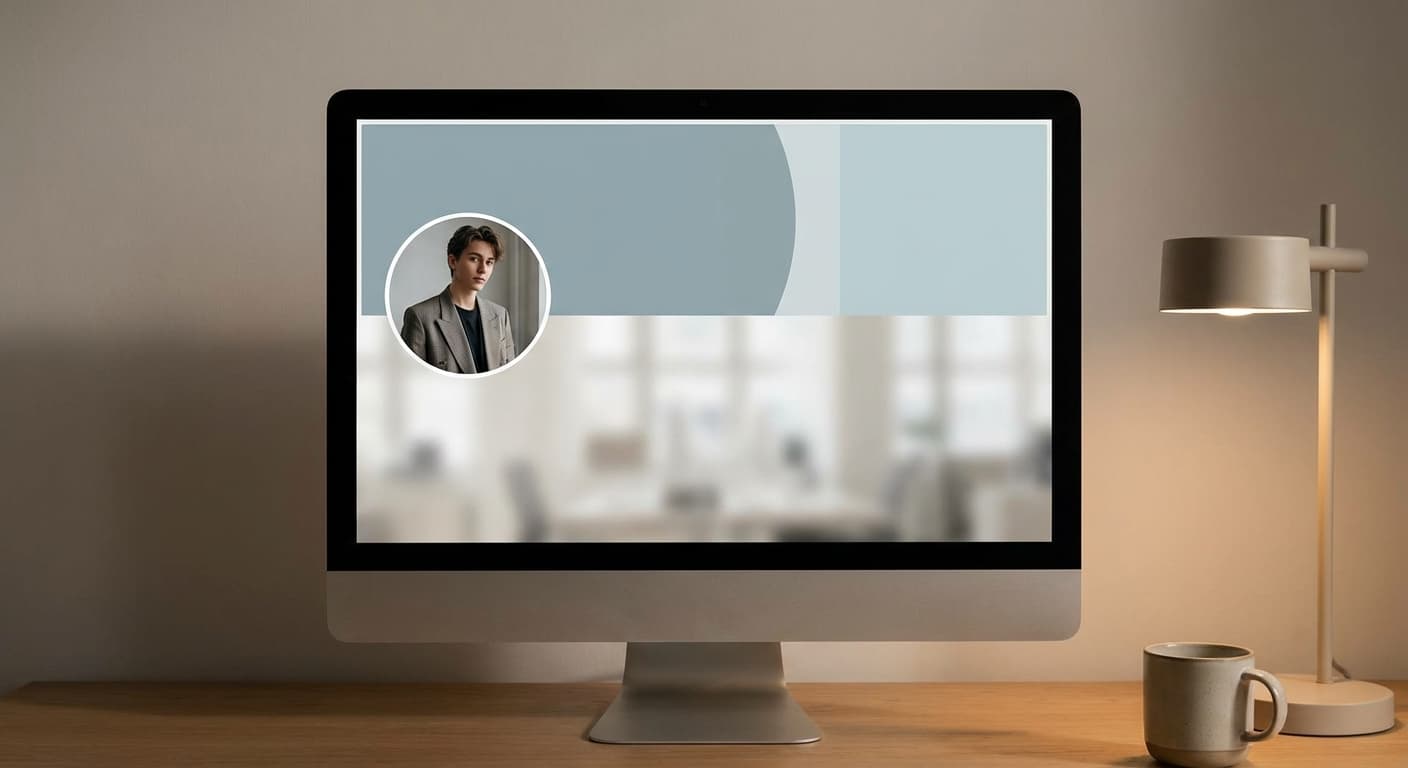
Table of Contents
The LinkedIn banner size is 1584 x 396 pixels (a 4:1 ratio) for a personal profile. For a company, school or showcase Page, the cover is 1128 x 191 pixels. Use JPG or PNG, and keep a personal background photo under 8 MB.
Resize your photo to the LinkedIn banner size, free
Resize for the LinkedIn banner size, free in your browser
Try it freeLinkedIn banner dimensions at a glance
| Placement | Size (px) | Aspect ratio | Format |
|---|---|---|---|
| Personal profile banner (background photo) | 1584 x 396 | 4:1 | JPG or PNG, under 8 MB |
| Company, school or showcase Page cover | 1128 x 191 | about 5.9:1 | JPG or PNG |
| Profile photo | 400 x 400 | 1:1 | JPG or PNG |
"Banner", "background photo", "cover photo" and "header" all describe the same wide image. LinkedIn's own name for the personal one is background photo.
Keep text and faces in the safe zone
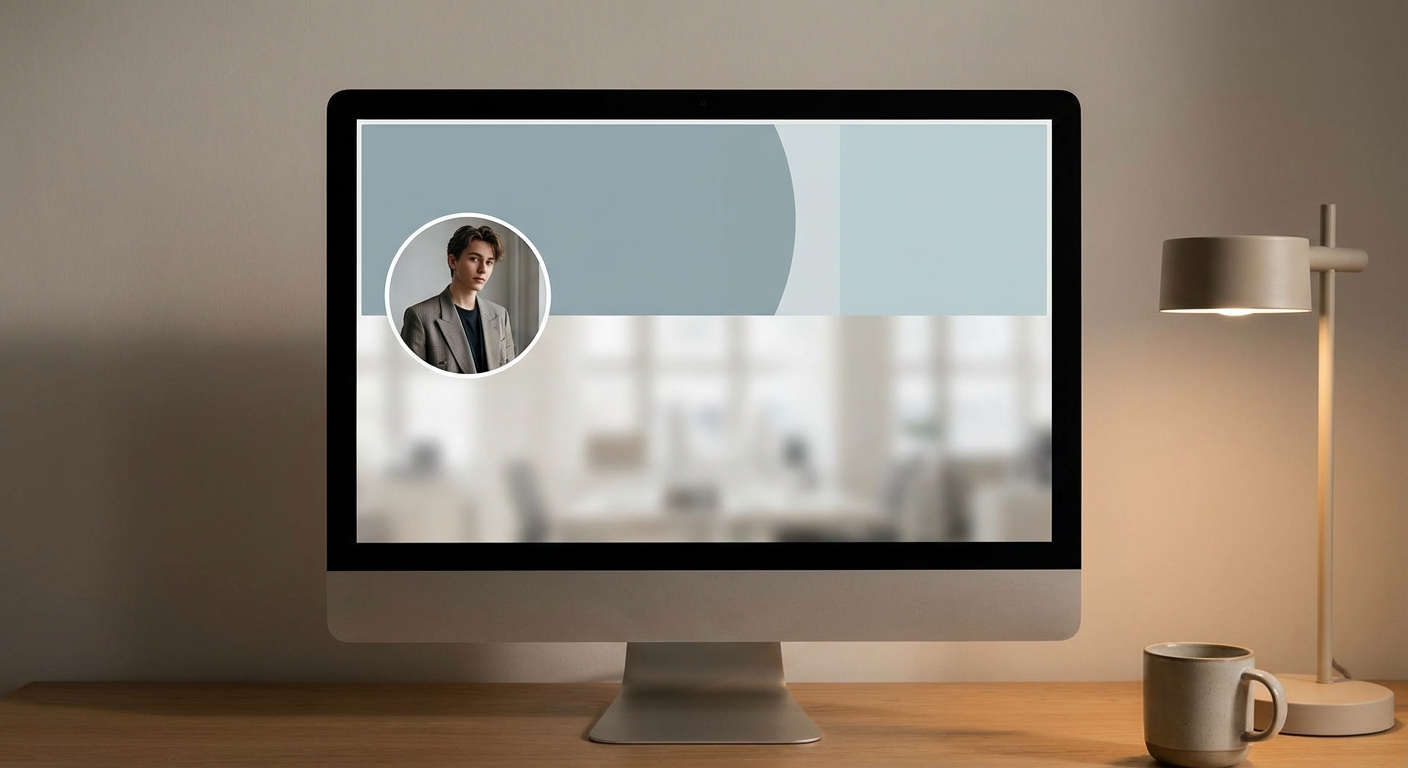
Your profile photo sits over the bottom-left of the banner, and LinkedIn crops the image differently on desktop and phone. LinkedIn does not publish exact crop numbers, so treat this as design guidance:
- Keep text, logos and faces in the central band of the 1584 x 396 canvas.
- Leave about 100 px of margin on every edge.
- Keep the bottom-left corner free for your profile photo.
- After uploading, open your profile on your phone and on desktop and use LinkedIn's reposition control if needed.
Personal banner vs company Page cover
The two are different shapes. A 1584 x 396 banner reused on a company Page is cropped, and a 1128 x 191 cover on a personal profile leaves you with a small, soft image. Make one export for each. Use the LinkedIn cover resizer for the profile size.
Why a LinkedIn banner looks blurry or cropped
- The source is smaller than 1584 px wide. It is stretched up. Start with a larger original.
- The image is not 4:1. LinkedIn crops it, often through the middle. Resize first so you choose what stays.
- Text is too close to the edges or the bottom-left. It gets covered by the profile photo or trimmed on mobile.
- A heavy file. Stay under 8 MB; compress a large export with the image compressor.
Resize a photo to the LinkedIn banner size
Instasize resizes for free in your browser. Upload your photo, choose the cover preset and download a 1584 x 396 file.
- LinkedIn banner, 1584 x 396
- LinkedIn profile photo, 400 x 400
- LinkedIn post images
- All LinkedIn sizes
FAQ
How big should text be on a LinkedIn banner?
Large enough to read on a phone. Keep it in the central band, at least 100 px from every edge, and clear of the bottom-left corner where your profile photo sits.
Why is my LinkedIn background photo cut off?
Either the image is not 4:1, so LinkedIn crops it, or the content is too close to the edges or the profile photo. Resize to 1584 x 396 first, then check desktop and mobile.
Is a LinkedIn banner the same as a header or background photo?
Yes. Banner, header, cover and background photo all name the wide image behind your profile photo. LinkedIn's own term for the personal one is background photo.
Can I reuse my personal banner on a company Page?
Not without cropping. The company cover is 1128 x 191, a much flatter shape, so export a separate image.
What file type can a LinkedIn banner be?
JPG or PNG, with a personal background photo under 8 MB.
Sources: LinkedIn Help Center, "Add or change your background photo" and LinkedIn Pages media specifications (linkedin.com/help); sizes cross-checked against Taplio, Microsoft Create and Hyperclapper LinkedIn guides. Checked October 2026.