LinkedIn Cover Photo Resizer
Your cover photo is the largest visual on your profile. LinkedIn displays it at 1584×396 pixels. The wrong size gets cropped awkwardly, cutting off your branding or message.
LinkedIn cover photo size
LinkedIn cover photo size: 1584×396 px, 4:1 aspect ratio, under 8 MB (JPG, PNG, or GIF).
Uploading below the full 1584×396 recommendation risks visible blur on high-DPI screens — LinkedIn upscales a smaller source to fit.
1584
width (px)
396
height (px)
4:1
aspect ratio
Need other dimensions? Browse all Linkedin sizes or use the free image resizer for any platform.
Sources
We check platform-specific dimensions against source documentation when available.
- LinkedIn Help - Add or change the background photo on your profile - LinkedIn recommends a background/cover photo close to 1584×396 pixels, under 8 MB, in JPG, PNG, or GIF format.
Why 1584×396 Pixels?
This is LinkedIn's exact display size for cover photos. At 1584×396, your image shows without scaling or compression. The 4:1 aspect ratio is wider than most images—design specifically for this shape.
Your Profile's Visual Identity
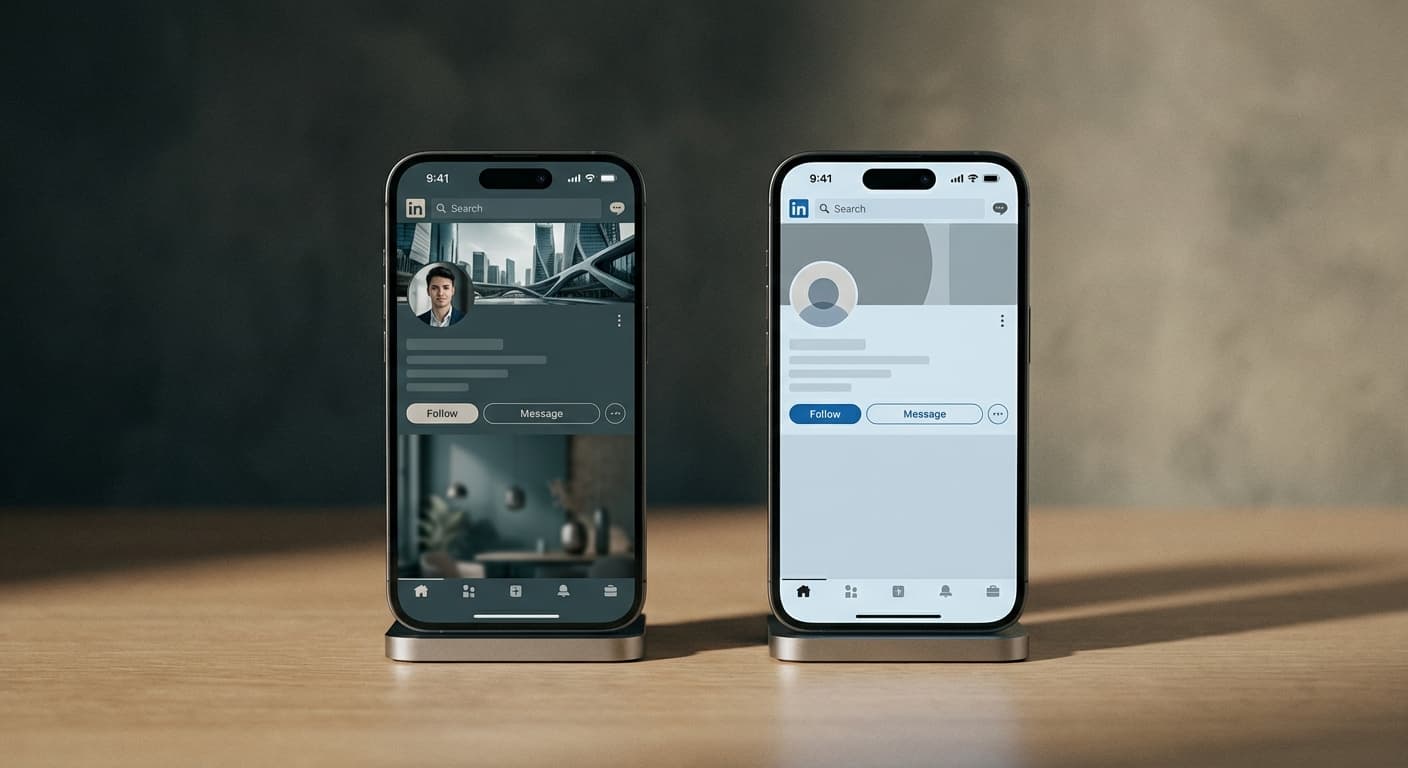
The cover photo sets the tone for your entire profile. Use it to showcase your work, highlight your company, or express your professional brand. A generic or blurry cover looks like you didn't put in the effort.
Create Your Cover Photo
Upload your image. We resize it to exactly 1584×396 pixels. Remember: your profile photo overlaps the left side. Keep text and logos positioned toward the center and right. Download and upload to your LinkedIn profile.
How to resize an image for a LinkedIn cover photo?
- 1
Step 1: Start with a wide, horizontal image
LinkedIn cover photos are a 4:1 ratio — very wide and short. Choose a landscape photo, a branded graphic, or a wide background image. Portrait or square photos will be heavily cropped.
- 2
Step 2: Upload and resize to 1584×396 pixels
Upload your image and the tool resizes it to exactly 1584×396 pixels. Position the most important content away from the left edge, where LinkedIn overlaps your profile photo.
- 3
Step 3: Check the safe zone before downloading
The left side of your cover (roughly the first 200 px) sits behind your circular profile picture. Review that no critical text or logos land in that overlap area.
- 4
Step 4: Upload to LinkedIn
Go to your LinkedIn profile, click the camera icon on the cover photo area, upload your 1584×396 image, and click Apply. LinkedIn will display it without any crop.
The LinkedIn personal profile cover photo size is 1584×396 pixels with a 4:1 aspect ratio. This is the exact display size LinkedIn uses for personal profiles. Uploading at these dimensions ensures a sharp, uncompressed banner on all devices.
All Linkedin Image Sizes
Choose another available Linkedin canvas and review its source notes
Work and design image sizes
Prepare sourced image dimensions for collaboration, portfolio, publishing, and meeting platforms.
- Figma Image ResizerPrepare Figma Community thumbnails, plugin or widget icons, and profile avatars with presets taken from current Figma Help documentation.
- Notion Image ResizerPrepare a 280×280 Notion page icon or a wide page cover that meets Notion’s 1,500-pixel width guidance.
- Behance Image ResizerPrepare Behance project covers, profile banners, and portfolio images using Behance’s current display and upload guidance.
- Slack Image ResizerPrepare a square Slack profile photo at the documented 512×512 minimum.
- Microsoft Teams Image ResizerPrepare Microsoft Teams meeting backgrounds and required full-color or outline app icons with PNG output.
- Dribbble Image ResizerPrepare a Dribbble Shot on a clear 1600×1200, 4:3 working canvas without presenting that size as a platform requirement.
- LinkedIn Ad Image ResizerPrepare square, vertical, and carousel images using current Campaign Manager dimensions.
File tools
Convert the resized image
Need a different file format or transparent background? Choose a focused converter, then check the preview and encoded size before downloading.
Put Your LinkedIn Cover Photo Image Into a PDF
Put one image on each page, arrange the order, and create the PDF in your browser.
Free tools
Explore Free Creative Tools
Everything you need to make your photos stand out with our free photo editing tools

AI Photo Editor
Edit photos by describing what you want. Remove backgrounds, resize, enhance, add text, and more. Just type your edit in plain English.

Face Swap
Create an AI face-swap image from uploaded photos. Results vary with lighting, pose, source quality, and the faces in each image.

Photo Inverter
Invert image colors online for free. Create a negative photo, adjust intensity, or target selected colors privately in your browser with no signup.

Image Size Converter
Free online image size converter. Resize a photo to exact pixel dimensions (width x height) in JPG, PNG, or WebP. Need a target file size in KB or a format change? We point you to the right tool. No signup.
Weighing up the options? Best photo editing apps for Instagram compares Instasize with Canva, Picsart, VSCO, Lightroom, and Snapseed using each vendor's own published terms.