Etsy Profile Photo Resizer
Your profile photo builds trust with buyers. Etsy displays your shop icon at 500×500 pixels. Blurry or poorly cropped photos make your shop look amateur.
500
width (px)
500
height (px)
1:1
aspect ratio
Need other dimensions? Browse all Etsy sizes or use the free image resizer for any platform.
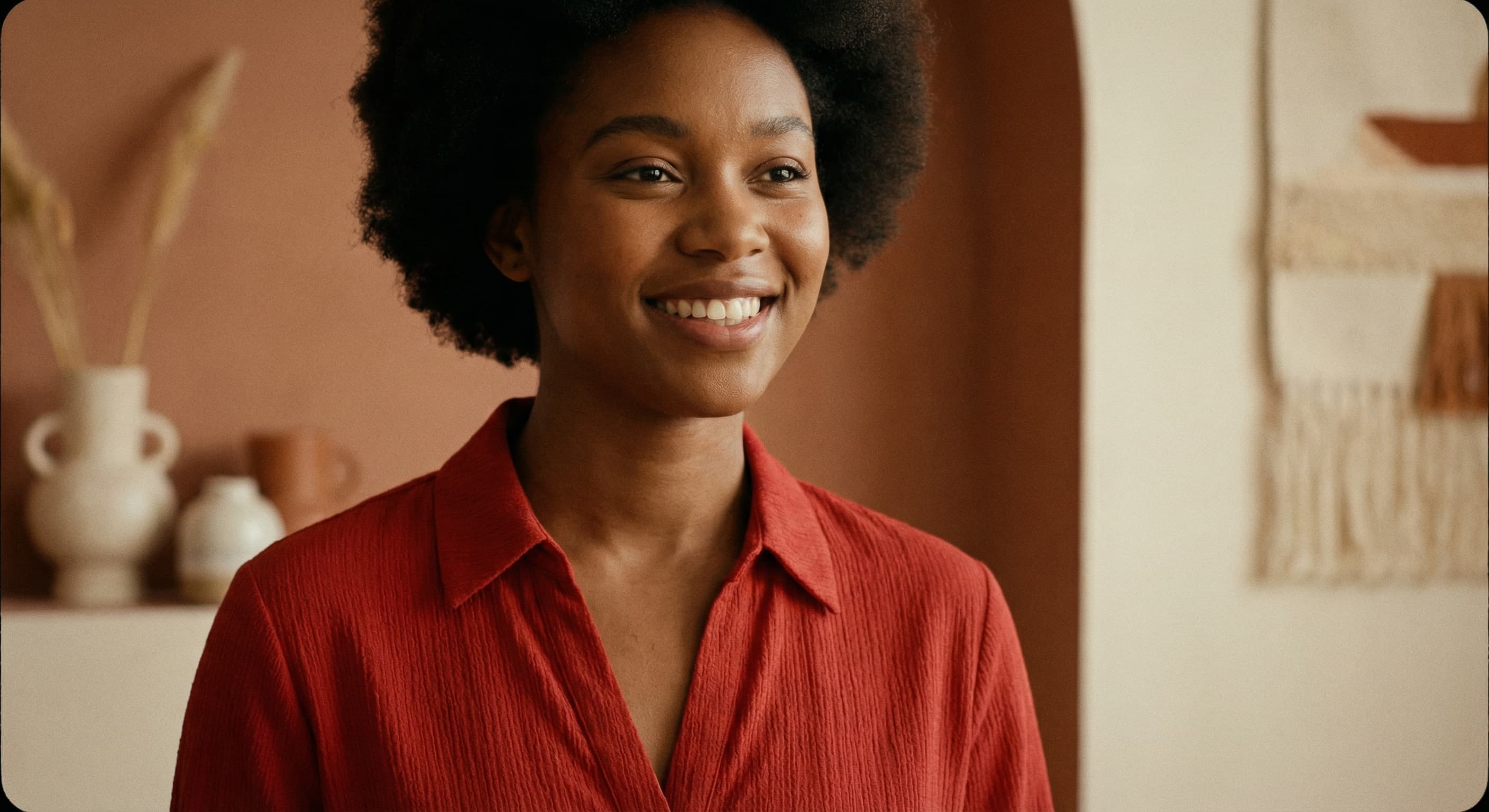
Why 500×500 Pixels?
Etsy uses this square format for the shop icon across the platform. At 500×500 pixels, your photo looks crisp on any screen without slow loading. The square crop works for both headshots and logos—center your subject to avoid awkward cuts.
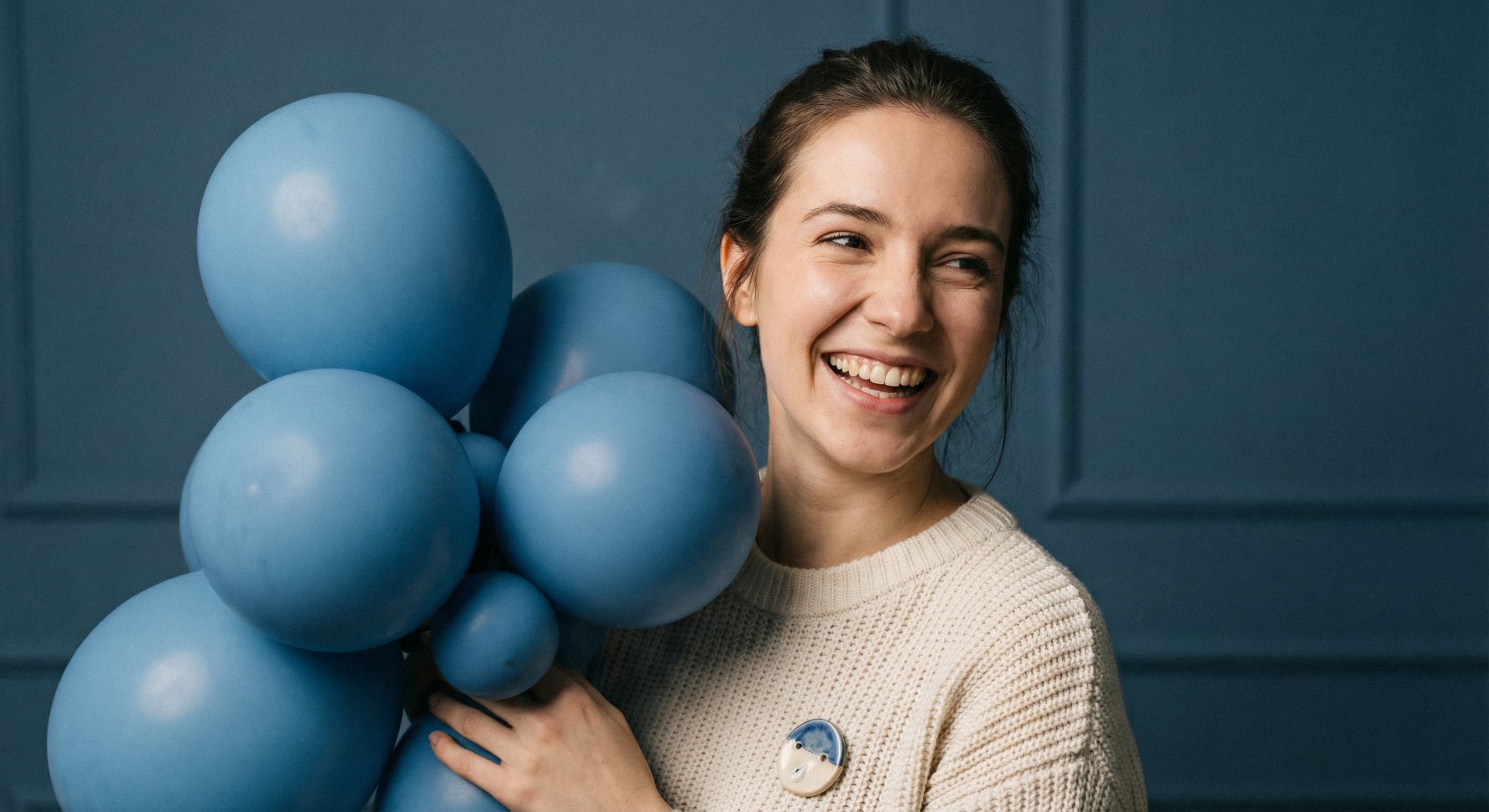
Build Buyer Trust
Buyers prefer shops with real faces or professional logos. A clear profile photo humanizes your brand and builds confidence. If you make handmade items, showing yourself creates connection. For businesses, use a clean logo.
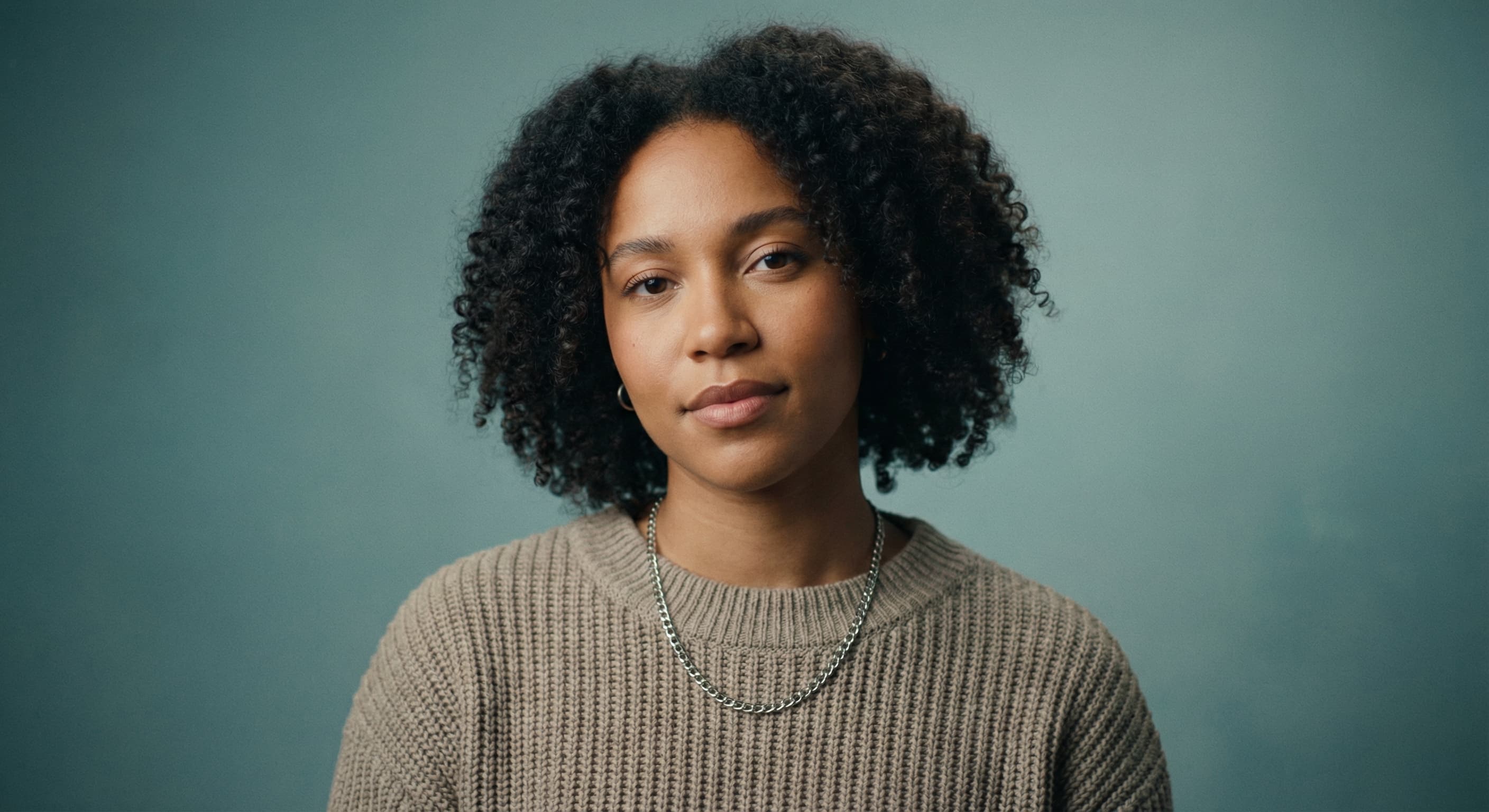
Create Your Profile Photo
Upload your image and we resize it to 500×500 pixels automatically. Use good lighting and a clean background. Save as JPG for photos, PNG for logos. Test how it looks at thumbnail size—that's how most buyers see it.
How to resize image for Etsy Profile Photo?
- 1
Step 1: Choose your image
Select an image from your device that you want to use as your Etsy Profile Photo.
- 2
Step 2: Upload and resize your image
Upload your selected image, and our tool will resize it to the optimal Etsy profile photo dimensions within seconds.
- 3
Step 3: Save Etsy Profile Photo
After the resizing is complete, click the Download button to save your newly resized Etsy Profile Photo.
Etsy displays the shop icon at 500 x 500 pixels. This size ensures a clear and visible profile photo on all devices.
All Etsy Image Sizes
Choose another available Etsy canvas and review its source notes
File tools
Convert the resized image
Need a different file format or transparent background? Choose a focused converter, then check the preview and encoded size before downloading.
Put Your Etsy Profile Photo Image Into a PDF
Put one image on each page, arrange the order, and create the PDF in your browser.
Free tools
Explore Free Creative Tools
Everything you need to make your photos stand out with our free photo editing tools

AI Photo Editor
Edit photos by describing what you want. Remove backgrounds, resize, enhance, add text, and more. Just type your edit in plain English.

Face Swap
Create an AI face-swap image from uploaded photos. Results vary with lighting, pose, source quality, and the faces in each image.

Photo Inverter
Invert image colors online for free. Create a negative photo, adjust intensity, or target selected colors privately in your browser with no signup.

Image Size Converter
Free online image size converter. Resize a photo to exact pixel dimensions (width x height) in JPG, PNG, or WebP. Need a target file size in KB or a format change? We point you to the right tool. No signup.
Weighing up the options? Best photo editing apps for Instagram compares Instasize with Canva, Picsart, VSCO, Lightroom, and Snapseed using each vendor's own published terms.