TikTok Profile Photo Resizer
TikTok profile photos appear everywhere: your profile page, comments, duets, search results, and notifications. Each location displays your photo at a different size, sometimes smaller than a fingertip. TikTok renders your photo at 200x200 pixels app-wide, but starting from a larger square source keeps it sharp on high-density phone screens.
TikTok profile photo size
TikTok profile photo size: 200×200 px display size, 1:1 aspect ratio, circular crop.
TikTok's technical minimum accepted upload is just 20×20 px, but the app displays your profile photo at 200×200 px everywhere it appears. This tool outputs a 200×200 crop to match that real display size — feeding it a 400px+ square source (JPG or PNG) instead of a bare-minimum image gives that crop noticeably more detail to work with, so it looks sharper on modern phone screens.
200
width (px)
200
height (px)
1:1
aspect ratio
Need other dimensions? Browse all Tiktok sizes or use the free image resizer for any platform.
Sources
We check platform-specific dimensions against source documentation when available.
- TikTok Help Center — Adding a profile photo - Official steps for adding or changing a profile photo, and the platform's minimum accepted upload size.
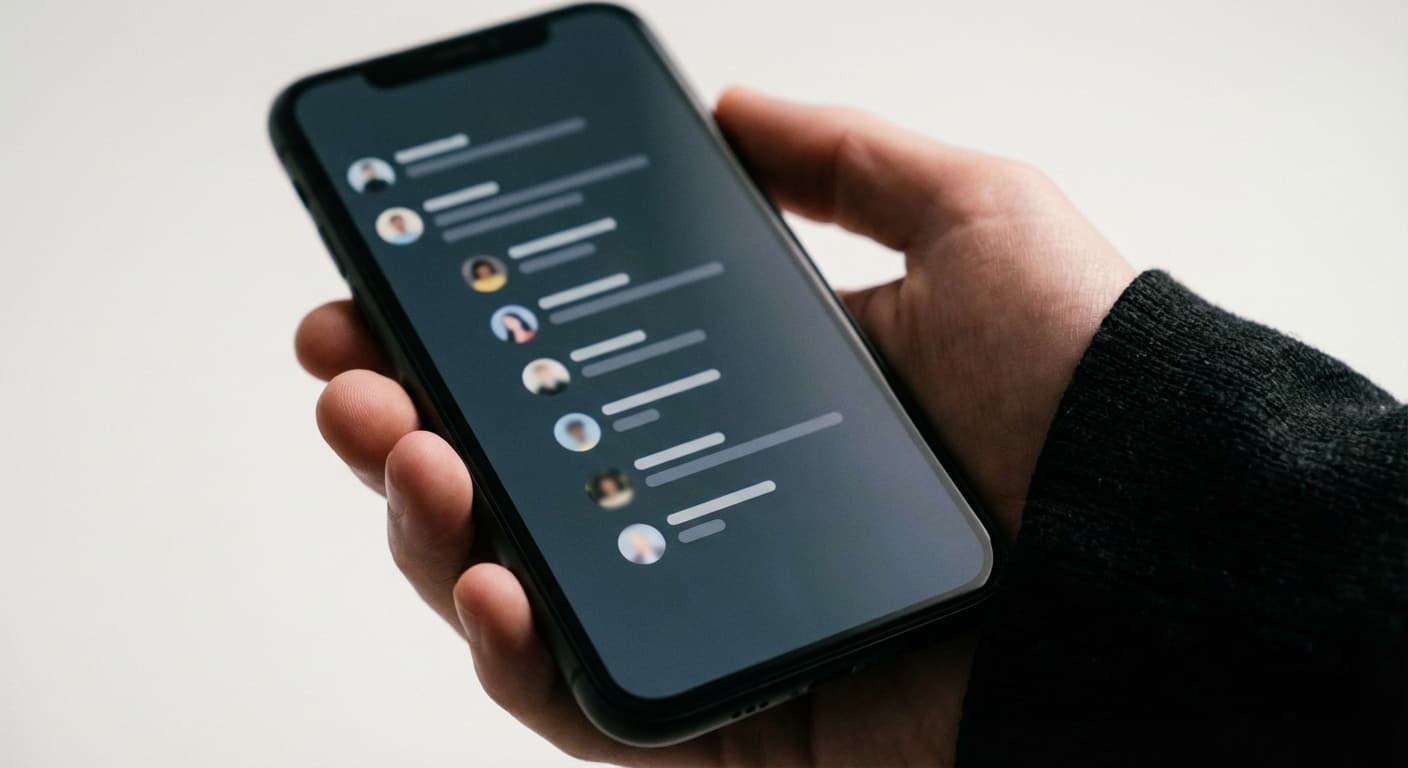
Visible in Every Comment
Every comment you leave on TikTok displays your profile photo as a tiny circle next to your username. Active commenters get their profile photo seen thousands of times daily. A clean, well-cropped square keeps it sharp even at these small display sizes. Blurry profile photos make your comments look less credible.
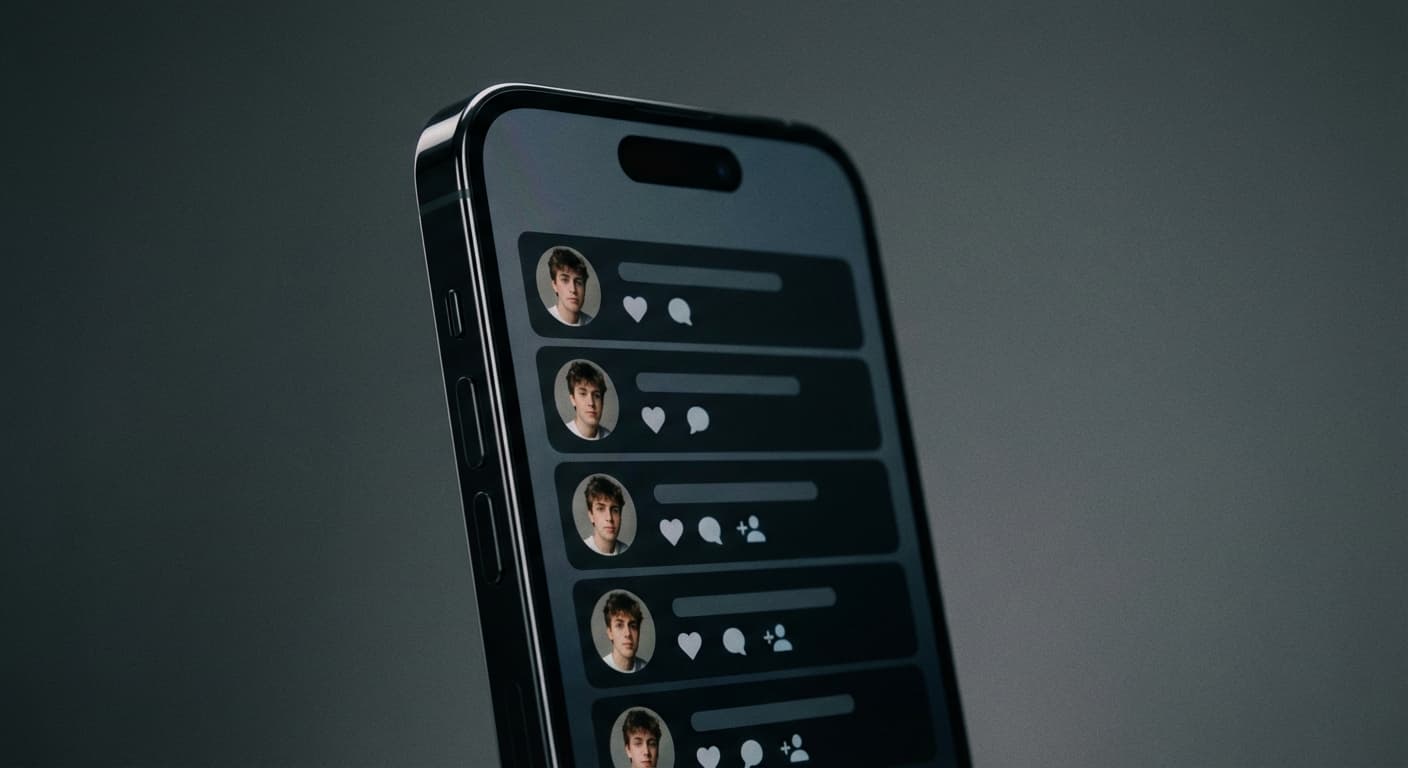
Build Profile Recognition
Viewers scrolling through TikTok recognize creators by profile photos before reading names. A distinctive, sharp, well-centered image builds familiarity. When your profile photo is consistent and recognizable, viewers associate it with your content. Pixelated or blurry photos get forgotten immediately.
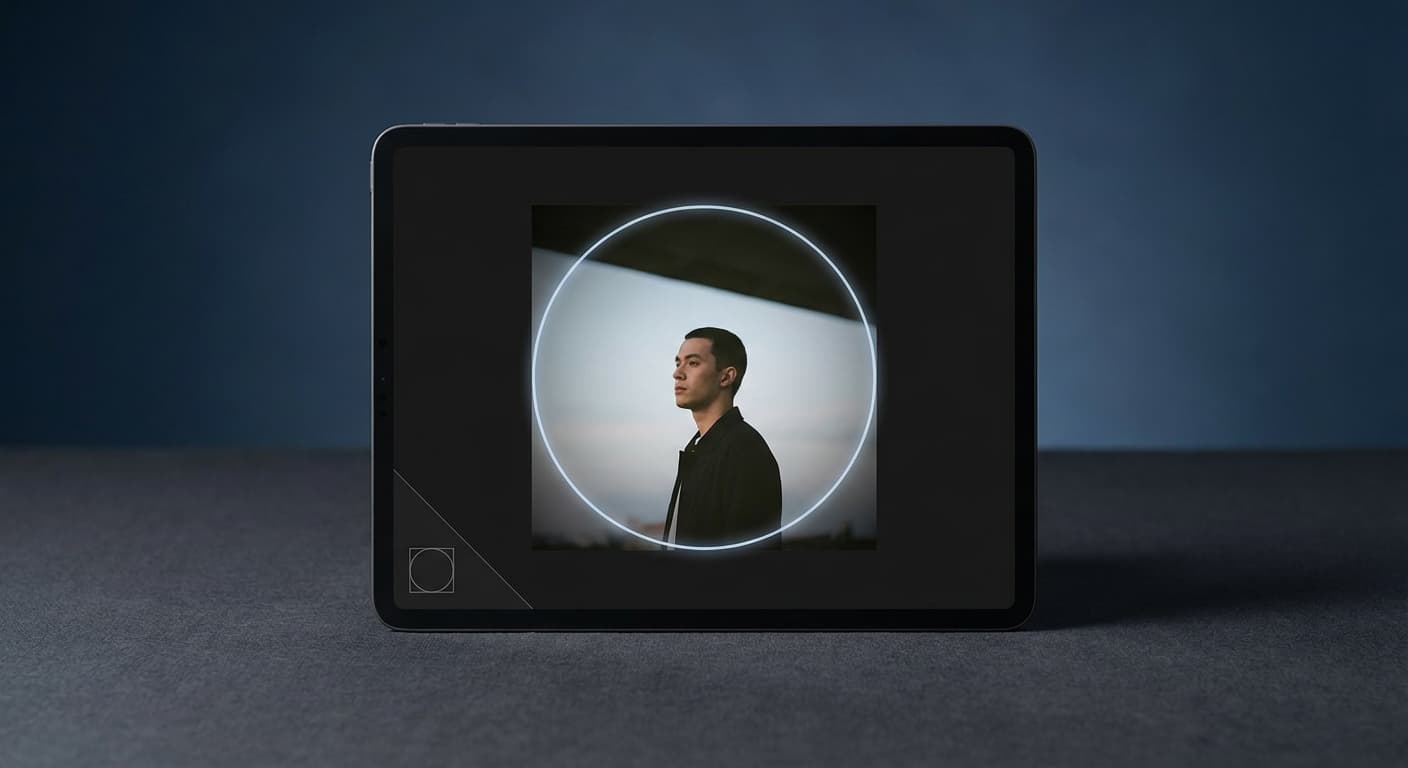
Design for Circle Crop
TikTok crops your square upload into a circle. The corners of your image get cut off completely. Center your face or logo in the frame and leave breathing room around the edges. What looks perfect as a square often loses important details when cropped to a circle. Preview the circular crop before uploading.
How to resize to TikTok Profile Photo size?
- 1
Step 1: Step 1: Choose the right image
Select an image that accurately represents your content and is visually appealing. High-quality images are crucial for attracting followers.
- 2
Step 2: Step 2: Resize the image
Using the Instasize TikTok Profile Photo Size Tool, crop your profile photo to 200 x 200 pixels, matching how TikTok displays it across the app. Start from a larger square source if you have one — the crop looks sharper with more detail to work with.
- 3
Step 3: Step 3: Save in the appropriate format
Save your resized image in an appropriate format, such as JPEG or PNG. This ensures compatibility with various devices and browsers, as well as optimal loading times.
TikTok displays profile photos at 200×200 pixels everywhere they appear in the app. The platform's technical minimum accepted upload is only 20×20 pixels, but that's far below what looks sharp — start from a 400px+ square source for a cleaner result on high-density screens.
All Tiktok Image Sizes
Choose another available Tiktok canvas and review its source notes
File tools
Convert the resized image
Need a different file format or transparent background? Choose a focused converter, then check the preview and encoded size before downloading.
Put Your TikTok Profile Photo Image Into a PDF
Put one image on each page, arrange the order, and create the PDF in your browser.
Free tools
Explore Free Creative Tools
Everything you need to make your photos stand out with our free photo editing tools

AI Photo Editor
Edit photos by describing what you want. Remove backgrounds, resize, enhance, add text, and more. Just type your edit in plain English.

Face Swap
Create an AI face-swap image from uploaded photos. Results vary with lighting, pose, source quality, and the faces in each image.

Photo Inverter
Invert image colors online for free. Create a negative photo, adjust intensity, or target selected colors privately in your browser with no signup.

Image Size Converter
Free online image size converter. Resize a photo to exact pixel dimensions (width x height) in JPG, PNG, or WebP. Need a target file size in KB or a format change? We point you to the right tool. No signup.
Weighing up the options? Best photo editing apps for Instagram compares Instasize with Canva, Picsart, VSCO, Lightroom, and Snapseed using each vendor's own published terms.