TikTok Story Cover Resizer
TikTok story covers fill the entire phone screen in the vertical 9:16 format. Viewers scroll through hundreds of covers deciding what to watch. A blurry, poorly cropped cover gets scrolled past. A sharp cover at 1080x1920 pixels grabs attention and earns the tap. The cover is your video's billboard on the For You page.
1080
width (px)
1920
height (px)
9:16
aspect ratio
Need other dimensions? Browse all Tiktok sizes or use the free image resizer for any platform.

Full Screen Vertical Format
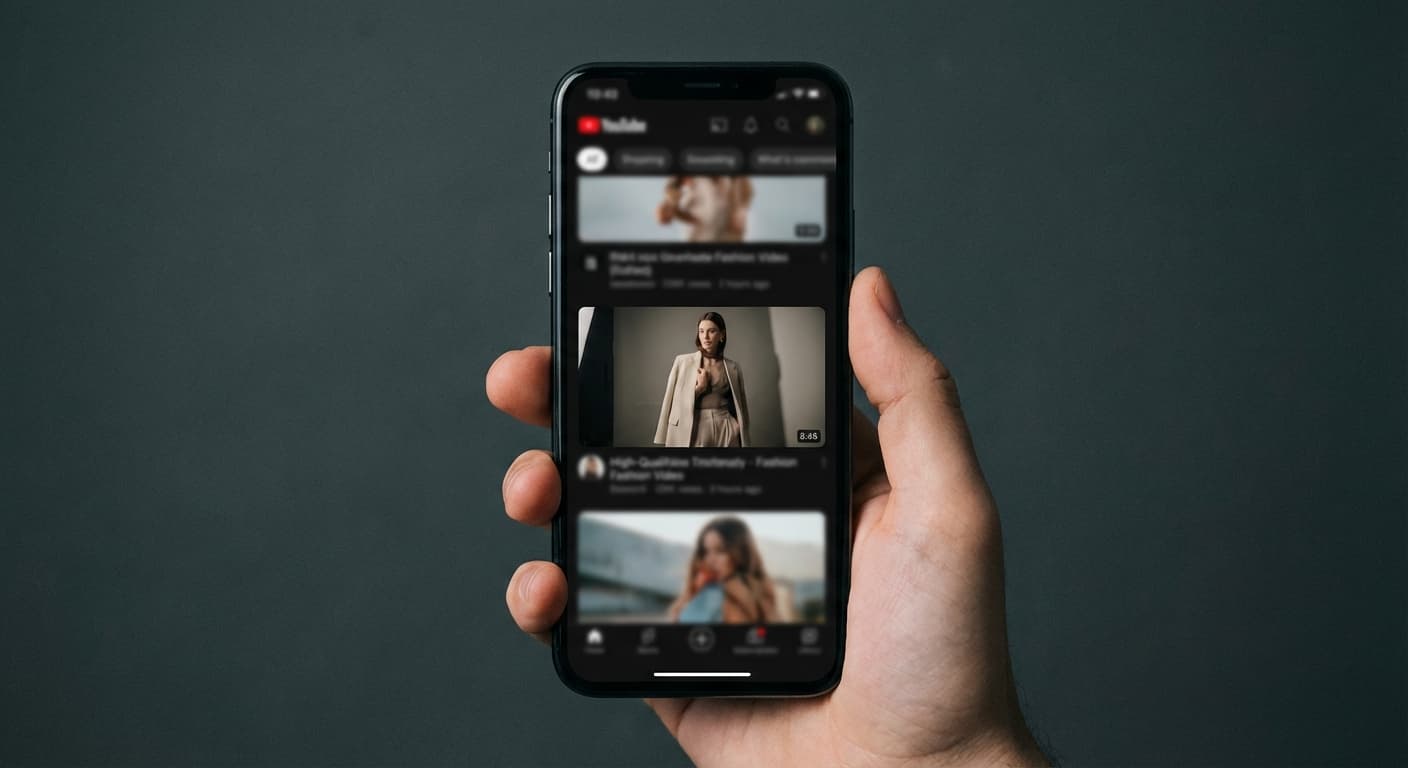
TikTok designed their app around vertical video. The 9:16 aspect ratio at 1080x1920 pixels fills modern smartphone screens completely. No letterboxing, no pillarboxing, no wasted screen real estate. Your cover displays exactly as TikTok intended, maximizing visual impact in the scrolling feed.
Stand Out on For You Page
A 1080x1920 working canvas gives a vertical cover enough pixels for clear text and faces when the source is sharp. Preview the cover in TikTok because interface elements and profile-grid crops can change what viewers see.

Consistent Profile Grid
Your profile displays all your video covers in a grid. Consistent sizing at 1080x1920 pixels creates a clean, professional look. Inconsistent covers with random crops make your profile look chaotic. Viewers browsing your profile judge content quality by cover quality before watching anything.
How to resize image for TikTok Story Cover?
- 1
Step 1: Choose your image
From your library on your device, choose the image you would like to use as a TikTok Story Cover.
- 2
Step 2: Upload and resize your image
Upload your image and, within a few seconds, our tool will automatically resize your image to TikTok story cover
- 3
Step 3: Save TikTok Story Cover
Once ready, click the Download button to save your TikTok Story Cover to your device.
The recommended story cover size for TikTok is 1080 x 1920 pixels. This size ensures that your story cover is clear and visible on all devices.
All Tiktok Image Sizes
Choose another available Tiktok canvas and review its source notes
File tools
Convert the resized image
Need a different file format or transparent background? Choose a focused converter, then check the preview and encoded size before downloading.
Put Your TikTok Story Cover Image Into a PDF
Put one image on each page, arrange the order, and create the PDF in your browser.
Free tools
Explore Free Creative Tools
Everything you need to make your photos stand out with our free photo editing tools

AI Photo Editor
Edit photos by describing what you want. Remove backgrounds, resize, enhance, add text, and more. Just type your edit in plain English.

Face Swap
Create an AI face-swap image from uploaded photos. Results vary with lighting, pose, source quality, and the faces in each image.

Photo Inverter
Invert image colors online for free. Create a negative photo, adjust intensity, or target selected colors privately in your browser with no signup.

Image Size Converter
Free online image size converter. Resize a photo to exact pixel dimensions (width x height) in JPG, PNG, or WebP. Need a target file size in KB or a format change? We point you to the right tool. No signup.
Weighing up the options? Best photo editing apps for Instagram compares Instasize with Canva, Picsart, VSCO, Lightroom, and Snapseed using each vendor's own published terms.