Zoom Profile Photo Resizer
Zoom profile photos display best at 400×400 pixels. This square format appears in the participants panel and replaces your video when your camera is off.
400
width (px)
400
height (px)
1:1
aspect ratio
Need other dimensions? Browse all Zoom sizes or use the free image resizer for any platform.
Why 400×400 Pixels?
Zoom displays profile photos at various sizes depending on context. 400×400 pixels is the sweet spot—large enough for clarity when your video is off, optimized for the smaller participant thumbnails. Square format ensures consistent display everywhere.

First Impressions in Video Calls
Your profile photo is often the first thing colleagues and clients see—in meeting invites, waiting rooms, and when you join. A professional, well-sized photo establishes credibility before the meeting even starts.
Resize Your Zoom Profile Photo
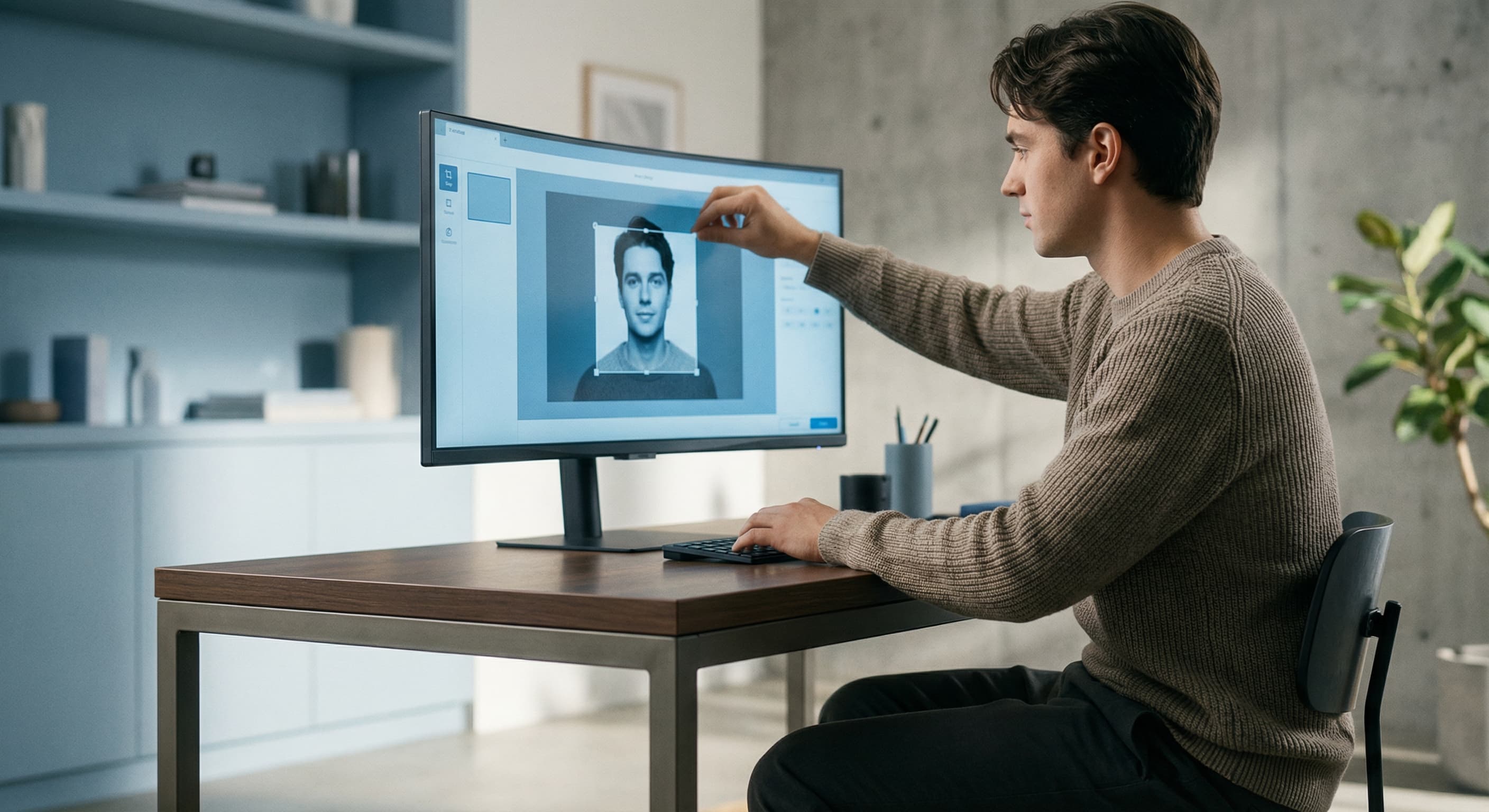
Upload your professional headshot and resize it to exactly 400×400 pixels. Center your face in the frame. Download and upload to your Zoom settings for instant improvement.
How to resize image for Zoom Profile Photo?
- 1
Step 1: Choose a professional headshot
Select a photo with good lighting where your face is clearly visible. Business casual or professional attire works best.
- 2
Step 2: Upload and resize
Upload your photo and our tool resizes it to 400×400 pixels—the optimal Zoom profile size.
- 3
Step 3: Center your face
Position your face in the center of the frame with some space around your head.
- 4
Step 4: Upload to Zoom
Go to Zoom Settings > Profile and upload your resized photo.
The recommended Zoom profile photo size is 400×400 pixels. This square format displays well in all areas of Zoom—participants panel, waiting room, and when your camera is off.
All Zoom Image Sizes
Choose another available Zoom canvas and review its source notes
File tools
Convert the resized image
Need a different file format or transparent background? Choose a focused converter, then check the preview and encoded size before downloading.
Put Your Zoom Profile Photo Image Into a PDF
Put one image on each page, arrange the order, and create the PDF in your browser.
Free tools
Explore Free Creative Tools
Everything you need to make your photos stand out with our free photo editing tools

AI Photo Editor
Edit photos by describing what you want. Remove backgrounds, resize, enhance, add text, and more. Just type your edit in plain English.

Face Swap
Create an AI face-swap image from uploaded photos. Results vary with lighting, pose, source quality, and the faces in each image.

Photo Inverter
Invert image colors online for free. Create a negative photo, adjust intensity, or target selected colors privately in your browser with no signup.

Image Size Converter
Free online image size converter. Resize a photo to exact pixel dimensions (width x height) in JPG, PNG, or WebP. Need a target file size in KB or a format change? We point you to the right tool. No signup.
Weighing up the options? Best photo editing apps for Instagram compares Instasize with Canva, Picsart, VSCO, Lightroom, and Snapseed using each vendor's own published terms.