WhatsApp Profile Photo Resizer
WhatsApp profile photos display best at 500×500 pixels. WhatsApp crops this to a circle, so keep important content centered.
WhatsApp DP (profile photo) size
WhatsApp DP (profile photo) size: 500×500 px, 1:1 aspect ratio, JPG or PNG, under 5 MB.
WhatsApp always displays the DP as a circle. Keep faces or logos centered with a margin around the edges so the corner crop looks good in every view.
500
width (px)
500
height (px)
1:1
aspect ratio
Need other dimensions? Browse all Whatsapp sizes or use the free image resizer for any platform.
Sources
We check platform-specific dimensions against source documentation when available.
- WhatsApp FAQ - Changing your profile photo - WhatsApp uploads a square profile photo and displays it as a circle across chats, contacts, and groups.
WhatsApp Profile Photo Specs
Dimensions: 500×500 pixels. Aspect ratio: 1:1 (square). Display shape: circular crop, so keep your face or logo inside a centered circle and leave a safe-zone margin around the edges. Format: JPG or PNG. File size: keep it small (well under 1 MB) — WhatsApp re-compresses every photo, so a lean 500×500 source survives that compression looking crisp. Smaller than 500×500 looks soft; much larger just gets shrunk and compressed harder.
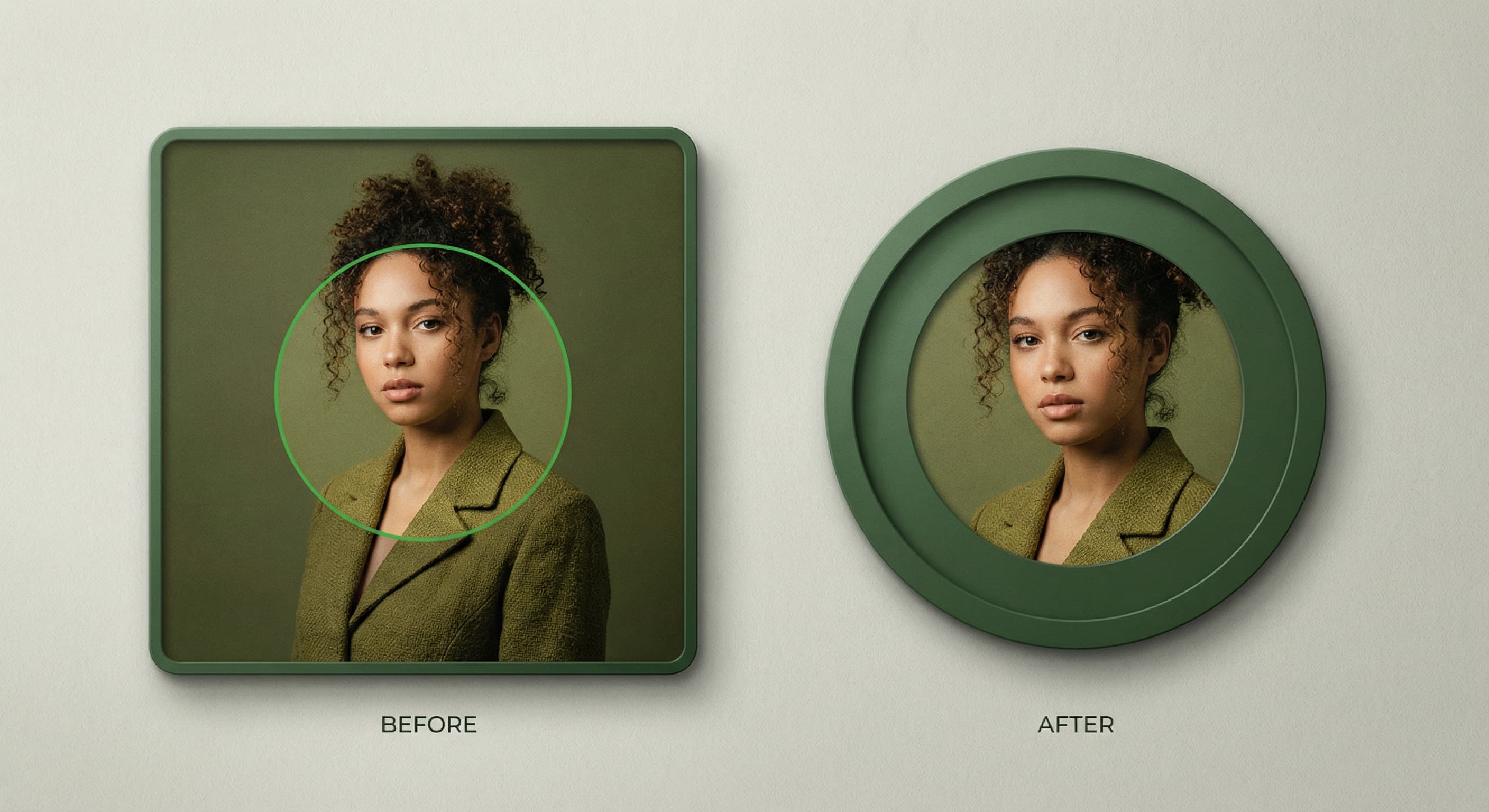
Design for the Circular Crop
WhatsApp always displays your DP as a circle, so anything in the four corners disappears. Center your face or logo in the middle of the square and leave a margin around the edges as a safe zone. If your profile photo keeps getting cropped, it's almost always because the subject sits too close to a corner — re-center it inside the circle before you upload.
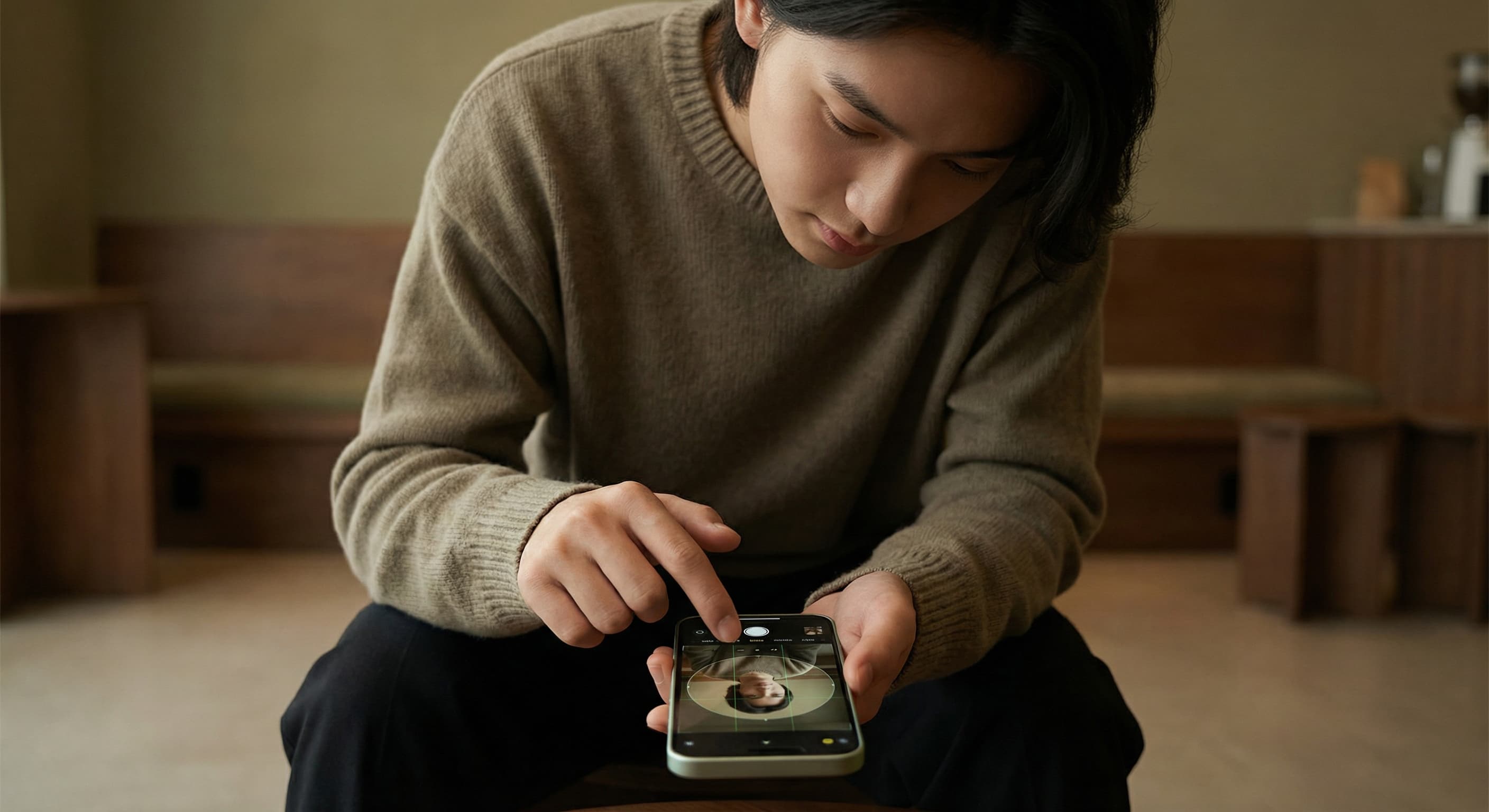
Why Your WhatsApp DP Looks Blurry
A blurry WhatsApp profile picture usually comes from one of two things: starting with an image smaller than 500×500 (WhatsApp upscales it and it turns soft), or uploading a huge file that WhatsApp compresses aggressively. Resize to a clean 500×500 square first and the photo stays sharp. There's no way to show a 'full size' DP larger than the circle WhatsApp renders — the fix is a correctly sized, well-centered 500×500 image, not a bigger file.

Need a WhatsApp Status Size Instead?→
Updating your story rather than your DP? WhatsApp Status images display full-screen at 1080×1920 pixels (9:16). Grab the exact dimensions on our WhatsApp Status size guide so your update fills the screen without black bars.
WhatsApp Status size→
All WhatsApp Image Sizes→
Profile photo and status are just the start. Browse every WhatsApp image dimension in one place on the WhatsApp image sizes hub, or resize a photo for any other platform with the free image resizer.
All WhatsApp sizes→How to resize and crop a WhatsApp profile photo (DP)?
- 1
Step 1: Pick a clearly centered photo
Choose a photo where your face or logo is centered. Remember the corners are cropped into a circle, so leave a little margin around the edges.
- 2
Step 2: Resize to 500×500 pixels
Upload your photo and resize it to a 500×500 pixel square (1:1). This is the recommended WhatsApp DP size and survives WhatsApp’s compression without going blurry.
- 3
Step 3: Check the circular crop
Preview how the image looks inside a circle and re-center the subject if anything important is being cut off at the corners.
- 4
Step 4: Save as JPG or PNG and set it
Download the resized image, then open WhatsApp Settings, tap your profile photo, and select your new 500×500 picture from your gallery.
The recommended WhatsApp DP (profile picture) size is 500×500 pixels at a 1:1 square aspect ratio. WhatsApp displays it inside a circle, so keep your face or logo centered with a margin around the edges.
All Whatsapp Image Sizes
Choose another available Whatsapp canvas and review its source notes
File tools
Convert the resized image
Need a different file format or transparent background? Choose a focused converter, then check the preview and encoded size before downloading.
Put Your WhatsApp Profile Photo Image Into a PDF
Put one image on each page, arrange the order, and create the PDF in your browser.
Free tools
Explore Free Creative Tools
Everything you need to make your photos stand out with our free photo editing tools

AI Photo Editor
Edit photos by describing what you want. Remove backgrounds, resize, enhance, add text, and more. Just type your edit in plain English.

Face Swap
Create an AI face-swap image from uploaded photos. Results vary with lighting, pose, source quality, and the faces in each image.

Photo Inverter
Invert image colors online for free. Create a negative photo, adjust intensity, or target selected colors privately in your browser with no signup.

Image Size Converter
Free online image size converter. Resize a photo to exact pixel dimensions (width x height) in JPG, PNG, or WebP. Need a target file size in KB or a format change? We point you to the right tool. No signup.
Weighing up the options? Best photo editing apps for Instagram compares Instasize with Canva, Picsart, VSCO, Lightroom, and Snapseed using each vendor's own published terms.