Twitter Profile Photo Resizer
Your profile photo appears next to every tweet and reply. Twitter crops it into a circle and displays it at different sizes. Upload 400×400 pixels for crisp results everywhere.
Sizes, to scale
+2 more sizes below
400
width (px)
400
height (px)
1:1
aspect ratio
Need other dimensions? Browse all Twitter sizes or use the free image resizer for any platform.
Why 400×400 Pixels?
Twitter stores your profile photo at 400×400 but displays it much smaller in most places. The extra resolution means your image stays sharp when someone clicks to view your profile. Too small and it looks blurry. Too large and Twitter's compression kicks in.
Recognition Happens in Milliseconds
People scroll fast. They recognize accounts by profile photos, not usernames. A clear, distinctive image at 400×400 pixels builds instant recognition. A blurry or stretched photo gets scrolled past without a second glance.
Resize in Seconds
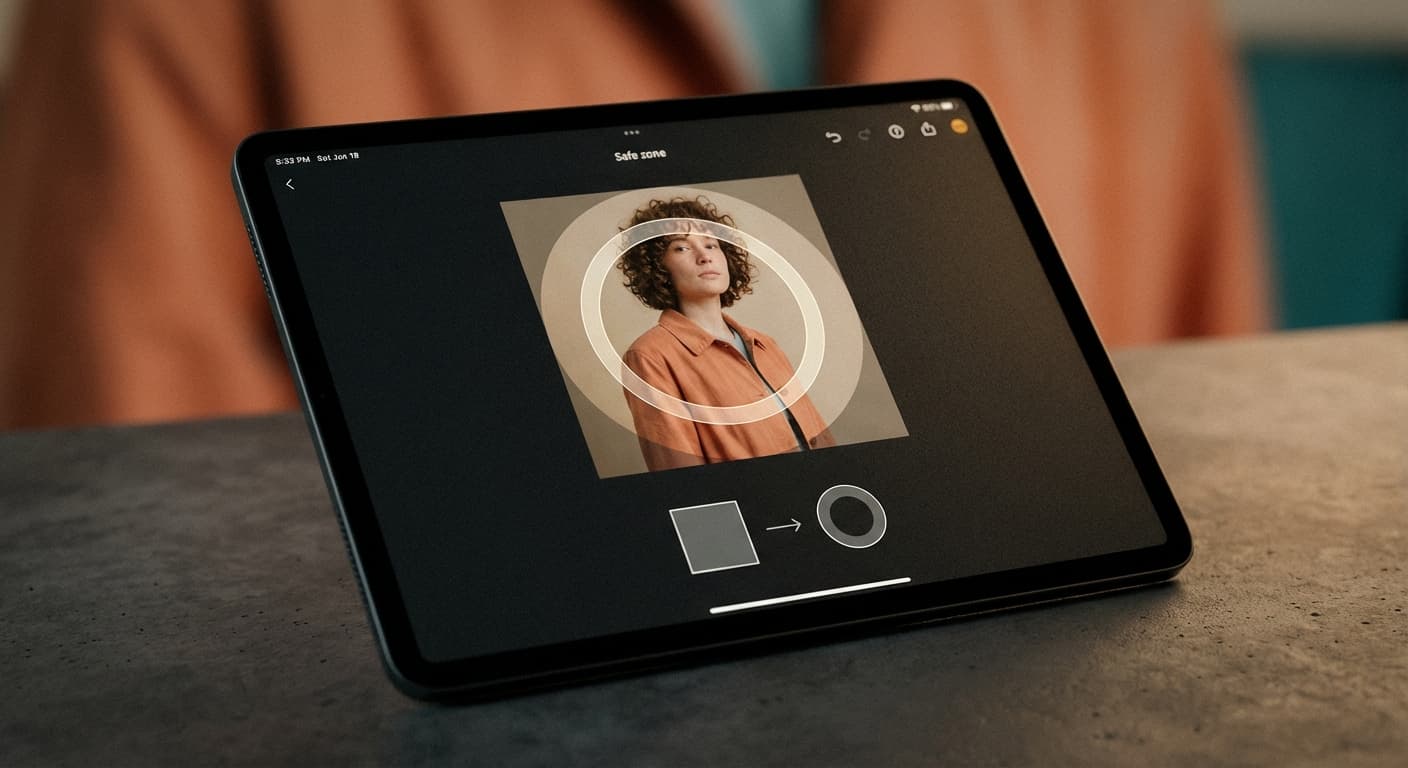
Upload any image. We crop and resize it to exactly 400×400 pixels. Works with selfies, logos, or brand images. Download and upload directly to Twitter.
How to resize image for Twitter Profile Photo?
- 1
Step 1: Choose your image
From your library on your device, choose the image you would like to use as a Twitter Profile Photo.
- 2
Step 2: Upload and resize your image
Upload your image and, within a few seconds, our tool will automatically resize your image to Twitter profile photo dimensions.
- 3
Step 3: Save Twitter Profile Photo
Once ready, click the Download button to save your Twitter Profile Photo to your device.
The recommended profile photo size for Twitter is 400 x 400 pixels. This size ensures that your profile photo is clear and visible on all devices.
All Twitter Image Sizes
Choose another available Twitter canvas and review its source notes
Make your Twitter profile picture
Crop a circle or square avatar, remove the background, or resize to an exact platform size.
Profile Picture Maker
Frame a photo, pick a platform size, and download a circle or square PNG.
Round Profile Picture
Crop any photo, wide or tall, into a true circle.
Round Image Corners
Keep the whole image and soften its corners.
Background Remover
Cut out the subject for a transparent PNG.
Image Resizer
Resize to an exact platform size.
File tools
Convert the resized image
Need a different file format or transparent background? Choose a focused converter, then check the preview and encoded size before downloading.
Put Your Twitter Profile Photo Image Into a PDF
Put one image on each page, arrange the order, and create the PDF in your browser.
Free tools
Explore Free Creative Tools
Everything you need to make your photos stand out with our free photo editing tools

AI Photo Editor
Edit photos by describing what you want. Remove backgrounds, resize, enhance, add text, and more. Just type your edit in plain English.

Face Swap
Create an AI face-swap image from uploaded photos. Results vary with lighting, pose, source quality, and the faces in each image.

Photo Inverter
Invert image colors online for free. Create a negative photo, adjust intensity, or target selected colors privately in your browser with no signup.

Image Size Converter
Free online image size converter. Resize a photo to exact pixel dimensions (width x height) in JPG, PNG, or WebP. Need a target file size in KB or a format change? We point you to the right tool. No signup.
Weighing up the options? Best photo editing apps for Instagram compares Instasize with Canva, Picsart, VSCO, Lightroom, and Snapseed using each vendor's own published terms.