Twitter Card Image Resizer
Card images show when you share links on Twitter. Wrong dimensions get cropped awkwardly. At 800×418 pixels, your preview image displays exactly as intended.
800
width (px)
418
height (px)
~1.91:1
aspect ratio
Need other dimensions? Browse all Twitter sizes or use the free image resizer for any platform.
Why 800×418 Pixels?
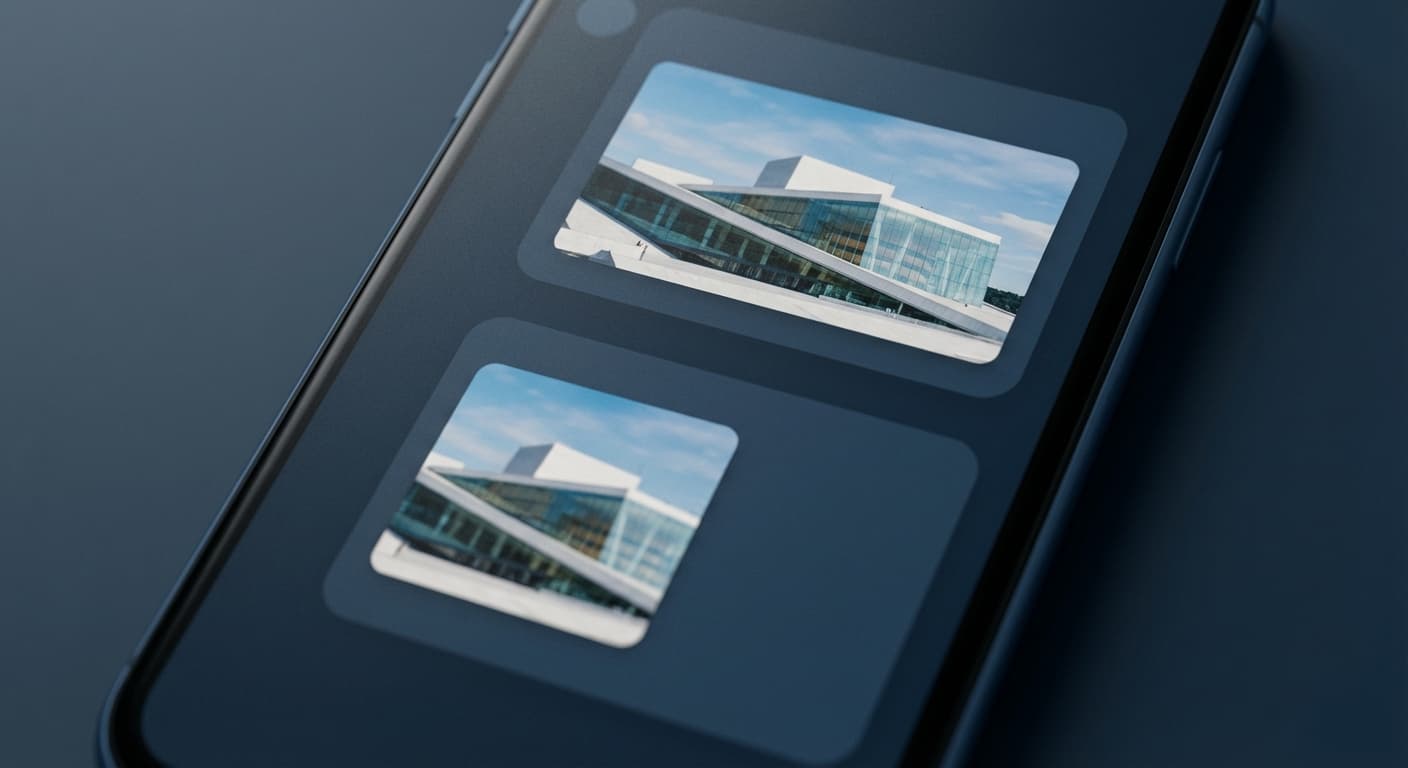
Twitter's large card format uses a roughly 2:1 aspect ratio. At 800×418 pixels, your image fills the preview without cropping. Go off-ratio and Twitter chops the sides or top/bottom. Text and logos near edges get cut.
First Impressions Drive Clicks
Your card image is the first thing people see when your link gets shared. A properly-sized image with clear visuals gets clicks. A cropped, awkward preview gets scrolled past.

Create the Perfect Preview
Upload your image. We resize it to exactly 800×418 pixels. Use for website og:image tags, blog post previews, and link shares. One image works everywhere your content gets shared.
How to resize to Twitter Card Image size?
- 1
Step 1: Step 1: Choose the right image
Select an image that accurately represents your post content and is visually appealing. High-quality images are crucial for attracting views.
- 2
Step 2: Step 2: Resize the image
Using the Twitter Card Image Size Tool, resize your card image to the recommended size of 800 x 418 pixels. This size provides a balance between image quality and loading speed.
- 3
Step 3: Step 3: Save in the appropriate format
Save your resized image in an appropriate format, such as JPEG or PNG. This ensures compatibility with various devices and browsers, as well as optimal loading times.
The optimal Twitter card image size is 800 x 418 pixels. This size ensures a balance between high-quality images and fast loading times, providing a positive user experience.
All Twitter Image Sizes
Choose another available Twitter canvas and review its source notes
File tools
Convert the resized image
Need a different file format or transparent background? Choose a focused converter, then check the preview and encoded size before downloading.
Put Your Twitter Card Image Image Into a PDF
Put one image on each page, arrange the order, and create the PDF in your browser.
Free tools
Explore Free Creative Tools
Everything you need to make your photos stand out with our free photo editing tools

AI Photo Editor
Edit photos by describing what you want. Remove backgrounds, resize, enhance, add text, and more. Just type your edit in plain English.

Face Swap
Create an AI face-swap image from uploaded photos. Results vary with lighting, pose, source quality, and the faces in each image.

Photo Inverter
Invert image colors online for free. Create a negative photo, adjust intensity, or target selected colors privately in your browser with no signup.

Image Size Converter
Free online image size converter. Resize a photo to exact pixel dimensions (width x height) in JPG, PNG, or WebP. Need a target file size in KB or a format change? We point you to the right tool. No signup.
Weighing up the options? Best photo editing apps for Instagram compares Instasize with Canva, Picsart, VSCO, Lightroom, and Snapseed using each vendor's own published terms.