WhatsApp Status Resizer
WhatsApp Status images display best at 1080×1920 pixels (9:16 vertical ratio). This fills the entire phone screen without cropping or letterboxing.
1080
width (px)
1920
height (px)
9:16
aspect ratio
Why 1080×1920 Pixels?
Status updates fill the entire phone screen. 1080×1920 pixels matches the standard smartphone aspect ratio, ensuring your image displays edge-to-edge without letterboxing or cropping.
Design for Full Screen Impact
Status updates are meant to grab attention. A properly sized image uses the entire screen as your canvas. Horizontal images get cropped or shrunk with black bars—vertical format is key.
Resize Your Status Images
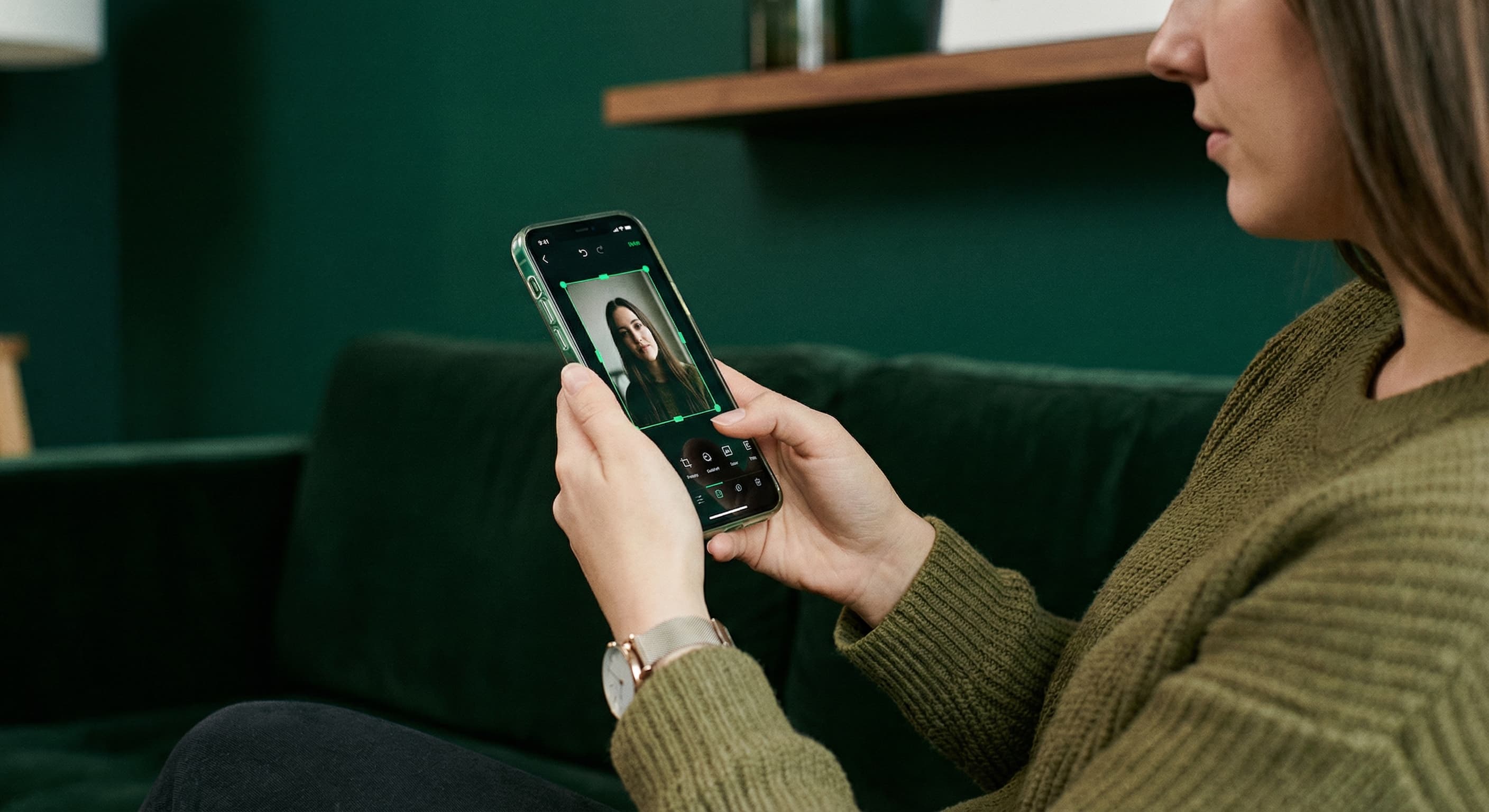
Upload your image and resize it to 1080×1920 pixels. Preview the full-screen format. Download and share as your WhatsApp Status.
How to resize image for WhatsApp Status?
- 1
Step 1: Choose your image
Select an image you want to share as a Status. Vertical photos work best for full-screen display.
- 2
Step 2: Upload and resize
Upload your image and resize it to 1080×1920 pixels for optimal Status display.
- 3
Step 3: Position key content
Make sure important elements are visible and not too close to the edges where UI elements appear.
- 4
Step 4: Share as Status
Open WhatsApp Status tab and share your resized image. It will display full-screen for 24 hours.
WhatsApp Status FAQ
Can't find what you're looking for? Contact support
The ideal WhatsApp Status image size is 1080×1920 pixels with a 9:16 vertical aspect ratio. This fills the entire phone screen without cropping.
All Whatsapp Image Sizes
Choose the perfect Whatsapp dimensions for your content
Explore Free Creative Tools
Everything you need to make your photos stand out with our free photo editing tools